Buy anything from 5,000+ international stores. One checkout price. No surprise fees. Join 2M+ shoppers on Desertcart.
Desertcart purchases this item on your behalf and handles shipping, customs, and support to Thailand.
🎨 Elevate your art game—where precision meets passion!
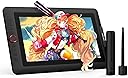
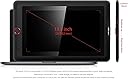
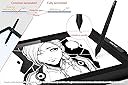
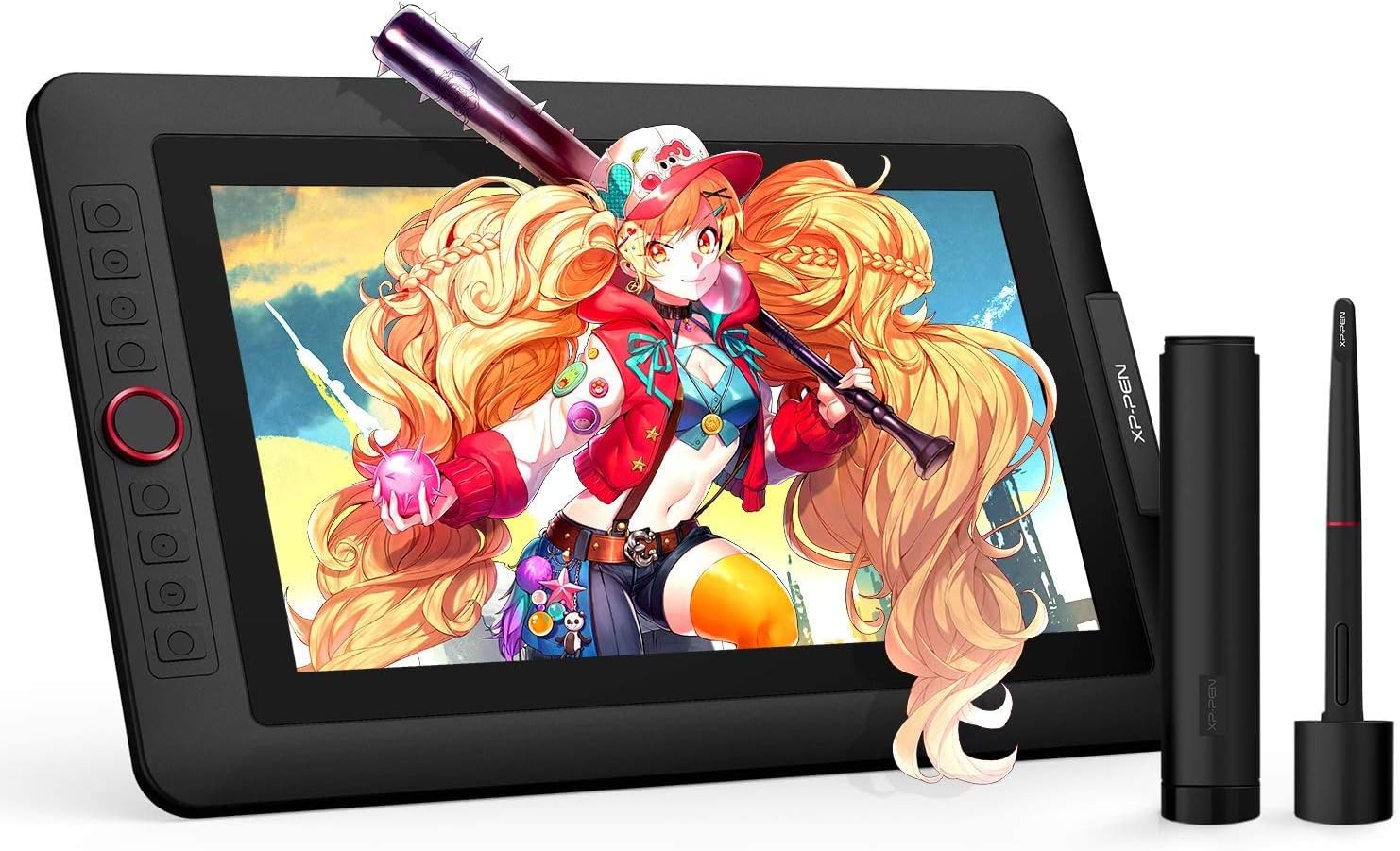
The XP-PEN Artist 13.3 Pro is a professional-grade 13.3-inch drawing pen display featuring a Full HD 1920x1080 screen with 120% sRGB color accuracy, 8192 levels of pen pressure sensitivity, and 60° tilt support. It includes a battery-free stylus, customizable shortcut keys, and a red dial for enhanced workflow. Compatible with all major design software and operating systems, it offers seamless connectivity via a 3-in-1 USB-C cable. The package includes a portable stand, pen holder with replacement nibs, drawing glove, and more, making it an all-in-one solution for digital artists, designers, and educators seeking a premium creative experience.


| ASIN | B07XLYQCYN |
| Best Sellers Rank | #33,724 in Electronics ( See Top 100 in Electronics ) #53 in Graphic Tablets |
| Box Contents | 1x 13.3 Inch Display, 1x Portable Stand, 1 x Battery-free Stylus, 8 x Replacement Pen Nibs, 1 x Pen Holder, 1 x Quick Guide, 1x 3-in-1 USB Cable, 1 x Cleaning cloth, 1x USB Extension Cord, 1 x Black Drawing Glove |
| Brand | XP-Pen |
| Brand Name | XP-Pen |
| Colour | 13.3 PRO |
| Compatible Devices | Laptop, Personal Computer |
| Connectivity Technology | HDMI , USB |
| Country of Origin | China |
| Customer Reviews | 4.4 out of 5 stars 154 Reviews |
| Display Type | LCD |
| External Testing Certification | Não aplicável |
| Importer Contact Information | M/s DNS Overseas: 1003, Raheja Chambers, 213 Nariman Point, Mumbai 400031 |
| Item Dimensions L x W | 39.5L x 25W Centimeters |
| Item Type Name | Graphic Tablet |
| Item Weight Unit of Measure | 2800 Grams |
| Manufacturer | No. 4 Building, Fulongte Industrial Park, Huaxing Road, Dalang Street, Longhua District, Shenzhen, China 518025, XP-Pen |
| Manufacturer Contact Information | No. 4 Building, Fulongte Industrial Park, Huaxing Road, Dalang Street, Longhua District, Shenzhen, China 518025 |
| Manufacturer Part Number | 13.3Pro |
| Model Name | XPPen Artist 13.3 Pro V2 |
| Model Number | Artist13.3Pro |
| Native Resolution | 1920x1080 |
| Network Connectivity Technology | HDMI, USB |
| Operating System | Windows, MacOS and ChromeOS |
| Packer Contact Information | M/s DNS Overseas: 1003, Raheja Chambers, 213 Nariman Point, Mumbai 400031 |
| Pressure Sensitivity | 8192 Levels |
| Product Features | 60° Tilt Support, 8192 Levels of Pressure Sensitivity, Shortcut Key |
| Screen Size Unit of Measure | 13.3 Inches |
| Special Feature | 60° Tilt Support, 8192 Levels of Pressure Sensitivity, Shortcut Key |
| Specific Uses For Product | Animation, VFX, Game design, Illustration, Graphic design, Interior Design, Teaching, Note-taking, Business meetings |
| Target Audience | Student, Teacher |
| UPC | 654913041348 |
| Unit Count | 1 Count |
| Warranty Description | 1 year manufacturer |
D**A
Excellent for beginners. Got it for my daughter in 9th.
This is excellent product for beginners. It has free downloadable art software which is easy to use. There is no visible lag between pen strokes and no parallax. Great product for a great price 👍
S**Y
Good one but requires an illustrated demo book
I likedthe concept but I wanted a detailed step by step guide for installation followed by couple of user friendlydemo video in Hindi or Indian English for new online teachers
P**E
For MAC os xp pen artist 13.3 pro
After installing the xp pen driver this work so smooth and without lag.. 1000 percent satisfaction I am currently using it for blender on my macbook air 13 in on mac os 15.... Something 1. Go to accessibility and change the screen preference to your macbook screen. By enabling xp pen driver and tablet. 2. Don't forget to calibrate the pen for your right feel and stroke style.
P**T
Very useful for artists.
Very handy for artists or budding artists. Daughter enjoys it for her drawings. Only disadvantage is that they should include free drawing software with it.
A**B
Don't buy whenever, wait for sales(price drops) unless you have urgency.
I didnt went for wacom one and don't repent it. Recent reviews on YouTube helped to make my mind. Didn't consider Huion as no support in India. Xp-pen provides a 1 yr replacement so no question of letting it go. What I learnt from recent communication to xp-pen that the employees lack the technical knowledge, as I asked about screen protector the answer wasnt satisfactory, still they are sincere. The only thing troubled me while making the purchase decision was how prone to scratch it is !! Believe me it will serve good, In my 2 months of usage (rigorous) with "Softer"(the above the slider the less you have to press **xp-pen tablet driver) touch the scratches are un noticable. Now the concen is how long it will last after the 1 yr period. *The brightness is enough, sometimes I think if it could be lower for night time working. With higher brightness a sound comes from the plugging side, that is not related to the power supply what was mentioned in many forums like Reditt, it comes even with the additional power plugged in. By the way, if you work under the brightness level of 10 it is not required to plug the additional power supply, as I have masured the wall plug there were no current. You can say just by touching it, if that is doing nothing it will be cold, warm otherwise. As per my working scenario the avg. Brightness is 3.5(it's just numerical) I mostly use it at 2. Got this in Great India sale at 28.9k I am happy so far. Unfortunately social wings of xp-pen can't provide you any info regarding Sales (price drops) better to wait for festives or newyear kind events. Update, the scratches are now very noticeable after 6 months of uses, and really gets in the way, if you are doing color work the fringement will be noticeable for line art and black and white it will not bother that much. There is a replacement protector available for 2k in the xp pen's website. I don't know if it's worth getting, that's goona scratch sonner or later too. So better to stick with the protector untill it's unworkable. I hope this helped you to make a purchase decision, if any questions feel free to mail me @ [email protected]
S**A
Worst product and customer service
i buy this product last year but it display was not working properly. I complained in customer service they take my device through courier and send me back without any check. He said your device was working correctly. Then i went to service centre in nehru place he said problem in port and this device will change and again file complained in customer service to change my device and again picked this device through courier but again send this same device and said this is working correctly. My money wasted in this product.
B**S
Thank xp
I am happy with xp pen 13.3 pro
N**S
Great product and technical support
Easy to work with for my Photoshop editing ,good technical support from xp pen team for troubleshooting
C**Z
Excelente custo-benefício
De início achei que tinha algum problema (a tela piscava de vez em quando) mas aí percebi que conectando o cabo de energia na tomada tudo estabilizou e até o brilho da tela aumentou, rs. Em resumo: excelente produto, funciona perfeitamente (usava uma Cintiq antes e não deixa nada a desejar em relação á ess XP Pen). Quem procura uma pen display com qualidade e preço justo, vá sem medo! Só um detalhe: a minha próxima será uma XP Pen de 16" ou 22"! eheheh essa 13,3" é ótima mas confesso que com uma tela maior o trabalho poderá fluir ainda melhor!
J**Y
Incrível mas cuidado com a tela delicada
Uma das melhores que ja experimentei, a tela laminada faz muita diferença na hora de desenhar, pelo menos para mim, outra que ja usei foi a Wacom ONE, a tela laminada deixa mais natural, as cores são bem boas e a precisão da caneta é fantástica. Tenho dois pontos que tenho que alertar, um, é o quão delicada a película na tela é, e estou falando da que não é removivel, um cabo mal encostou na tela e fez um buraco bem pequeno que só não me atrapalha pois ficou bem na borda da tela. E o segundo ponto é que se tiver uma lampada bem em cima de onde fica a tela, vai dar reflexo se usar apenas o ângulo máximo do suporte que vem com ela, pois é apenas uma opção de ângulo e fica bem deitado, eu sempre coloco uma caiixa ou dois livros em baixo para deixar ela mais "em pé".
Trustpilot
2 days ago
5 days ago