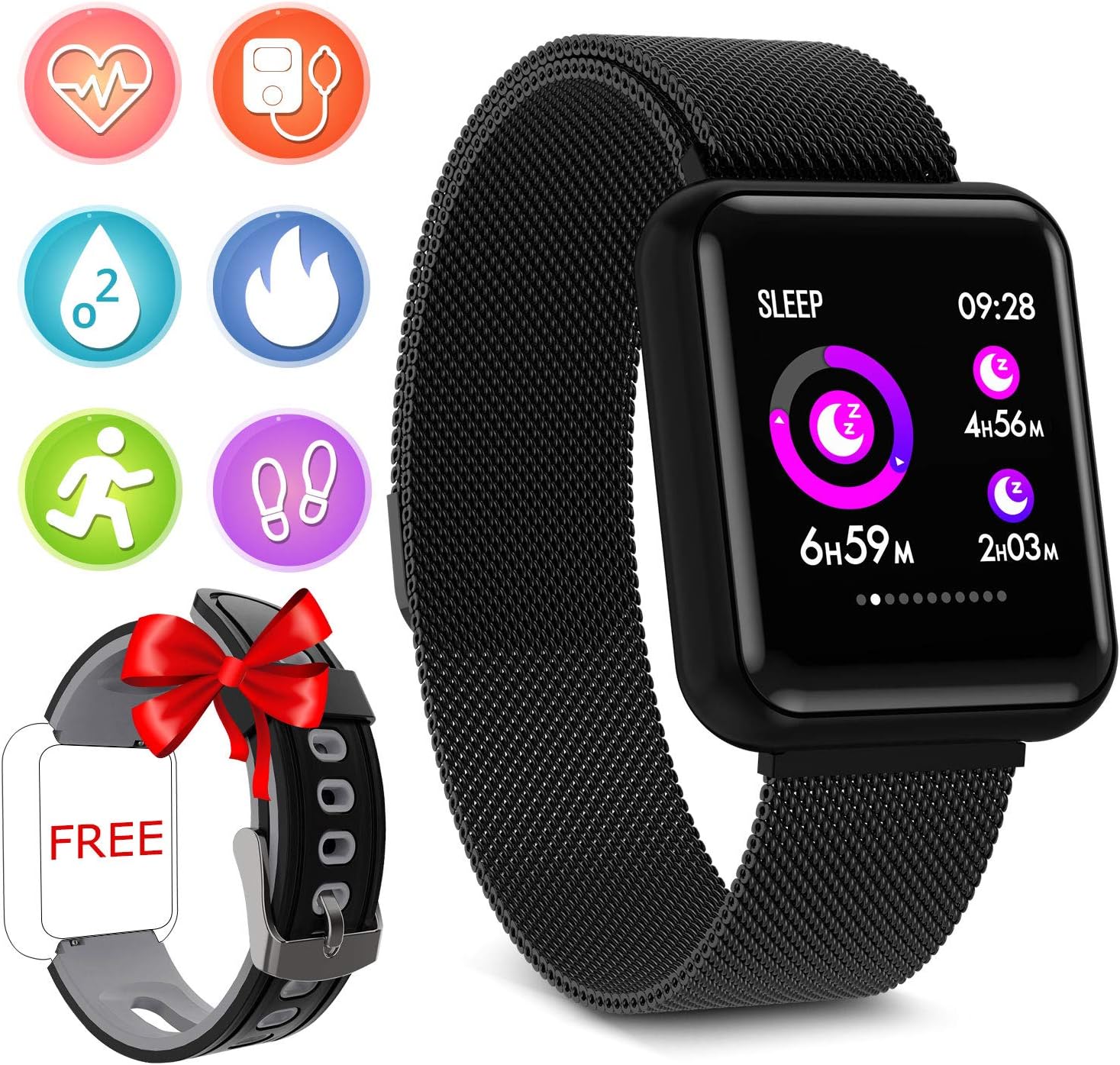
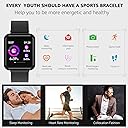
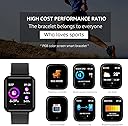
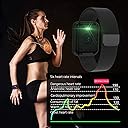
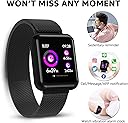
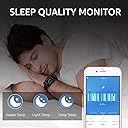
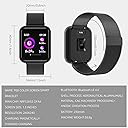
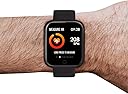
Fitness Tracker Smart Watch- Activity Tracker Bluetooth Waterproof Smartwatch Calorie Counter Fitness Tracker With Blood Oxygen Blood Pressure Heart Rate Monitor Smart Bracelet for Android & IOS
Product ID: 168689132
Buy anything from 5,000+ international stores. One checkout price. No surprise fees. Join 2M+ shoppers on Desertcart.
Desertcart purchases this item on your behalf and handles shipping, customs, and support to Thailand.
Colour Name:P68-Black ☆How to use this watch?1.Da Fit App download① Download from Application market② Download through scanning the QR code in your watch. check the Manual2.Bluetooth Pairing☆ In the device Settings, activate the Bluetooth and turn on Visibility to be available for search. Turn on the Bluetooth of your phone. Go to Da Fit - Watch ICON, and tap "ADD A DEVICE". Choose device name (P68). Tap to connect.☆ When the Bluetooth connection is successful, the time on the device will be synced with your phone. In the Da Fit App, go to More - "Find Device", tap it to find the device. It will be light on and vibrate to indicate. And when you needs sync with watch, you can also touch in the upper-left watch ICON to sync.3. Automatic Bluetooth re-connection☆ When your watch is beyond Bluetooth connection range, there will be no prompt on your watch. Within the Bluetooth connection range, the Bluetooth will reconnect automatically once you run the App.☆ When you close the App in the backstage, reboot your phone or use the ClearMaster to clear the App, the Bluetooth will reconnect automatically once you run the App within the effective Bluetooth connection range.Package Included:1 * Smart Wristband1 * Charging Cable1 * User Manual
Trustpilot
1 month ago
5 days ago