Buy anything from 5,000+ international stores. One checkout price. No surprise fees. Join 2M+ shoppers on Desertcart.
Desertcart purchases this item on your behalf and handles shipping, customs, and support to Thailand.
๐ฅ๏ธ Shield your MacBook in styleโsee clearly, work confidently!
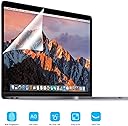
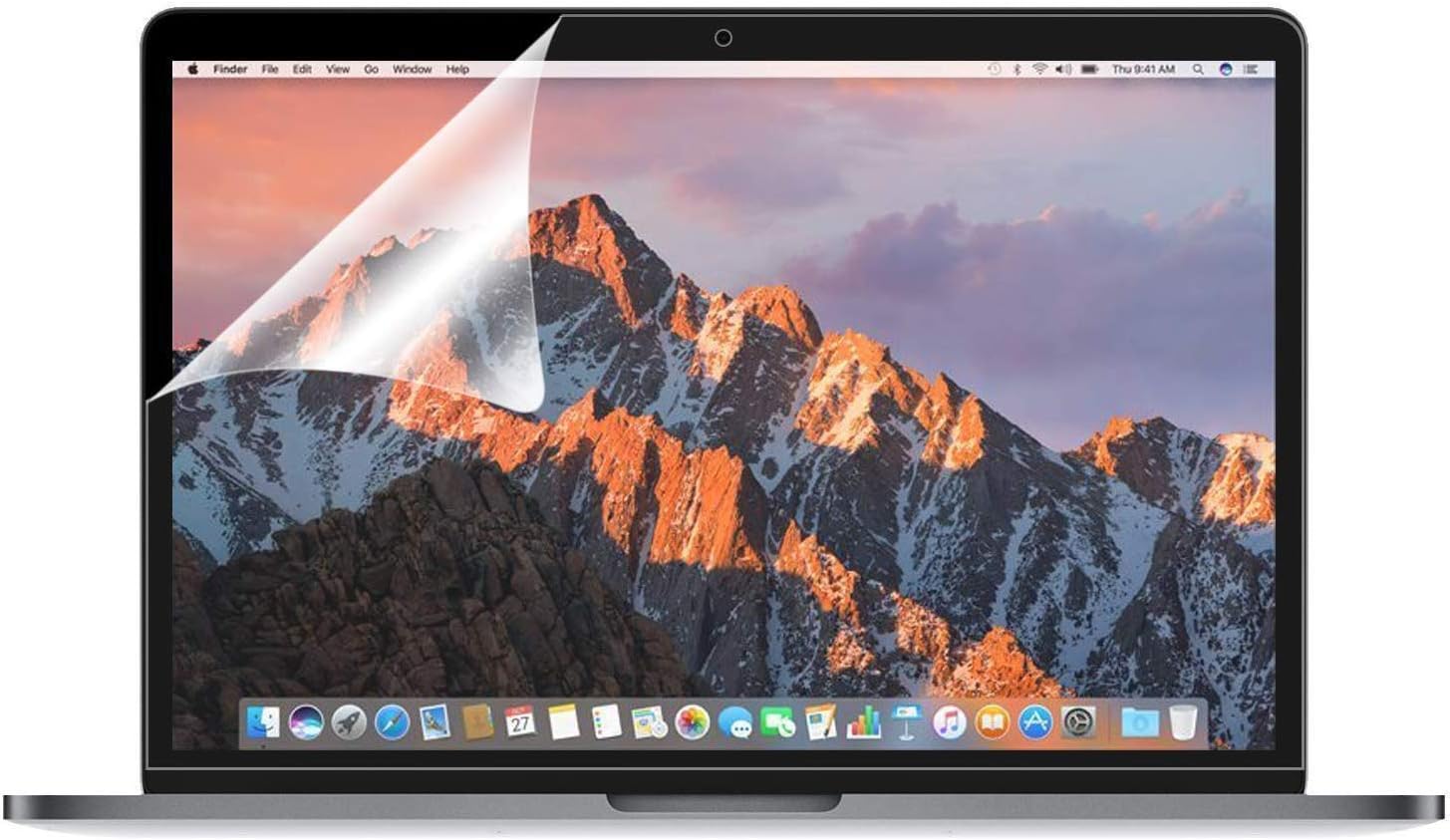
The OJOS Anti-Glare Screen Protector is a high-quality matte film designed specifically for 13-inch MacBook Air and Pro models (2016-2022). Crafted from premium Japanese PET with bubble-free adhesive, it reduces glare and fingerprints while offering a perfect bezel-to-bezel fit. Easy to install with patience and care, it leaves no residue upon removal, enhancing your MacBookโs display clarity and protecting your screen during intense workdays.


| ASIN | B0834NKX5M |
| Best Sellers Rank | #4,448 in Computers & Accessories ( See Top 100 in Computers & Accessories ) #22 in Screen Protectors |
| Brand | OJOS |
| Brand Name | OJOS |
| Clarity | 0.99 |
| Colour | Matte Clear |
| Compatible Devices | MacBook Air 13" (A2337 M1 A2179 A1932), MacBook Pro 13" (A2338 M1 A2289 A2251 A2159 A1989 A1706 A1708) Compatible Devices MacBook Air 13" (A2337 M1 A2179 A1932), MacBook Pro 13" (A2338 M1 A2289 A2251 A2159 A1989 A1706 A1708) See more |
| Compatible Phone Models | 2020 MacBook Pro 13-Inch 2021-2016, Model: A2289 A2251 A2159 A1706 A1708 A1989 M1 Chip |
| Country of Origin | China |
| Customer Reviews | 3.6 out of 5 stars 670 Reviews |
| Display Size | 13 Inches |
| Finish Type | Matte |
| Importer Contact Information | [email protected] |
| Included Components | Screen Protector |
| Item Dimensions L x W | 35L x 20W Centimeters |
| Item Hardness | 3H |
| Item Type Name | screen protector |
| Item Weight | 50 Grams |
| Manufacturer | OJOS, [email protected] |
| Manufacturer Contact Information | [email protected] |
| Material | Thermoplastic Polyurethane |
| Material Type | Thermoplastic Polyurethane |
| Number of Items | 1 |
| Packer Contact Information | [email protected] |
| Part Number | OJOS-MBP-SP-13IN-2019-MATT-01 |
| Product Dimensions | 35L x 20W Centimeters |
| Screen Surface Description | Matte |
| Special Features | Drop Resistant, Oil Resistant, Scratch Resistant, Smudge Resistant, Tear Resistant |
| Unit Count | 1 Count |
| Water Resistance Level | Water Resistant |
B**R
Perfect fit for MacBook Pro M2 2022 13" but very hard to install for newbie (DIY)
The protector itself is of good quality and fits perfectly within the bezels, once must align it perfectly before peeling off the layers(1 & 2) keep this in mind !. Trick is to clean you screen in a low dust environment and small dust particle is the biggest enemy of screen guards. 1).Guide the screen first using some sticky tape and stick the top left and right corners of the screen guard to the mac & make adjustments so the the protector aligns itself to all corners. 2). Peel only one thumb size of the bottom filament (1 side) that touches the screen from top left corner (I felt it easy...) and go along the way from top Left to Top Right (Dont go down or diagonal yet)... now if you see any bubbles make adjustment and use the dust sticker to remove any dust particles and keep the cloth that you have with eyewear handy this removes any smudges & its anti static to some extend. 3) Go all the way to Right corner and now you should see a perfect straight line from top... at this point you can pull down the protector towards bottom. At any point if you see dust particles pull the screen up make adjustments using the eye-ware cloth & dust remover sticker and go slowly... 4) if you see major bubble use old credit card as guide and go along the bubble and squeeze it out to nearby corner 5) once the bottom layer is completely peeled off, make adjustment to the protector by gently wiping off the bubbles away.. 6) once you are satisfied remove the top layer off (2) and you should have a perfect screen protector, the sticky tape should have also got removed with the top layer (2) this took more than 15-20 mins to complete the activity so do it only if you have patience and no dust at all in you room. The first attempt failed miserable and learnt my mistakes and my second purchase worked well based on the tips given above.
P**R
cheap quality
instructions unclear and doesn't stick well to the screen , so many air bubbles between screen , i want to request return
H**U
Good quality ; Hard to install ; Makes screen brighter at centre than edges
Just applied and I can instantly see that the screen feel more bright at the centre, not super noticeable but if you've sensitive eyes you'll definitely feel the shift. Would recommend for a try if you're looking for this product for reducing the glare from screen purpose (wouldn't recommend if you just want to apply for scratch protection, better to just regularly clean your mac's keyboard instead) since some quality drop is there but the glare has definitely been reduced. Highly recommended to install in a clean dust free environment ( took me a while to install but I still got some remaining bubbles )
P**L
Good quality product
Good quality product. Fitting is good if know how to install it, as I have installed it myself but if you do not have any experience then make it done by a mobile repair shop. Matte finish on this works really well as you can see on my video. Adhesive quality is good and it is value for money.
G**T
Don't buy unless desperate...
If you are as desperate as I was for a anti-glare screen, then this product has to be bought. But, I would consider these first - 1. Looking for screen protection? This is no good for that. 2. Looking for antiglare so reading on screen becomes doable? Are you ok with some bubbles here and there? willing to pay 700 bucks for it? This is your option. If you bought it knowing that installation is going to be a nightmare and a bubble or two will be difficult to avoid no matter how good you are at it, then here are some learnings from my installation experience- 1. Don't use any of the cleaning products that comes with the package. - the cloth leaves lint on the screen. The wet wipe makes the screen smudgy. The dry cloth also leaves lint. The lint remover stickers leave glue! - USE regular alcohol or screen cleaning liquid. Use your eyeglass/ spectacle cleaner cloth to wipe. - make extremely sure there is no residue, lint on the screen. -dont peal The Whole thing before installation. peel as you go. - start with the camera hole because that needs alignment. - keep rubbing a finger on it as it is sticking to make sure there are no bubbles. - if a bubble still forms, it is likely that there is lint on the screen protector side or the screen side. --- if it is the screen protector, use the sticky lint remover thing( that came with the packet) very very gently to remove. Use the eye cleaning cloth for the screen. Well after all this, you might still be left with bubbles!!! Like me, if you do your cell phone screen protector installations yourself, you know how tedious the task is even for a small mobile screen. So, be prepared for a test of your patience when you are doing this one!
Y**I
Great
Great
A**H
Very bad quality
Very very very very very very very bad bad product
L**.
Spend more and get a better one if possible if you don't have the budget then just fine
Only good for basic use I'd say, got it as an upgrade to my existing i3 laptop and fair enough performance since I own an iPhone quite useful for seamless connection
Trustpilot
2 months ago
1 day ago