

Buy anything from 5,000+ international stores. One checkout price. No surprise fees. Join 2M+ shoppers on Desertcart.
Desertcart purchases this item on your behalf and handles shipping, customs, and support to Thailand.
🎮 Elevate your desk game with pro-level precision and style!
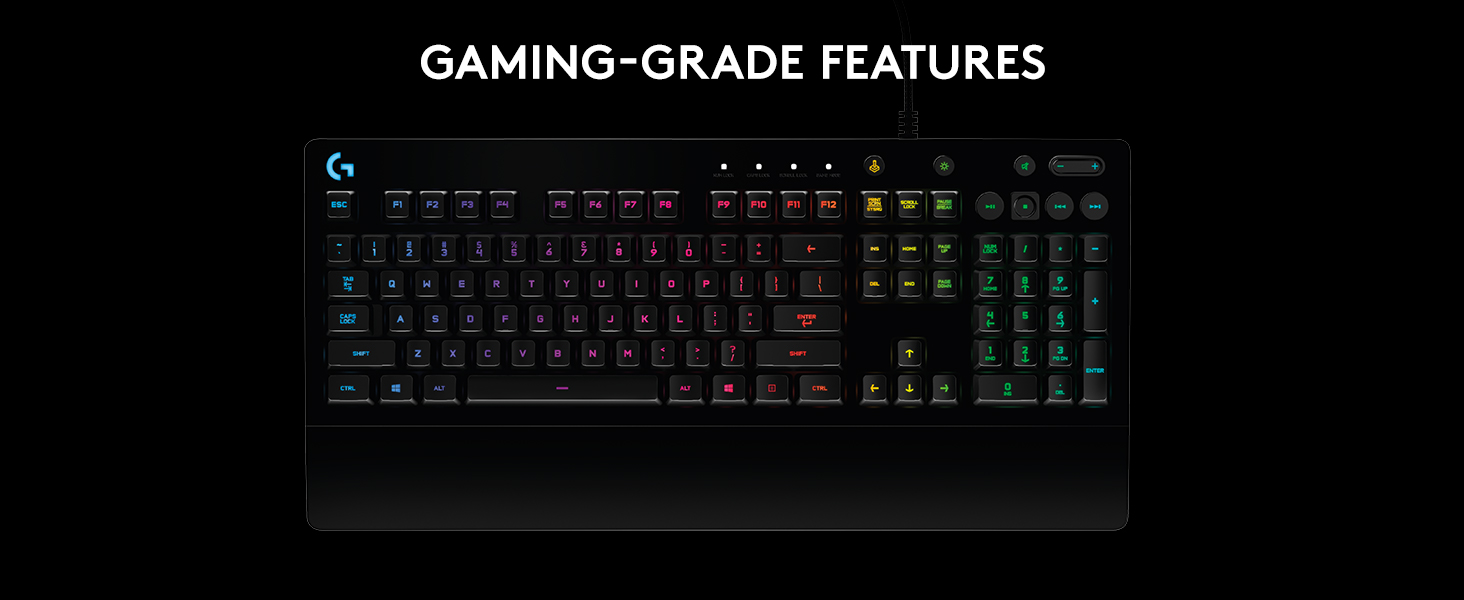
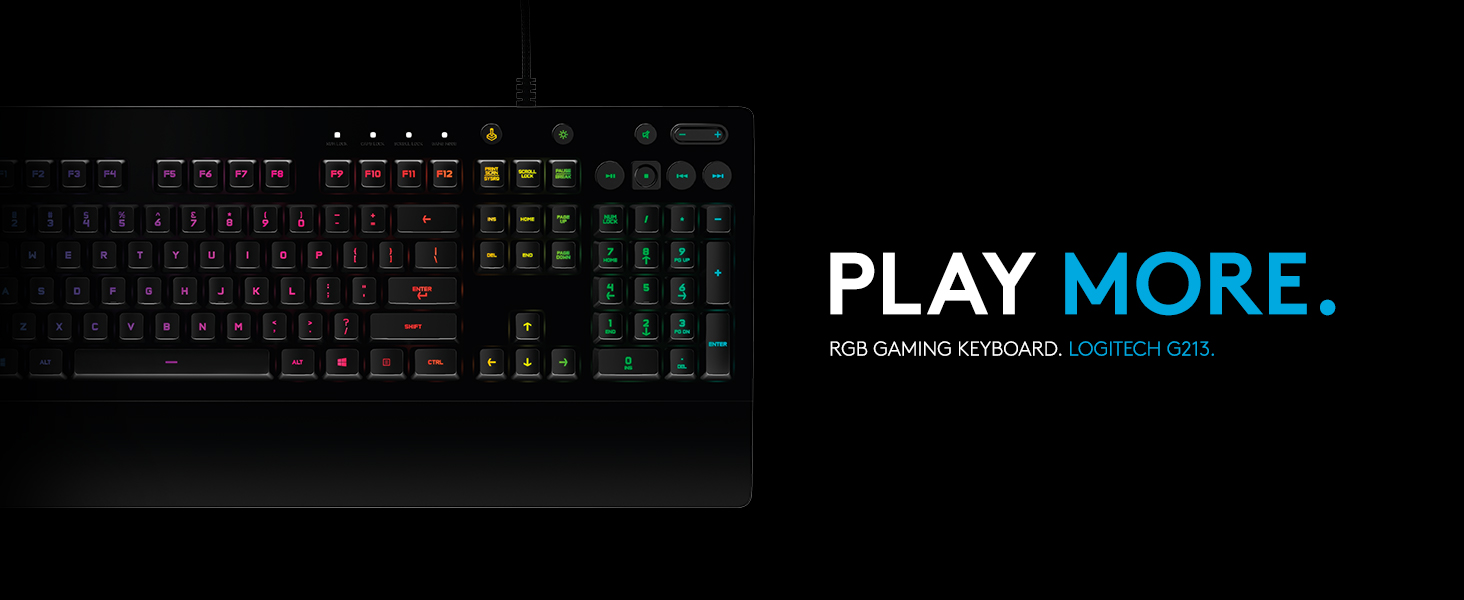
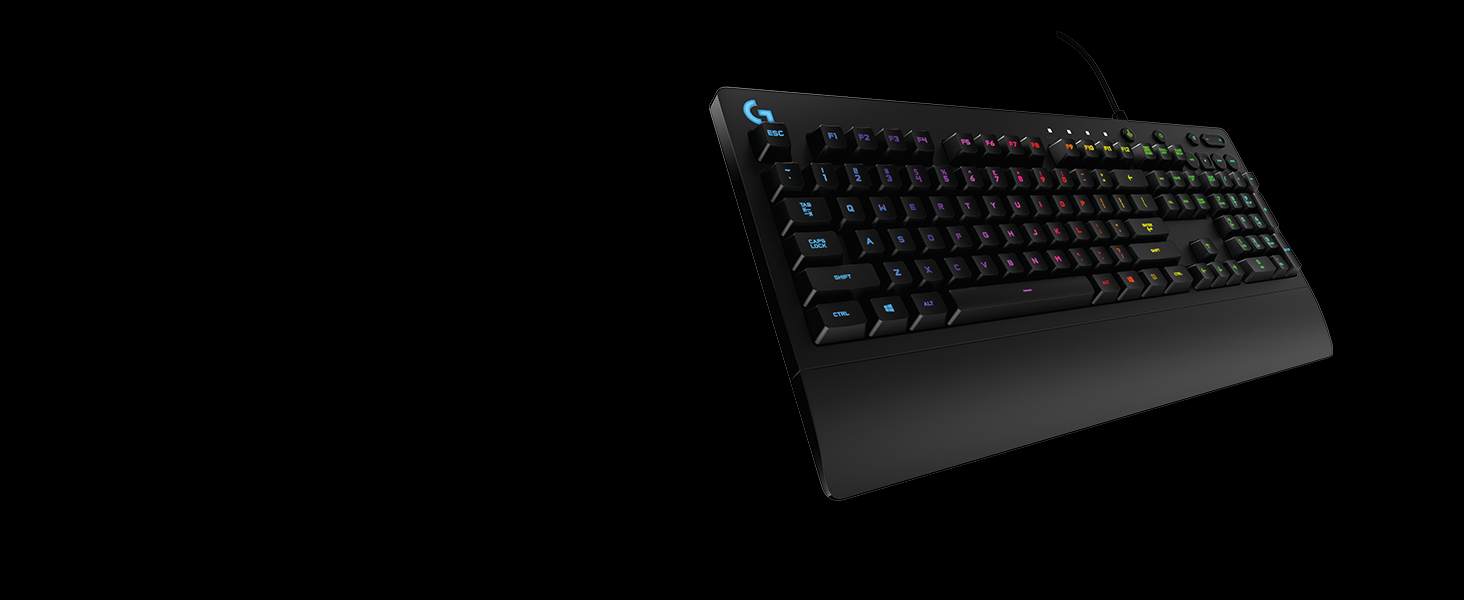
The Logitech G213 Prodigy is a full-sized, wired gaming keyboard featuring 5 customizable RGB lighting zones with 16.8 million colors, spill-resistant durable construction, and mech-dome keys tuned for ultra-fast tactile feedback. Designed for both gaming and productivity, it includes dedicated media controls, an integrated palm rest, and adjustable feet for ergonomic comfort. Compatible with Windows and optimized through Logitech G HUB software, it offers a perfect blend of performance, durability, and style for professionals and gamers alike.











| ASIN | B07QGHK6Q8 |
| Additional Features | Lighting |
| Antenna Location | Gaming |
| Best Sellers Rank | #166 in Video Games ( See Top 100 in Video Games ) #7 in PC Gaming Keyboards |
| Brand | Logitech G |
| Button Quantity | 19 |
| Color | Black |
| Compatible Devices | PC |
| Compatible Operating System Family | Windows |
| Connectivity Technology | USB, Wired |
| Customer Reviews | 4.4 4.4 out of 5 stars (7,215) |
| Enclosure Material | durable, spill-resistant material(s) |
| Global Trade Identification Number | 00097855151391 |
| Hand Orientation | Ambidextrous |
| Item Dimensions L x W x H | 8.58"L x 17.8"W x 1.3"H |
| Item Type Name | Gaming Keyboard |
| Item Weight | 1000 Grams |
| Keyboard Description | Gaming |
| Keyboard Layout | QWERTY |
| Language | English |
| Manufacturer | Logitech |
| Mechanical Keyboard Switch Model | logitech_romer_g_tactile |
| Mfr Part Number | 920-009284 |
| Model Name | G213 |
| Model Number | 920-009284 |
| Number of Keys | 104 |
| Number of Sections | 5 |
| Power Source | Corded Electric |
| Style Name | Keyboard only |
| Switch Type | Tactile |
| Theme | Gaming |
| Total USB 2.0 Ports | 1 |
| UPC | 097855151391 |
| Unit Count | 1.0 Count |
| Warranty Description | 2 Year Limited Hardware Warranty |
| Water Resistance Level | Water Resistant |
K**L
Well made.
The G213 is a fantastic keyboard. The look, feel, weight and cost make this a no-brainer. It has beautiful lighting, subtle or vibrant as wanted. To call it a gamers keyboard might dissuade some from it's perfect use as a classy, mature, or elegant daily use item. Could not be more pleased with the speed of keystrokes with just the right amount of tactile resistance and audible reward. Was considering from among many out there, but this fit the bill perfectly.
C**L
Excellent keyboard for the price range
Excellent keyboard for every day use. A points: •Key lighting is at a fixed brightness level that can't be adjusted. •Key click sound is low to moderate. Quieter than most other keyboards. •Key resistance is, in my opinion, nearly perfect. •A detachable wrist rest would improve the overall keyboard configuration, however the attached wrist rest is comfortable. •The G Hub software (download from Logitechs website) gives you the ability to fully assign keys and key combinations to various functions. •Game mode can be set up to lock out specific keys, preventing accidental key strokes. •Easy to set up, took < 1 minute.
E**S
Good keyboard and quiet ! Probably the most value for the money Keyboard
Pros ! It's a good keyboard for the money you pay. It is slim and quiet (it's a membrane keyboard) but precise when you type. It has a very fast response. It has RGB Backlight 5 zones I can work with that... actually, you can separate the size of the letters in 3 different color zones, which will help nothing wrong with that ! And this is just my personal preference. I love that the keys are digged in the board so no light leaks around the keys. I am not a fun of floating keys on top of the board. CONS : * NO Macrokeys That is the biggest con for me! I would love to have 6 macros programmable G Keys on my little finger. I used to have and used a G105 That was great... ( 9 years abused and heavily used :)) * Backlight Quality is inconsistent, Some keys letter are not uniform lighting, and if you would not know where the letter should be it gets hard to read... So for that reason, the backlight for 25 percent of the keys is totally unusable * The FONTS... well... maybe I am the fussy one but the Fonts, just can not stand with them. The arrow signs... bleah.. The small symbols are so poorly drawn.. if you don't know exactly where each symbols are on what key, it will be a challenge to find out what the symbols is...
G**S
great kybd with some flaws = ***
the g213 is by far the best kybd i've ever used and i've been in the 'puter industry since the 70's! most of the reviews attest to the brilliance of its design and feel. i get it. ooh, let me add, a gamer i'm not, k, but the razor cynosa and a red dragon boards i had over the previous 10 months, can't begin to compare. in fact, the cynosa already started to show some wear on the shift and ctrl keys - poor. also, razor software support is horrific! so back to the g213's issues and i'm now on my third in less than 6 weeks. problem 1) it will not illuminate during bios boot just prior to the win10 login screen. yes, i've tried the light button but when you press that during a boot, it only leads to - problem 2) after a light button press during a boot, the kybd remains dark forever. yes, FOREVER! doesn't matter if lightsync/g-hub software is running or not, reboot or not. in fact, lightsync is not a real-time app. it simply shows your last configuration. the fix is to unplug and re-plug, then all's well again. problem 3) the latest release (09 '21) of lightsync/g-hub has a confusing if not outright difficult user interface. worse, they have not updated their online user guide, so u've gotta tough it out on your own. this is especially true if you use "freestyle" which supports zone lighting. problem 4) when viewing the kybd at an angle, there are lighting hotspots that are noticeable through the keys. yes, this is a nit but becomes somewhat annoying after hours of use. . . . and that is why it only gets 3 stars. now the brilliance part - oh what a kybd! the keys feel great and u have color ONLY where it's needed. 1) the colors are great. u have 17m of them but don't expect a lot of color accuracy. the lighting can be adjusted with the app. what i like most is that the colors do not bleed through under the keys. the keys illuminate including shift characters and nothing else. what a joy! this should be standard for all kybds - what gives?!! 2) the kybd is divided into 5 lighted zones. these zones are chosen arbitrarily but are ok for my use. the numeric section on the right along with the media keys above it, are a zone; the print key section including the arrow/cursor keys below are yet another zone, and the remaining fn and type keys are divided into the remaining 3 zones. very nice. 3) there's a default setting when initially plugged in but if the light key is pressed and held while pressing a numeric key (0-9), other options appear. why this info is not in a user guide is beyond my thinking, as it's especially nice to know should one have no interest in the lightsync/ghub app. while not noise free - it's very quiet and if you type softly, noise is barely perceptible. an experienced typist should expect some audible feedback - that's subjective. hopefully logitech will have a fw update that fixes my bios boot issue, cause for those rare times when some bios configuration is required, u'll need a flashlight. yes, it's possible that behavior could be a personal problem but i've tried 3 boards and no change. i have kept the last one (see UPDATES) and returned the others to amazon. one other point, the serial number on the g213 box does not match the serial number on the actual g213 kybd inside; not sure who's doing the packaging but that's just weird. don't really use the wrist-rest and could care less but it doesn't get in the way and frankly it's a bit of a plus. many have written about key problems especially, the space bar. i can only hope it's a low percentage problem (see UPDATES). i've only had this for 2 days now but will likely buy again, if i must. it just feels and looks that good in the dark. 1st UPDATE (2nd g213): so it's been about 10 days now and yes, these kybds (2) have some issues. 1) it does not light prior to the win 10 os load when booting. (2 different kybds now) 2) some combo key presses (ctrl+shift+m) are hit and miss. this was a defect with the kybd. i suspect they have an engineering problem with some m-boards. if i shutdown with the kybd turned off, it will not light again after a reboot. the work-around is persnickety and i will call support. btw, they're quite responsive. 2nd UPDATE (3rd g213): 1) i'm becoming more convinced that the g213 has difficulty with the msi z490-pro m-board. all 3 exhibit the same no-illumination bios boot behavior after the initial use. 2) these kybds do have quality issues as all 3 had different behaviors with illumination. at least this last one seems to be recoverable. when the lights do not come on after a button press. the g-hub sw usually fixes the problem. 3) my 2nd kybd did have a combo key press defect with ctrl+shift+m keys and the need to be unplugged for several minutes before lighting. this one works much better but still no lights during the bios boot phase.
P**L
Way better than expected.
Had it a few days and so far amazing. Maybe I have a bias because I came from a worn keyboard but compared to my last one it is a upgrade in every single way. Typing and gaming is good. It even has a game mode button that does a lot but my favorite is that windows key doesn't pop up windows so you can possibly use it as a extra keybind or atleast not open windows mid game on accident. Lightwight for its size and seems durable. LED's are easy to control and synce. All the audio buttons are comfortable, nice quality and additions on the top right actually come in super useful. The bottom comes out to support your hand more and makes it way more comfortable Loving it so far. UPDATE: After having this keyboard for a few months the only possible complaint I could make if I was being super picky are.1 LED are not the brightest.(More than bright enough for me) 2 The keyboard is bigger and takes up more space, ( I personally love it because of comfort.) 3 It's definitely not silent when typing but from my experience on the quieter side than most keyboards.
C**S
Perfect
A**R
I don't need a complicated keyboard, and the G213 is about as good as it gets at an affordable price. Aesthetically, its simple all black design is perfect. It has the right amount of RGB for my preference with the letters/characters of each key lighting up rather than a full back light which can be visually distracting to me. Despite being an all plastic build, it's sturdy enough for everyday use; I've seen many YouTube reviewers citing low quality materials used and flimsy build, but I don't see any of those problems, and no reasonable person will forcefully try and twist the keyboard just to prove a point. Typing on the G213 is satisfying enough. Its key press pressure is light, and while I prefer slightly heavier pressure, I'm used to them now. The clicks are shallow and light, and probably not as satisfying to listen to as a pricier mechanical keyboard. The RGB is on the weaker side, which I don't mind at all. The G203 is much brighter than the G213, so I lowered the G203 brightness and increased the G213 brightness and it looks fine to me. Being a budget keyboard, the uniformity of the RGB is spotty, especially when looking down from an angle, which is all the time, but not a deal breaker for me. I bought the G213 with the G203 mouse during Amazon's Black Friday sale, and am happy with both products. They both use Logitech's G Hub, which for all intents and purposes is much too large a program (if I recall, 500+MB? I could be wrong) to control a few Logitech peripherals. I mentioned in my G203 review that upon start-up the RGB desyncs from my preferred settings, and I have to reset the dynamic lighting in order for keyboard and mouse to breathe in sync, and may randomly throughout the day desync for no reason, which is a minor annoyance to rectify, but may become a frustration if I have to keep doing it in the long term.
A**A
في المجمل كويس ولكنه ليس ميكانيكل والبودي بلاستيك لكن كواليتي كويسة
L**E
Excellent product for use 8 hours a day
A**E
Been using this keyboard for about a month now, 0 complaints. I feel the rgb looks classy and not tacky like a lot of rgb keyboards and the lights are easily controlled with the logitech software and syncs flawlessly with my logitech g502 mouse. It's not super quiet but now as loud and annoying as some mechanical keyboards. Feed back on the keys is good, and I've done enough gaming on doom eternal and pubg with it to say yeah, its a fine gaming keyboard. For the price, style and function, 5 stars.
Trustpilot
1 month ago
1 month ago