We remain fully operational. Our teams are working around the clock to ensure your deliveries continue safely.

DOWNLOAD THE APP


Copyright © 2025 Desertcart Holdings Limited
DOWNLOAD THE APP
Buy anything from 5,000+ international stores. One checkout price. No surprise fees. Join 2M+ shoppers on Desertcart.
Desertcart purchases this item on your behalf and handles shipping, customs, and support to Thailand.
🎮 Elevate your desk game with pro wireless precision and style
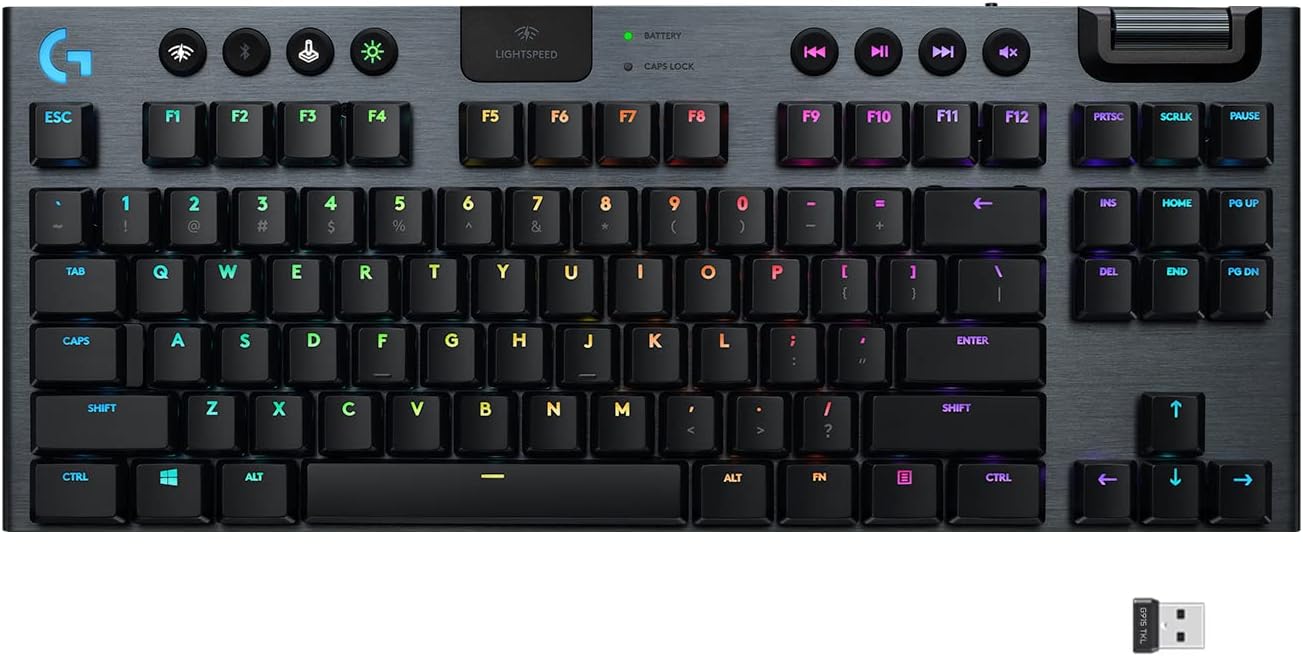
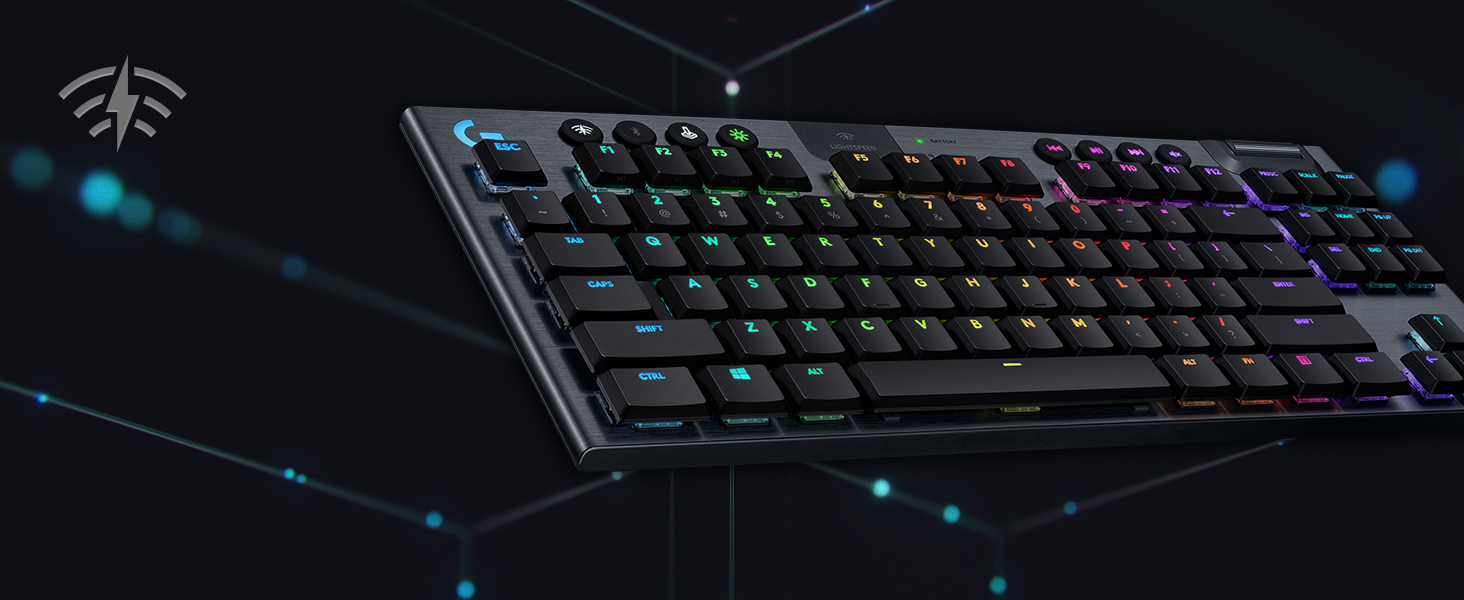
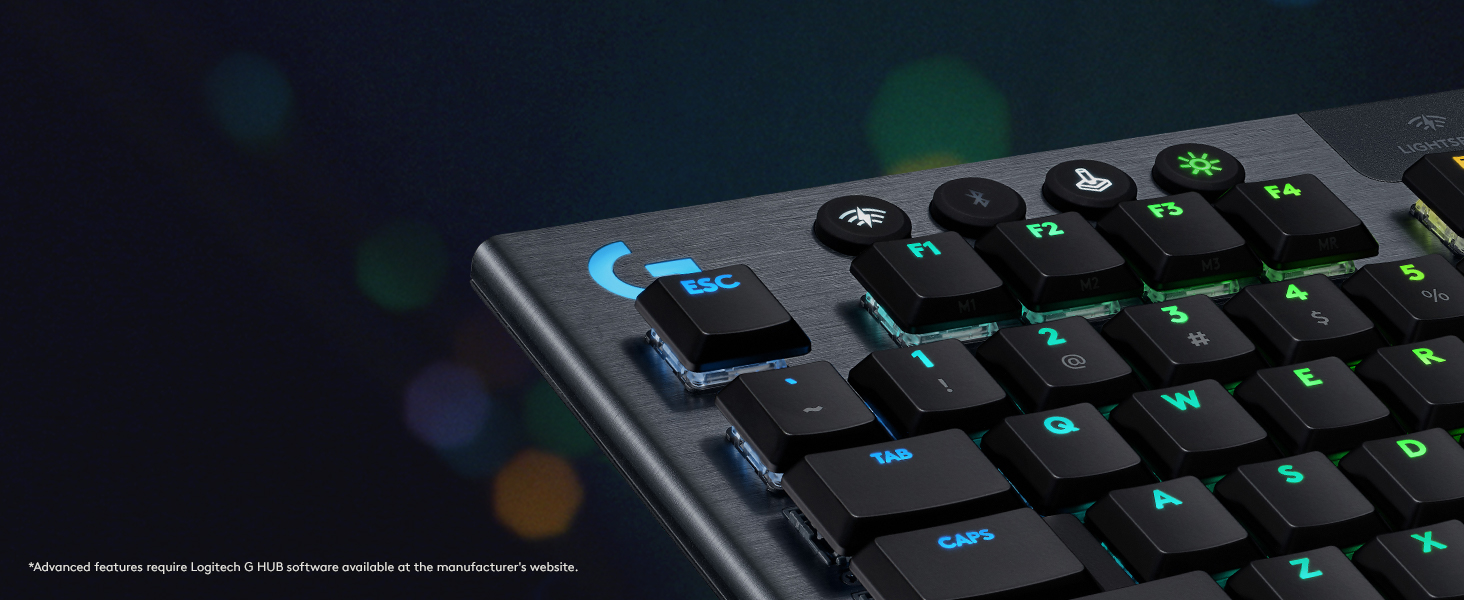
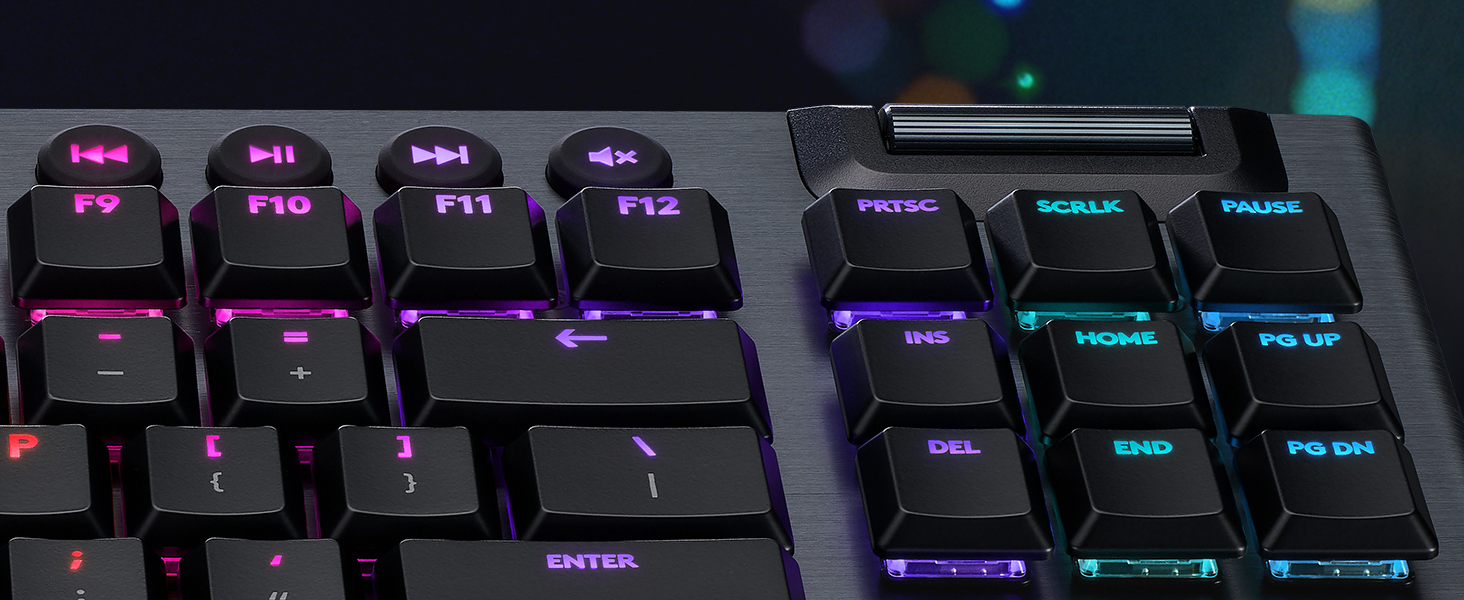
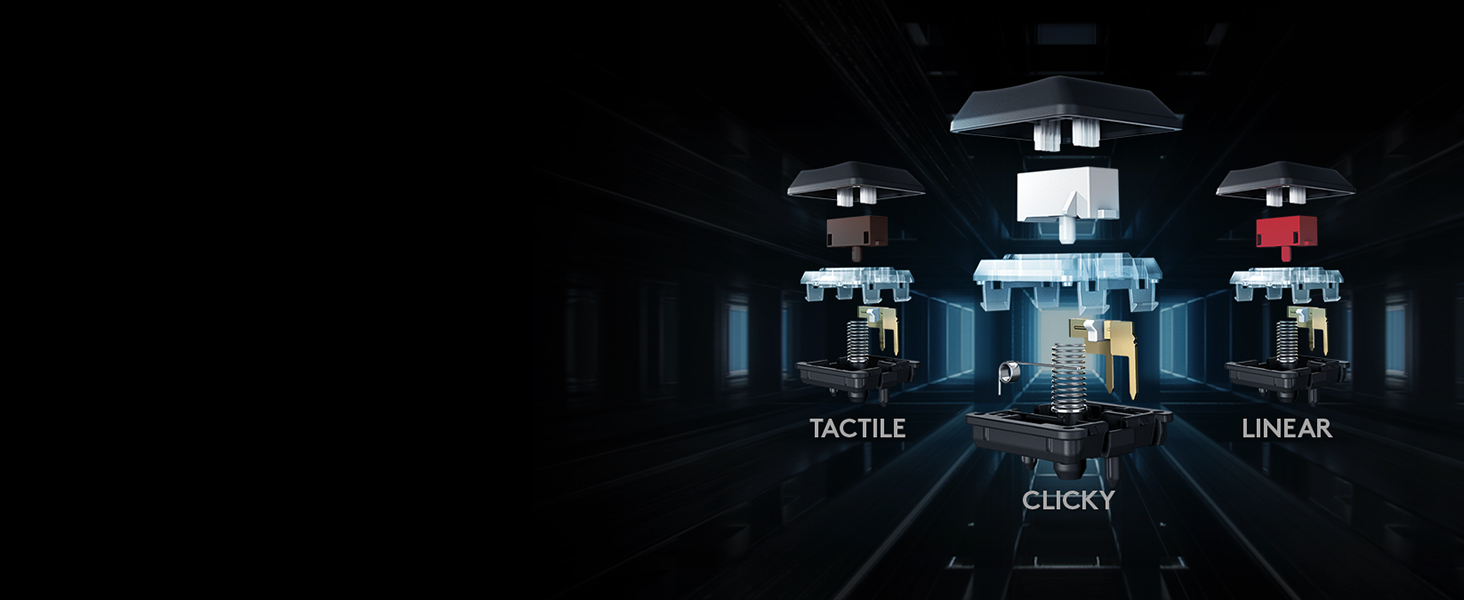
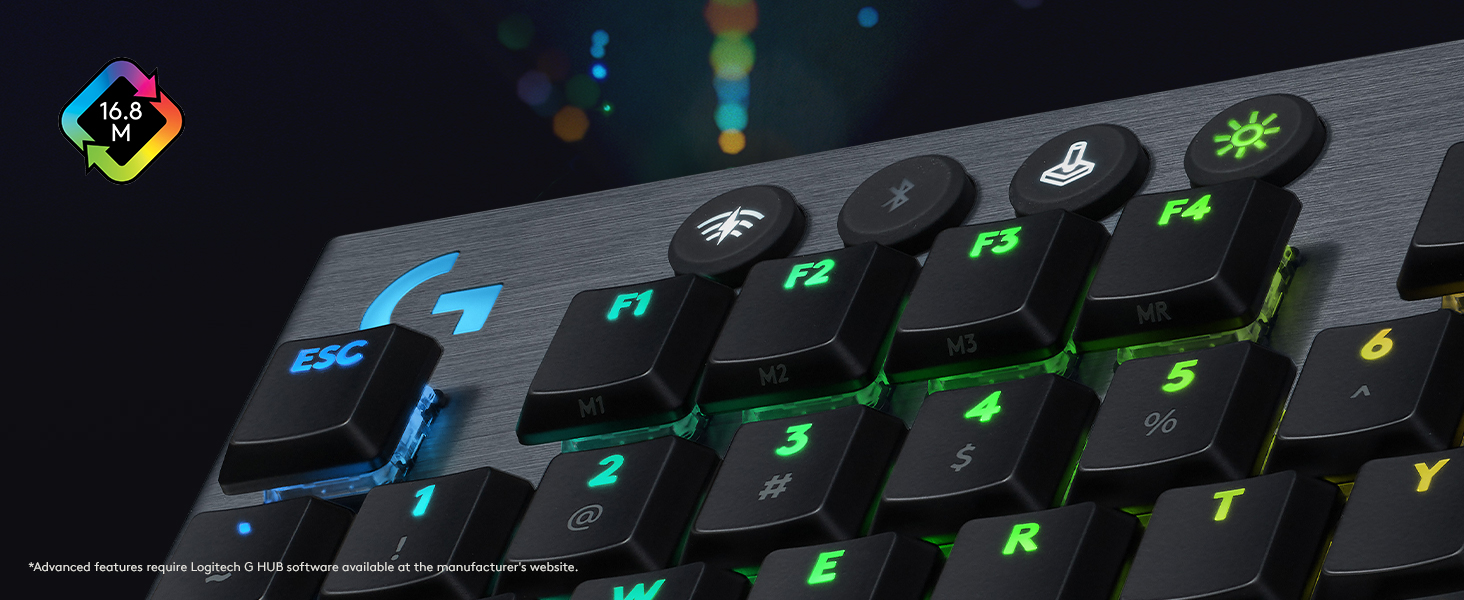
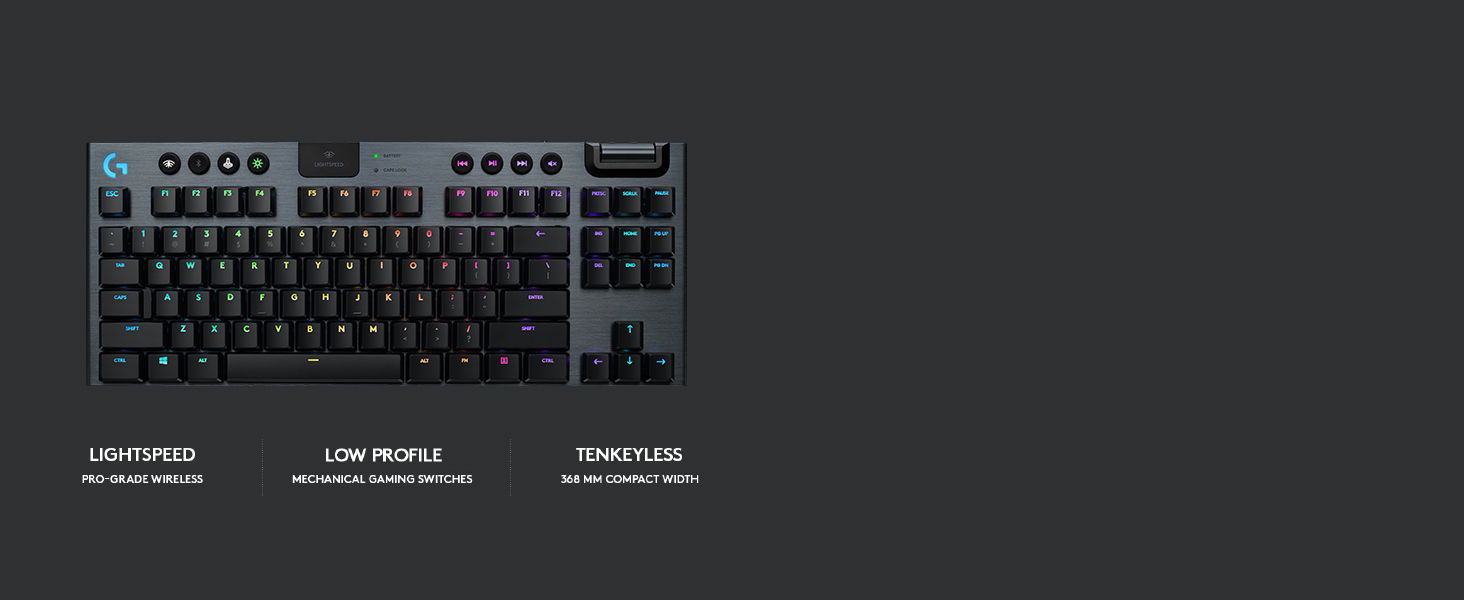
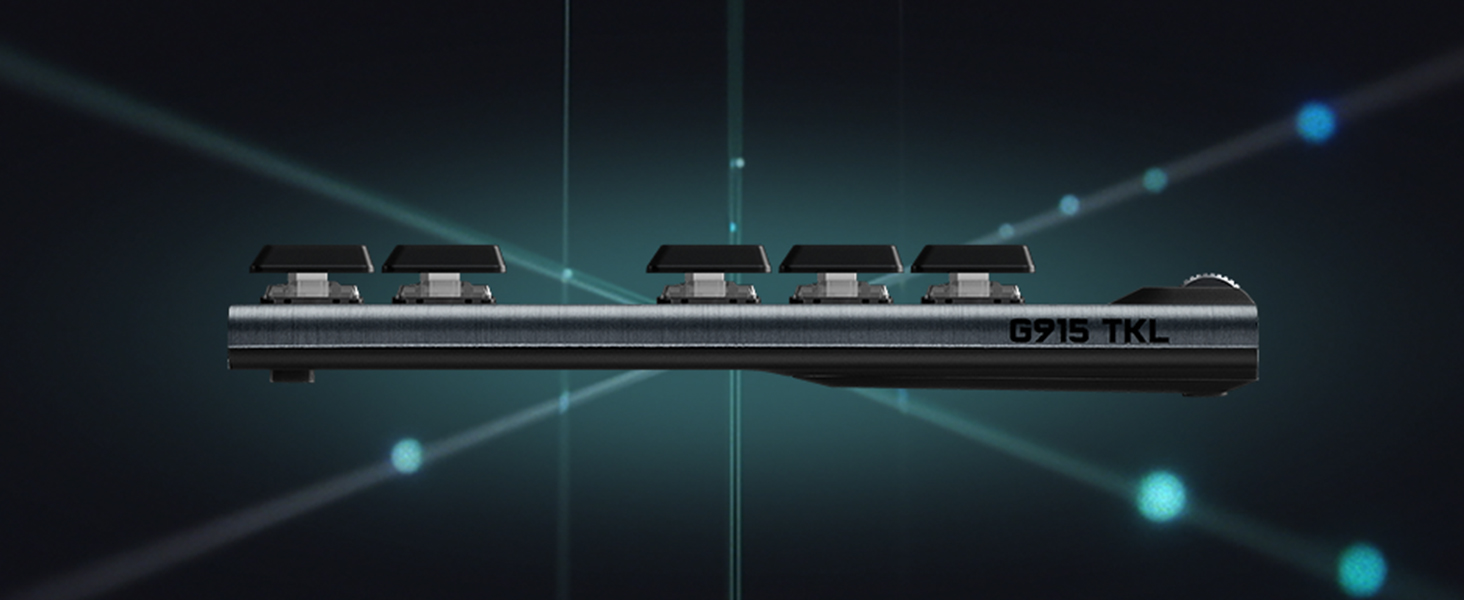
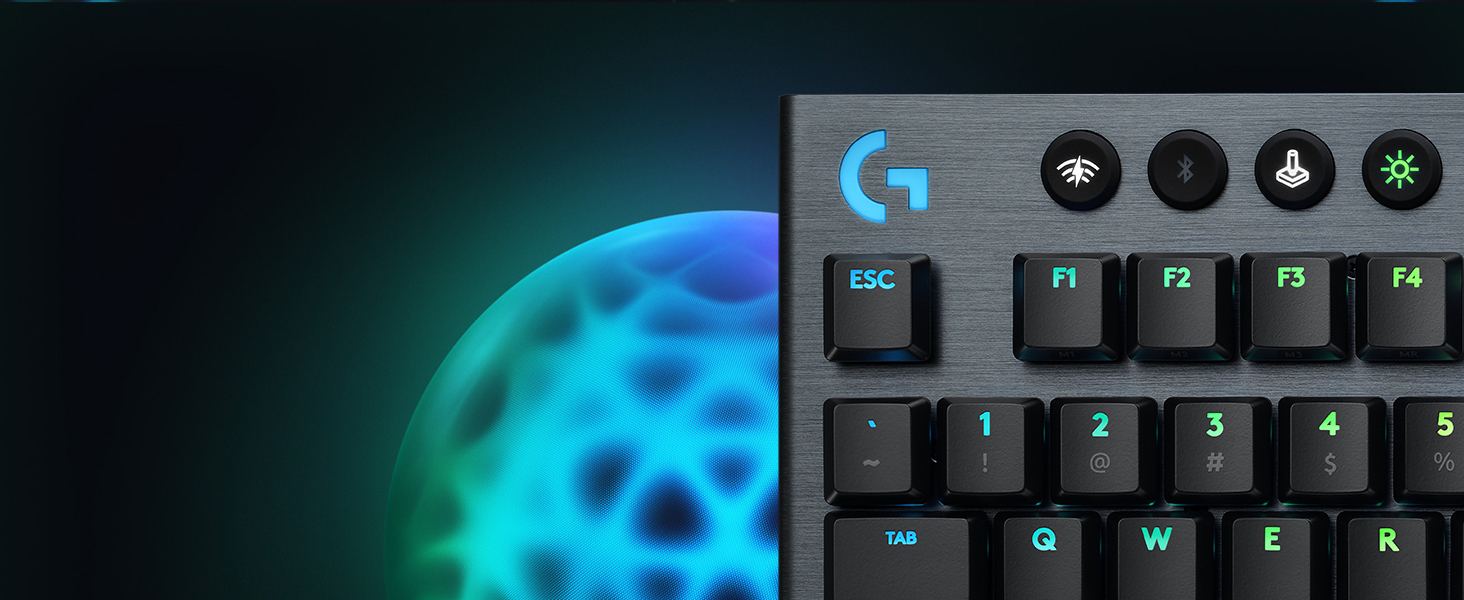
The Logitech G915 TKL is a premium tenkeyless mechanical gaming keyboard featuring ultra-fast 1 ms LIGHTSPEED wireless and Bluetooth dual connectivity. It offers 40 hours of battery life on a single charge and per-key customizable LIGHTSYNC RGB lighting with 16.8 million colors. Its low-profile GL mechanical switches provide tactile, linear, or clicky feedback in a sleek, aircraft-grade aluminum frame designed for durability and portability. Dedicated media controls and a precision volume wheel enhance user convenience, making it ideal for professionals and gamers seeking high performance and elegant design.







| ASIN | B085RFFC9Q |
| Additional Features | Bluetooth |
| Antenna Location | Everyday Use |
| Best Sellers Rank | #2,914 in Video Games ( See Top 100 in Video Games ) #251 in PC Gaming Keyboards |
| Brand | Logitech G |
| Built-In Media | USB Cable |
| Button Quantity | 104 |
| Color | Black |
| Compatible Devices | PC |
| Connectivity Technology | Bluetooth, USB |
| Customer Reviews | 4.4 4.4 out of 5 stars (1,155) |
| Enclosure Material | Aluminum |
| Hand Orientation | Ambidextrous |
| Item Dimensions L x W x H | 15.2"L x 5.9"W x 0.9"H |
| Item Type Name | Wireless Gaming Keyboard |
| Item Weight | 28.6 Ounces |
| Keyboard Backlighting Color Support | RGB |
| Keyboard Description | Gaming |
| Keyboard Layout | QWERTY |
| Language | English |
| Manufacturer | Logitech |
| Model Name | G915 Tenkeyless |
| Model Number | 920-009529 |
| Number of Batteries Required | 1 |
| Number of Keys | 90 |
| Number of Sections | 3 |
| Power Source | Battery Powered |
| Series Number | 920009529 |
| Style Name | G915 TKL |
| Switch Type | Clicky |
| UPC | 097855155856 |
| Unit Count | 1.0 Count |
| Warranty Description | 2 Year Limited Hardware Warranty |
R**5
A bit pricey, but the best keyboard I have used
Needed to get a new keyboard after my previous one started double clicking and this one intrigued me quite a bit. I wanted to find a wireless tkl model that also had dedicated media buttons and this one fit that bill. I was initially a little hesitant due to the high price but decided to go with it anyways. I am very glad that I did, as it is the best keyboard I have ever used for sure. Now I have not used a huge variety of them, probably around 5-6 over the last 7 or so years, but I was still impressed at how much I enjoyed using it. Here's how I feel it fares in a few categories - Connectivity : I haven it had any connection issues when using the keyboard with its included wireless dongle. While I have not made use of the integrated bluetooth, it is a nice to have that I may in the future. The keyboard mostly stays right on my desk at all times so Im not entirely sure what kind of range you will have with the wireless but, based on my experience with other Logitech light speed devices, I would imagine it will suffice even if your use case places it further away from the machine its connected to. The keyboard uses micro usb for charging and wired connections. Which felt a little underwhelming given the high price point, even if the keyboard has been out for a few years now, but all of my other peripherals are still micro usb as of now so it was convenient for me. Though I don't swap keyboards as often as my headset or mouse so usb c would have been nice as far as future proofing goes. Battery Life : Battery life is typically one of the biggest drawbacks when switching to wireless peripherals but Ive been pleasantly surprised so far. Not only is it a keyboard, which means operating it in wired mode isn't as annoying as with a mouse or headset when charging, but the battery will last a fair amount of time as well. The keyboard has a fairly aggressive sleep timer by default which allows it to last for around a week at minimum even when I am using my pc regularly. The sleep timer will not shut off while typing or anything but it will likely sleep if you are watching even shorter videos. Which is no problem for me as I like the superior battery life gained from this and the keyboard is very quick to wake, so you can pick right back up. The battery life I have achieved is also with rgb on, so the outlook may be even better for you if rgb is something you keep off. Typing Experience : This keyboard is my absolute favorite to type on. The keys have plenty of travel and I actually prefer the low profile switches used here compared to the typical profile of a gaming keyboard. On top of that, I also generally prefer clicky mechanical switches so the blues used here are perfect for me, but obviously that is subjective. I switch between a few different computers regularly for one reason or another and I easily get back up to my full typing speed on this keyboard. One caveat to this, though, is that due to the low profile switches the key stabilization could be a touch better. It's not terrible, and the space bar feels fine, but overall the keys do wobble a bit more than I typically like. I also use Caps Lock quite often and much prefer having a dedicated light to let me know that its on/off versus the changed in the key backlight some keyboards use. As far as the media buttons go, though, the school wheel feels nice but the other buttons feel a little mushy and too sensitive to press. They're far enough away from the main keys so I don't misclick on them but they can be pressed from any angle and just have very little tactility. Not a dealbreaker but figured it was worth mentioning. Software : Logitechs G Hub software is one of the better peripheral software suites out there in my opinion. it seems to be relatively lightweight, and I have not run into bugs or issues as often as I have with the software offered by Razer and Corsair. I have not done too much customization of the keyboard with the software, however, so I can't really elaborate how effective it may be for a power user in this regard. Closing thoughts: Overall, this keyboard is amazing. I love typing on it, and the wireless does provide more benefit than it does cons for me personally. The lack of usb type c and the lackluster media keys are really the only drawbacks I can think of and neither are dealbreaking issues to me. The main area of contention would have to be the price. It could be difficult to justify the price especially if wireless seems a needless feature for what you are looking for. Which makes be a little sad that there is not a wired version of this keyboard. The typing experience is so excellent that a wired version of this keyboard for around the $100 to even $150 mark would be an easy recommendation in my opinion. There is also the fact that I believe Razer is releasing their own low profile keyboard that would compete with this. Given its far newer, it may rectify those 2 drawbacks with this keyboard so pricing will definitely be an important factor. Though, again, I prefer Logitechs software, and I have not had great battery life on Razer devices so we'll have to see. In any case, this keyboard is still a great option, especially if you find it on sale.
R**N
Good Keyboard for both working and gaming
I've been using the Logitech G915 TKL Clicky for a while now, and overall, it's an excellent keyboard that delivers on both performance and aesthetics. The clicky switches offer a satisfying tactile feel with that signature audible feedback. Typing feels precise and responsive, whether you're gaming or just working on documents. I've been using the Logitech G915 TKL Clicky for a while now, and it’s quickly become one of my favorite keyboards. The clicky switches give a crisp, tactile feel with that satisfying mechanical sound that makes typing genuinely enjoyable. Whether I'm gaming or working, it feels responsive and solid. One of the biggest advantages for me is how easily I can switch between my laptop and desktop. There are dedicated buttons on the top of the keyboard to instantly toggle between Bluetooth and the LIGHTSPEED wireless receiver. It’s super convenient if you’re someone who uses multiple devices—just press a button and you’re connected. No need to re-pair or mess with settings.
C**N
Impressive Quality
I was impressed the moment I held the box. For a keyboard, it is heavy made out of aluminum. I was impressed with the box. It is so well built and tight, when you remove the cover, it fights you because it has to such in air to separate. It's the kind of box you can't make yourself through away. The keyboard is a lot narrower than a full, but I did not want the number pad on the right anymore. I'm glad I bought this version. I was surprised when I connected it, my computer did not recognize anything new. I had a difficult time getting to the website and find the correct info too download to learn how to set this up. It took me a while to figure out the info they gave me. By the next day I had it set up. The color changing is nice, but it is also distracting when typing in Word at night. I don't like the fading in and out. I wish it could keep bright and change colors and maybe the option to keep one color. Another thing to think about. A normal keyboard has symbols above the number row to use the shift key to make ! or @ or # and so on. This bord does not show those symbols. You have to use your memory. I would not have bought this board if I would hhave noticed that. I type in Word a lot.
P**A
Great keyboard but hits your wallet hard.
One of the best keyboards and despite being low profile, the travel is good enough. It feels different if you are switching from a regular mechanical keyboard but its sleek design feels and also looks good. You can customize the RGB lighting in the G Hub software and it also has 3 onboard profiles that you can modify. The RGB is a bit subtle for my taste but it all depends on your preference, it is not clearly visible as compared to some other options from its competitors. The voice control is also easy to use and precise, though sometimes I accidentally change the volume while trying to adjust my keyboard because of its position. I tried all 3 keyboards and the click feels a bit unnatural to me but you can't know unless you try it yourself. The tactile keyboard had the best typing experience but I use it mainly for gaming and I found my fingers get a bit stiff from long gaming sessions. I shifted to the linear keyboard and it's just perfect for me. The typing experience is not as good as the tactile one but for gaming, this is the best keyboard if you have the budget. For a price below 150$, I would rate it 10/10 but because of the 220$ price, I would give it an 8/10 and would suggest either the Steelseries or Roccat for the 150$ price or for 100$, the HyperX alloy origins with RGB.
V**N
Been using the keyboard for about a year now. No disadvantages, it's a pleasure to play and type. The battery lasts almost a month. Convenient and detailed customization in LogitechHub. The keyboard looks stylish and high quality, but the complaint is the price, it's still expensive
A**S
I've used it for a year and so far so good, the clicky variant is great because it's satisfying to type on but not too loud either.
N**Y
Failed within a yr, the K key would stop working, then work too much
H**N
i've used many keyboards, few from razer, corsair, hyperX, ducky and even custom keyboards because i like trying new keyboards and mice. this is by far the best keyboard i've experienced. battery life is great especially when you have RGB turned off ( I only have them on at night ). I like that its low profile as well. LIGHTSPEED wireless has instant response (advertised as 1ms) but works well with bluetooth as well. I had it on as bluetooth and I did not recognize the difference between the LIGHTSPEED wireless when gaming. Some might argue about the price but if can afford them, its highly recommended
M**E
I tried all the versions of this keyboard. These were my thoughts: Linear (red) - Not silent. Had a bit of resistance which I liked. Not completely soft like the Logitech Pop keyboard. Clicky (white) - Rather high pitched clicking sound. Key press had the nicest feel. Tactile (brown) - This felt like the 80s Microsoft keyboards with the thud, thud, thud. For gaming, this is probably the best with less sensitivity than the Linear. For productivity, your fingers will fatigue after a while. The complete deal breaker was that the secondary characters on keys such as : " < > ? were not backlit. This usually isn't a problem on Logitech's non backlit keyboards, which has white font, but the font on these keys are dark grey. So, it is literally impossible to see the keys in a room which isn't well lit. People taking advantage of the RGB lights will probably be using this in a dim room. Major design flaw in my opinion, unless you're only using the keyboard for gaming (pressing a few keys) or you're a touch typer. To give some background, I am a user of membrane keyboards and not, a heavy gamer. So, if selecting one of these keyboards as an all rounder, this information might be relevant. If you're strictly using this keyboard for gaming, you'll probably like the Liner or Tactile. The Clicky, people streaming with you would hear. I like the rubber keys along the top of the keyboard and the aluminum top build. I thought the RBG lights were too bright, even at the lowest setting. All the key caps rattle a tiny amount when shaken, but I did not feel key wobble when typing like some reviewers said in YouTube videos. Unfortunately, the Logitech G915 TKL just wasn't for me. I have several other Logitech keyboards and mice.
Trustpilot
1 month ago
3 weeks ago