We remain fully operational. Our teams are working around the clock to ensure your deliveries continue safely.

DOWNLOAD THE APP


Customer Services
Copyright © 2025 Desertcart Holdings Limited
DOWNLOAD THE APP
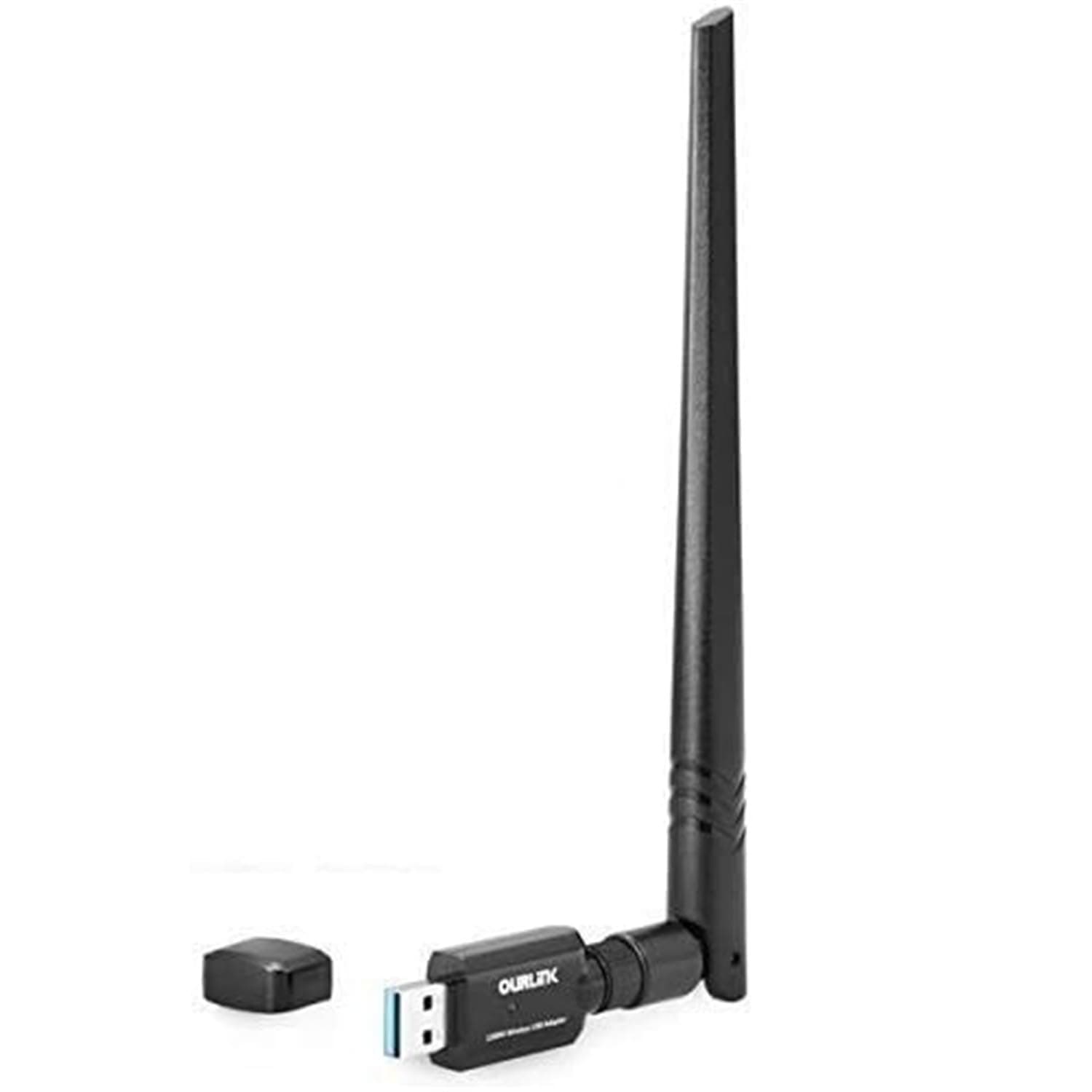


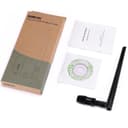
🚀 Elevate Your Internet Game!
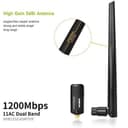
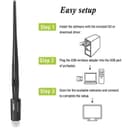
The OURLINK 1200Mbps Mini Wireless Network Adapter is designed to upgrade your PC to the latest 802.11ac Wi-Fi technology, offering speeds up to 1200Mbps across dual bands. With a detachable 5dBi antenna for enhanced coverage and a plug-and-play setup for Windows 10, this adapter is perfect for gamers and streaming enthusiasts looking for reliable and fast internet connectivity.


| ASIN | B018TX8IDA |
| Best Sellers Rank | #1,852 in USB Computer Network Adapters |
| Customer Reviews | 4.2 4.2 out of 5 stars (3,255) |
| Date First Available | December 2, 2015 |
| Is Discontinued By Manufacturer | No |
| Item Weight | 2.4 ounces |
| Item model number | 6436305 |
| Manufacturer | Glam Hobby |
| Product Dimensions | 5.4 x 4.4 x 0.8 inches |
E**N
Great, Simple, Fast, Trouble Free Adapter!! Replaced my problem child adapter and no more WIFI problems!
Great adapter and very simple to install and use. Tighten antennae, plug it in, insert CD, install software, reboot, and done. This has worked flawlessly on mine and my daughter's computer after nothing but problems with our Netgear AC600 Wireless USB adapters. Always been wired, for the speed, but now with faster WiFi, especially 5G, these work great. First I bought NetGear AC600 Wireless USB wireless Adapters for mine and my daughter's computers running Windows 10, which cost just over twice what this one cost. The reason I note this adapter specifically are the problems and ridiculous documented solution Netgear customer service told me to do. The Netgear adapter was used on 2 different computers, at two different homes/locations (we moved), and on two different networks with two different types of routers (Spectrum and OneSource). Tried both standard WIFI and 5G. Computers were 10 to 20 feet from the WIFI router at both homes, and I have a EE degree and assure you there was no interfere. The problem was, every time we booted our computer, about 75% of the time the adapter would not work; sometimes saying it could not connect to the router but most of the time showing it was connected to the WIFI & Internet, but no apps could get out to the internet. Netgear customer service had me run tests, and tried different drivers, they tried everything, and I kept saying with all the combinations of things, it has to be their devices. Long story short, about the third customer service "specialist" I spoke to told me when I turn on my computer and it boots up, crawl under my desk, unplug the USB adapter, wait 5 seconds, and plug it back in. REALLY NetGear? Eventually I found that after booting the computer, 75% of the time it didn't work, I had to open up the WIFI icon, disconnect and reconnect. It would work well except every so often it would simply loose connect to the WIFI router. Finally fed up after about 8 months of these Netgear USB devices (bought at WalMart), I decided to try this one from Amazon. It has worked PERFECTLY, and not a single issue booting up on either computer, and so far has yet to drop the connection which should have happened at least once or twice by now with the NetGear device. Hence I'm confident this OurLink USB WIFI adapter has solved the problem; the problem being NetGear's USB device and ridiculous customer service. (BTW, when I run them now in their survey for their solution, I did receive escalations, but I was done with NetGear at that point and wanted nothing else to do with them).
P**H
Went from losing connectivity 60% of the time - to never losing it again after installing device
I have only been using it for 3 days - but I work from home and was having a lot of intermittent connectivity issues. I would randomly lose signal for a couple minutes at a time and it got to where I only had connectivity off and on 60% of the time. I started having delusions that my cell phone being on the desk was interfering with the signal, so i moved the cell phone, and then i tilted my laptop sideways a bit.. then i figured out I just needed to spend $20 and buy a wifi antenna. So i did! and it works! I have not lost connectivity since I received it. Installation was pretty easy - I am running Windows 10 on my work laptop and the drivers did not auto-load when I plugged in the dongle, so I had to load drivers off the CD-ROM (weird). After installing drivers - I did not read instructions, but was able to figure it out. You just open the app on the desktop and then set it up to connect your router and you are good to go. The only issue I have is that 1. every time I reboot, I have to unplug the device at first because my machine doesnt like it. but i just plug it in after I boot up. and 2. after re-plugging the device in, when I doube click on the app on the desktop - it wont do anything. Not sure if it is just my machine - but I have to Right click on desktop Icon and run the app as administrator.. that gets it working right away. The most important thing is that the device works - and it does. I went from losing connectivity quite regularly, to never losing it and having full signal all the time. Well worth the $20.
C**E
Best upgrade for my slow budget laptop
I bought this to replace the internal wifi antenna of a very slow HP Laptop (AMD A6 Processor) that had no ability to access the 5.0 Ghz signal. The internal antenna was working fine but just didn't give me acceptable speeds (and never really did) so I decided to upgrade with this USB adaptor. Definitely glad I did. My speed on the 2.4 GHz signal went from 20-30 Mbps download to well over 50. And now I can access the 5.0 signal, getting @160 Mbps download (that's 10+ more than I pay for from my ISP!). Setup is simple plug and play. I didn't have to download anything manually. The device did that for me and has worked flawlessly since. What I like about the device physically is antenna's ability to rotate 360 degrees in plane perpendicular to the usb plug and 90 in the parallel plane. This allows me to adjust the direction the antenna points to avoid other obstructions placed around the laptop's resting area (in my case... books). I leave the device plugged in 24/7 and have not had a problem since with connection, crashing, etc. Also, the device fits snuggly in the usb port and hasn't felt loose as of yet. The only negatives I can really comment about ( and in my opinion, they aren't all that negative buy they are worth mentioning nonetheless) are: 1. The device protrudes out from the USB port quite a bit and could cause damage to it if the user isnt' aware of that fact and forcefully slides the laptop onto a shelf without leaving enough room for the antenna to clear. 2. As I mentioned, the antenna rotates in two planes and fastener that loosens or tightens the position of the antenna can get loose by mild handling, allowing the antenna part to rotate down due to gravity. This is easily fixed by simply hand tightening the fastener when you notice that it is loose. This is not a default, as the fastener is there to tighten the antenna into your chosen position or to loosen to change its position but I do notice that it becomes loose very easily. Just a point to note All in all, I'm completely satisfied with the function and price of the device
C**N
works great out the box, took my download from 10mbps to 55mbps
D**I
The adapter works as advertised. It got auto-recognised by my Windows 10 2-in-1 tablet, added much needed AC W-Fi capability, and works great with any standard antenna. The reception got greatly improved compared to the built-in Wi-Fi, if you are far away from the router. I do not use the included antenna because of its size (would be good for a desktop but a bit cumbersome for a mobile device), but use my own antenna of a bit smaller size. The adapter is nicely built, very compact, and does not run hot. So far I have not noticed any performance degradation with time, but it should be noted that I use it for short durations only, albeit daily, and usually remove it from the tablet when unused to save the tablet's battery.
S**R
Worked exactly like it is supposed to, download the driver, run it to install, reboot and use your new connection. Totally simple to do and so nice when the software works like it is supposed to, other times I have not been so well impressed. Oh on a macOS 10.13.6 install I needed to get better wireless so chose this device thinking it was cheap enough if it did not work no great loss. Nice to be surprised by a well working cheap product.
J**Y
I bought 2. Just beware, when you plug it in, it does not have drivers. You need to connect to Ethernet to download the drivers, then it will work. Windows don’t have drivers, only USB wifi card that I bought that works like that. Everyone one else came with drivers from windows
R**C
Got it to upgrade to AC from N. Getting solid 433mb on 5g, as opposed to 64 on n-2.4. That's on an old Gateway laptop running Linux mint 17.3 with a Core2 CPU. fed by a linksys 1900Ac. Came with drivers for windows, mac and Linux on CD. Had to compile the linux driver myself, but at least it was there, and it worked very well. Tested fine on windows and mac machines as well. Docked it one star because: 1. It advertises 600 mbps but it ACTUALLY is 433mbps max over 5g wifi. And because: 2. Poor qc on the included Linux install script which did not work, aborting because it assumed a tar compatible archive, when the goods are actually delivered in RAR. Once that was fixed, it compiled and linked and installed fine. Very good reception in a crowded urban area, thanks mostly to the antenna.
Trustpilot
3 weeks ago
1 month ago