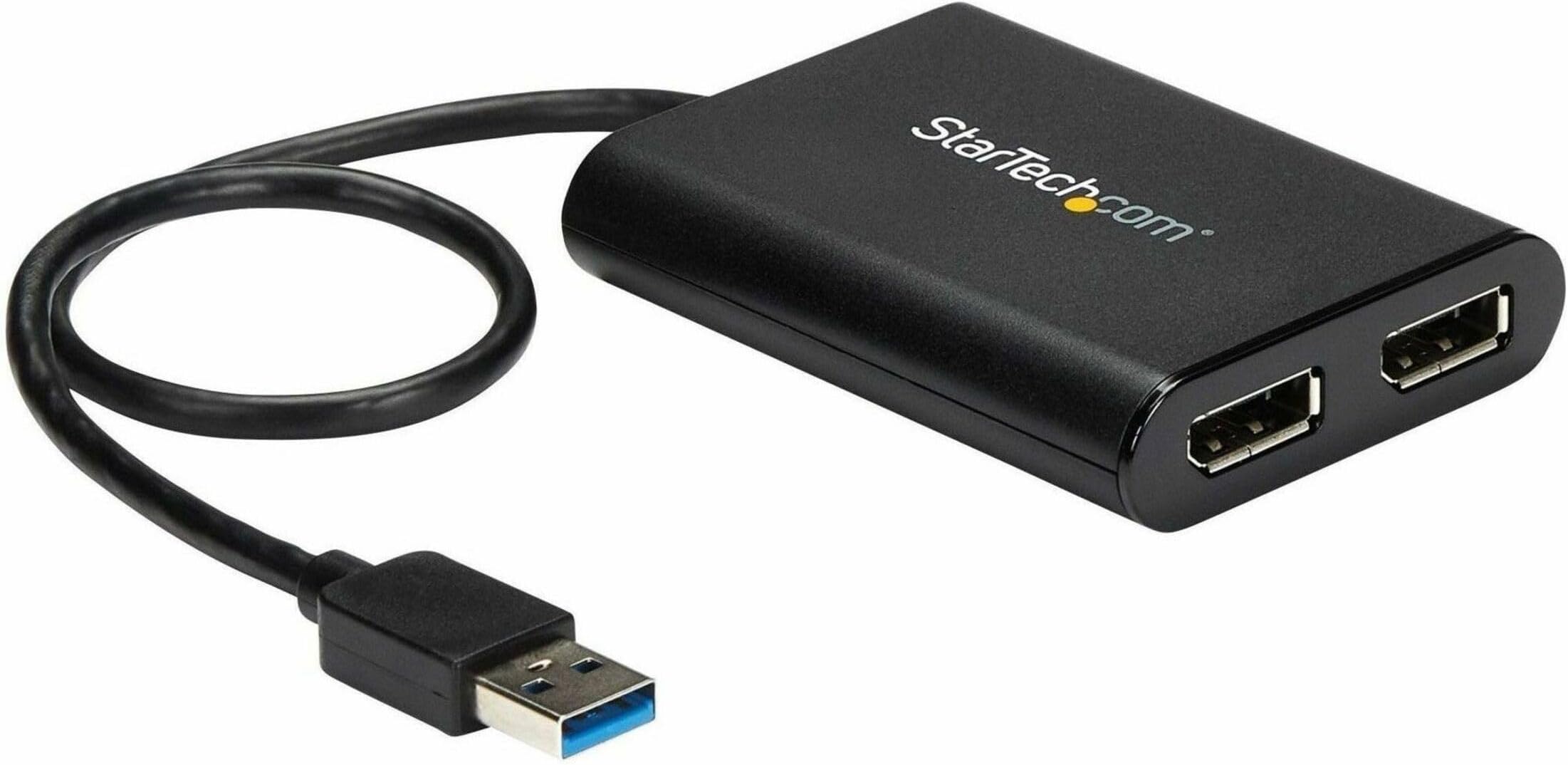
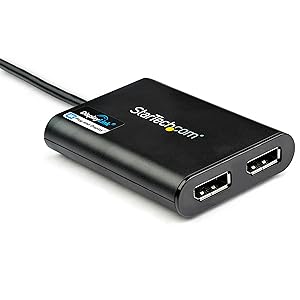
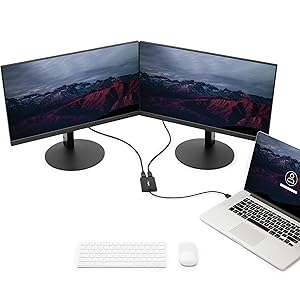
I hope this helps others to figure this out... This may be informative for anyone regardless of the cabling they need. Please read the entire review. I have a regular PC with USB 3 Ports...nothing special. I have 2 external Dell monitors. I need 3 screens for work. Make sure you have a USB 3 port available...the plastic tab visible within the port will be BLUE. The blue tab means USB 3. With this slick little adapter, you can use a USB 3 port to plug this in AFTER YOU INSTALL THE DRIVER. The packaging materials provide the URL from which to download the driver. 5 minutes tops from reading the instructions to having the download complete. Note: this adapter is for DisplayPort. My Dell monitors accept several different cables including DisplayPort. MAKE SURE YOU HAVE DisplayPort CONNECTORS ON YOUR MONITORS AND DisplayPort cables (I bought my cables from Amazon, too. I believe they were about $10.00 each). Plug the cables into your monitors, plug the other end of the cables into this adapter, then... plug this beauty into the USB 3 port. I believe I rebooted. after plugging in, too. Voila...3 working monitors. Excellent resolution, no lag time, no flicker...everything I had hoped for. Why This Works: This adapter is basically another graphics card...it can handle the 2 monitors. Your PC's internal graphics card might not be able to handle 3 monitors but all your PC knows is that a USB port is in use. What it is being used for does not matter. (Yes, I know...gross oversimplification but effectively accurate.) This adapter simply WORKS!!! You can count on it working if it has no internal problem. I mention that because the first one I received worked for about 15 seconds then I'd either see blank screens or vertical bars on one or both external screens. Nobody mentioned that so I wasted time troubleshooting. Just return it; it's not working if that happens.. NO BIG DEAL. Sending it back via Amazon returns is as simple as possible. Amazon, true to form, IMMEDIATELY sent me a replacement adapter. My new adapter was in use well before Amazon got the defective adapter back. This is a great product. 5 stars across the board The tech support at StarTech was good when I was troubleshooting, too. They did think it might be my PC but it was not. Naturally they had no way to be certain so kudos to them for faith in their product. I've waited months to write this review. I wanted to make sure. 100% endorsement. If you have external monitors with DisplayPort connections...this will WORK. BTW...I went to one of the big chain computer stores prior to figuring this out on my own. I spent HOURS and $185 on cabling and adapters the simply COULD NOT WORK. My monitors came with cables for one of the other connections on them. I tried to daisy-chain connections into the USB port. That will not work. Don't waste time trying. You may not have DisplayPort connections...I expect StarTech makes some other adapter that might work for you. Bottom line...monitor connects to adapter. Adapter connects to USB. NOTHING ELSE IN THAT CONNECTION CHAIN...and you are good. One final note...I believe this adapter is what is referred to as an "active" adapter.