🖌️ Small Tablet, Big Impact — Create, Play, and Connect Like a Pro!
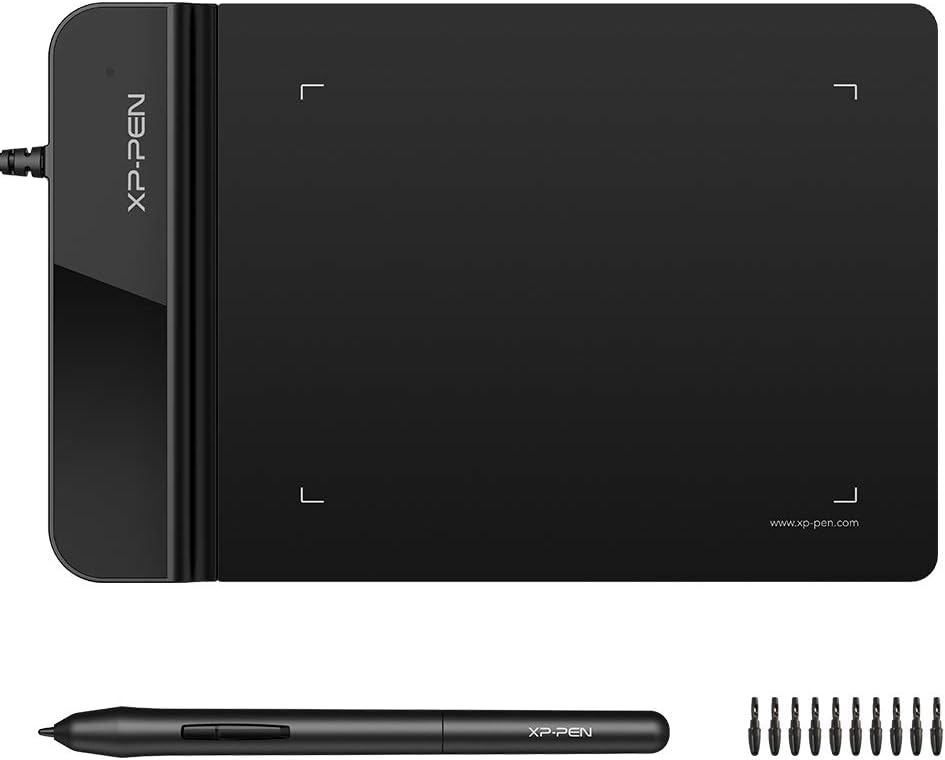
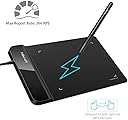
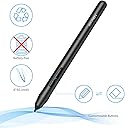
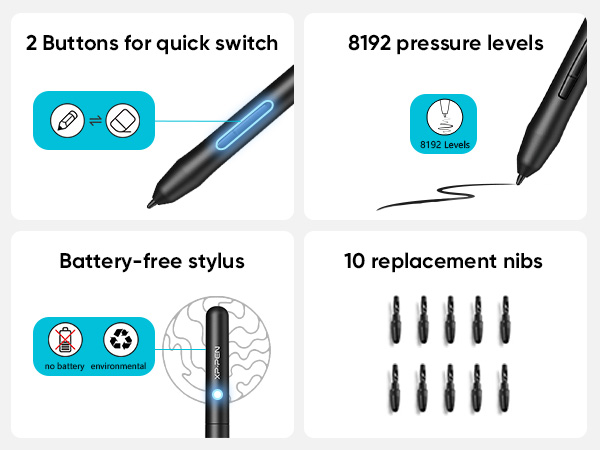
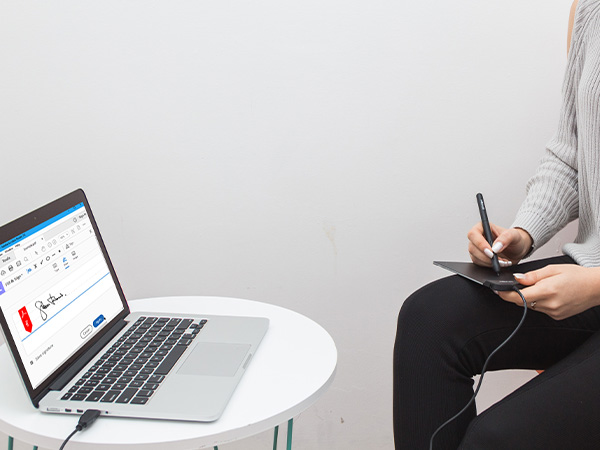
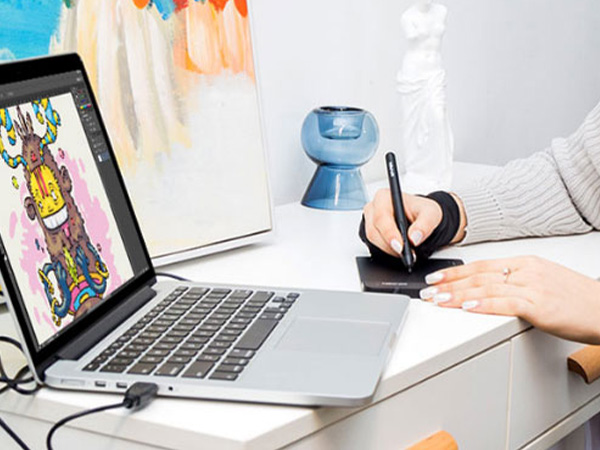
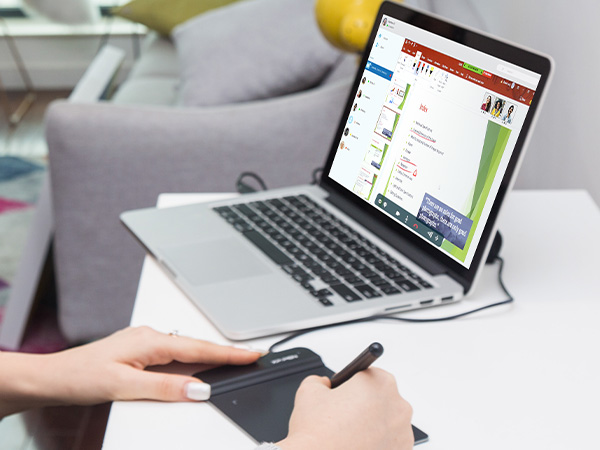
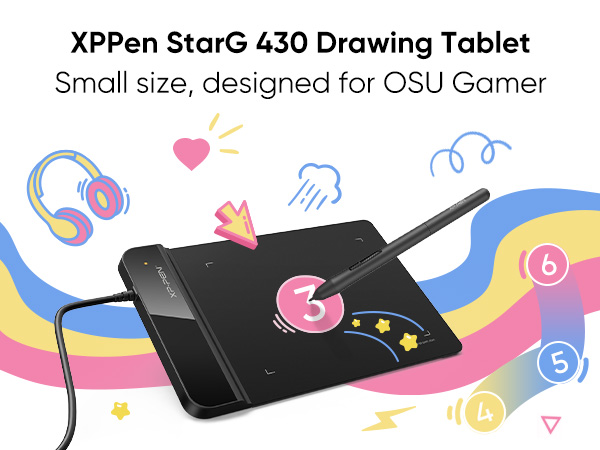
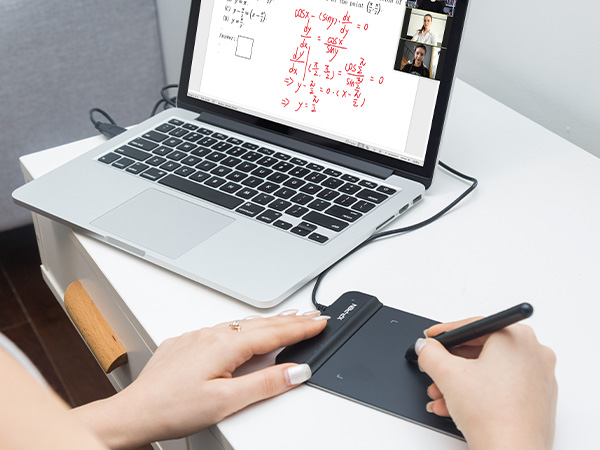
The XPPen G430S is an ultra-thin, highly responsive graphic tablet featuring 8192 levels of pen pressure sensitivity and a 4 x 3 inch active area. Designed for OSU! gameplay and creative professionals alike, it offers a battery-free stylus with a rapid 266 RPS report rate for smooth, uninterrupted drawing. Compatible with Windows and Mac systems, this compact tablet supports ambidextrous use and is ideal for digital art, online teaching, and precise e-signatures.


| ASIN | B01BA6XQI0 |
| Best Sellers Rank | #6 in Computer Graphics Tablets |
| Customer Reviews | 4.2 4.2 out of 5 stars (9,726) |
| Date First Available | January 31, 2016 |
| Is Discontinued By Manufacturer | No |
| Item Weight | 8.8 ounces |
| Item model number | StarG430 |
| Manufacturer | XP-PEN |
| Product Dimensions | 8.66 x 4.84 x 1.38 inches |
P**T
Great! Wish it were wireless though
Works perfectly. The pen is responsive and feels smooth. The tabs on the top of the tablet are convenient and don't interfere with the writing surface. The only bummer for me is the cord. I wish I had purchased a wireless drawing tablet. Though the cord is long enough and fits well, it gets in my way. It's a personal preference and doesn't diminish the product's value.
C**.
Amazing Little Tablet for the Price!
This is my third tablet but my first XP Pen after a friend recommended it to me. I had a larger tablet before I wanted to replace after the touchpad stopped working so I actually upgraded to a visual tablet. Only to find out that it won't work with my computer. I was frustrated beyond words trying to troubleshoot so I wanted something simple again. THIS is simple. Easy to use. It's almost plug and play with how simple it is! I did have to download the driver program, but that took seconds. The pressure sensitivity is amazing! It took some tweaking in my art program to get it to register the pen strokes as more than super light, but now that it has, I'm incredibly impressed by how versatile it is for such a small tablet. This is by far superior to the original one I wanted to replace in spite of it being about half the size. After all the frustrations I've had with other tablets, I'm so glad to have found one that not only works, but works well and doesn't make me want to throw it out the window. Well worth the purchase, and the price is fantastic!
P**E
Affordable and easy to use
The XP-Pen G 430 is my very first drawing tablet. I’m not really a visual artist, but I wanted to doodle while using my laptop. Like most people, I find drawing with the mouse hard and awkward so I decided to buy the G 430 because it was very affordable, and just in case I didn’t stick with drawing, I didn’t want to feel like I had wasted too much money on a tablet I was not going to use. This little drawing tablet is great for newbies like me. The device is 6.5” long and 4” wide. The working area, however, is only 4” by 3.” The tablet comes with one pen, additional pen tips and a pen clip to help you remove and insert pen tips. If you’re using the tablet to play the game, it doesn’t need additional steps once it’s plug to your computer. If you want to use it for drawing, however, you have to go to the XP-Pen’s website and download the latest Star Series G430 driver. The manual can also be downloaded from there. Once the driver is installed, you can change the tablet settings to your needs. You can set up the tablet to work with two monitors, assign functions such as double click, right click, etc. to the two buttons on the pen, adjust the size of the working area on the tablet and change the pen pressure settings. I’m using Microsoft Paint with the tablet, and I’m still getting used to working with the pen. I keep hitting the two buttons by accident when I’m drawing. Also, the pen/eraser toggle mystifies me since I haven’t figured out yet how to keep it in pen or eraser modes long enough to use either of them. I wouldn’t say it replaces the mouse, but it’s certainly much easier to draw with the pen. And yet it’s not like a regular pen. I have to be aware of how much pressure I’m applying and how I’m holding it. Otherwise, the tablet may not respond. As for the size of the working area, I think it’s okay once I got used to drawing while looking at the monitor and not at my hand. Since I’m using the G 430 solely for drawing, I can’t say anything of its performance as a game tablet. But as a drawing tablet, it’s a nice one for beginners. It’s light, doesn’t take up too much space and it’s easy to use. One more thing, I suggest investing on an artist glove, the kind that covers your pinky and ring fingers only, to prevent your hand from leaving sweat and oil smudges on your tablet.
M**K
Works nice
Works great for the price
J**E
Not the best but for the price...
It's good for someone new to digital tablets, feels a bit flimsy and scratches easily once the protector comes off, though it is a decent sized screen. I could not figure out how to program the buttons or download the driver and it became a bit frustrating and confusing to use over all. I don't think I would buy this if you have an older pc as that seemed to be part of the issue
I**M
very small
F**O
Es perfecta en cuanto a portabilidad, pequeña y ultra delgada para poder llevarla donde sea. Se recomienda instalar el driver de la página oficial ya que agrega funciones como la presión y además mejora la respuesta al movimiento. Se siente de muy buena calidad y el lapiz viene con muchas puntas (como 10)
L**G
Work with Microsoft Word flawlessly. I use this for Chinese text input. Way faster and accurate than using mouse.
S**I
Happy for my girl
Z**E
Very good product
Trustpilot
1 month ago
2 weeks ago