


๐ฎ Elevate your game with sound that wins โ donโt just play, dominate!
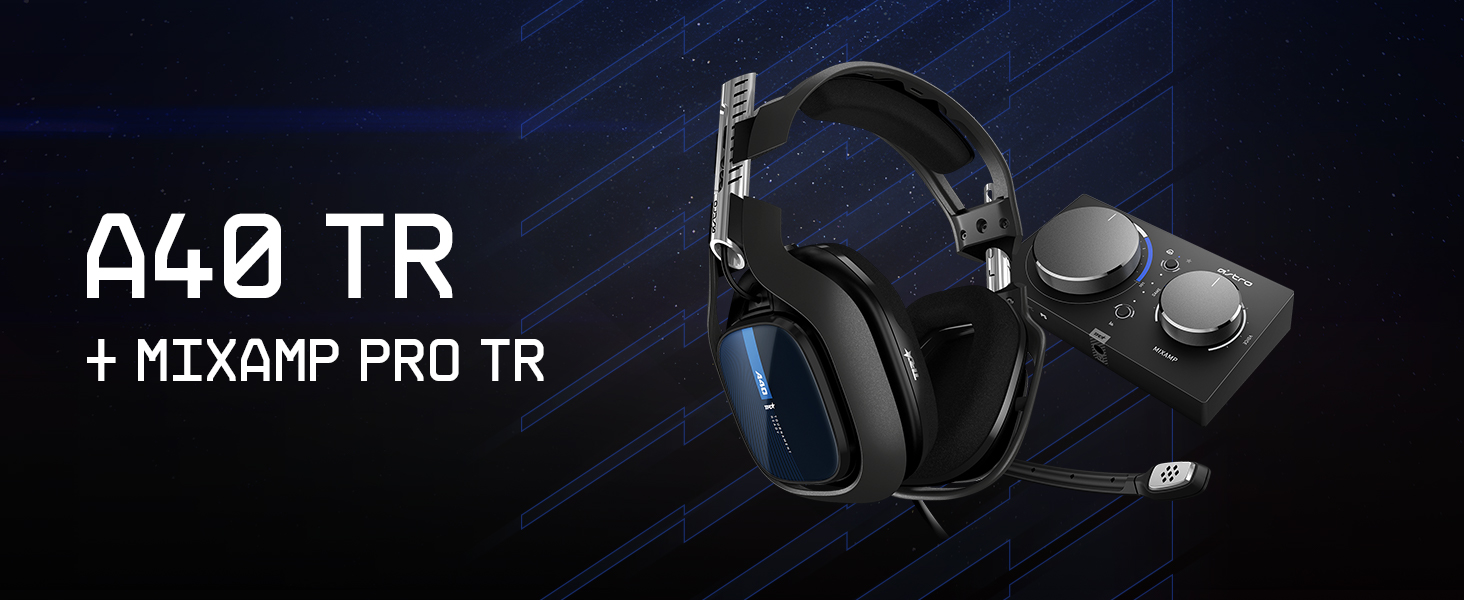
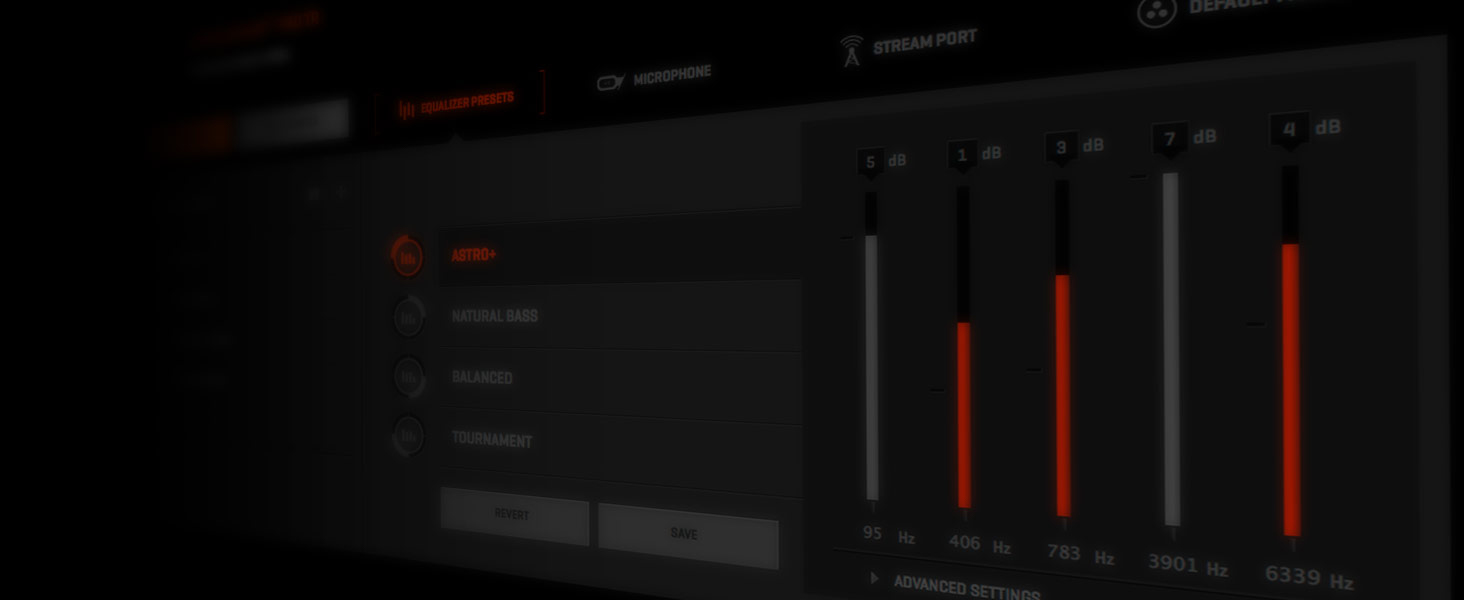
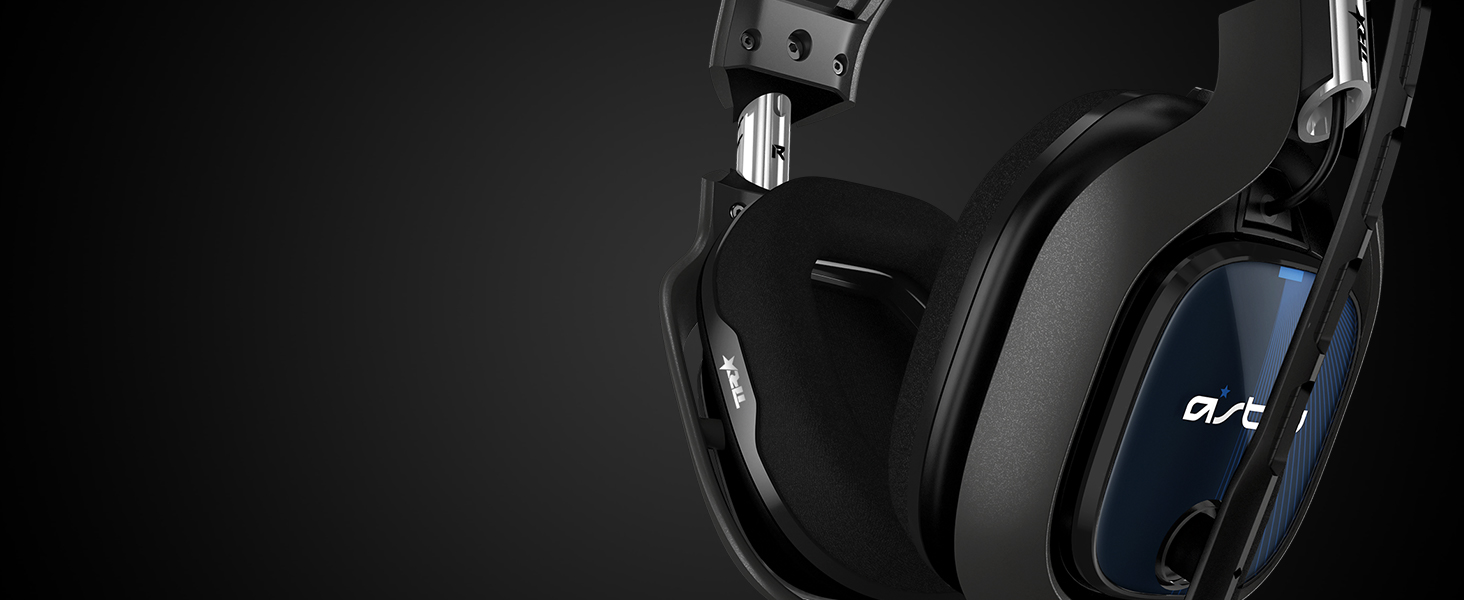
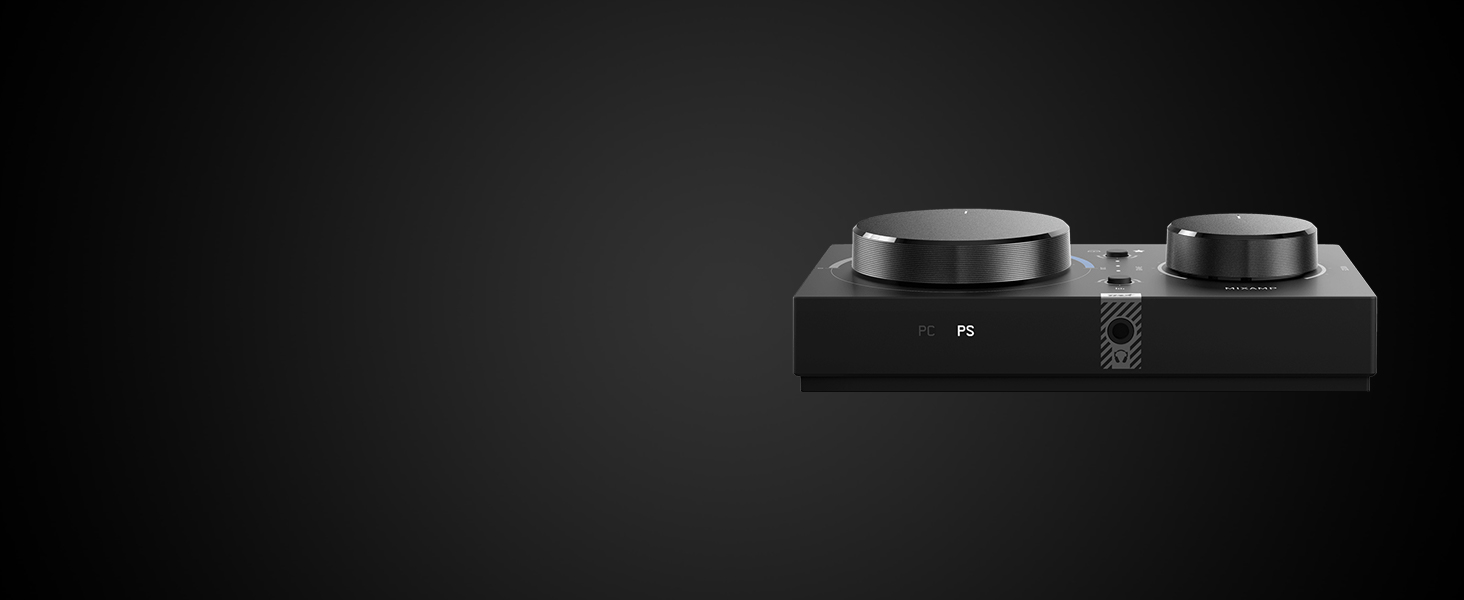
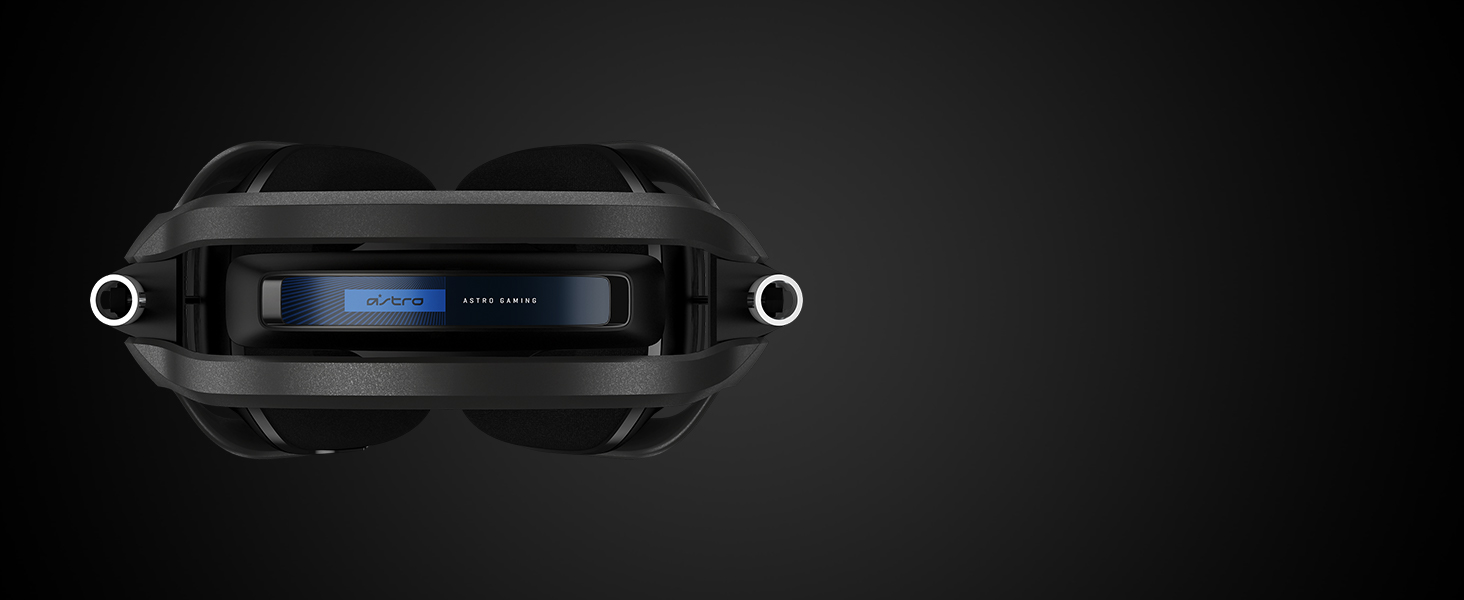
The ASTRO Gaming A40 TR Wired Headset paired with the MixAmp Pro TR delivers professional-grade audio fidelity tailored for esports athletes and streamers. Featuring Dolby Digital Surround Sound, customizable audio settings via ASTRO Command Center, and a lightweight yet durable design, this headset ensures comfort and crystal-clear communication during intense gaming sessions on PS4, PC, and Mac.


| Asin | B07NSPPQFZ |
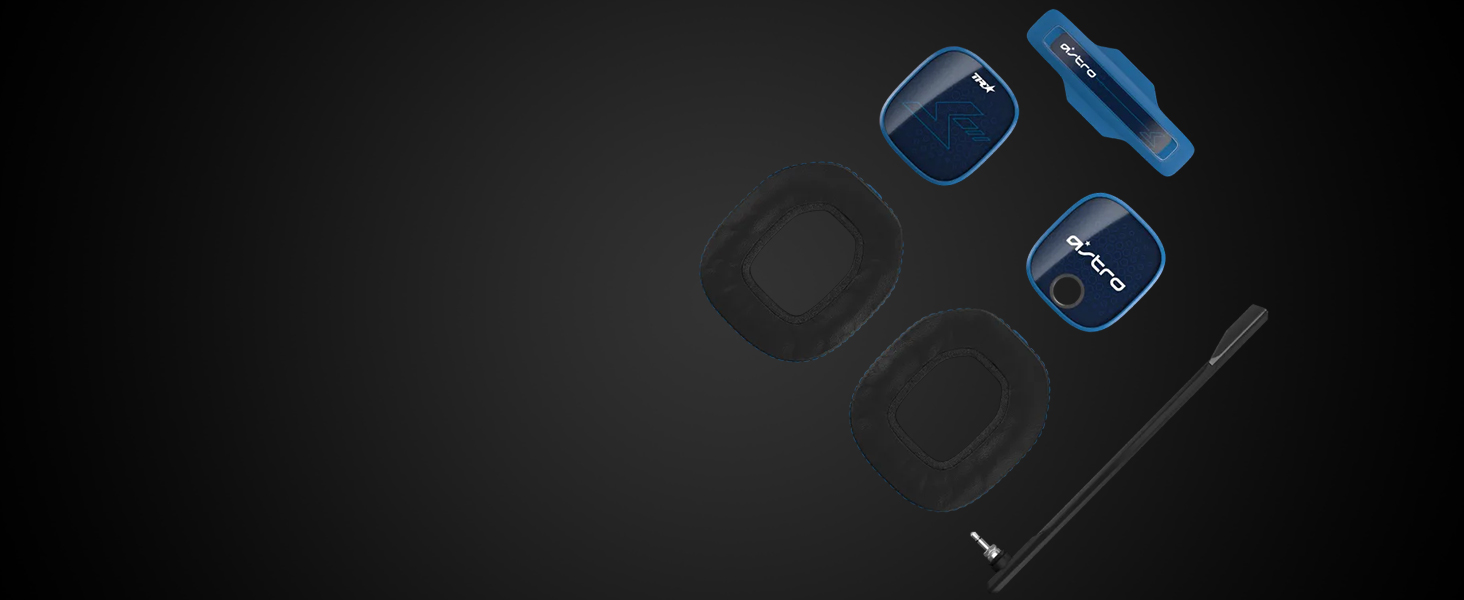
| Included Components | Cable, Ear Cushions, Headband |
| Item Dimensions Lxwxh | 13.7 x 8 x 3.8 Centimeters |
| Item Model Number | 939-001660 |
| Item Weight | 665 g |
| Manufacturer | Logitech |
| Product Dimensions | 13.69 x 7.98 x 3.78 cm; 665 g |
| Rated | Not Checked |
J**L
Nearly perfect
I'm reviewing here my experience with the A40 TR Wired Headset + MixAmp Pro TR on PC. 9/10 Audio quality Audio sounds excellent. I personally love the open back design, but if you need something that isolates surrounding sources, this would definitely be problematic for you. The "Stream" line out audio quality is superb. No hum, no ground loops, and a vanishingly low noise floor. You would think this should just be a given, but unfortunately in this world, this is very much the exception. EDIT: It would appear that a ground loop occurs when using the AUX port. See my update to the review below. 6/10 Mic quality Nothing special here. The mic quality is about the same as any gaming headset. It's fine for in-game chat, but it's bright and hollow. If you're looking for broadcast quality for your stream, you will need an additional active mic like a Blue Yeti. 10/10 Comfort Easily the most comfortable headset I've ever worn. I usually hate over ear headphones. They get uncomfortable around the contact points (around ear, top of head where the yoke touches). But I have worn these for almost 8 hours in one sitting and never experienced a shred of discomfort. Truly spectacular. I can tell they really focused on this in their design. 8/10 Functionality The MixAmp is really good for the basics. While overall the enclosure feels like cheap plastic, the attenuators are nice and sturdy and have an excellent tactile resistance. I don't understand the point of the Dolby setting, as it seems like it just adds a ton of reverb. I recommend disabling it by pressing the toggle button so that the star light is lit. This should really be the default, but it's not. Also, unfortunately, the default curve is not flat, so I recommend selecting the third equalization from the top. That produces the best sound in my opinion. I wish the unit had some way to more precisely control the Stream mix, but for that, your options appear to be either a very expensive stand-alone stream mixer, or a somewhat expensive Steelseries headset+mixer combo unit, and trust me when I tell you to avoid the Steelseries option. Their stuff is terrible quality in every measurable dimension. UPDATE: I recently had some experience with the AUX feature and need to share some knowledge. If you want to have a "side" conversation in Discord running on another device, the mixamp has an AUX TRRS port for this purpose. For instance plugging your phone into the TRRS port will connect the mixamp as a headset for calls. However, the call *will not* be mixed into the Stream line out. I don't understand why they decided to do this. Surely most people using the AUX port for side conversations want the audio of that conversation to be heard on stream as well. To work around this issue, the audio being played to the headset via the AUX port will need to be monitored either via hardware (eg a y-splitter) or software. Now unfortunately, there is a much worse issue when using the AUX port that occurs when connecting a device with a separate power supply: ground loop. For instance, if you want to run Discord on your stream PC and use your headset via the AUX port, all your headset audio will have a nasty digitally sounding high pitch noise over it. It's like nails on a chalkboard to me. I just want to note here that this *does not* happen when connecting a device with a floating ground like a mobile phone. Fortunately, I found tha the issue is resolved by inserting a USB audio isolator (you can find them on amazon) between the mixamp and your game source and an isolator between the mixamp and your call source. So in my case, I have: 1) Gaming PC -> isolator -> Mixamp USB input and 2) Streaming PC -> isolator -> USB sound card -> Mixamp AUX input.
A**I
Muy bonito pero
Hola muy bonitos los audรญfonos pero el mixamp no actualiza y por el precio existen otras marcas que te dan mejores cosas
T**C
Not bad, not amazing.
Been a good headset for the past year that I have had them. The switch to turn voice off on the cable has stopped working properly, but other than that I have no issues.
S**E
Best gaming headset!
Very good sound and very comfortable! Clamping force is perfect, i have a big head and it fits really well!
N**N
it good
it okay
Trustpilot
1 month ago
3 days ago