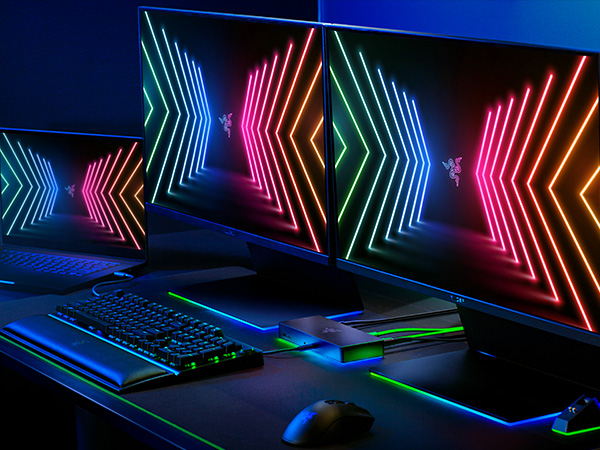
I bought this for my M1 MacBook Pro Max (2021 Model) to replace another expensive dock in the hope it would power both my LG UltraFine 5K monitors - something my old dock couldn't. I was very disappointed to discover that this dock couldn't either. Turns out, no dock can owing to the power drawn from these monitors. Although that's no fault, per se, of the dock itself, there's no blurb to state this anywhere. However, that's not the only issue. Given the monitor issue (I couldn't even use it for one monitor as it didn't see the additional ports provided by my Satechi monitor stand), so both monitors were plugged directly into my laptop. I was now only using the dock for my external speakers, ethernet cable, external USB Blu-ray/DVD drive and to provide power. Oh, and the pretty lights when it's on! Had it have worked flawlessly with that set-up then I probably would have rated 3 stars (or most likely wouldn't have reviewed at all). For some reason, this dock has to be powered on AFTER the MacBook otherwise it's not detected. I can't say with 100% certainty but I'm fairly sure this wasn't the case with my other dock. Secondly, when I tried to use my Blu-ray/DVD player today, I got a macOS pop-up saying that my USB accessories are disabled because they're using too much power. The only resolution was to unplug the drive from the dock and plug it in to my Satechi monitor stand. So the dock is now essentially a very expensive light show that you can't configure because they're not updating the software for Apple macOS!