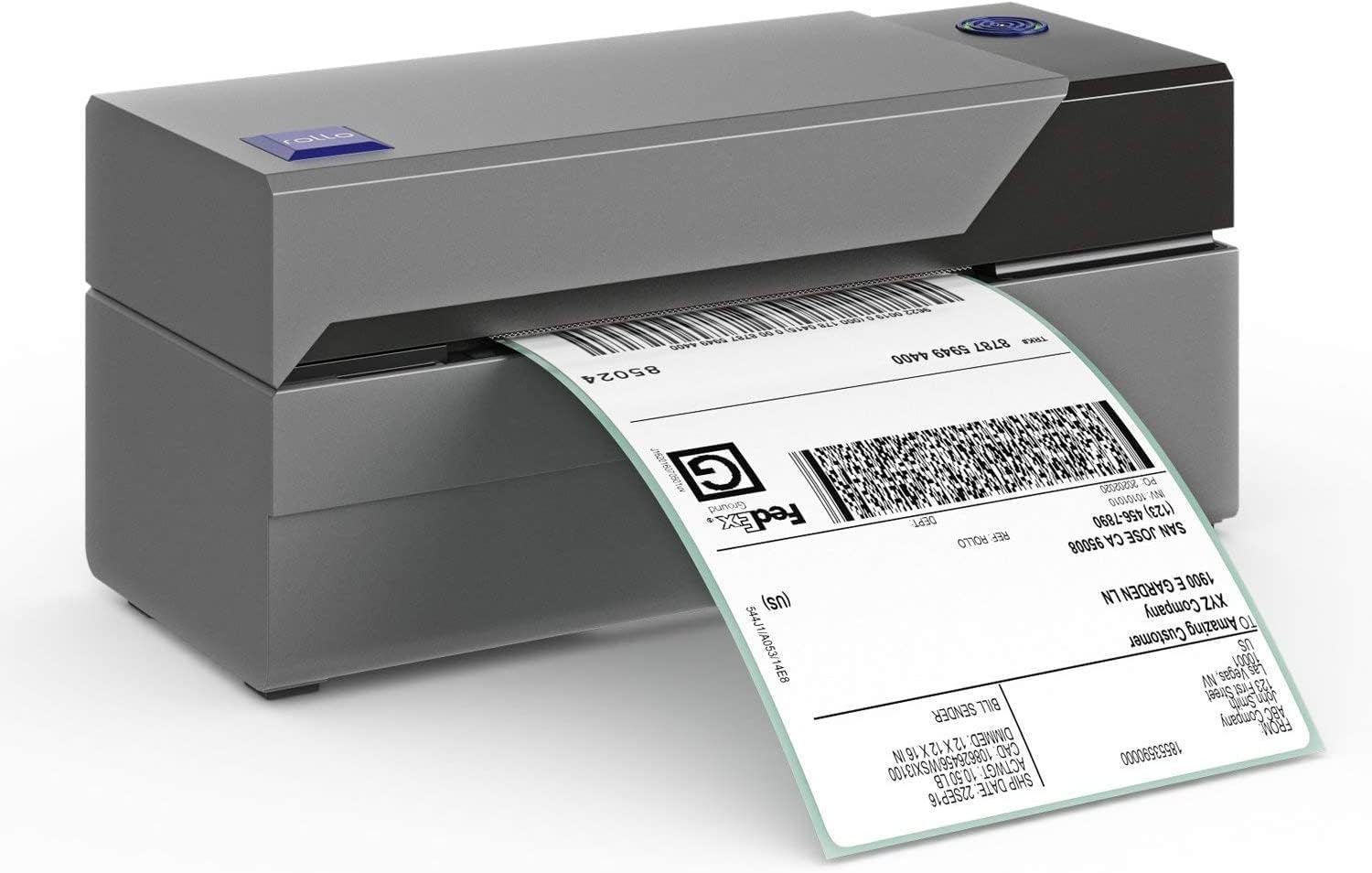
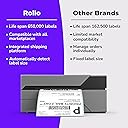
I just got this printer yesterday to replace my failed Dymo 4XL which I'd been using for the past few months to ship items from eBay, Poshmark, Sellercentral, Bonanza, Mercari, and Etsy. As my 5th thermal label printer since 2015 I have a bit of experience using them for my part-time job as a reseller. A short history: I first purchased a Dymo TwinTurbo label printer for use with ebay shipping when I first started selling online. I'd been going to fedex by bicycle every time I sold something, so this was a major upgrade, being able to print labels at home was amazing! However, the set-up time was frustrating, the labels were something like 7.5"x2.5" and I had to get ebay to print shipping at that size. Once I did figure that out it was great, but I hadn't anticipated that a few years later I'd be expanding to other sales platforms which couldn't print at that size. In an effort to maximize space in my then teeny-tiny 360 sq. ft. apartment (with my 6-year-old Daughter, My fiance, my housecat and a 50 Lb german shepherd dog might I add. Times were rough....) I decided to "upgrade to the Dymo labelwriter 450. I still printed the same oddly proportioned labels but was smaller. The twin-turbo has two label roll feeds while the labelwriter 450 has only one. I had mistakenly thought, as a beginner, that I would need to print an address label separate from the postage label, I soon found that to not be the case and that my two-roll twin-turbo was unnecessarily taking up my desk space. Again, this printer was good, but the label specs were weird and incompatible with other platforms. My 3rd label printer was purchased because for *some reason* I had kept trying to load a new roll of labels the wrong way. It hadn't occurred to me to try and put them in facing down until I'd already disassembled the printer, broke the crap out of it in frustration and later received the new replacement.... which included instructions that showed I'd been trying to put the roll in the wrong way... 50 bucks gone... geez. I used this for about a year until I decided I'd like to expand to other platforms to sell on. I'd long since moved into an adequately-sized space and began to greatly expand my inventory. Once I started listing on these I knew it was time to upgrade to the conventional, industry standard, 4x6 labels. So I shelled out just about $200 for a Dymo 4XL & The corresponding labels. I knew when I purchased it that many people had experience problems with this printer specifically and that I might as well. I'd not experienced any with the Twinturbo or 450 but those had many more positive reviews than the 4XL, So I got the extended warranty. Unfortunately, the damn thing started jamming and spurting out test labels just 3 MONTHS after I bought it. This wasn't the only issue I'd had, there were crooked labels and all sorts of crap but this was the final death of the Dymo 4XL. When I contacted my warranty serive, they instructed me to contact the manufacturer so I sent Dymo an email request concerning their manufacturer's warranty service. It's been nearly a week and I still have had NO response from Dymo. As I still have a business to run, and without a reliable printer from Dymo, I decided I'd take my chances here with the ROLLO Printer. I had almost purchased it the first time around but I didn't like that it needed a separate roll-holder or that it was made by a company that was new and unfamiliar to me. I was also concerned with how I would print Poshmark labels, as they only format their labels for 8.5"x11" sheets (So I thought! You can actually change it now, please read on to find out how!). But this time I decided I'd take my chances. After all, a roll holder IS an option, and so are the accordion fold labels, so it's beneficial if you look at it that way. Also, the fact that the company is newer and less established to me means they HAVE to earn my trust if they want to be in the game. So that's actually a benefit as well. A benefit that I hadn't expected is that this prints SO fast and is SO much more quiet than the Dymo! As far as poshmark labels go, at first I tried the workaround that ROLLO suggested, begrudgingly. Dymo had this great software that I could use to screenshot the poshmark label and print but ROLLO suggested I use Adobe reader, another new program to download just for stinking poshmark.... EXCEPT... I googled it again and found that as of March '18 Poshmark has added a way to change your default label size to 4x6"!! So Psyched! all you have to do is Go to: My Seller Tools > Shipping Label Settings and select the 4x6 label option. Now you'll be printing direct from poshmark without any workaround needed! As It's still very early in my ROLLO life I haven't had any issue where I've needed to contact customer service. But I have the feeling that when/If I ever do they'll be more than helpful. Either way, after some time I will update my review here to include any new info and experience I have. Thus far, I'm converted for sure, OUT with Dymo, IN with ROLLO!