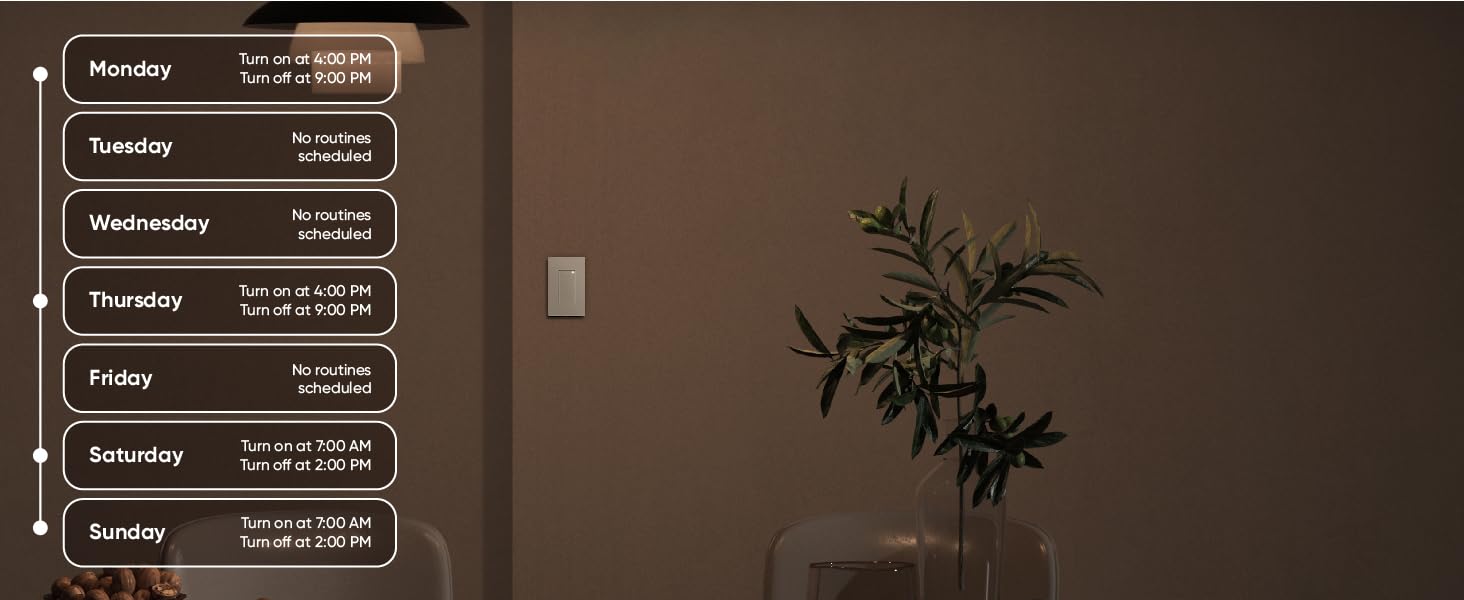
💡 Light up your life, hands-free and hassle-free!
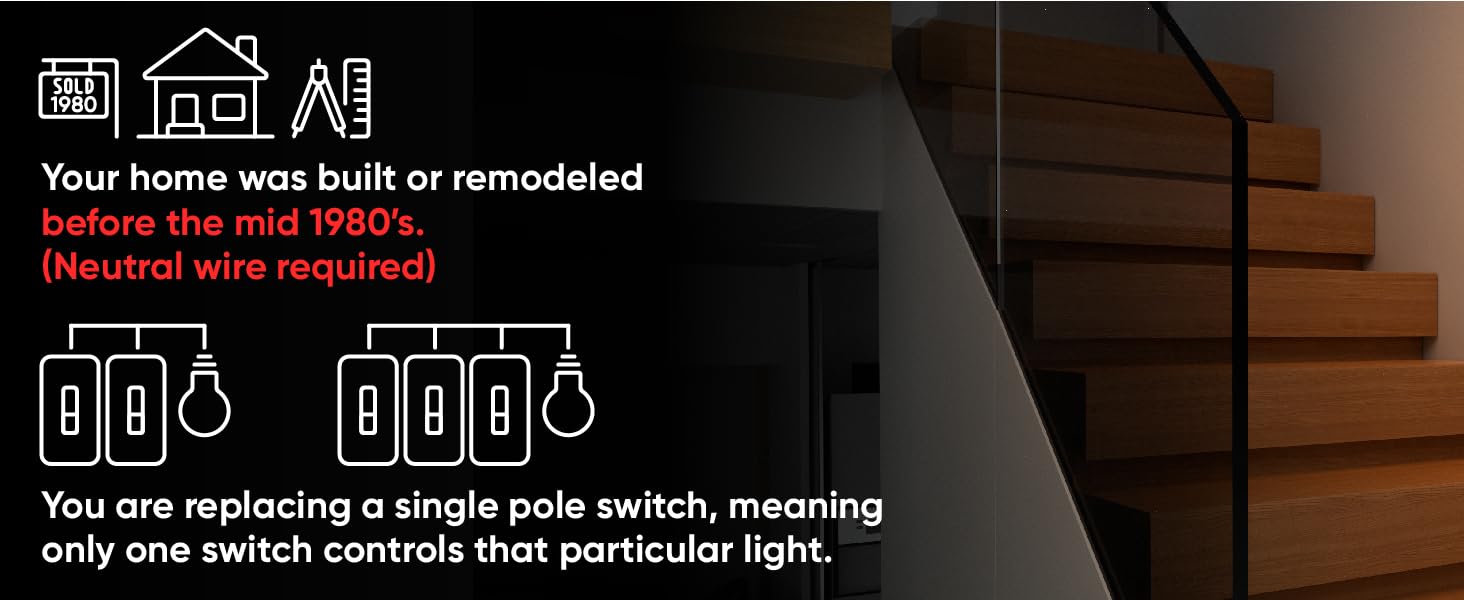
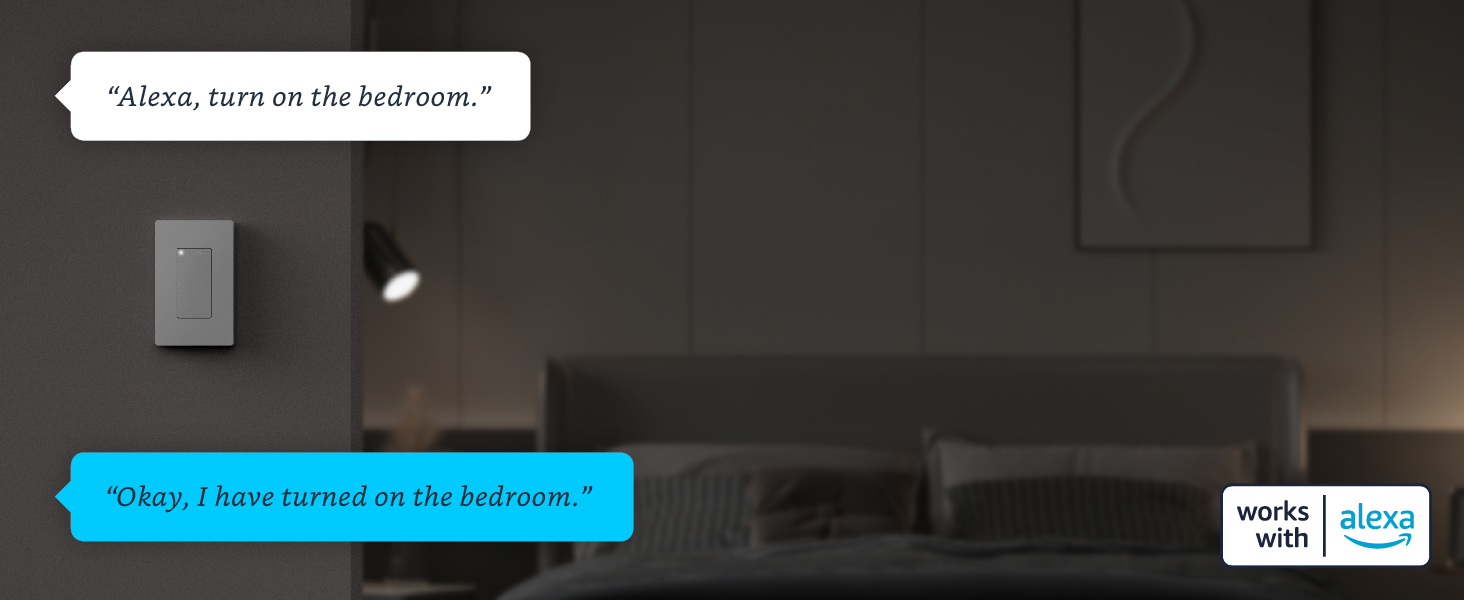
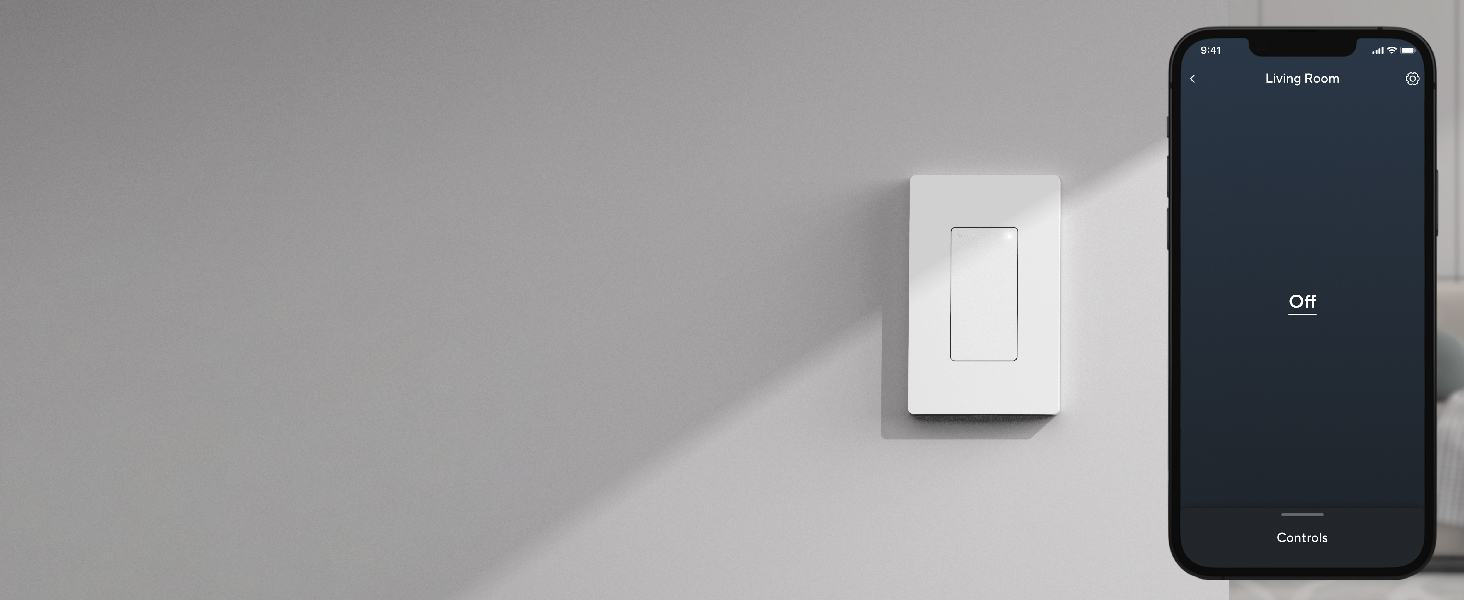
The Wyze Switch is a 3-pack of single-pole smart light switches operating on 2.4 GHz WiFi with a 15 Amp rating. Designed for homes with a neutral wire, it supports voice control via Alexa, Google Assistant, and Siri, plus IFTTT integration for cross-brand compatibility. No hub required, it offers customizable tap controls, smart grouping, and scheduling—all in a sleek, easy-to-install package.



| Operation Mode | ON-OFF |
| Current Rating | 15 Amps |
| Operating Voltage | 120 Volts |
| Contact Type | Normally Closed |
| Connector Type | Clamp |
| Brand | WYZE |
| Terminal | Quick-connect |
| Item dimensions L x W x H | 4.69 x 2.95 x 1.72 inches |
| Circuit Type | 1-way |
| Actuator Type | Push Button |
| Contact Material | Copper |
| International Protection Rating | IP20 |
| Number of Positions | 2 |
| Lower Temperature Rating | 32 Degrees Fahrenheit |
| Upper Temperature Rating | 104 Degrees Fahrenheit |
| Control Method | Voice |
| Connectivity Protocol | Wi-Fi |
| Color | White |
| Unit Count | 1.0 Count |
| Number of Items | 3 |
| Manufacturer | Wyze |
| Controller Type | Alexa, Google Assistant, IFTTT |
| UPC | 810083470252 |
| Part Number | WLPS1-3 |
| Item Weight | 4.5 ounces |
| Product Dimensions | 4.69 x 2.95 x 1.72 inches |
| Country of Origin | China |
| Item model number | WLPS1-3 |
| Size | 3-Pack |
| Style | 3-Pack |
| Pattern | Switch |
| Shape | Rectangular |
| Item Package Quantity | 1 |
| Included Components | Wyze Switch x3, Wall Plate x3, Quick Start Guide x1, Accessories package x3 |
| Batteries Required? | No |
| Warranty Description | 1-Year |
J**E
Good
Good
M**N
Fantastic Smart Switch, but make sure you do your homework
The Wyze Switch has been a fantastic addition to my smart home setup! It integrates seamlessly with my other Wyze devices and offers a range of features that make controlling my lights incredibly convenient.The switch is responsive and works flawlessly with both the Wyze app and voice commands through Alexa and Google Assistant. I tested both, my son likes Alexa for some reason. The ability to create schedules and automate lighting scenes has significantly improved my home’s functionality.Installation Tips Based on My Experience:Confirm Neutral Wire Presence:Experience: I initially didn’t realize that my older home lacked a neutral wire.Tip: Before purchasing, I recommend checking your existing switch box to ensure it contains a neutral wire, typically white. Without it, you might need an electrician's help or consider a different smart switch.Wi-Fi Connectivity:Experience: I had some trouble connecting the switch to my Wi-Fi network at first.Tip: Ensure your Wi-Fi is 2.4 GHz since the Wyze Switch doesn’t support 5 GHz networks. I also moved my router closer to the switch during setup, which helped avoid connectivity issues. If you are using the Wyze Routers make sure to split the bands in your settings.Tight Wall Boxes:Experience: Fitting the switch into the wall box was challenging due to its size.Tip: Carefully arrange the wires and use electrical tape to bundle them neatly. Make sure there’s enough space for the switch to fit properly without forcing it, which could damage the wires.Overall, the Wyze Switch is an excellent product that delivers on its promises. With the right preparation and a bit of patience, installation is manageable. I highly recommend it to anyone looking to upgrade their home with smart lighting!
M**K
Nice and convenient
Would recommend I can control my room while being states away. Nice if you have a pet and or you’re not home often. I have 4 Wyze light bulbs in the room and I leave the one over the cat food bowl and water fountain on dim warm light. The switch is convenient but the installation was a little difficult because of my wires not being up to code. Luckily a Electrician lives it the house with me so that works!
J**2
Worked for me (Home Assistant)
I’ve used different brands of ‘smart switches’ in the past but figured that I’d give these a shot for the new place (I already have Wyze cameras).Installation was pretty easy (if you know how to change outlets/switches) and getting it initially setup in the app was a breeze. After that, I got them added in Home Assistant and have been running them without issue (normal operation, automations, scenes and with Echo). The price point is pretty good, they’ll work with other/different wall plates, and they don’t look bad at all. I do wish that Wyze offered these in Zigbee, Z-Wave, or Matter (instead of just WiFi) but I knew what I was getting when I ordered.My only real complaint at this moment is the “status” light. For some reason, Wyze thought it was best to have the status light on when the switch is on and off if the switch is off. Personally, I wish that the “status” light was on when the switch is off and off when the switch is on. I’d much rather be able to get a hint to where exactly the switch is when I’m walking around in the dark; I don’t need a little LED to tell me the light is on…I can see that but I can’t see the switch location when it’s pitch black. You can even put it into a Firmware update and give us the ability to choose when the status light comes on (not just status light on or off).
R**G
Perfect Smart Home Addition!
What an amazing and affordable touch to my smart home system! Adding these to my garage and all exterior lights has been a game-changer—I just set the routine, and I’m done. No more running around flipping switches at night and in the morning. It has a standard fit and worked perfectly in my 1950s home without needing any electrical upgrades. The wiring process was straightforward, and installation was easy without needing an electrician. It feels durable and well-made, and the control capability is great—I can adjust it effortlessly through both Alexa and Google. Highly recommend!
U**N
Wonderful , easy to setup switch.
Wyze never disappoints. This switch with my other Wyze devices , compliments my home automation and my bird room automation. Works only with 2.4 Ghz with much far distance and let me regulate my bird room light hours. Connectivity is good and this is really value of money and also just single App. Other than having multiple brands and different apps.
M**$
Want turn on lights
I had a Wi-Fi switch for about six years and it worked perfectly but it finally came to its life’s end so I decided to switch it out with a Wyze switch because they no longer make the same switch I have but I am so disappointed in this Wyze product you would think that Wyze would have figured out how to make a light switch that would work in any home whether it was built last year or forty years ago my house is three years old and it would not work in my house it would power up and connect to the app I could turn it off and on with my phone through the app but it would not turn on the light I connected it up according to the directions and it just wouldn’t work so I returned it and went to Walmart spent four dollars on a flip switch and now I have lights now problem solved
M**E
So close ...
So close guys , I have half a dozen or more of these , they will randomly disconnectThey will also randomly loose their WiFi settings and you have to re-setupIt doesn't take long and they have gotten a bit better on setting them up in the app but annoying .You also need to come out with a dimable one and I'd replace all my switches iny homeBut I then worry about bandwidth and AP connection management...
Trustpilot
3 weeks ago
4 days ago