We remain fully operational. Our teams are working around the clock to ensure your deliveries continue safely.

DOWNLOAD THE APP


Copyright © 2025 Desertcart Holdings Limited
DOWNLOAD THE APP
Buy anything from 5,000+ international stores. One checkout price. No surprise fees. Join 2M+ shoppers on Desertcart.
Desertcart purchases this item on your behalf and handles shipping, customs, and support to Thailand.
⚡ Scan smarter, faster, and sleeker — your office’s new productivity powerhouse!
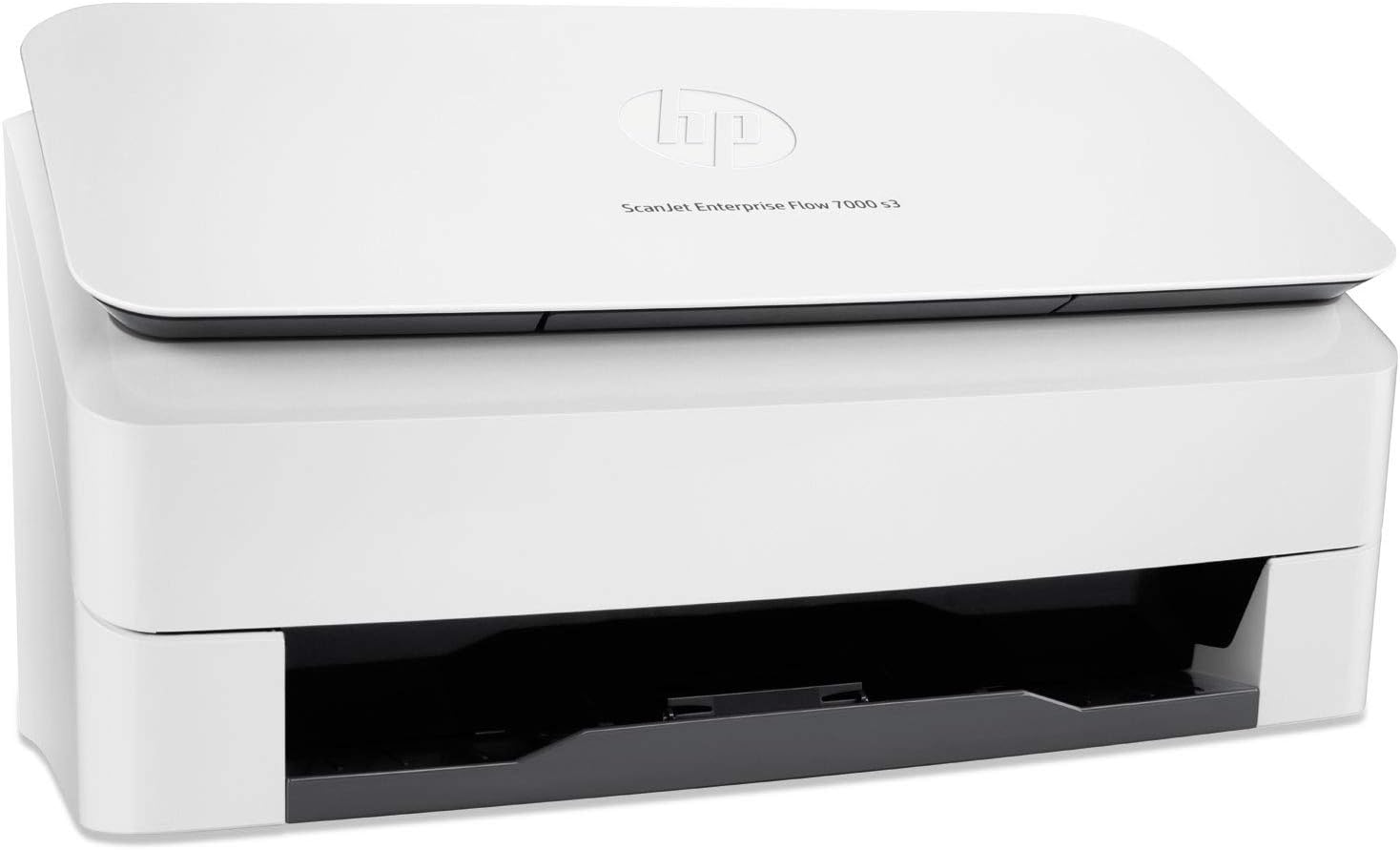
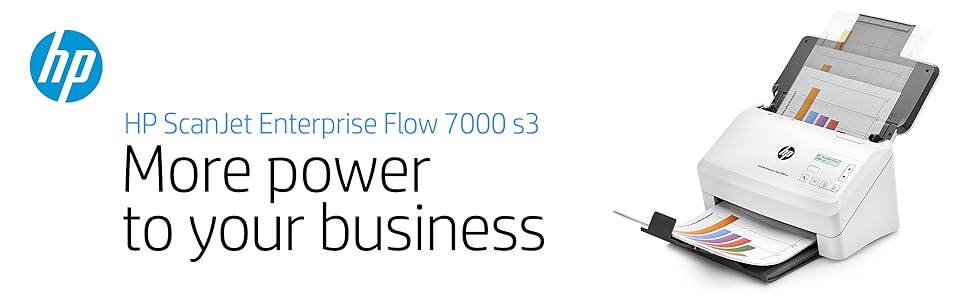
The HP ScanJet Enterprise Flow 7000 s3 is a high-volume sheet-feed scanner designed for professional environments, delivering up to 75 pages per minute duplex scanning at 600 dpi resolution. With an 80-sheet automatic document feeder and compact design, it streamlines document workflows while offering remote management capabilities via HP Web JITAdmin. Ideal for offices processing up to 7,500 pages daily, it balances speed, precision, and space-saving style.




| ASIN | B01M0TLC7X |
| Best Sellers Rank | #236,167 in Office Products ( See Top 100 in Office Products ) #272 in Document Scanners |
| Brand | HP |
| Built-In Media | 2CDs, Installationguide, Support flyer, Warranty guide, L2757A HP ScanJet Enterprise Flow 7000 s3 Sheet feed Scanner, Power cord, PowerAdapter, USB cable |
| Color Depth | 48-bit |
| Connection Type | USB |
| Connectivity Technology | USB |
| Customer Reviews | 3.6 out of 5 stars 32 Reviews |
| Global Trade Identification Number | 00889894865663, 00889894865755, 00889894865786 |
| Item Type Name | HP ScanJet Enterprise Flow 7000 s3 Sheet-feed Scanner (L2757A) |
| Item Weight | 8.4 Pounds |
| Light Source Type | LED |
| Manufacturer | HP |
| Media Type | Paper |
| Minimum System Requirements | Windows 7 |
| Model Name | Scanjet |
| Paper Size | 8.50 x 122.04 x 8.50 x 8.50 x 7.25 x 8.30 x 7.20 x 5 7 x 5.80 x 5.80 x 2.90 x 8 2 x 4 x 2 |
| Resolution | 600 |
| Scanner Type | Document |
| Standard Sheet Capacity | 80 |
| UPC | 889894865670 889894996657 889899200605 889899200582 889894865786 889894865755 889894865700 889894865731 889894865687 889899200575 889894865793 889894865663 889894865762 889899200599 889894865694 889894865717 889894865779 889894865748 889894865724 |
| Unit Count | 1.0 Count |
| Warranty Description | HP standard 1-year limited warranty |
| Wattage | 6.7 |
R**R
Fantastic scanner. I've owned other HP scanners
Fantastic scanner. I've owned other HP scanners, but this is the best one yet. Fast and accurate.
A**D
Waste of Money...It's not an upgrade
I previously had the HP Scanjet 7000 s2, for over 5 years it was an incredible scanner, so happy, when it started to wear, I instinctiuvely made the decuision to just buy it again, seeing the next generation s3, I was excited for some of the new improvements, most notably faster scanning, and larger ADF. What a disappointment, I have spent hours with this scanner, the new software scanning process is horribly slow, anything that is not a crisp piece of paper will set of the misfed detector and stop your scanning, if you disable it, it will start pulling 3-4 pages through at a time, every day, it malfunctions and is unable to communicate with my computer until I power cycle the unit (every day)... it does not work it...I bought a Fujitsu Fi-7180...it's on the way...expecting better results, shame on you HP for making such a horrible product!
E**N
Works great!
Easy to use!
L**N
More to come....
I haven't had a chance to really give this a good try but I feel bad about seeing this product languish in my review queue so I'm at least going to give it a preliminary review and I will update it later. I chose this scanner off the Vine list because I thought it might be a good tool for preserving historical documents at my library. I know that it's really designed more for office use but that doesn't mean we can't use it to digitize all those mimeographed church histories and scrapbooks in our files, right? So I unboxed the scanner - very sleek and takes up a small amount of space. I like that. The instruction included it with the scanner were scanty though. Also, the software was on discs and there was no disc drive on the laptop computer that I wanted to use the scanner with. I went to the HP support site and found the software to download. That's as far as I got. The next day our library system updated it's software, causing my laptop and one other library computer to go into a cycle of constant re-start. My laptop has been languishing in the tech support office ever since. I will let you know when I can start working with this product again.
T**R
Great for batch jobs, a few usability concerns for one off jobs
I may not be an enterprise, but have a home business where I can sometimes deal with 100 - 200 page documents (contracts) at a time. I had been using a regular home office (officejet) scanner for years. But the slowness of scanning meant my archival backlog had gotten to be so overwhelming that I had basically stopped scanning for nearly a year. Say hello to this beast. This device is HIGHLY optimized for batch jobs allowing you to setup profiles with an almost dizzying array of scanning and output options. Simply enter your settings and give it a name. You can then quick launch from a computer or set it up to be available from a quicklaunch button on the scanner itself. I loved this feature and within a few hours already was using it to speed up getting through my backlog of document types. I do have a nit on this feature. The LCD screen on the scanner itself is TOO small. When you have similar profiles but need to describe them with a few extra words, they end up off the LCD screen and you have to wait for it to scroll. Basically, it ends up forcing me to use profile names that are shorter, but less descriptive. I don't know why they couldn't put a larger LCD on the device itself. I really was impressed with the scanning on this device. It is really fast! I threw everything from a credit card to carbon copy statements at it and it ripped through them pretty well. I did end up with a couple of jams on carbon copy statements that were folded tightly together. The device detected that more than one was pulled through and immediately stopped. But fixing the jam was exceedingly easy with the quick access panel. It allowed me to then abort or continue. I do wish for a few minor improvements to one-off jobs. For example, one of the profiles I set up was for it to always prompt for file name. This is very useful. But, when I input the file name, it doesn't let me see the name of files already in the folder that I have selected for output. I often use a naming pattern within each folder, but for the more unique jobs it doesn't make sense to set up a base batch name. Not being able to see the names in the folder made it somewhat of a hassle where I needed a second window open in explorer to figure out which name I should use. This seems like an easy feature to add (please HP!). Taking care of this use case would make this scanner a no brainer for me. One other thing, which is in the feature list, this scanner doesn't support wireless out of the box. You have to buy an adapter for about $50 from HPE to do wireless. The included USB cable is 6 feet in length which limits your placement ability. Okay, the above few paragraphs are not huge issues, but enough to easily drop this from 5 stars to 4 stars. Almost enough to make me knock another star off (3 stars), but really, the incredible scanning speed with auto detection of orientation, color, blank pages, and customizable profiles means that this device is a rock star for bulk scanning (its primary purpose).
R**D
strong
Great scanner very strong and durable.
M**Y
Stay away from this machine if you have any volume at all.
This scanner is supposed to handle high volume scanning. It does not. Stay away from this machine if that is your goal. I am on my fourth machine. Amazon replaced one and HP two more. Documents start jamming after about 15000 scans. These were done over a number of days. One of the top rollers would pop out slightly. So I cleaned the rollers with alcohol as per instruction manual. Did no good. Talked to HP and they say the owner's manual is wrong and not to use alcohol. Had fragile document to scan so owners manual says to use a document sleeve. Did that but the scanner keeps saying there is a mutipick of paper so it won't go through. I have been waiting two weeks for replacement rollers from HP because they think that is the problem. They do not stock the rollers so they had to order them from some outside company!. If you just do some light scanning I guess this would be okay, but any more than that is very risky.
J**R
Works as advertised
We like this product so much we purchased a second one. Necessary in our attempt to avoid buying more file cabinets.
Trustpilot
1 month ago
3 weeks ago