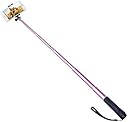
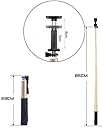
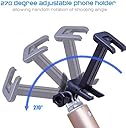
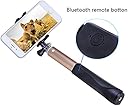
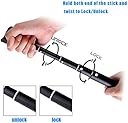



Selfie Stick for iPhone & Android Smartphones Aluminum Extendable Monopod with Adjustable Phone Holder & Built-in Bluetooth Remote Shutter (Pink)
Product ID: 42124185
Desertcart purchases this item on your behalf and handles shipping, customs, and support to Thailand.
selfie stick user manual: 1、long press the power button for 3 seconds to turn on the bluetooth selfie stick,flashing of blue light indicates matching status,when the device is searchable by cell phones,device name is 'selfie ZW01'2、the blue light stops flashing when the matching is completed successfully,short press the shutter button to take photos.3、if no action is taken place within 3 minutes after successful connection,the bluetooth selfie stick will enter standby mode to save power ,short press the shutter to wake it up,long press the power button for 3 seconds to power off.4、red light on when charging.5、 if you are unable to take photos successfully ,please check the battery level,please recharge the bluetooth selfie stick with USB cable if necessary.
Trustpilot
5 days ago
2 months ago