We remain fully operational. Our teams are working around the clock to ensure your deliveries continue safely.

DOWNLOAD THE APP


Copyright © 2025 Desertcart Holdings Limited
DOWNLOAD THE APP








🚀 Elevate your home network to WiFi 7 — speed, coverage, and security redefined!
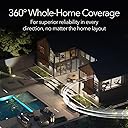
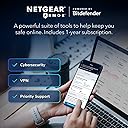
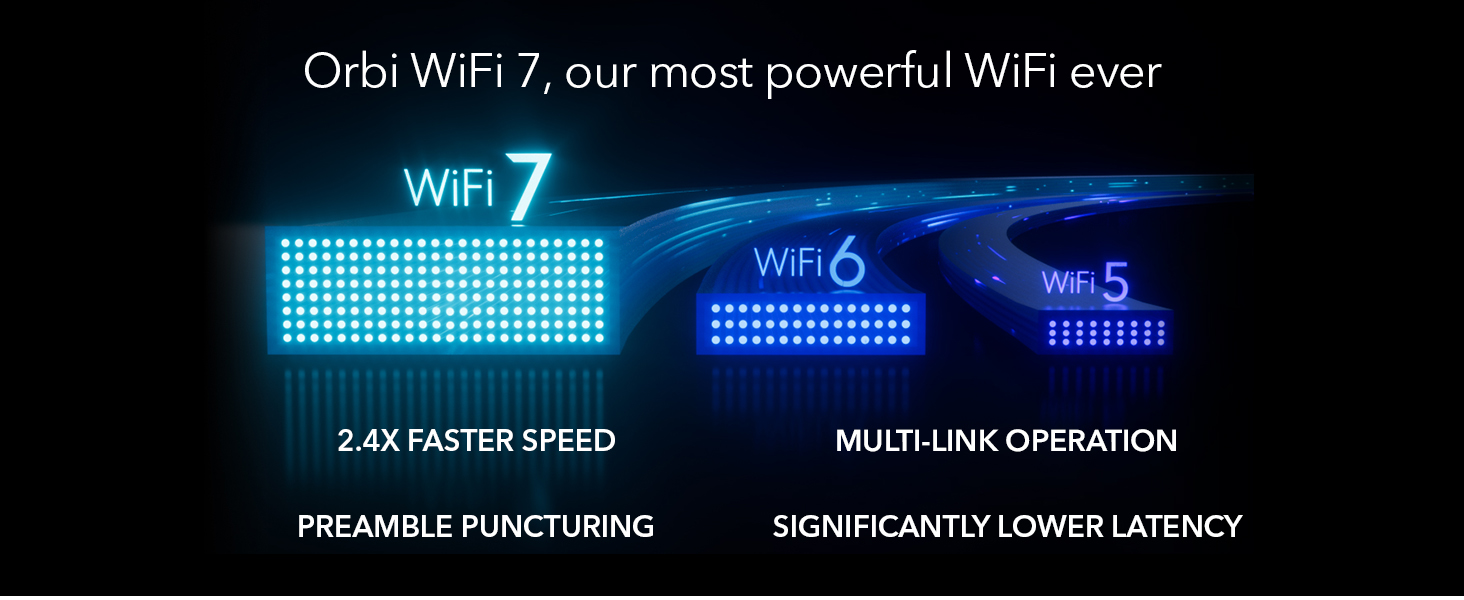
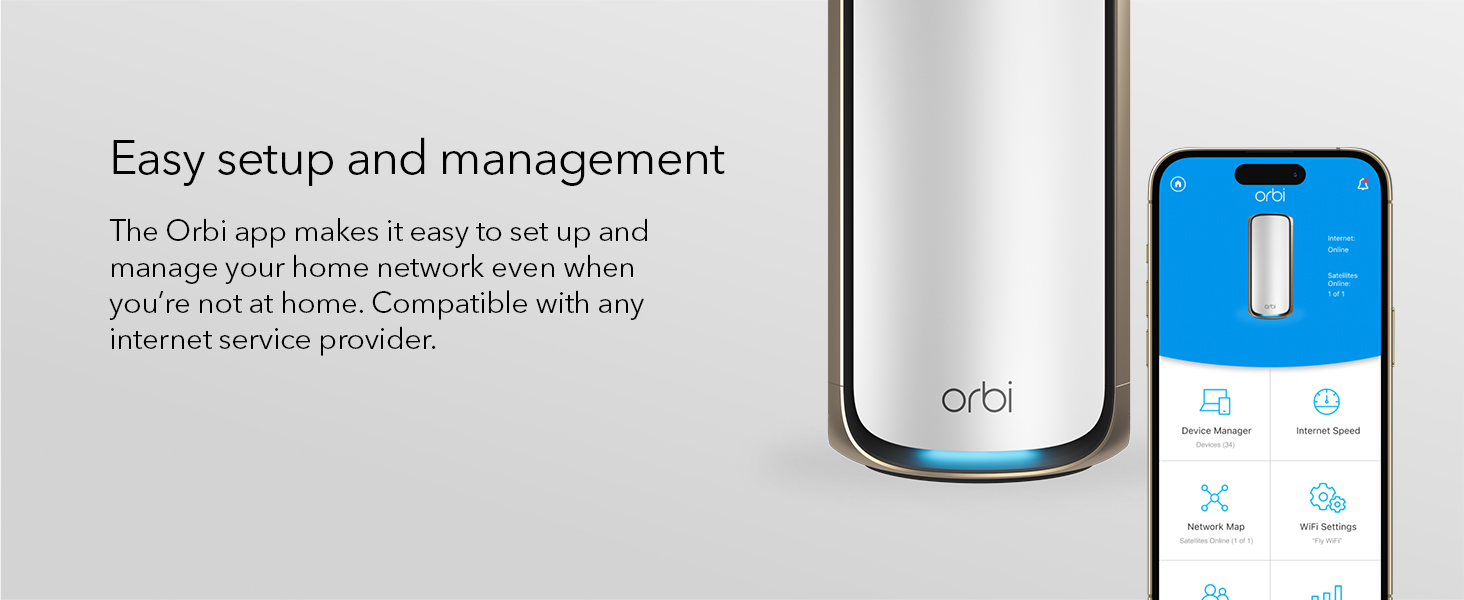
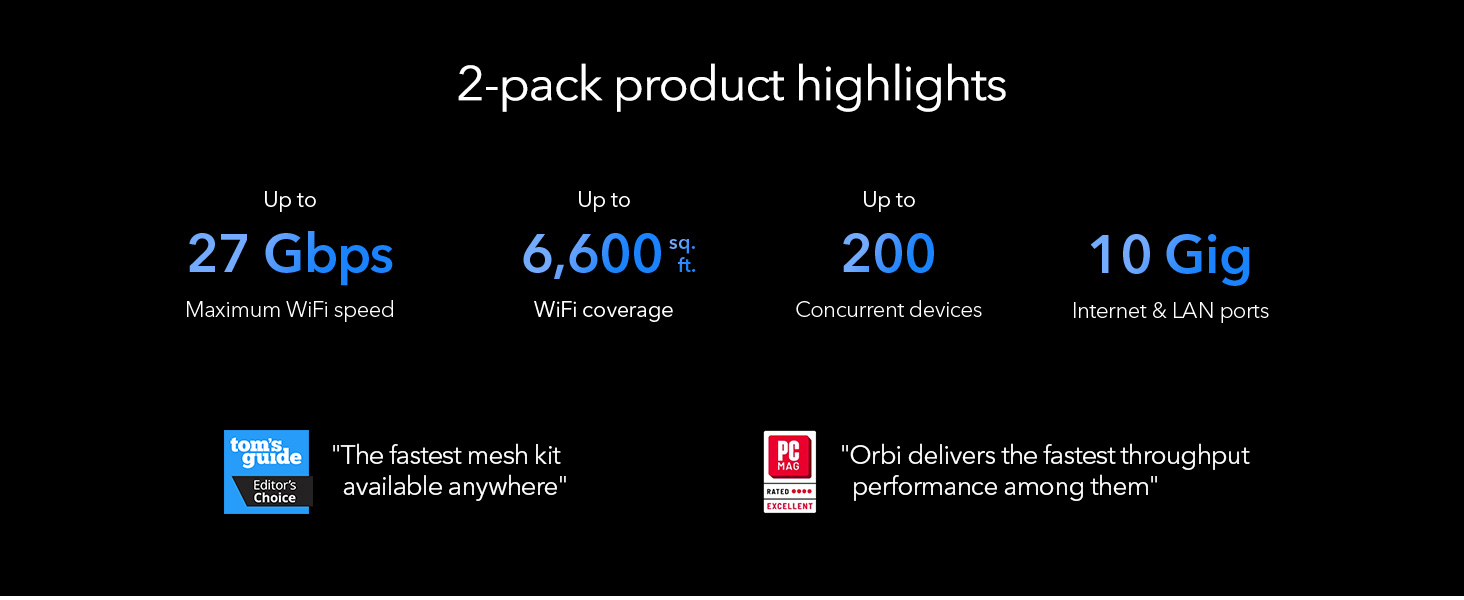
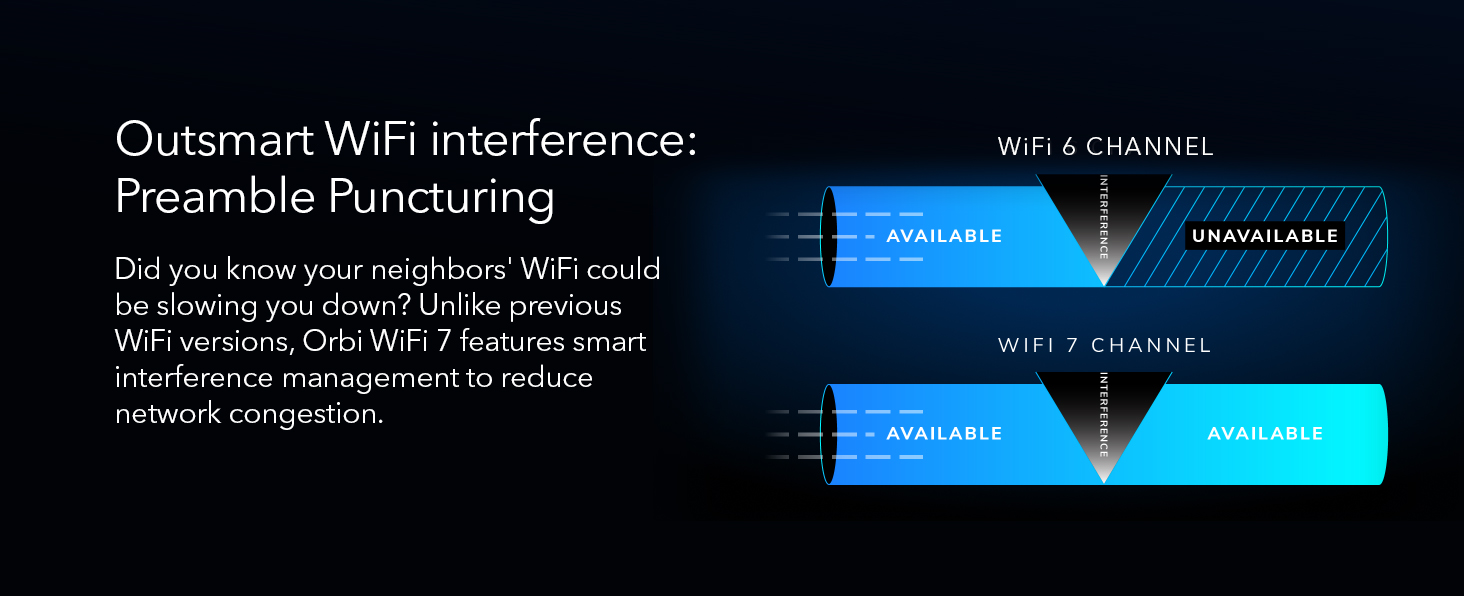
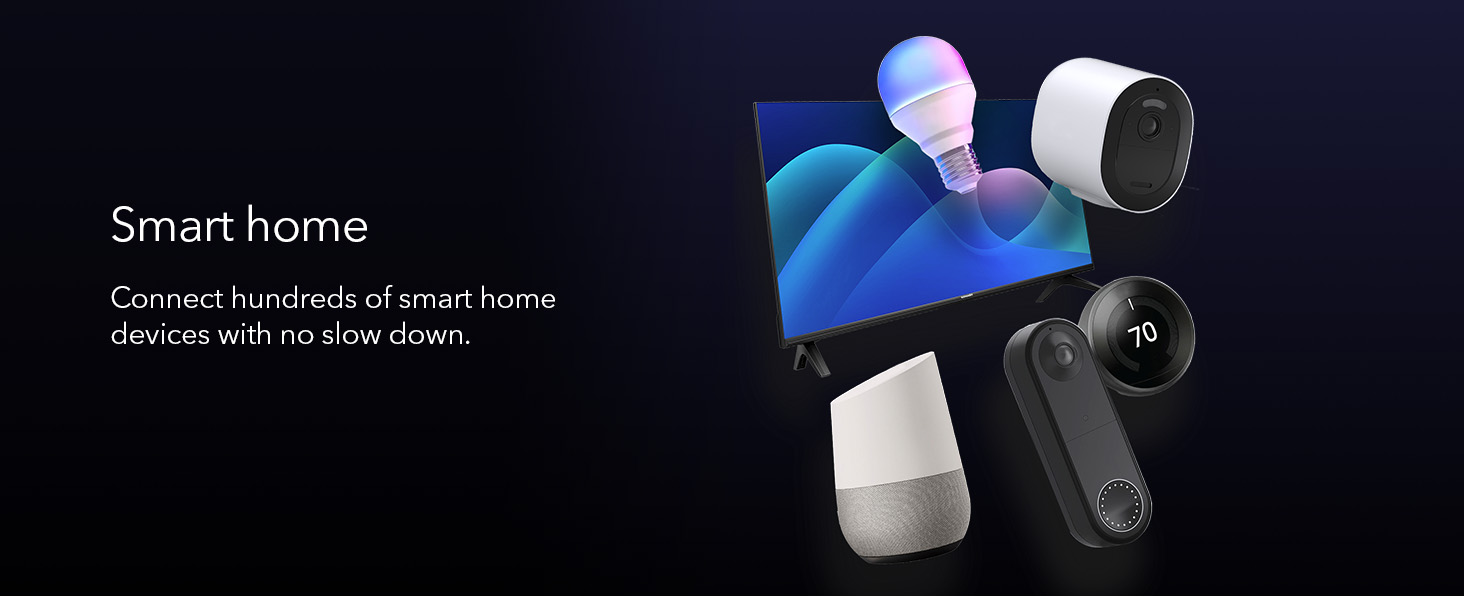
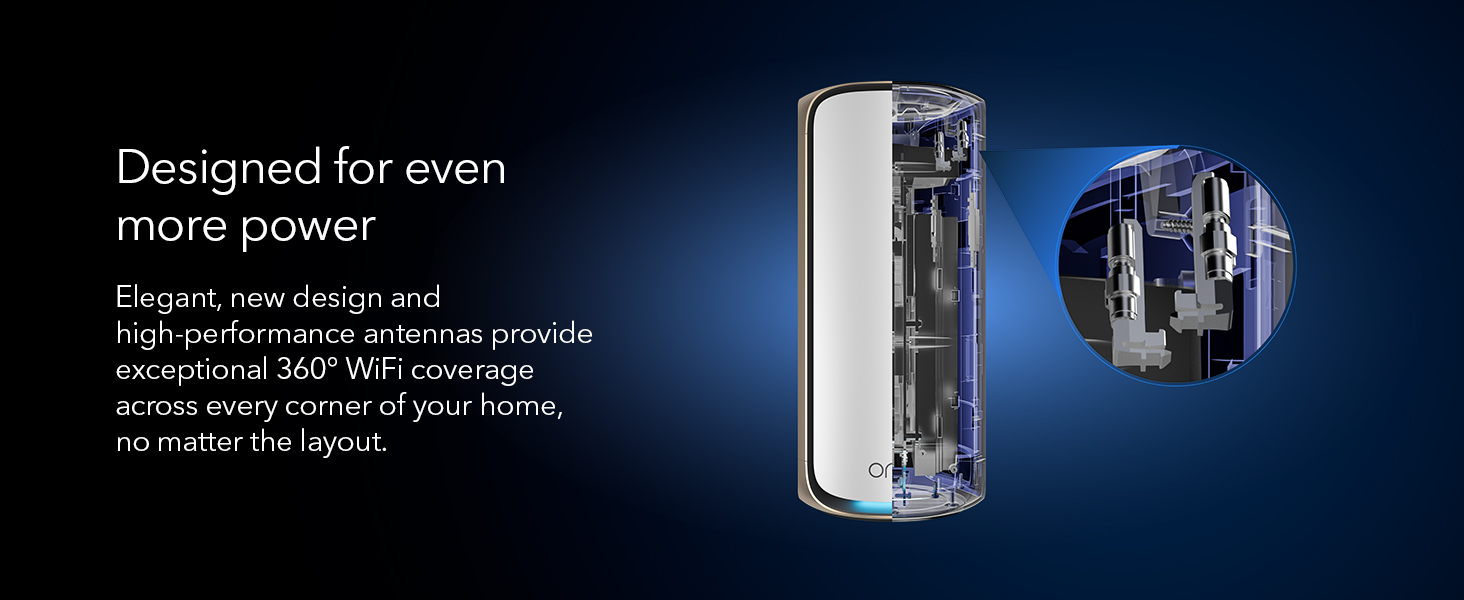
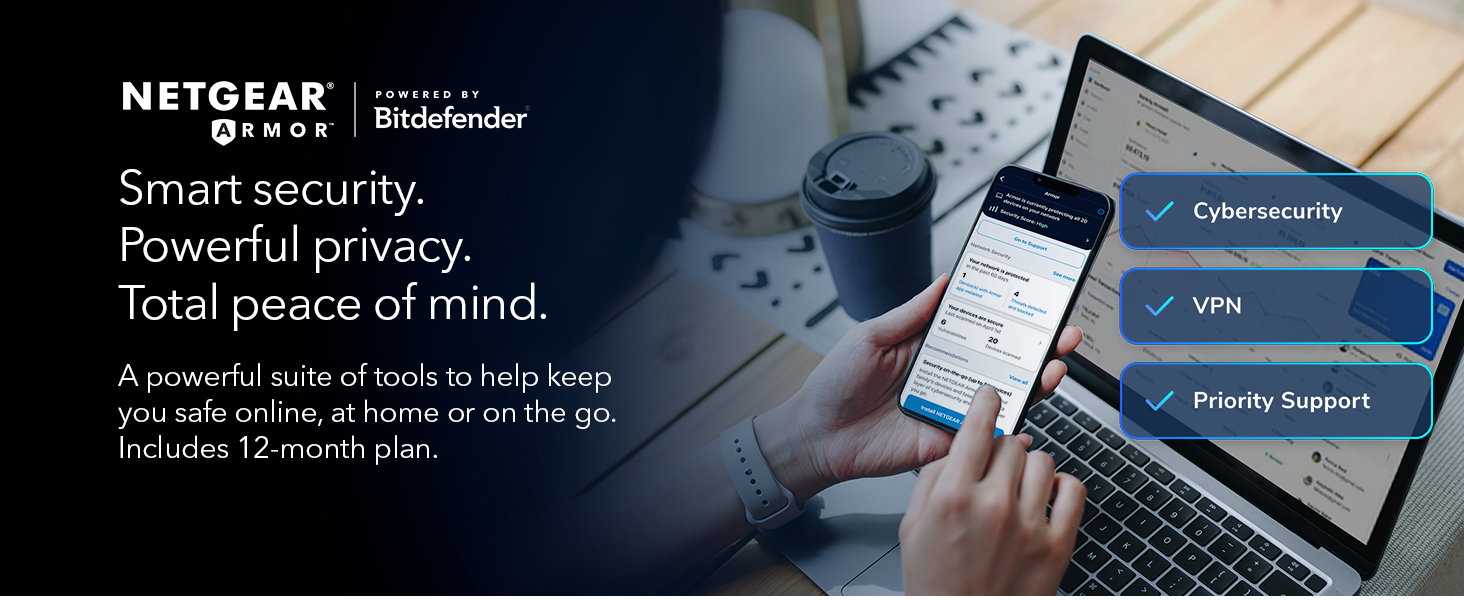
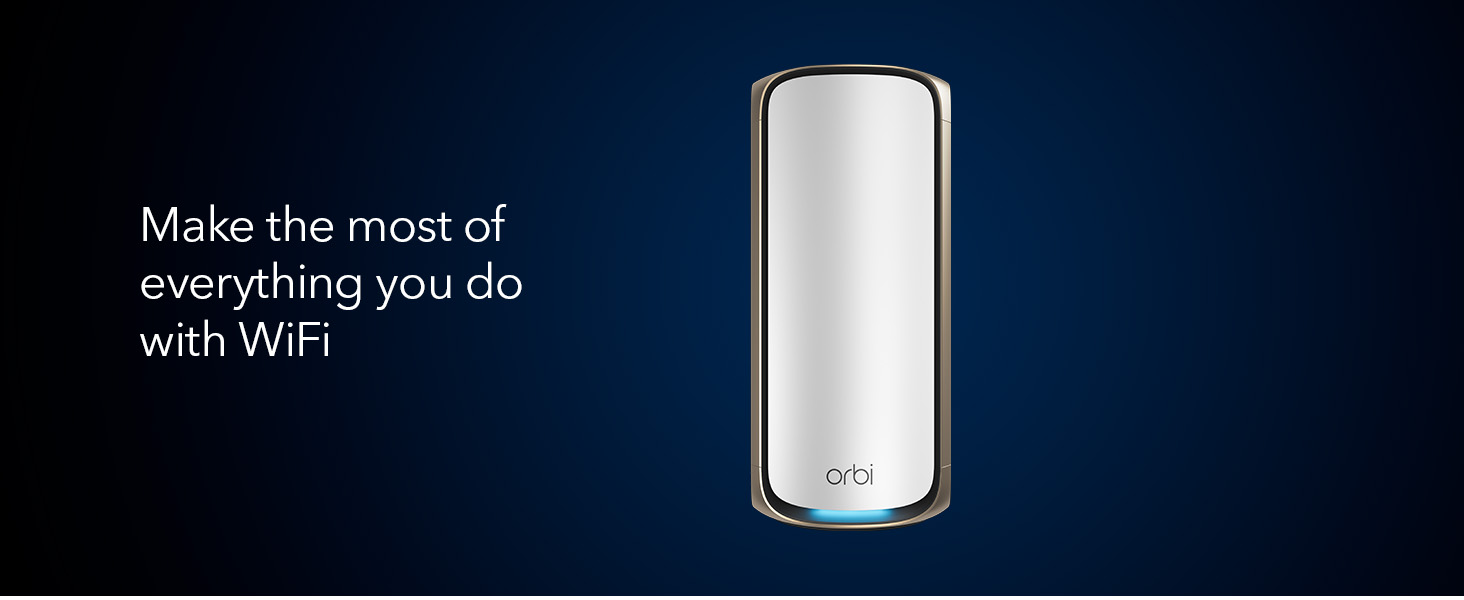
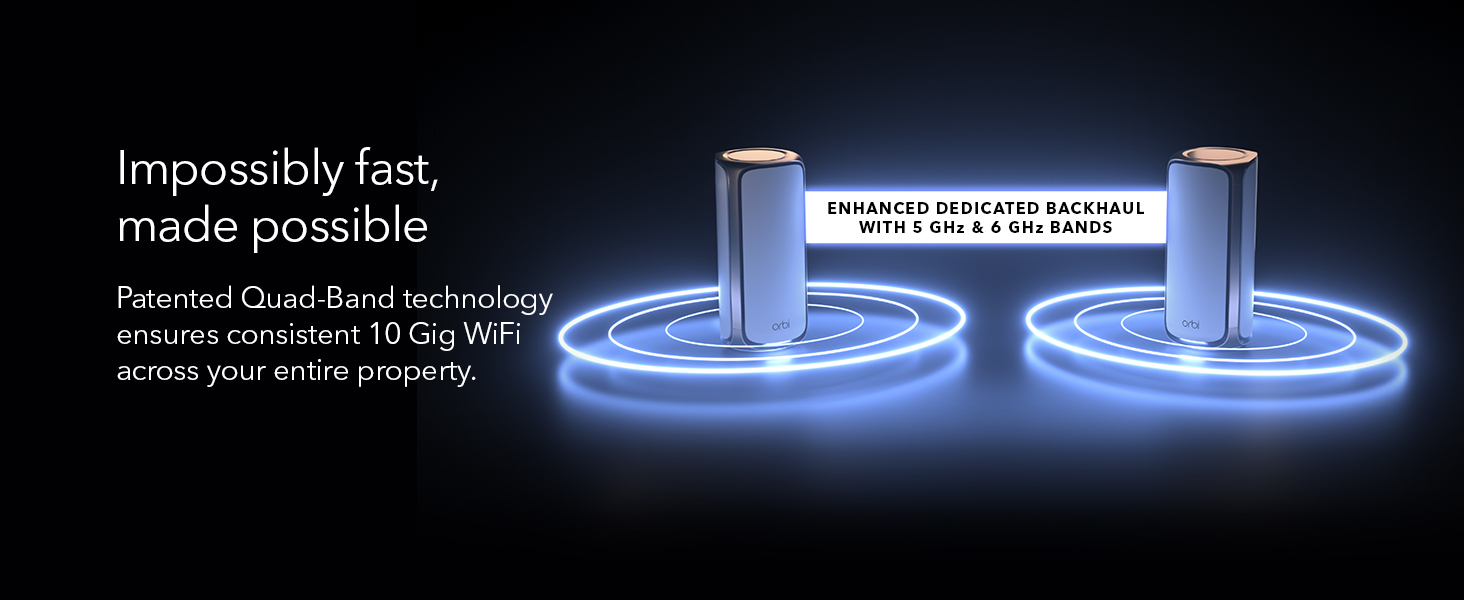
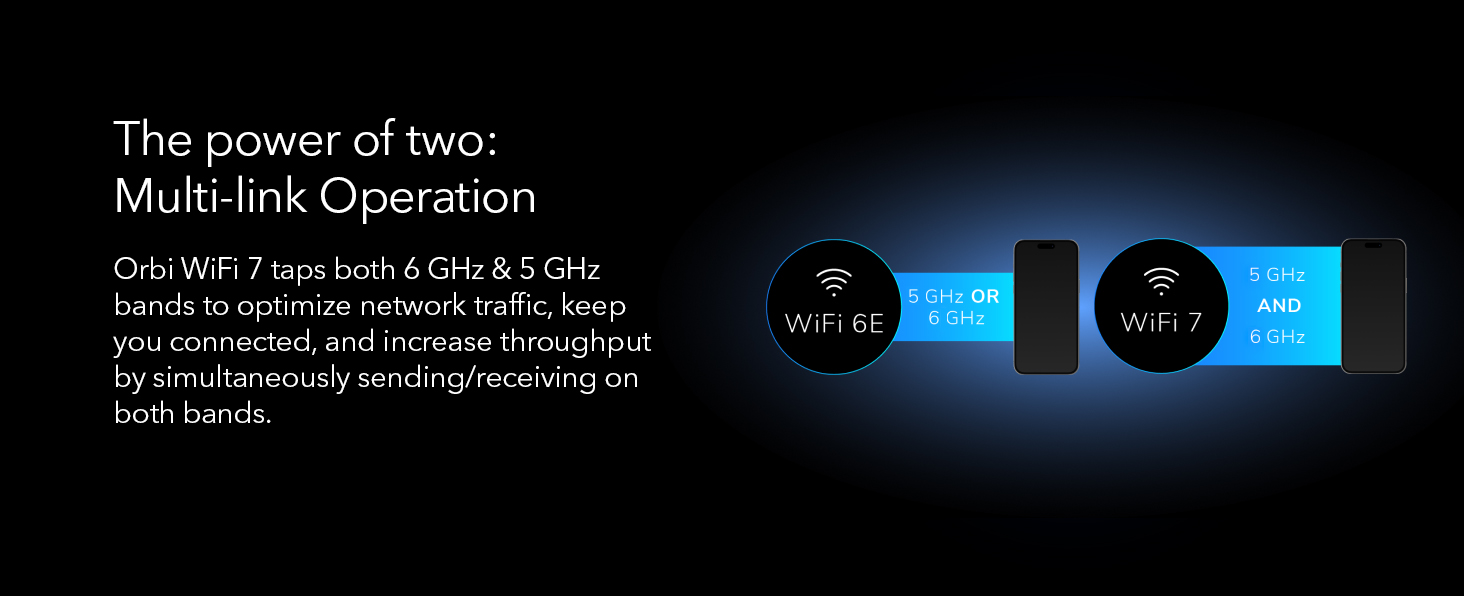
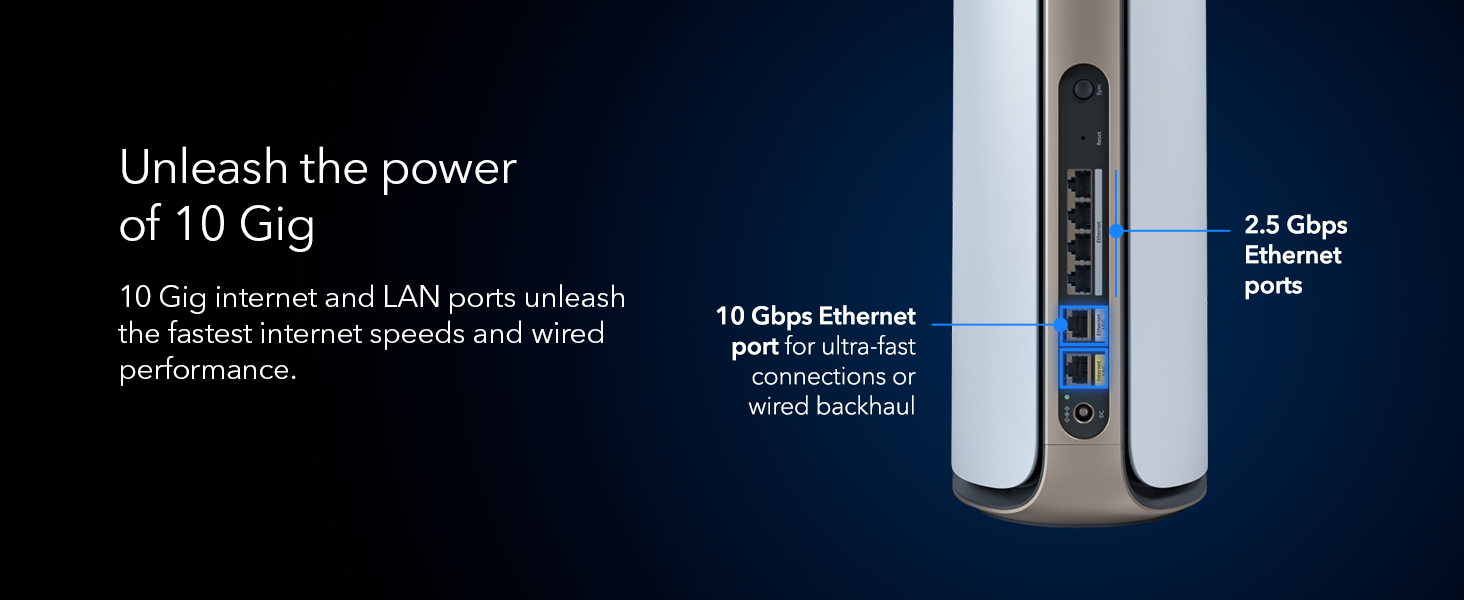
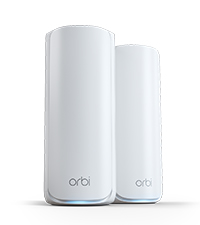
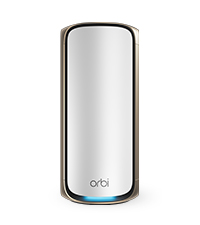
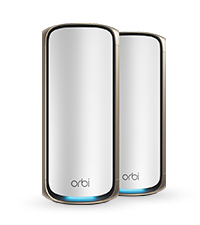
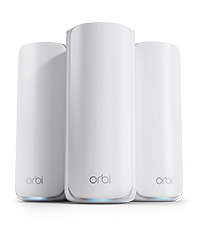
The NETGEAR Orbi 970 Series is a cutting-edge WiFi 7 mesh system delivering ultra-fast speeds up to 27Gbps and expansive 6,600 sq.ft. coverage. Featuring patented quad-band technology with enhanced dedicated backhaul, it supports over 200 devices simultaneously without lag. Equipped with a 10Gbps internet port and multiple high-speed Ethernet ports, it ensures top-tier wired and wireless performance. The system includes a 1-year NETGEAR Armor subscription for comprehensive cybersecurity, making it ideal for modern smart homes and hybrid work environments.




| ASIN | B0CGJJKHS6 |
| Antenna Location | Business |
| Antenna Type | Fixed |
| Best Sellers Rank | 267,025 in Computers & Accessories ( See Top 100 in Computers & Accessories ) 499 in Whole Home & Mesh Wi-Fi Systems |
| Box Contents | One (1) 2m Ethernet cable, One (1) Orbi WiFi 7 Router (RBE971), One (1) Orbi WiFi 7 Satellite (RBE970), Quick start guide, Two (2) power adapters |
| Brand Name | NETGEAR |
| Colour | WiFi 7 | 2-Pack |
| Compatible Devices | Personal Computer |
| Connectivity Protocol | Wi-Fi |
| Connectivity Range | 6600 Square Feet |
| Connectivity Technology | 802.11be, Ethernet |
| Control Method | App |
| Controller Type | Vera |
| Coverage | 6,600 sq. ft. |
| Customer Reviews | 4.0 4.0 out of 5 stars (2,441) |
| Data Transfer Rate | 27 Gigabits Per Second |
| Frequency | 6 GHz |
| Frequency Band Class | Quad-Band |
| Has Internet Connectivity | Yes |
| Has Security Updates | Yes |
| Is Electric | No |
| Is Modem Compatible | No |
| Item Weight | 5.22 Kilograms |
| LAN Port Bandwidth | 10000 Mbps |
| Manufacturer | Netgear |
| Manufacturer Part Number | RBE972S-100NAS |
| Maximum Upstream Data Transfer Rate | 27 Gigabits Per Second |
| Model Name | RBE972S |
| Model Number | RBE972S-100NAS |
| Number of Antennas | 3 |
| Number of Ports | 2 |
| Operating System | Windows, macOS, Linux |
| Other Special Features of the Product | WPS |
| Router Firewall Security Level | High |
| Router Network Type | Mesh |
| Security Protocol | WPA2-Enterprise, WPA3 |
| UPC | 606449166583 |
| Wi-Fi Generation | WiFi 7 |
| Wireless Compability | 802.11.be |
R**Z
Sin ningún problema y midiendo las velocidades, se aprecia la mejora del mis equipos ya con 8 años de uso, pero que se pudieron integrar a través de cable y como AP Mode
M**D
I originally had a basic Velop mesh system and decided to upgrade to a premium option. I chose Netgear, expecting great performance given its price and marketing. However, when I set it up in the same spot as the Velop, the units couldn't even connect to each other. Despite the large size of the device, I was willing to overlook its appearance for a superior connection. Unfortunately, this turned out to be my worst experience ever, and I felt completely ripped off. I will be replacing it with the Deco X90.
P**R
Just got upgraded from my old Orbi to the Orbi 970 WiFi 7 system, and it’s been a solid improvement. I’m on a 2-gig internet connection, so having hardware that can actually keep up makes a noticeable difference. Setup was easy using the Orbi app and everything came online without issues. WiFi performance has been very strong. Even with a wireless backhaul, I’m seeing close to 1 Gbps download speeds, and uploads hit the 300 Mbps limit of my ISP plan, so the router clearly isn’t holding anything back. Latency has been low and stable, which matters a lot for work calls and streaming. We have a lot of family devices connected, including smart home gear, TVs, and phones, and coverage has been consistent across rooms and floors with smooth handoff. Overall, it feels like a reliable, future-proof upgrade that works well for everyday family use.
O**.
El mejor producto de su categoría, llevo poco probándolo pero en este tiempo su desempeño ha sido excepcional, lo recomiendo ampliamente, el precio es caro pero vale la pena cada centavo.
K**N
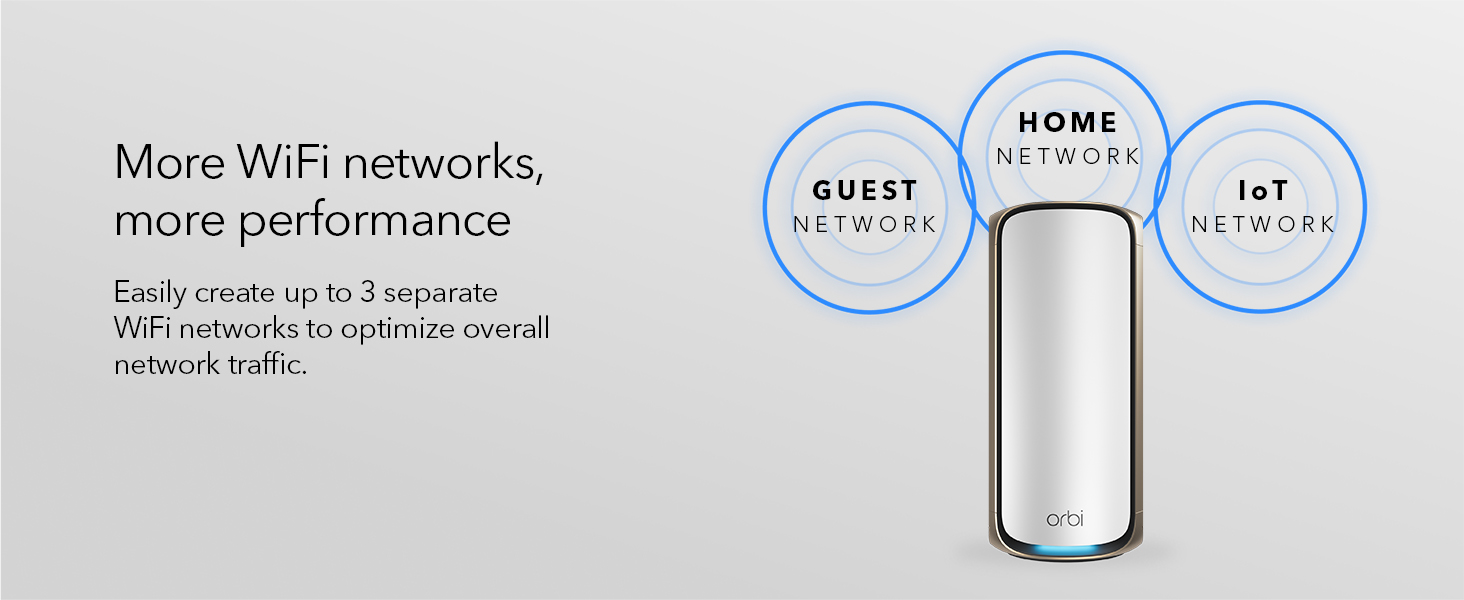
Easy to setup with the NetGear Orbi app from the play store, Just follow the set up. Use the default SSID and passphrase until you're completely done Then change your SSID and passphrase to what you want. Note: I had to reinstall the NetGear Orbi app because the diagram map showed red for not connected to the internet and router when I was connected. The satellite showed green. Called tech support and the tech suggested that I remove the app and reinstall After I reinstalled the app everything showed green. The web page interface shows a lot more options and a better view of your attached devices. Don't forget to change web page password. The web page allowed me to assign IP addresses to my devices. When I did noy have the TV assigned an IP address, I would sometimes get a not connected when going into HULU (pretty much everyday) I just had to cancel the error message and try again., After I assigned the TV an IP address, I never had that problem again. Note: If you have a TV with Wi-Fi 6, do not use the ethernet cable connected to your satellite. It's a slower connection, Use the Wi-Fi for your connection, I don't like the Armor because it wants you to install Bitdefender on all your devices. I like the Asus Aiprotection because it does not require any software to be install on your devices, I'm still sticking with Netgear Orbi, but I won't be subscribing for the Armor. I'm happy with my with my whole experience with the Netgear Orbi. I believe Netgear Orbi is one of the best routers out there. A bit expensive, but you get what you pay for and you are getting a quality router that will last you a long time. Especially since it can handle 100 devices,
Trustpilot
1 week ago
3 days ago