Desertcart purchases this item on your behalf and handles shipping, customs, and support to Thailand.
🚗 Wirelessly drive your Android Auto experience into the future—no cables, no hassle!
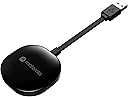
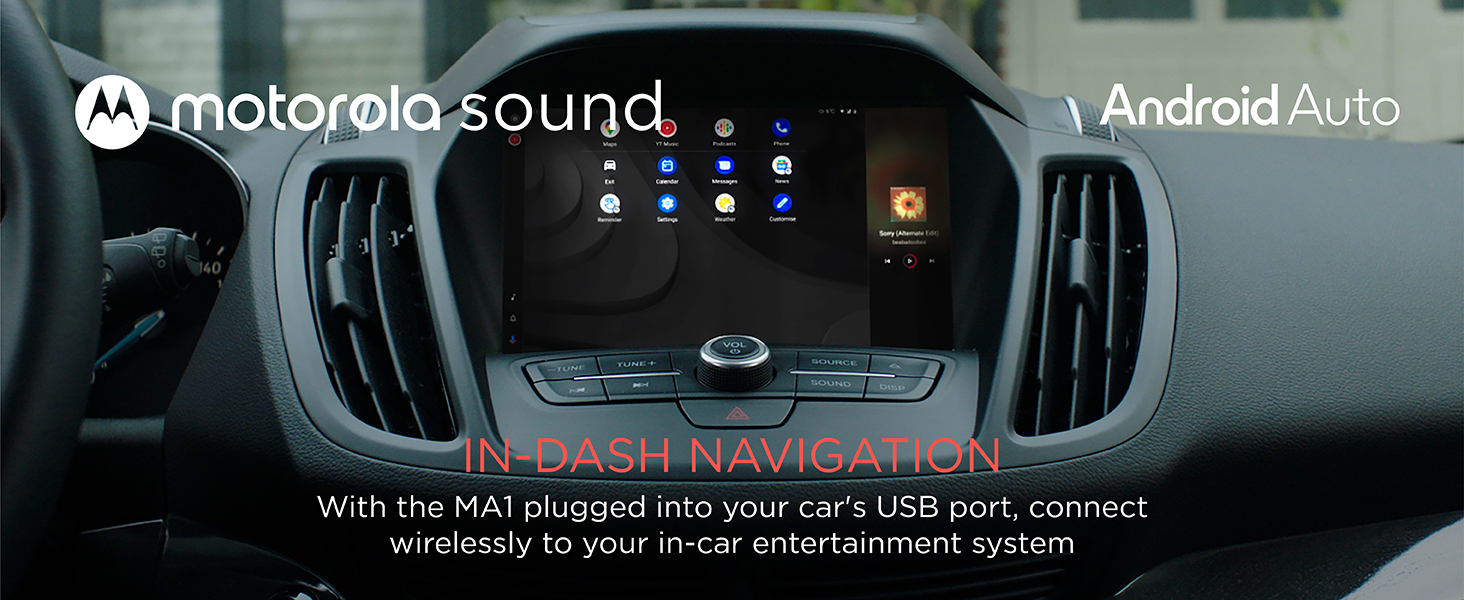
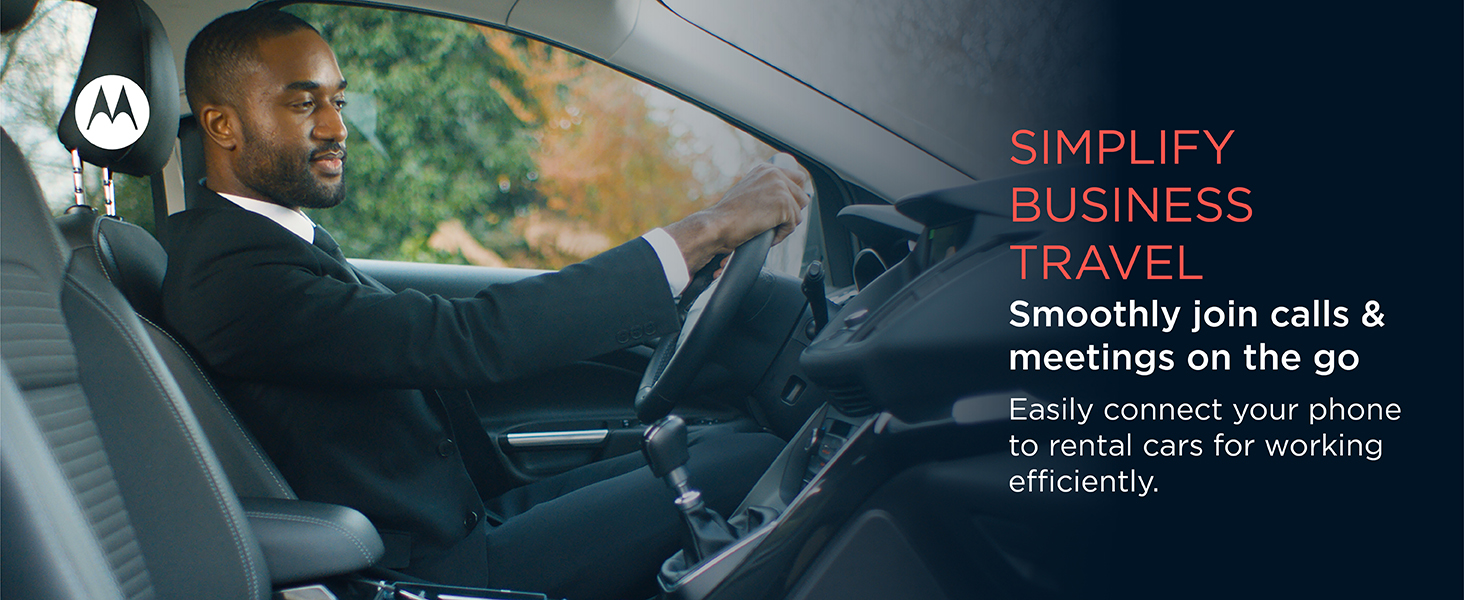
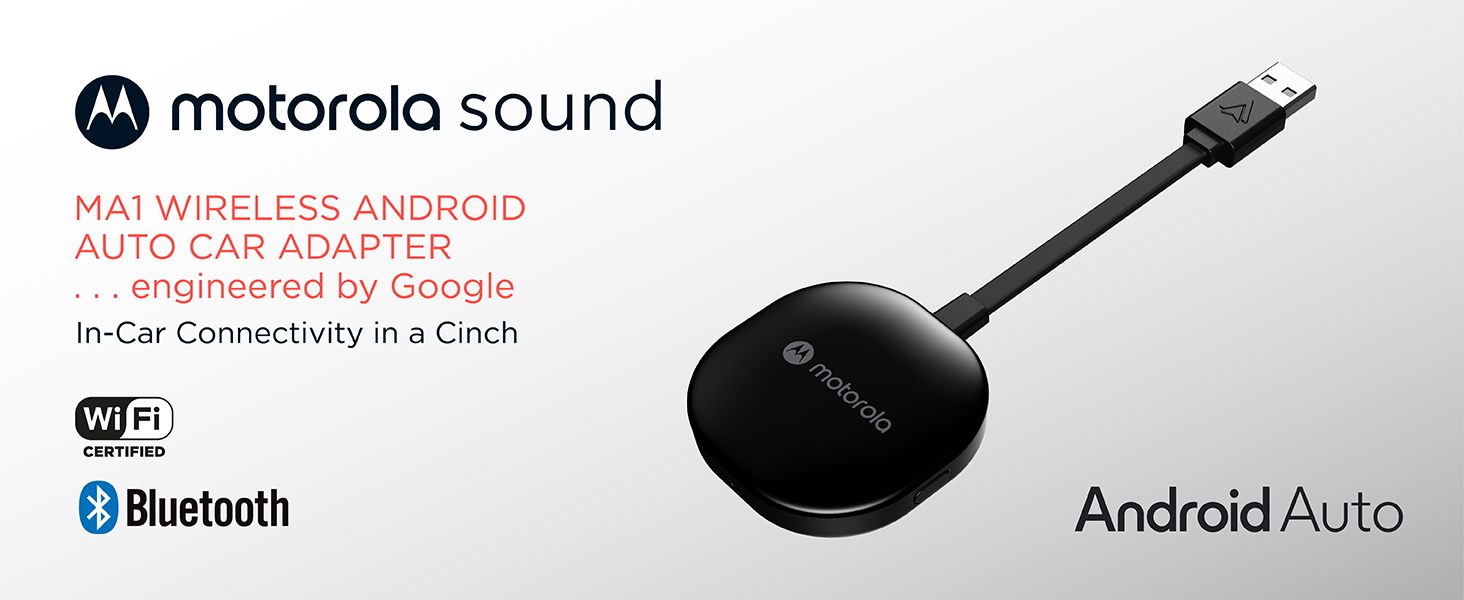
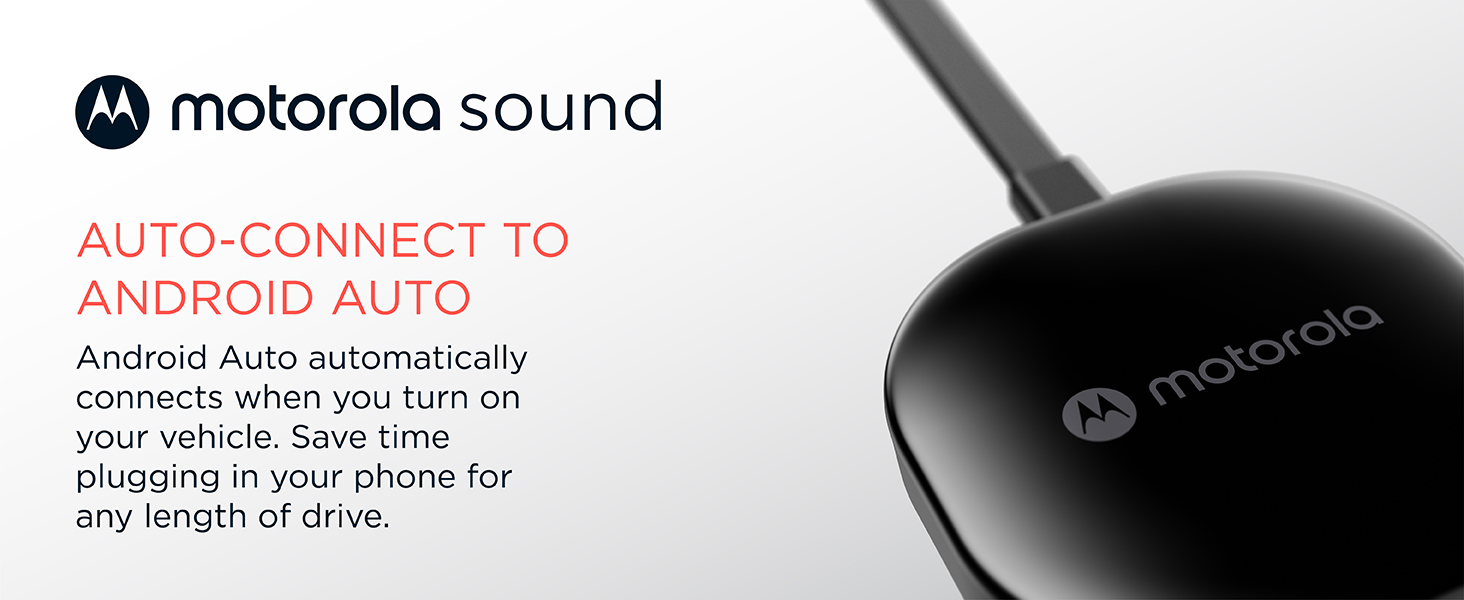
The Motorola MA1 Wireless Android Car Adapter transforms your wired Android Auto-enabled vehicle into a wireless powerhouse. Utilizing 5 GHz WiFi and a direct USB Type-A plug, it delivers fast, reliable streaming of navigation, media, and messaging apps from your Android 11+ smartphone. Its compact design includes a secure gel pad for stable placement, while smart self-learning technology enhances connection speed and reliability over time. Perfect for professionals seeking a sleek, cable-free driving experience with seamless integration.


| ASIN | B09PQ95GY4 |
| Best Sellers Rank | 138 in Mobile Phone Wireless Automobile Chargers |
| Brand | Motorola Sound |
| Brand Name | Motorola Sound |
| Colour | Black |
| Compatible Devices | GPS, Headphone |
| Compatible devices | GPS, Headphone |
| Connector Type | USB Type A |
| Connector type | USB Type A |
| Current Rating | 1 Amps |
| Customer Reviews | 3.8 out of 5 stars 16,379 Reviews |
| External Testing Certification | ANATEL: 09363-2 2-08069 |
| Input Voltage | 12 Volts |
| Item Dimensions | 16 x 5.5 x 1 centimetres |
| Item Weight | 70 Grams |
| Item dimensions L x W x H | 16 x 5.5 x 1 centimetres |
| Manufacturer | Motorola Sound |
| Manufacturer Part Number | MA1 |
| Model Number | MA1 |
| Nominal Power | 230 Watts |
| Number of Items | 1 |
| Number of Ports | 1 |
| Package Quantity | 1 |
| Power Plug Type | No Plug |
| Product Finish Type | Matte |
| Specific Uses For Product | Headphones |
| Specific uses for product | Headphones |
| UPC | 810036773140 |
| Unit Count | 1.0 count |
| Warranty Type | Limited |
D**G
Honest review, genuine purchase
Update: still working perfectly, nearly a year after purchase. Have used it on two Euro trips one of which was 15 hrs on the road. For my car it sits in the centre console to plug into the usb port, it is well ventilated. I purchased to use in a 2018 Ford Focus ST, running Sync 3.5. For some reason hardly anyone leaving a review for Motor products actually provide the car model and age. I found that with music streaming and using maps navigation with the phone plugged in to my cars USB port, the minimal charge provided by the cars port. My phone would barley increase its charge level, even a four and a half hour drive with a start charge of 54%, the phone only reached 100% ten minutes. So I decided to find a way to use Android Auto wirelessly. After researching, I found a number of devices available on Amazon varying in price. I was drawn to the Motorola MA1, because of the self learning element built in to the device. Apparently it can over time optimise everything depending upon your usage and used preferences. I am only a week in to using it. The set up was really easy (if stuck just type in Motorola MA1 set up in to YOUTUBE), I just plugged it in, opened connected devices on my phone and asked it to look for new devices. It appeared within a second, after clicking to connect and allow permissions and connect automatically, it was done. Around 10 seconds later my car showed the Android auto option and it was fully up and running. It connects automatically a few seconds after my car screen has initialised, about 8 seconds from opening the drivers door (it has become a lot faster than the first few time I used it, so I take it the self learning thing works). I have had no drop outs. Admittedly I have not bee on any long journeys since purchase and I have not tried to stream video on the car screen via the YOUTUBE app. I have had music streaming from most of my music apps whilst using a navigation app. My only grip and it is not really with the Motorola MA1, it is actually with Google and Amazon. If you use the car screen to open the Amazon music app and play your library playlists for some reason not all of my downloaded to my phone playlists show on the library list displayed by the car and then when you select a play list it does not show all the downloaded to my phone tracks and plays them in shuffle mode. I have tried every setting, I have contacted Google and Amazon, both of whom blames the other for this widely know common issue. Which occurs whether you connect via a cable or wirelessly.
A**R
Used this with two different phones on same head unit
Bought this in August 2023 and initially used it with a Samsung Galaxy A34. Before starting I restored the cars head unit to factory settings and then paired the A34 with the head unit over Bluetooth. Then I plugged the USB-C cable from the A34 into the USB socket in the car with a Crucial USB-C to USB-A adapter. Then I was able to create an Android Auto connection over USB. Then I plugged the Motorola MA1 into the USB port and paired it with the A34. Then I was prompted to start Android Auto wirelessly over the MA1. It worked this way fine for 1.5 years until I bought a new Samsung Galaxy S25. First thing I did was restore the cars head unit to factory settings to get rid of the A34. Then I paired the head unit with the S25 over Bluetooth. Then I tried to connect the S25 to the USB port using the cable that came with the S25 and the same Crucial USB-C to USB-A adapter. This is where I ran into problems, I could only plug the USB-C connection into the adapter one way otherwise it didn’t work. Anyway once I’d discovered this I plugged it in the way it worked and was able to start Android Auto over USB, however it complained about needing location services to display google maps. Location services were switched on but as I’m parked in an underground car park it couldn’t show the maps. This was resolved as soon as I left the car park, then when I got home I tried to connect the MA1 into the USB port as I’d already paired it with the S25 over Bluetooth prior to getting a USB connection running. It wouldn’t prompt me to start Android Auto on the head unit, and the phone just said look at the head unit. This foxed me but a few days later I decided to have another go and this time when I plugged the MA1 into the head unit it prompted me to start Android Auto. The problem was that I initially tried swapping from the USB cable connection to MA1 without switching off the engine and leaving the car. When I came back next time and plugged it in it had forgotten about the USB connection and started working. So yes it is possible to switch the MA1 between two different phones and it works on a modern phone like the S25 as well. One last thing is that I bought a Kenable USB-C to USB-A adapter and that works fine no matter which way you connect the cable. I use it when I want to connect the S25 into the USB-A port on my PC to transfer files, the crucial one works but only one way round.
B**Y
Works great for 1.5 years then just died.
Works great for 1 year then just died. It was brilliant, had no dropouts stuttering or connection issues for the entire time I've had it. That was until I went on road trip last week, 1 and a half hours, to a 3hr drive and just lost all connection. Luckily I had a USB cable and switched back to wired connection on my phone. After looking at a few Reddit posts it looks like this has been a very common complaint that recommend air-frying the PCB to get the WiFi chip to rework. But it can happen again months down the line.
A**R
Works brilliantly
I bought this the other day and I've got to say it really is excellent, set up took seconds and now my phone automatically connects within about 10 seconds whenever I start the car. Paired with a wireless charger it's seamless, gone are the days of trying to squeeze my phone into the armrest and bending wires where they don't want to be bent. One tip is if you ever have to turn the WiFi off on your phone for any reason, it won't connect, it does require WiFi to be switched on. When using it the functionality has been absolutely identical to a wired connection, no lag, same screen quality, same audio quality etc. Highly recommend.
C**M
Connects in seconds.
This is the second one I've ordered, the first went faulty it would not connect, but did it's job perfectly well for 3 years. Very easy to set-up, the only downfall is the price, you would think it would last longer with it being a reputable make, so I will see how long this one lasts. The only other thing is the gel pad supplied is neither use nor ornament doesn't hold for very long and it didn't on the first one I had. But I would still order another if this went faulty because when working it's excellent.
M**S
A Game-Changer for Wired Android Auto Users – Seamless & Reliable!
If your car, like mine, only supports wired Android Auto but you dream of the freedom of wireless, the Motorola MA1 Wireless Android Car Adapter is an absolute must-have. I used to keep my phone in a holder on the mirror side, and the thought of running wires under the steering wheel just wasn't appealing. This little device has been the perfect solution. I used some command strips to discreetly attach it to the underside of the storage area where my car's USB port is located. It's completely hidden from view, and the storage compartment remains fully usable. Honestly, you'd never even know I have it in the car – which is exactly what I wanted. The convenience this adapter offers is truly remarkable. Being able to just turn on the car and have my Spotify music start playing and Waze maps pop up after just a few seconds is incredible. By the time I've reversed off the driveway, everything is ready to go, and I haven't even had to take my phone out of my pocket. It completely streamlines the whole driving experience. Beyond the convenience, the reliability of the Motorola MA1 has been absolutely flawless. I've never experienced a single cut-out, connection issue, or glitch. Even on long 5+ hour drives, it performs perfectly the entire way. I can confidently say this is the best thing I've bought for my car. It's a major upgrade to the overall convenience, and since it's always on and connected whenever I'm in the car, it's getting 100% of its intended usage. If you're on the fence about going wireless for Android Auto, jump on this – you won't regret it!
D**R
Was good when it worked but lasted just over 1.5 years
I purchased one of these in June 2024 and up until now it has worked great, but it suddently disconnected yesterday whilst driving on the motorway which required me to pull over onto the hard shoulder and switch back to wired mode as I needed Google Maps to complete my journey, now it will not stay connected for more than a couple of minutes before dropping out, so I cannot rely on it anymore. Wired connection works fine. Dissapointing from a well known brand like Motorola. I would have expected it to last longer than this given the price and brand name.
J**N
Gamechanger - keep your phone's USB in better shape!
I was using android auto on a Ford Fiesta (2019) with my Samsung s21 but, as I was plugging and unplugging my phone constantly with each journey I was wearing out USB C ports until I could no longer connect. I searched for a solution and some people suggested this. It's small, it fits in the hidden armrest bit of the car, powered by the usb socket and it works great. Very occasionally I need to unplug and reconnect but for the most part it picks up my phone after a few seconds. My tip would be to also get a wireless charger for the dash to keep the phone charged. This was genuinely one of the best purchases I've ever made, I can't believe I went so long without it!
C**O
Smooth setup and stable connection
Well received and it arrived 1 week before expected date! Took out the MA1 to my car and was kinda expecting to spend some time setting up in my Civic (FC1) but to my surprise it only took me less than 5 mins and I am good to go ;) Very stable connection so far, driving for 40 mins without disconnection (fyi wired connection is known sometimes disconnects for this civic) and no lag to Spotify and Google map concurrent usage
D**Y
Works well, only disconnects on occasion
Bought this to replace a cable connection to my phone. Easy to set up, phone connects in 30 seconds from car starting. Rarely disconnects but there is one location near a winery where it always cuts out. Not sure what is blasting from around that spot. I found the self-adhesive pad to be weak for what I was sticking to in the car so bought 3M Double Sided Adhesive Tape Pads and this resolved the issue.
M**N
Bozuldu
Bir sene sonra ürün bozuldu.
J**E
Not recognized
Could not get it to pair nor work on 2022 Ioniq 5 with an Oppo Android phone.
A**A
Perfecto emparejamiento en Renault Kadjar
Había probado otros gadets, pero los tuve que devolver porque no conseguía el emparejamiento con mi Renault Kadjar, cuyo sistema multimedia no es compatible con android auto inalámbrico. Con este dispositivo de Motorola todo ha ido correcto. Se emparejó a la primera, y probé todas las funciones, como comandos de voz, Spotify, Waze y Maps. Cuando enciendo el equipo en el coche, apenas tarda 10 segundos en engancharse. He leído que a algunos usuarios, pasado un tiempo se les desincronizaba, pero al poco volvía a sincronizar. A mí hasta ahora no me ha pasado. Espero que siga así todo el tiempo, porque es bastante cómodo eso de no tener que sacar el móvil del bolsillo para engancharlo, aparte de los daños que le puedas hacer al conector con el uso. Eso sí, un pelín caro, pero indudablemente mucho mejor que los que había probado que, siendo algo más baratos, a mí no me sirvieron. A pesar de eso, le doy la máxima puntuación porque realmente funciona de maravilla.
Trustpilot
1 month ago
1 month ago