🚀 Print Smarter, Ship Faster, Stand Out!
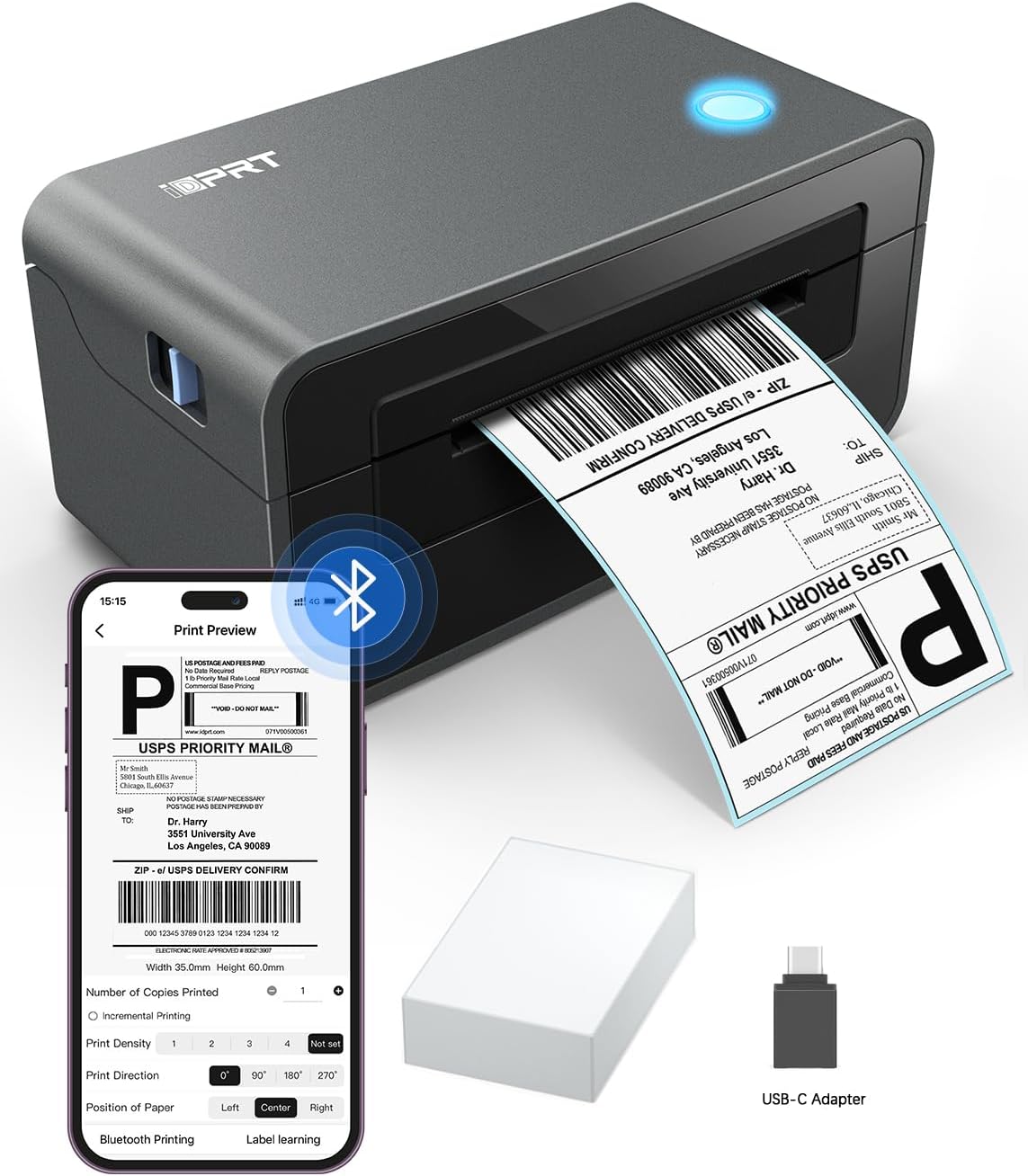
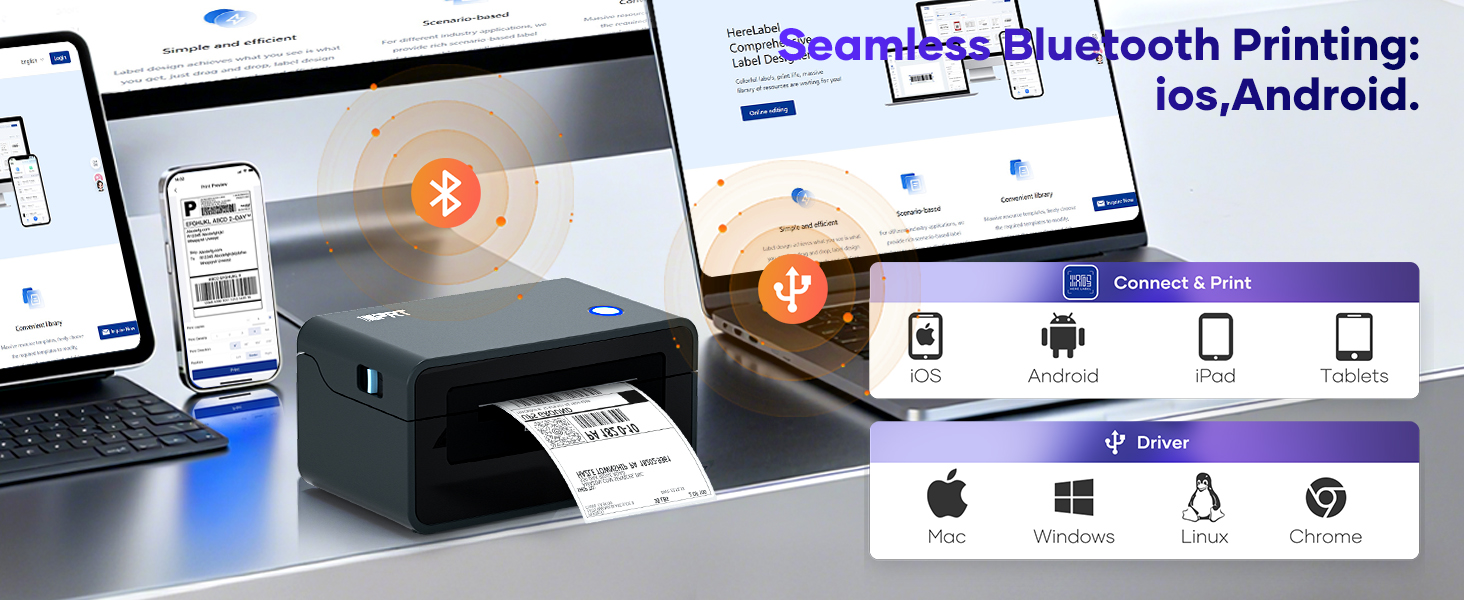
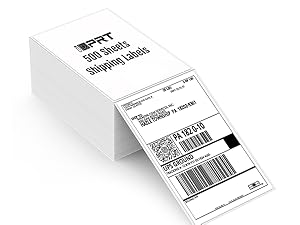
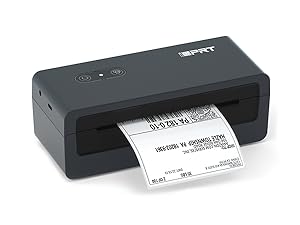
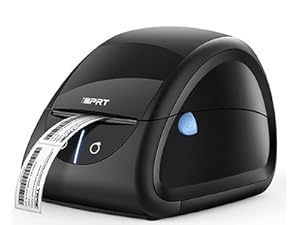
The iDPRT SP410BT is a compact, ink-free thermal label printer delivering high-speed, 203 DPI monochrome prints. With Bluetooth and USB connectivity, it supports seamless printing from smartphones and computers across all major OS platforms. Designed for small businesses and shipping pros, it integrates smoothly with top logistics platforms, handling a wide range of label sizes to optimize your packaging process and boost operational efficiency.


| ASIN | B0BS3XVF6X |
| Additional Printer Functions | Print Only |
| B&W Pages per Minute | 150 ppm |
| Best Sellers Rank | #26,457 in Office Products ( See Top 100 in Office Products ) #84 in Desktop Label Printers |
| Brand | iDPRT |
| Built-In Media | Labels, Power Cord, SP410BT Bluetooth Label Printer, USB C Adapter (Only for mac), USB Cable |
| Color | Black |
| Color Depth | 24 bpp |
| Color Pages per Minute | 1 ppm |
| Compatible Devices | Laptops, MAC, Smartphones, Windows, iPhone |
| Connectivity Technology | Bluetooth, USB |
| Control Method | Remote |
| Controller Type | Android |
| Customer Reviews | 4.2 out of 5 stars 5,788 Reviews |
| Dual-sided printing | No |
| Duplex | simplex |
| Global Trade Identification Number | 06972220380184 |
| Hardware Interface | Bluetooth |
| Ink Color | Black |
| Item Dimensions D x W x H | 9.45"D x 6.69"W x 5.51"H |
| Item Type Name | Thermal Label Printer |
| Item Weight | 1.75 Kilograms |
| Manufacturer | Xiamen Hanin Electronic Technology Co., Ltd. |
| Maximum Copies Per Run | 1 |
| Maximum Copy Resolution Black and White | 203 dots_per_inch |
| Maximum Copy Speed Black and White | 150 ppm |
| Maximum Media Size | 4 x 6 inch |
| Maximum Print Resolution Black and White | 203 Dots Per Inch |
| Maximum Sheet Capacity | 50 |
| Model Name | SP410BT |
| Model Number | SP410BT |
| Model Series | Bluetooth Shipping Label Printer |
| Number of Drivers | 2 |
| Other Special Features of the Product | Bluetooth Connection, HD, High Speed |
| Output sheet capacity | 50 |
| Paper Size | Paper Width: 2"-4.25": 4*x6" 3"x2” 3"x1” 2"x1" 2-5/16"x4" Inches |
| Print media | Labels |
| Printer Connectivity Type | Bluetooth, USB |
| Printer Output Type | Monochrome |
| Printer Type | Thermal |
| Printing Technology | Thermal |
| Processor Count | 1 |
| Resolution | 203 DPI |
| Special Feature | Bluetooth Connection, HD, High Speed |
| Specific Uses For Product | Business, Home, Office |
| Total Usb Ports | 1 |
| Warranty Description | 1 year |
| Warranty Type | limited warranty |
J**N
Perfect Label Printer
Printer has changed the way I do shipping. It is easy to use and it makes everything I do look very professional! I use it for all of my eBay shipping and the labels print out perfectly! It is very small and does not take up a lot of space which is very important because I have a small desk.
A**H
BEST INVESTMENT EVER
I bought this thermal printer for shipping my products out for my small business and I’m very happy with it! Heres why: 1. Amazing price; When I purchased it was listed at $139.99 and I got a $30 off coupon bring my total down to $110.09 with tax included! I think thats the cheapest i’ve seen a thermal printer like this! 2. Bang for your buck; Now it probably doesn’t work like a rollo, though I’ve never had one to compare to.. this works amazinggggg. 10/10. I believe this is just an issue with some but mine was an unlucky one and my printer does print out the labels the TINEST bit faded but personally I don’t mind its nothing too serious unless this is a major issue to you, just be aware its a 50/50 chance of you getting one like this or not. Thats my only “issue” with this printer if that’s even an issue. Everything else works perfect and fast. No issues and easy to install. It works with any labels, any sizes. Its perfect if your looking to step up your small business a bit and become a little more professional. 3. Easy to install: Before you do anything you have to download the software to be able to connect your laptop to your thermal printer. Not gonna lie i was quite confused when I first got my printer. I decided when I ordered it to download the software before it got here because if you have a newer MacBook you’ll need to download it via their website not through the cd. After that you just connect everything up and it’ll work! Overall im so glad i spent the money on this. This was one of the best investments in my business so far! The reviewers are what drew me to purchase this. They made it sound amazing and IT IS! Usually you get bad feelings about stuff like this but I couldn’t pass up the chance. Ive been using it for almost a month now and I made sure to wait before just leaving an off the bat review. With all that being said I hope this helped you decide whether this works for you or not! If you have any questions you can ask me ! (Ig:Editingby47) Update: Over a year later and still works amazing!!!! Shipped over 500+ orders with it!
A**S
Great so far!
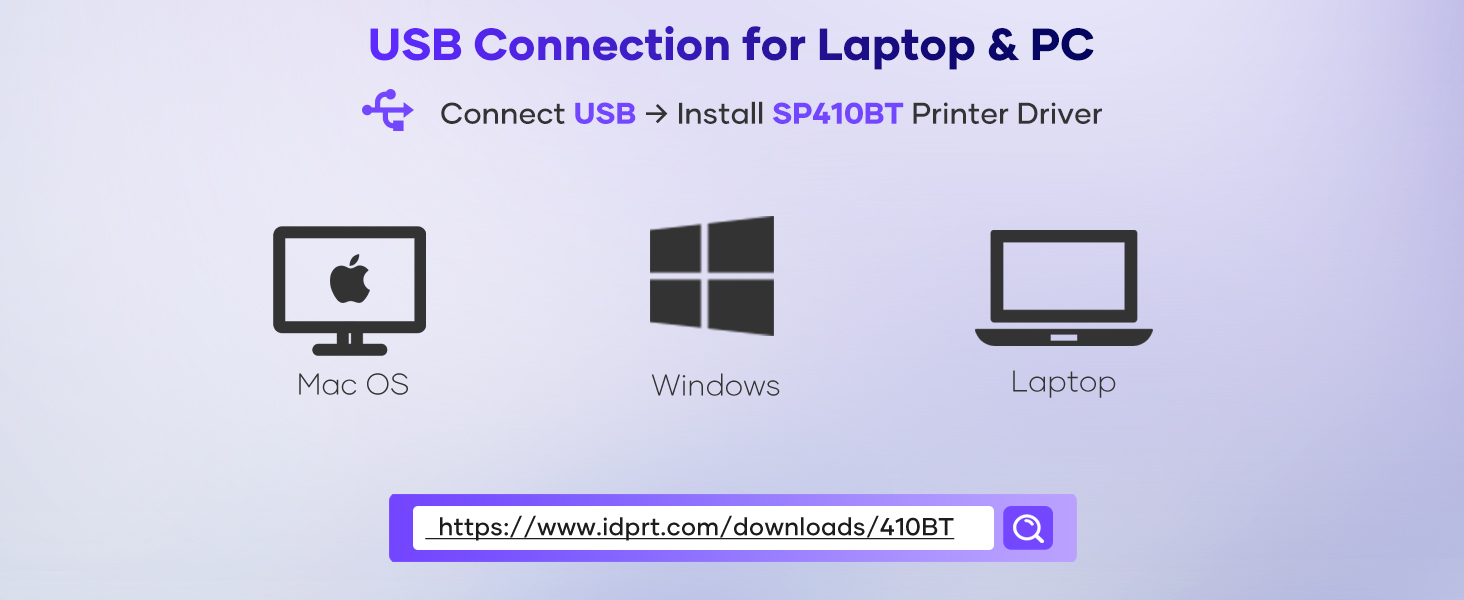
Writing this review the day of receiving and printing my first labels. Will update if I encounter issues. Apologies for long review... I try to include as much detail as it is a large purchase relative to other things! Ignore all reviews saying setup is hard/bad. Took me 15 minutes - and that's only because I was on a work call while doing it. Very simple setup. Plug in usb and power, download driver from their website (small file, maybe 1 min tops to download and install - literally just click it and keep hitting "next"), then configure using their guide (maybe 10 min if you REALLY take your time). After that, I printed a label perfectly. I am a vintage/antique dealer on Etsy. Prior to this thermal printer, I would use inkjet label sheets with 2 labels per sheet. Cost was relatively low... until my ink ran out. Was faced with $50 (offbrand) to $80 (HP brand) in ink replacement expenses. Decided to spend $80 (used like new) on a thermal printer instead and am very pleased. One major thing I didn't realize was I could now print 1 label at a time with no guilt - no wasted half sheets that I could forget to feed back into my printer and use in the future. Also allows me to stay better on top of orders by printing one at a time and not waiting for 2 labels for 1 sheet to optimize use. One other thing I see mentioned in some reviews is print quality. It's not art. You aren't printing the Mona Lisa. But it's still great. From what I see, it prints shipping labels very cleanly and legibly. It is at the same quality as my inkjet labels (if not higher being that it avoids "low ink" fading). If you're where I am - wanting to offset cost in ink especially - I highly recommend. I am hoping the printhead lasts for 160k prints as it claims. That's MUCH better than the 600 sheets (1200 labels) I would get for $50+ on an XL black ink cartridge.
S**R
*** WARNING *** Infected Software
This review is for a SP410BT that I intended to use to print occasional 4x6 inch shipping labels and folder labels, like 17mm x 87mm or 17mm x 54mm. The printer setup was easy enough. I did (reluctantly) download their printer driver and had the printer functional for tests within only a few minutes. That's where the good part of this review ends. I then went to the iDPRT web site, the same site I got the print driver from, and downloaded IDPRT Label Designer V1.01.11.zip. I carefully unzipped that archive extracted the Label Designer V1.01.11.exe installer and scanned it for viruses. So far so good. When I ran the installer it did the typical query asking me to allow the software to modify the system. I accepted that. Once the software was installed I took a brief look at all the menus, and noticed there was one to update the software. Figuring I wanted to make sure I was using the latest version I chose Update. UGH! The Label Designer program then downloaded an executable called Update.exe and within that program was something called HMark.exe that contained the Trojan:Win32/Wacatac.H!ml A review of that one indicates it could potentially be very damaging and possibly very difficult to remove. I then spent the next couple of hours running scans and removals on the system and attempting to ensure that it is free of any infection. My use of this printer stops right there. Even if by chance this is a false positive, that's something that iDPRT could determine by testing themselves. The printer is going back - I can't worry whether there is some back door in the application, or at some point in the future their software gets an update that causes an infection to my system. Zero stars if I could choose it. The printer looks to be a good value for the money and well made. I would only recommend this device if you stay clear of their software. For me, I'm looking for a solution that includes software and this experience now has me looking for an another product.
V**A
Regular printer could be better
I’ve been using the DPRT Thermal Shipping Label Printer (4x6) for over two years now, and overall it has been a reliable printer for everyday shipping needs. Setup was straightforward, and it consistently prints labels quickly without jams. For basic black-and-white shipping labels, it gets the job done and has held up well over time. That said, I do think there’s room for improvement. The contrast and depth of the printed output could be better. Some labels come out lighter than expected, which can affect the clarity of barcodes or text, especially on certain label brands. Improving print darkness and consistency would significantly enhance the quality of the printed material. Overall, it’s a solid and durable printer for regular use, but with better print quality, it could be an excellent one.
A**D
Amazing little printer!!!
⭐️⭐️⭐️⭐️⭐️ The iDPRT SP410BT label printer has been a total game changer for my small business! Setup was simple once I followed the directions (tip: download the “HereLabel” app for Bluetooth printing). I love that it connects via both Bluetooth and USB and works perfectly with my iPhone, iPad, and laptop. The prints are crisp and clear (203 DPI) and it’s super fast—prints a 4x6 label in seconds! It’s compatible with Amazon, Etsy, and Shopify, which makes shipping so much easier. I’ve used both roll and fan-fold labels with no issues. The compact size fits neatly on my desk, and I love not having to buy ink thanks to the thermal printing technology. Highly recommend this printer for anyone who ships regularly—it’s efficient, affordable, and reliable!
B**T
My review of the Bluetooth Portable Label Printer.
I really like the Bluetooth capability of the Thermal Label Printer. It is easy to use and portable.
N**K
Thermal is awesome!
This thermal printer has made my online sales shipping so much better. It is easy to load and works every time. No mis-feeds to date. I have a full-size printer for the full-size work, but thermal is notbover-rated.
Trustpilot
2 days ago
1 month ago