Buy anything from 5,000+ international stores. One checkout price. No surprise fees. Join 2M+ shoppers on Desertcart.
Desertcart purchases this item on your behalf and handles shipping, customs, and support to Thailand.
🛡️ Tough Tech Meets Turbo Speed — Backup Like a Boss!
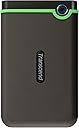
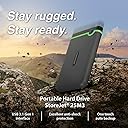
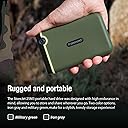
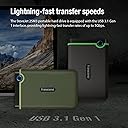
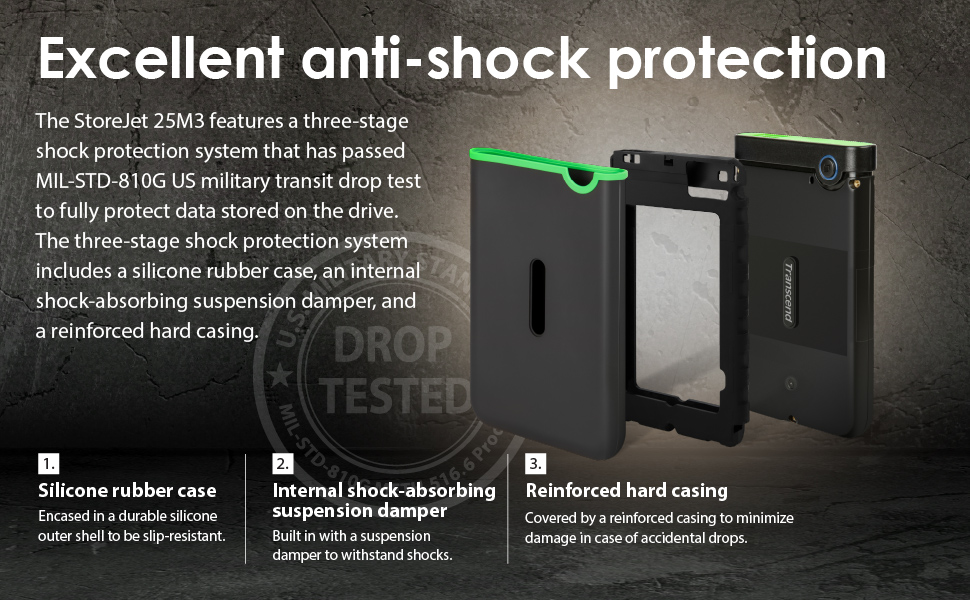
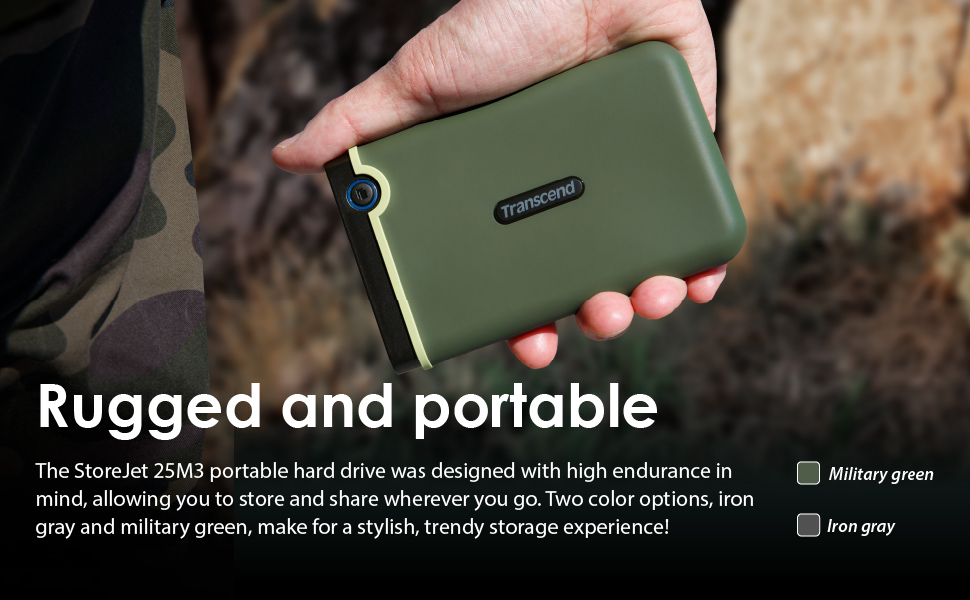
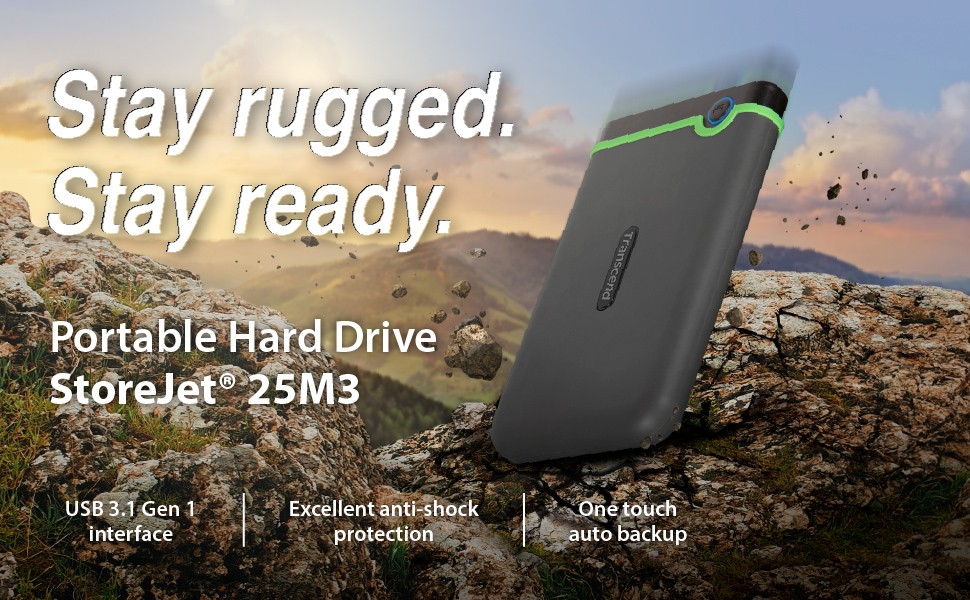
The Transcend StoreJet 25M3 2TB is a rugged, military-grade portable hard drive featuring a shock-resistant silicone casing and USB 3.1 Gen 1 interface for blazing-fast 600 MB/s data transfers. Designed for professionals on the go, it offers one-touch auto backup, extensive 2TB storage, and seamless compatibility with PC, Mac, and laptops, making it the ultimate secure and reliable storage companion.


| ASIN | B07B4KXTQK |
| Best Sellers Rank | 7,081 in Computers & Accessories ( See Top 100 in Computers & Accessories ) 49 in External Hard Drives |
| Box Contents | Transcend Elite Data Management Software and RecoveRx Data Recovery Software |
| Brand | Transcend |
| Brand Name | Transcend |
| Cache Memory Installed Size | 2 |
| Color | Iron Grey |
| Compatible Devices | Desktop, Laptop, Smartphone |
| Connectivity technology | USB |
| Customer Package Type | FFP |
| Customer Reviews | 4.7 out of 5 stars 13,340 Reviews |
| Data Transfer Rate | 600 Megabytes Per Second |
| Digital Storage Capacity | 2 TB |
| Digital storage capacity | 2 TB |
| Enclosure Material | Plastic / Rubber |
| Form Factor | 2.5-inch |
| Global Trade Identification Number | 00760557840886 |
| Hard Disk Average Latency | 5.8 Milliseconds |
| Hard Disk Description | Mechanical Hard Disk |
| Hard Disk Form Factor | 2.5 Inches |
| Hard Disk Interface | USB 3.0 |
| Hard Disk Rotational Speed | 5400 RPM |
| Hard disk form factor | 2.5 Inches |
| Hard disk interface | USB 3.0 |
| Hard-Drive Size | 2 TB |
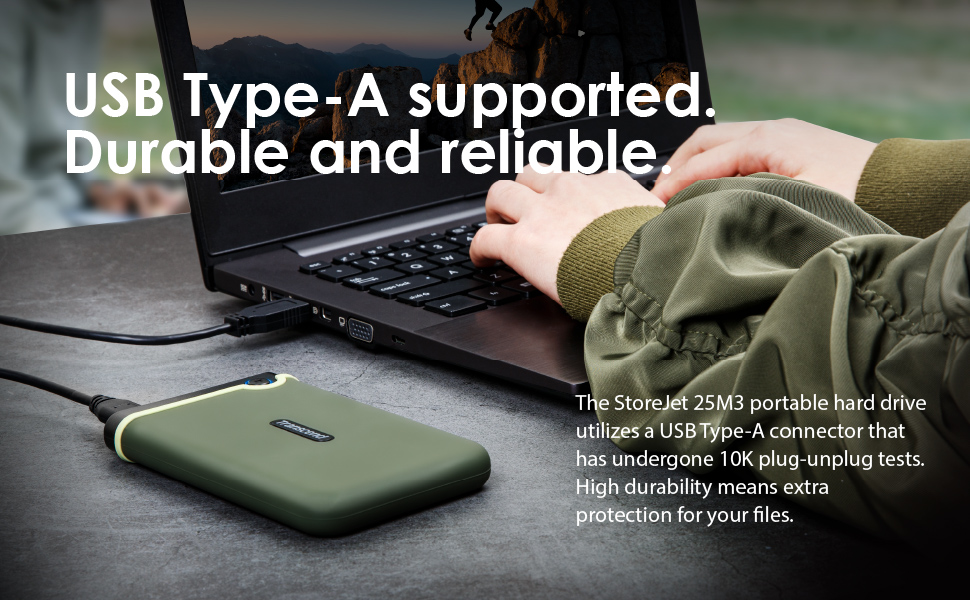
| Hardware Connectivity | USB 3.1 Type A |
| Hardware Platform | Mac, PC |
| Installation Type | External Hard Drive |
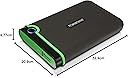
| Item Dimensions L x W x Thickness | 12.9L x 8W x 1.6Th centimetres |
| Item Type Name | usb3.1 external slim portable hard drive |
| Item Weight | 186 g |
| Manufacturer | Transcend |
| Manufacturer Part Number | TS2TSJ25M3S |
| Media Speed | ≤ 5 Gbps |
| Model Name | StoreJet 25M3 |
| Model Number | TS2TSJ25M3S |
| Network Connectivity Technology | USB |
| Number of Items | 1 |
| Product Features | Micro-B to USB Type-A cable, One touch auto backup, Shock Resistant, USB 3.1 Gen 1 interface (Up to 5Gbps) |
| Product Warranty | Three-year Limited Warranty |
| Read Speed | 600 Megabytes Per Second |
| Special feature | Micro-B to USB Type-A cable, One touch auto backup, Shock Resistant, USB 3.1 Gen 1 interface (Up to 5Gbps) Special feature Micro-B to USB Type-A cable, One touch auto backup, Shock Resistant, USB 3.1 Gen 1 interface (Up to 5Gbps) See more |
| Specific Uses For Product | Personnel, Ruggedisé or industrial applications |
| UPC | 760557840886 |
D**N
Don't Hesitate to Trust This Exceptional Hard Drive.
This has been, far and away the most reliable external hard drive I have ever owned - and I have had a number of them over the years. I travel with one and a laptop often and it gets bashed around, yet never misses a beat. I have had it so long that i don't even remember when I bought it. Don't hesitate.
J**G
Excellent Rugged Storage Solution - Highly Recommended
I've been using the Transcend StoreJet 25M3 4TB for several months now, and it's proven to be an outstanding portable storage solution. The build quality is immediately apparent - the military-grade shockproof casing feels robust and reassuring, giving me complete confidence when transporting it between locations. The storage capacity is superb. With 4TB available, I can store extensive datasets, backup files, and multimedia content without constantly worrying about running out of space. Transfer speeds via USB-A are reliable and consistent, making it efficient for both regular backups and accessing large files on the go. What really stands out is how practical it is for daily use. Despite its rugged construction, it remains compact and lightweight enough to slip into a bag without adding significant bulk. The rubberised outer casing provides excellent grip and protects against accidental drops - something I've unfortunately tested, and the drive came through unscathed. For anyone needing reliable, portable storage that can withstand the rigours of regular transport, the Transcend StoreJet 25M3 delivers on all fronts. It's become an essential piece of my workflow, and I wouldn't hesitate to recommend it to colleagues working in demanding environments.
H**T
Reliable and sturdy
Bought on special offer, so great value and very reliable.
W**M
ok
Got it with special offer, good balue for money, seems solid and well made. Speed wise is good, but is slighly slower than my other external WD hard drive (that is wired to the electricity) but still ok.
S**E
Good product
Really good in everything.
T**E
Hard disk Storage
Great product,fast ,true to price and portable.
M**S
Still works 4½ years on but price jumped
I bought mine 4½ years ago to store drone footage and still going strong. I was going to buy another as a back up for it but it's now over 3 times the £40 I paid back then.
J**N
Brilliant. Never failed in ten years. Needs formatting for Mac
Over the years, I’ve learnt the hard way the importance of backing up files to external hard drives. I’ve used Transcend portable hard drives for over ten years, and none of them has ever failed. With MS pc’s, the Transcend 25M3S is good to go straight out of the box: just plug it in. With Apple Mac’s, you’ll need to format the 25M3S first. If you’re familiar with this process, you’ll know that it’s a 10-second doddle. For those who aren’t, I’ve posted six step-by-step screen shots of what to do. WARNING – formatting will wipe your external hard drive clean, so do this only with a brand-new unit. If you’re using an old external hard drive, make sure you’ve already saved everything on it somewhere else. Formatting procedure. 1. in the Finder window, search for ‘Disk Utility.app’. 2. Double click on Disk Utility.app to open it. 3. Highlight Transcend in the left-hand margin. For safety, I renamed my Transcend as ‘Transnd MAC’ and unplugged everything else. 4. Click on ‘Erase’ – that’s the centre icon at the top of the Disk Utility window. That opens a sub-menu box. 5. Choose ex-FAT in the Format box. 6. Click on ‘Erase’ (Bottom right) That’s it. Your 25M3S is now ready to use on your Apple Mac. You can either drag existing files from your iMac to your Transcend, using your Finder window or simply save new files directly to your Transcend.
う**さ
コスパ・安心性で購入しました
MacのTimemachine(バックアップ)用に購入。毎日、定時でバックアップしていますが数ヶ月経過した時点では何の問題もなく動作しています。表面のゴムカバーも落下時の耐衝撃と守った時の滑らない感じがして良いです。 コードはUSB-Cの機器に接続できます。
R**S
I would reconmmend this item to anyone needing a safe external storage Hard Drive
This is the second unit I have bought and found the setup very easy, just plug it into your computer USB port, give it a few moments to connect, and you are ready to start transferring images, Excellent storage capacity, and useful to have all your files saved to a quickly detachable exterior drive.
A**M
I love it.
Good design.
P**A
Compre el primero hace 3 años y genial
Es resistente,buena capacidad y durabilidad.Es el segundo que tengo y compro por el buen resultado que me ha dado.
V**T
Product as expected
Nice product, working as expected
Trustpilot
5 days ago
2 weeks ago