We remain fully operational. Our teams are working around the clock to ensure your deliveries continue safely.

DOWNLOAD THE APP


Customer Services
Copyright © 2025 Desertcart Holdings Limited
DOWNLOAD THE APP








Buy anything from 5,000+ international stores. One checkout price. No surprise fees. Join 2M+ shoppers on Desertcart.
Desertcart purchases this item on your behalf and handles shipping, customs, and support to Thailand.
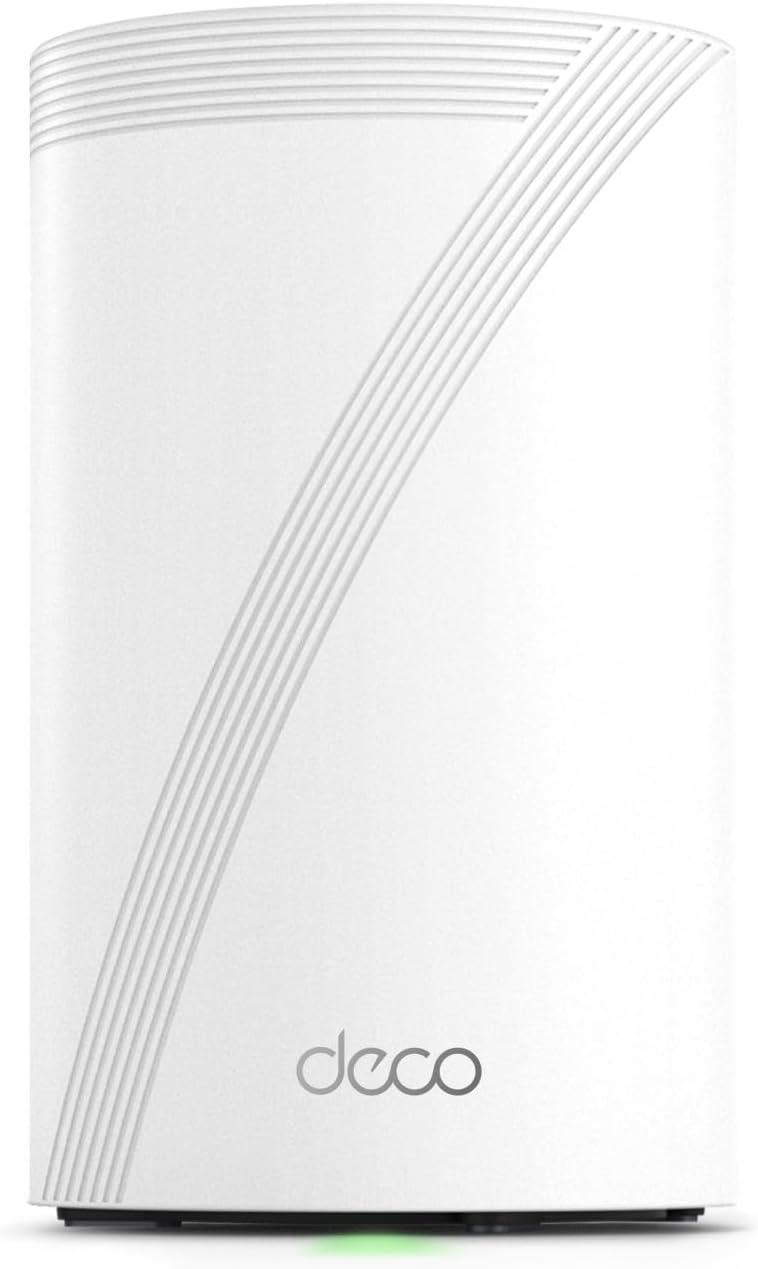
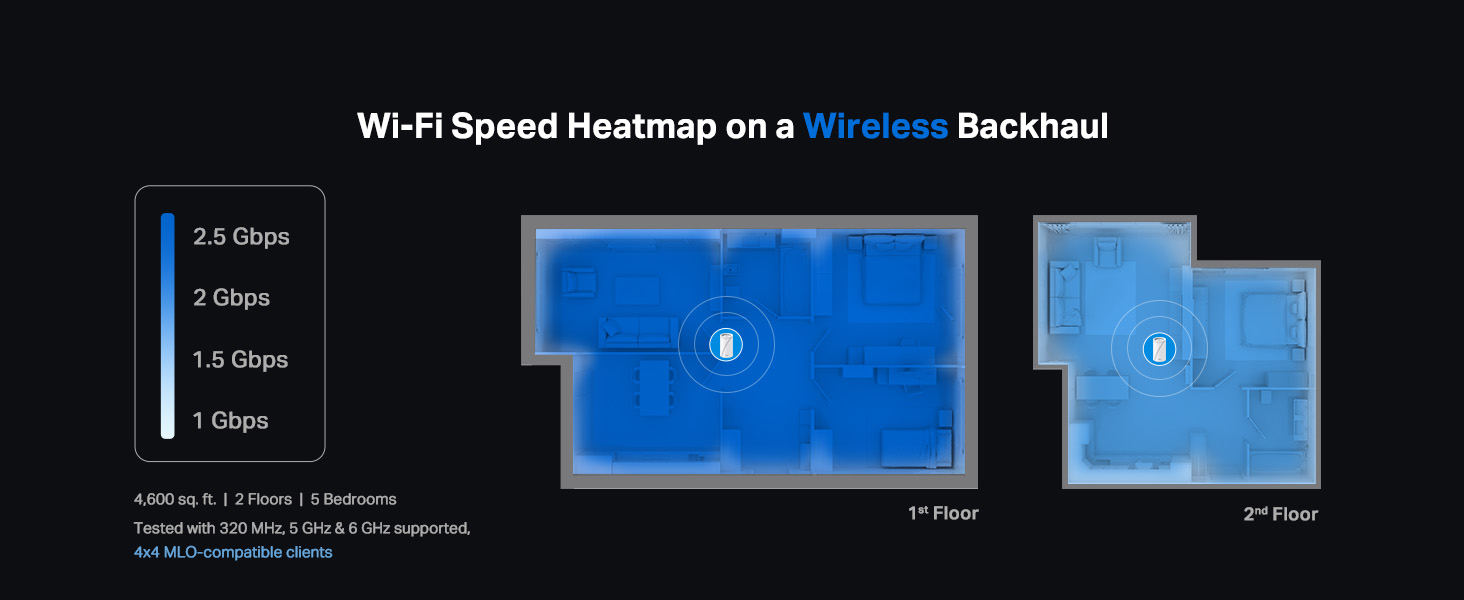
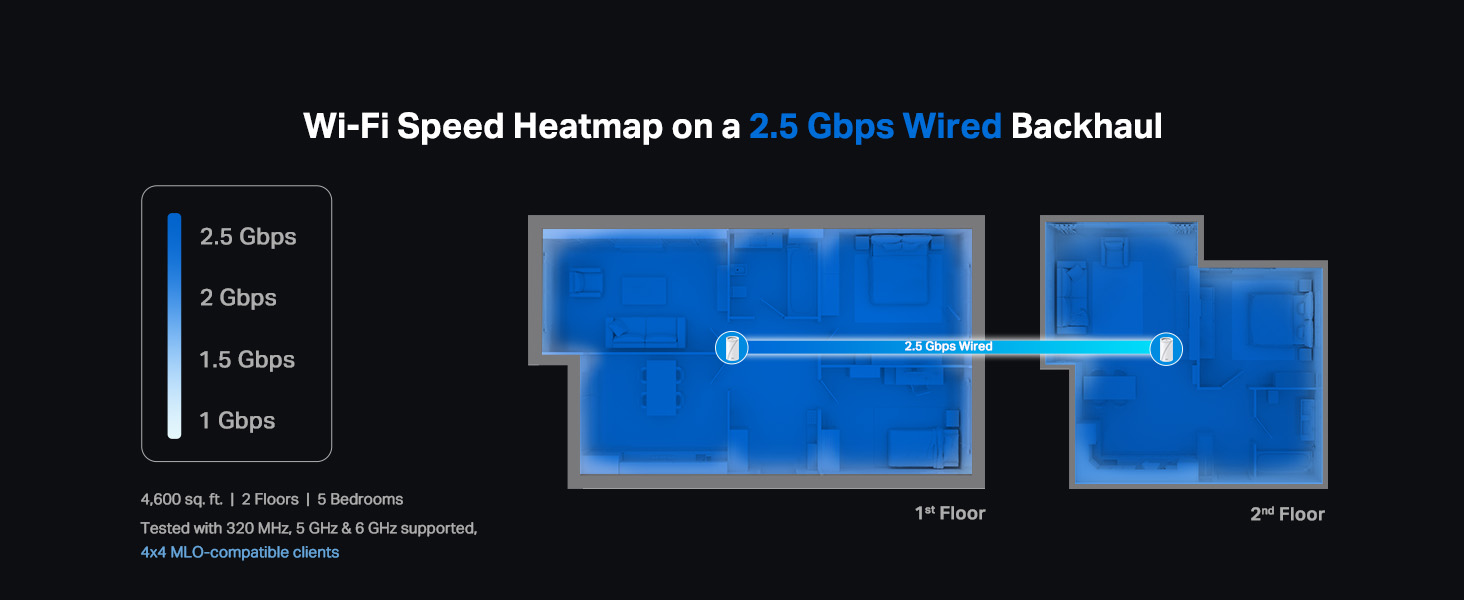
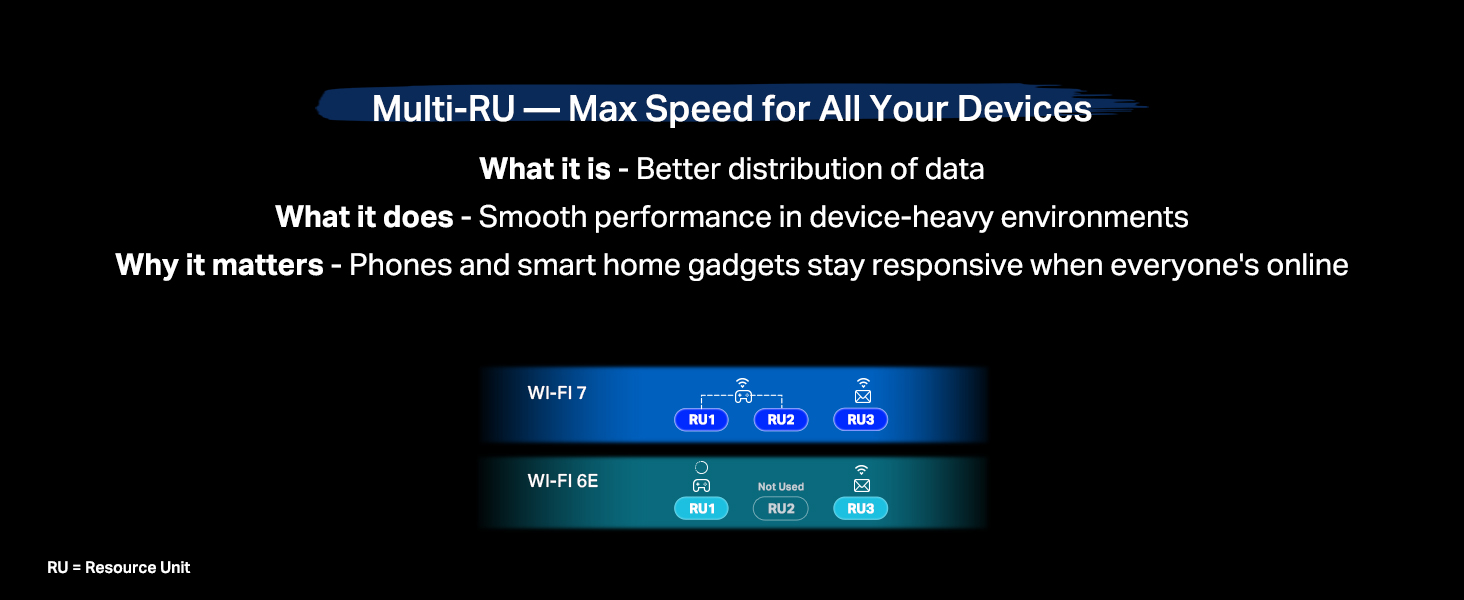
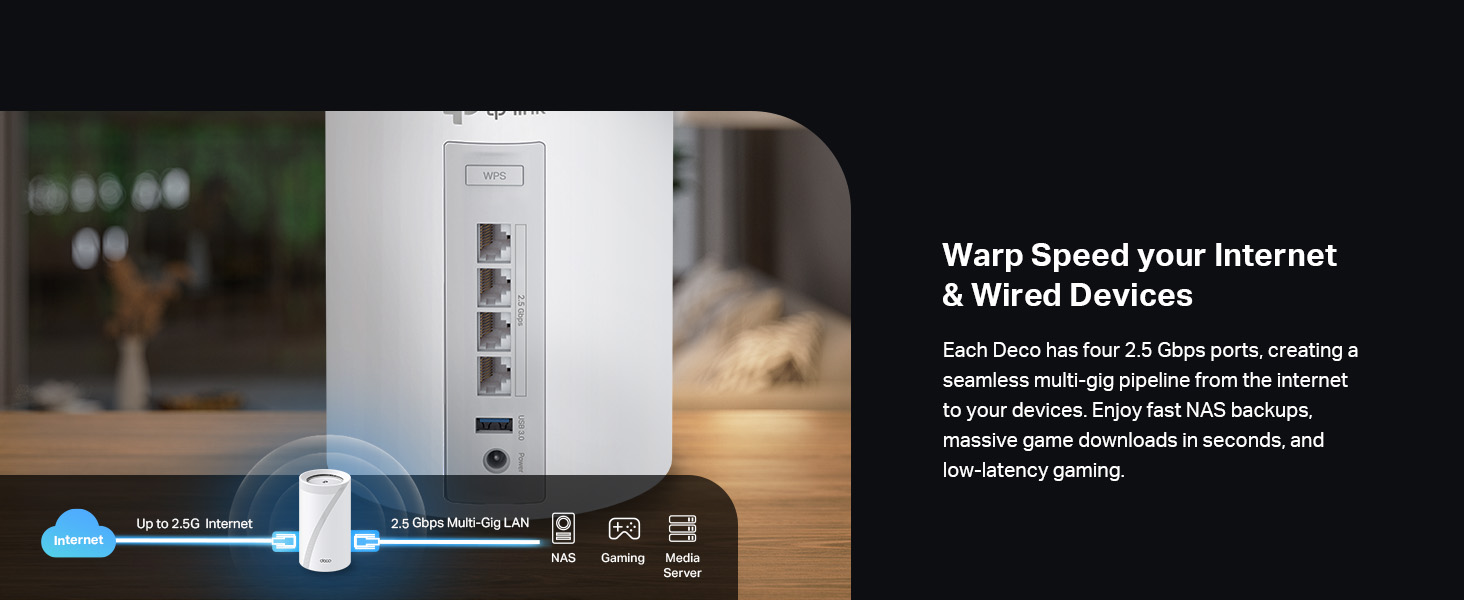
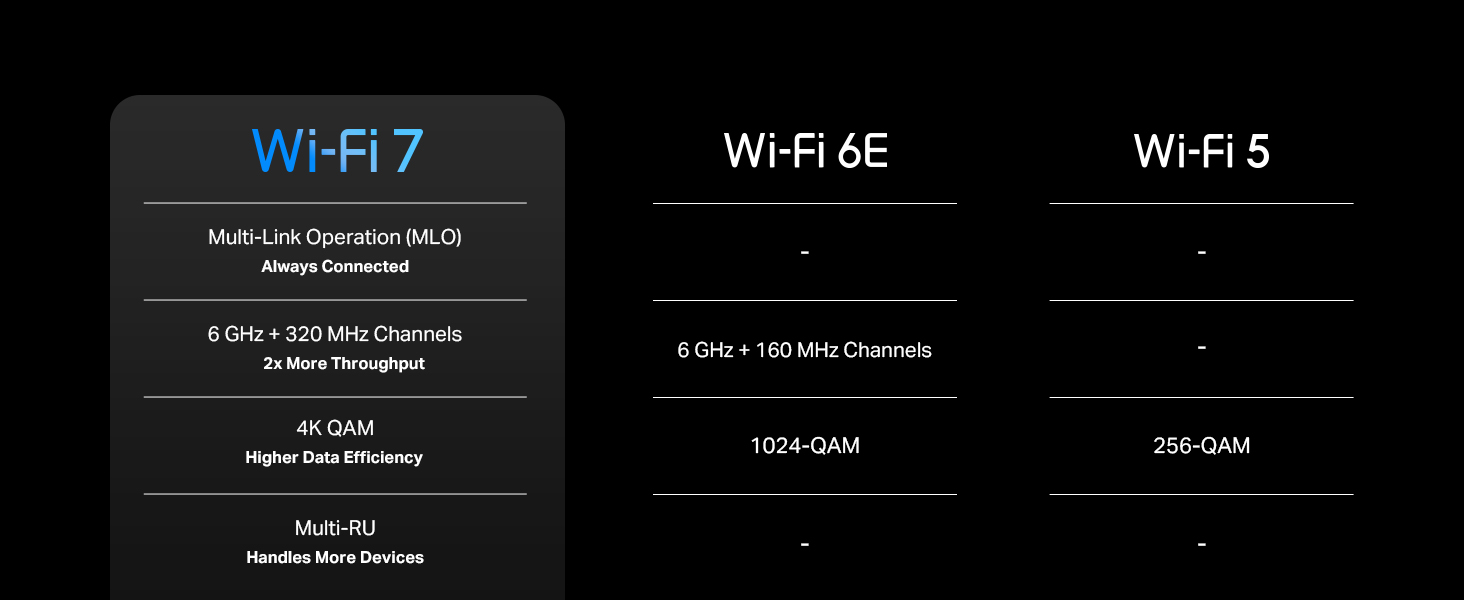
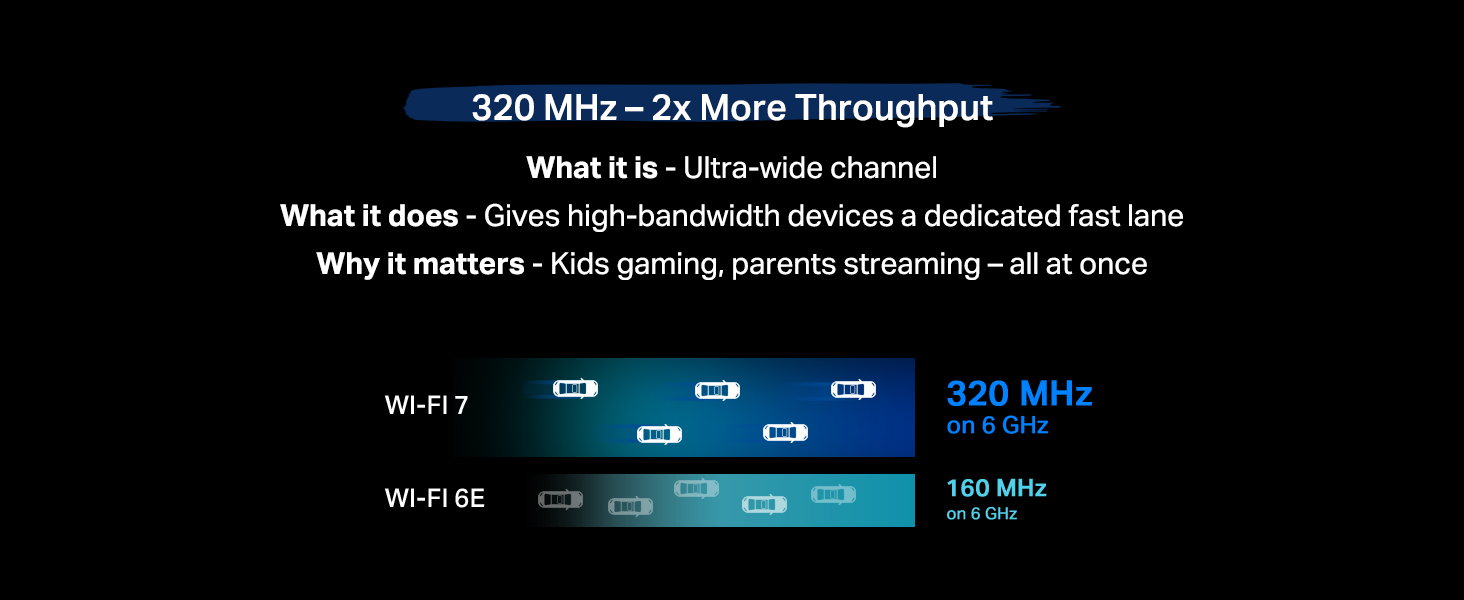
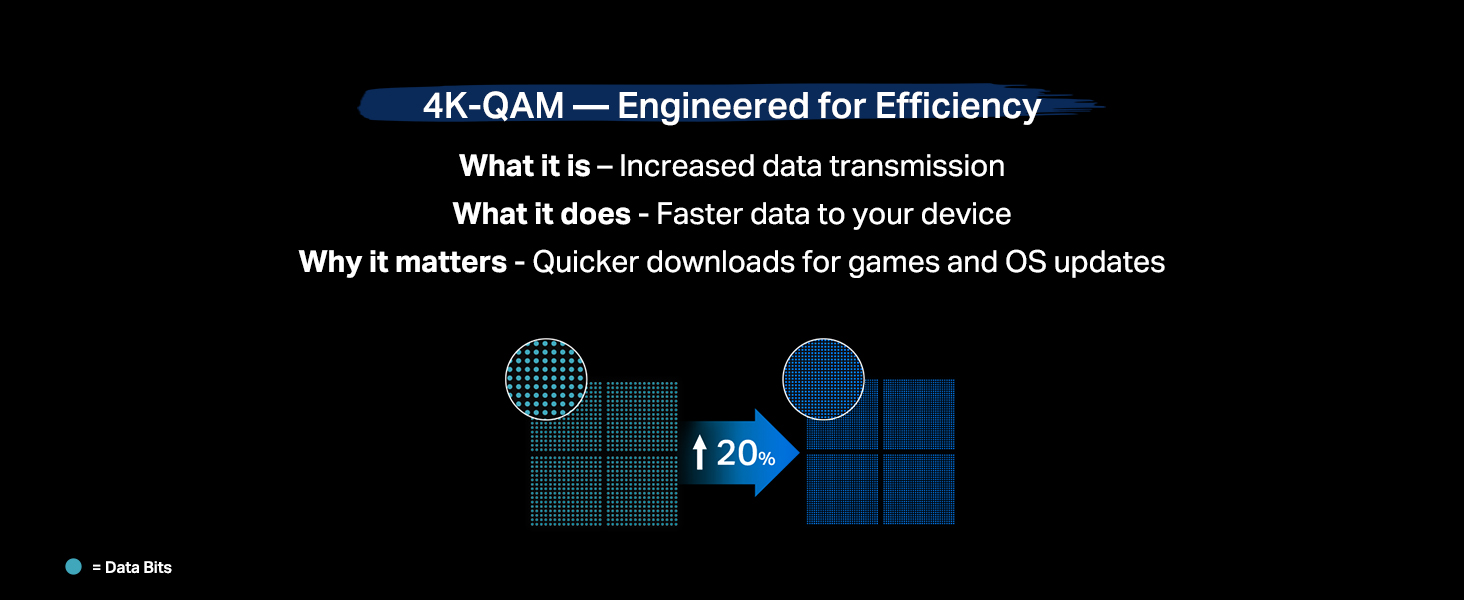
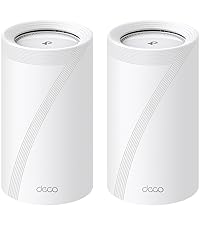
Upgrade your home Wi-Fi experience with the Deco BE10000 Whole-Home Mesh Router. This versatile device can extend the range of your existing mesh network or serve as a standalone router. It covers up to 3,000 sq. ft. with ultra-fast Wi-Fi 7, ensuring your entire home is blanketed under one optimized network. Say goodbye to frustrating dead zones and sluggish connections! †△ Perfect for 4K/8K streaming, lag-free gaming, and lightning-fast downloads, you'll revel in speeds of up to 10 Gbps combined across the 6GHz, 5GHz, and 2.4GHz bands. What's more, it effortlessly handles up to 200 connected devices, making it ideal for even the most demanding smart home setups. Additionally, the Deco BE10000 boosts multi-gig internet and wired connectivity options, featuring four 2.5 Gbps ports and one USB 3.0 port for unparalleled flexibility and blazing-fast data transfers. Setting up and managing your network is effortless with the TP-Link Deco app. Quickly establish your network, customize settings, and monitor network traffic metrics. Most importantly, keep your network and all connected devices safe with TP-Link's premium network security service, HomeShield. Experience the future of home networking with Deco BE10000 – where speed, coverage, and security converge in one unbeatable package. Review: Awesome - Love these things. I set these up as a mesh system for the ground floor, which doesn't have any router signal. Just connect one of them by Ethernet, then let the rest repeat off of that. You'll get great coverage for the entire ground floor. Also, setup is super easy as TP-Link has a great app for this. Thinking of buying another pack just to extend coverage even more. Review: Top tier mesh system, for a reasonable price - Easy to set up, app connects quickly, and the speeds are top notch. Probably the best option for the price.








| ASIN | B0CN8WD86H |
| Best Sellers Rank | #21,563 in Computers ( See Top 100 in Computers ) #84 in Whole Home & Mesh Wi-Fi Systems |
| Customer reviews | 4.2 4.2 out of 5 stars (1,505) |
| Item model number | Deco BE63(1-Pack) |
| Label | TP-Link |
| Manufacturer | TP-Link |
| Product Dimensions | 10.74 x 10.74 x 17.6 cm; 752.96 g |
M**.
Awesome
Love these things. I set these up as a mesh system for the ground floor, which doesn't have any router signal. Just connect one of them by Ethernet, then let the rest repeat off of that. You'll get great coverage for the entire ground floor. Also, setup is super easy as TP-Link has a great app for this. Thinking of buying another pack just to extend coverage even more.
M**S
Top tier mesh system, for a reasonable price
Easy to set up, app connects quickly, and the speeds are top notch. Probably the best option for the price.
B**S
The TP-Link Deco 7 Pro BE63 is an incredible upgrade to our home's Wi-Fi. With its seamless, high-performance delivery from start to finish, we've never experienced Wi-Fi quite like this. The app-based setup process for the Deco 7 Pro BE63 was ridiculously easy to follow and had me up and running in minutes, with virtually no technical knowledge at all. The app guides you through each process, making configuring your network extremely simple, even if you don't consider yourself tech-savvy. Once we were connected, the speed and coverage we experienced were truly impressive. We have fast, very reliable Wi-Fi available anywhere in the house, front to back, with minimal dead zones. One of my favorite features of the Deco 7 Pro BE63 is how easy it is to extend the network. Adding additional Deco units to extend coverage in the app is a piece of cake. Each time you add a unit, the app will detect the new unit and integrate it into your existing network with just a few clicks. In addition, the Deco 7 Pro BE63 is compatible with other Deco accessories and nodes, allowing for ease of expanding coverage or adding features such as parental controls or separating IoT devices. All things considered, the TP-Link Deco 7 Pro BE63 is a great combination of fast performance and user-friendly design, providing the ideal solution for those seeking fast speeds, extensive coverage, and a hassle-free setup and management experience. Highly Recommended!
A**A
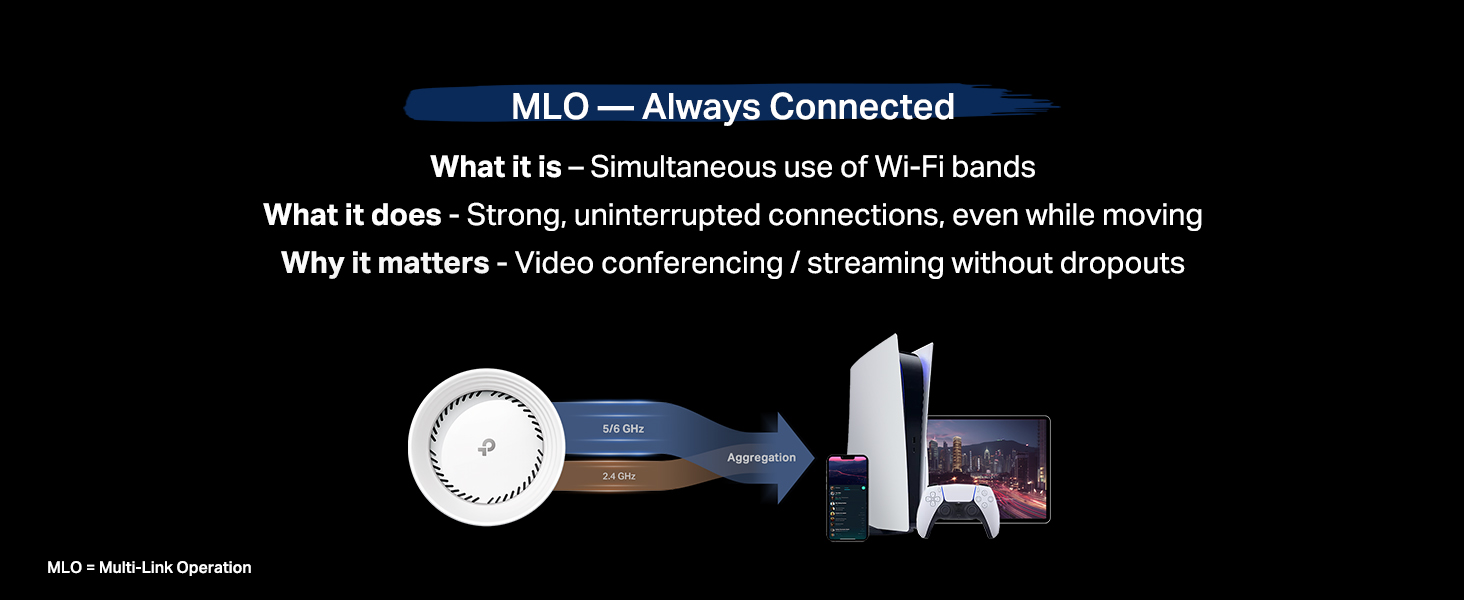
Te permite crear una red de 2.5 a 5GHz, una de 6GHz y una MLO de 5 y 6GHz, además de crear una red para invitados, aislar dispositivos de tu IoT. Con 2 cubre perfectamente 200m² y atraviesa paredes sin tanto problema. Se acabaron mis problemas con la disponibilidad de mis dispositivos.
ع**د
ممتاز
C**O
En verdad el Deco BE63 distribuye una velocidad igual a la contratada por tu proveedor de servicios de Internet, es un equipo increíble, la instalación muy fácil.
E**R
Working fine but i cant connect my WIFI 7 devices to this, i mean our android phone is showing WIFI 6e and sometimes WIFI 6 but haven't seen WIFI 7 yet
Trustpilot
1 month ago
2 weeks ago