We remain fully operational. Our teams are working around the clock to ensure your deliveries continue safely.

DOWNLOAD THE APP


Copyright © 2025 Desertcart Holdings Limited
DOWNLOAD THE APP
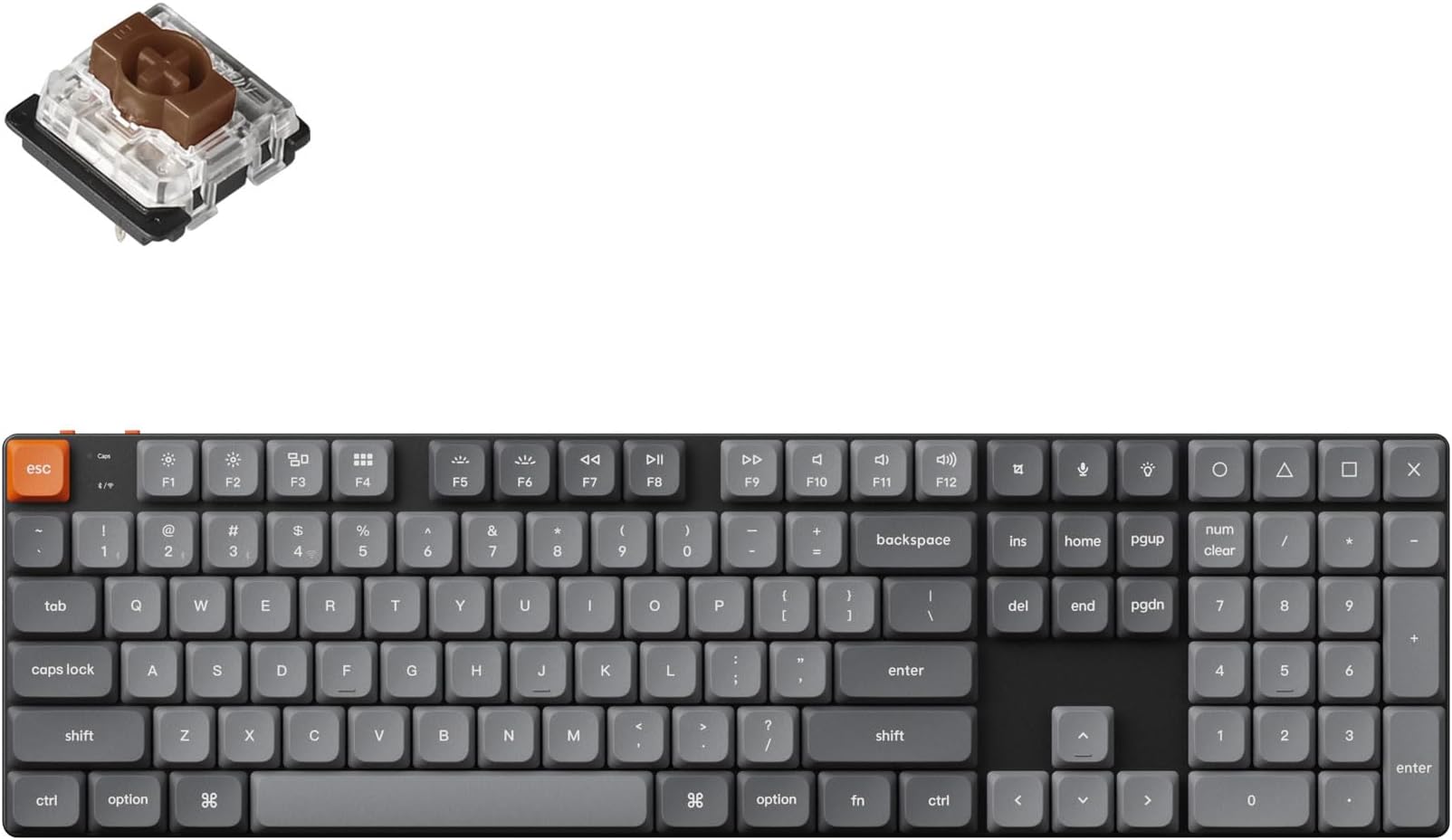
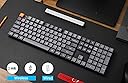
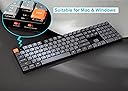

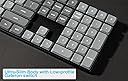


⌨️ Elevate your desk game with the ultra-slim, endlessly customizable Keychron K5 Max!
The Keychron K5 Max is a premium ultra-slim mechanical keyboard featuring low-profile Gateron Brown switches, QMK/VIA programmability, and versatile 3-mode connectivity (Bluetooth 5.1, 2.4 GHz wireless, and wired USB-C). Designed for professionals who demand silent yet tactile typing, it boasts a 1000 Hz polling rate, durable PBT keycaps, and vibrant RGB backlighting—making it the ultimate productivity and style upgrade for Mac, Windows, and Linux users.


| ASIN | B0D5V7NKF7 |
| Additional Features | Backlit |
| Antenna Location | Office |
| Best Sellers Rank | #691 in Computer Keyboards |
| Brand | Keychron |
| Built-In Media | USB Cable |
| Button Quantity | 108 |
| Color | Gateron Brown Switch |
| Compatible Devices | Laptop, PC, Smartphone, Tablet |
| Connectivity Technology | USB-C |
| Customer Reviews | 3.8 3.8 out of 5 stars (26) |
| Enclosure Material | Polybutylene Glycol |
| Generation | 3rd Generation |
| Hand Orientation | Ambidextrous |
| Keyboard Backlighting Color Support | RGB |
| Keyboard Description | Bluetooth |
| Keyboard Layout | QWERTY |
| Manufacturer | Keychron |
| Mechanical Keyboard Switch Model | Gateron Brown Switch |
| Model Name | Keychron K5 Max |
| Model Number | K5MB3 |
| Number of Batteries Required | 2 |
| Number of Keys | 84 |
| Number of Sections | 1 |
| Power Source | Battery Powered |
| Series Number | 3 |
| Style Name | Contemporary |
| Switch Type | Tactile |
| Theme | Minimalist |
| Unit Count | 1.0 Count |
D**P
Keychron K5 over Logitech
I just got in my Keychron K5 Max and love it. I was trying to decided between spending the money on another Logitech MX Mechanical or the Keychron. If you are trying to decided which keyboard to get, get the Keychron!
M**D
Some getting used to it is involved, but overall a great experience
Pretty happy with this so far. There is some adjustment, because--at least in the case of the brown switches I got--they actuate earlier in the key press than I'm used to. And if you're in the habit of resting a finger or part of your hand a little on some keys, you'll sometimes get unwanted keypresses. I really don't think this is a product problem. It's just the nature of the switch, probably. I did use brown Gaterons on another keyboard and this problem less often, though, so I'm not sure they're all the same. Still, for now I'm calling it a "thing you get used to." On the whole, I love typing on this thing. It feels great and I'm making fewer errors, even with the occasional 'oops I dragged that finger and made letters.' Can't comment on battery life yet. Haven't had it that long. But I think it's a good test of a keyboard if you find yourself looking for excuses to type stuff.
R**I
Awesome feels, great build quality
Writing a review with great typing feel of Keychron K5 Max keyboard brown switch. I did some research before purchase this one. Excellent feel while typing, low noise, many options on connects to PC, build quality is super, This is my first keychron keyboard after using logitech for long time.
M**K
Major disappointment!
Major disappointment. Failing after 40 days of useee. Some of my switches doesn't release, so I end up with multiple characters. Obviously this is not usable/acceptable. And since this version is not a hot-swapable the keyboard is now bricked. For a guy who types a lot and codes a lot this is kind of a big deal since I have to weed out all the double-characters. This occurs on both Windows and Linux, and on both BT and cable. I almost can't make myself throw this in the bin, as I bought it to have a trusted keyboard that was both pleasant to use and repairable. Ordered 12. November, received mid December (black week chaos I am told), barely used in January, dust-collector since February 16. If anyone can recommend a better option (price doesn't matter) I am all ears. No response from Keychron.
C**Y
Nice, But Flawed
Maybe it's just because this is my first mechanical keyboard, and the low profile fits me better than I've found with standard-sized mechanical KBs, but I generally like this keyboard. It's got a pretty solid build quality and it's weighty but not heavy. I like the multiple types of connections I have available to me, though I'm admittedly using it wired for primary computer. The QMK/VIA aspect is very handy and I've already seen at least one firmware update, which included additional features, since I bought it. Now, for the downsides: Maybe you can overlook each of them as small, but all of them together had me really debating whether I'd return it. The North-facing RGB is almost completely obscured by the keys, so it's almost pointless to us it unless you're in a very dark room. The RGB really drains the battery as well, even in splash mode (only lighting when you type), which is why I'm keeping mine wired for now. There are virtually NO replacement keycaps available for those who would want transparent/translucent keys to see the RGB more clearly, and there are very few alternative symbol/function caps that come with the board. You'd think there would be more considering how highly customizable this thing is (and that it's intended for both Mac and Win). Lastly, the REALLY frustrating bit: The spacebar is TOO easy to mistakenly hit--over and over and over again--and there's no lip below it to rest your thumbs like I had with my former keyboard. I bought a wrist rest to give my thumbs a spot to rest, hoping that would help. It did, but only slightly. I originally went with the brown switches (and hotswappable, just in case) over blue or red because I wanted feedback and some resistance without clickiness. That was good, but I'd heard the banana switches were better and the Max version doesn't offer them preinstalled. I ended up buying a few banana switches because I wanted more resistance on the spacebar without it being clicky and the low profile only allowed for the 4 choices of Gateron switches (maybe others are compatible, but I went with the sure thing). I really liked the added resistance and only slightly clickier sound. So, I bought enough to swap out all the keys. IT FEELS WONDERFUL, now... except for the spacebar, still. So, I now have mine rigged up with all banana and a single blue switch for the spacebar. It's helped a lot with regard to reducing mistaken spaces, but it's still not perfect and it sounds a bit weird that there's a loud click only when I'm hitting space. I've gotten used to it, but I can't say if my coworkers have or not. All in all, I'd like to see a LOT of improvements from Keychron's low-profile 100% option, but this was a relatively low cost start compared to others out there and core functionality is generally acceptable.
P**P
Low latency, good battery, very nice switches!
Good key position and switch/keyboard angles, good battery life, lights are good and not overbearing. Switches are fantastic imo. Haven't noticed any delay either which is great for wireless
M**3
Excellent, well built keyboard
It’s an excellent keyboard, just a little low to the desk for my preference. I’m going to try a K10 as it’s a standard profile. Not the keyboard’s fault, just my preference.
G**T
Disappointed
Bought in November and the 'double u' key broke in February.
S**M
Leider erkauft man sich hier wie bei allen anderen LP-Switches die schlanke Silhouette mit einem Verlust an Tippkomfort und Präzision.
D**O
Click clack clickity clack. If you don't like the sound of an old school keyboard don't get it. I for one love it. It's a softer clack than you might expect but generally it feels robust and smooth. I will be taking this around the world so will see how it fairswith travelling. It's not slim or lightweight but better than the built in keyboard on my macbook
Trustpilot
1 month ago
3 weeks ago