We remain fully operational. Our teams are working around the clock to ensure your deliveries continue safely.

DOWNLOAD THE APP


Customer Services
Copyright © 2025 Desertcart Holdings Limited
DOWNLOAD THE APP

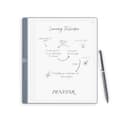
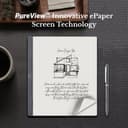
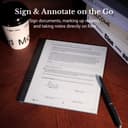
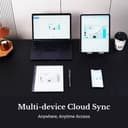
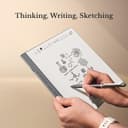
📝 Elevate your note game—because your ideas deserve the whitest canvas.
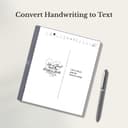
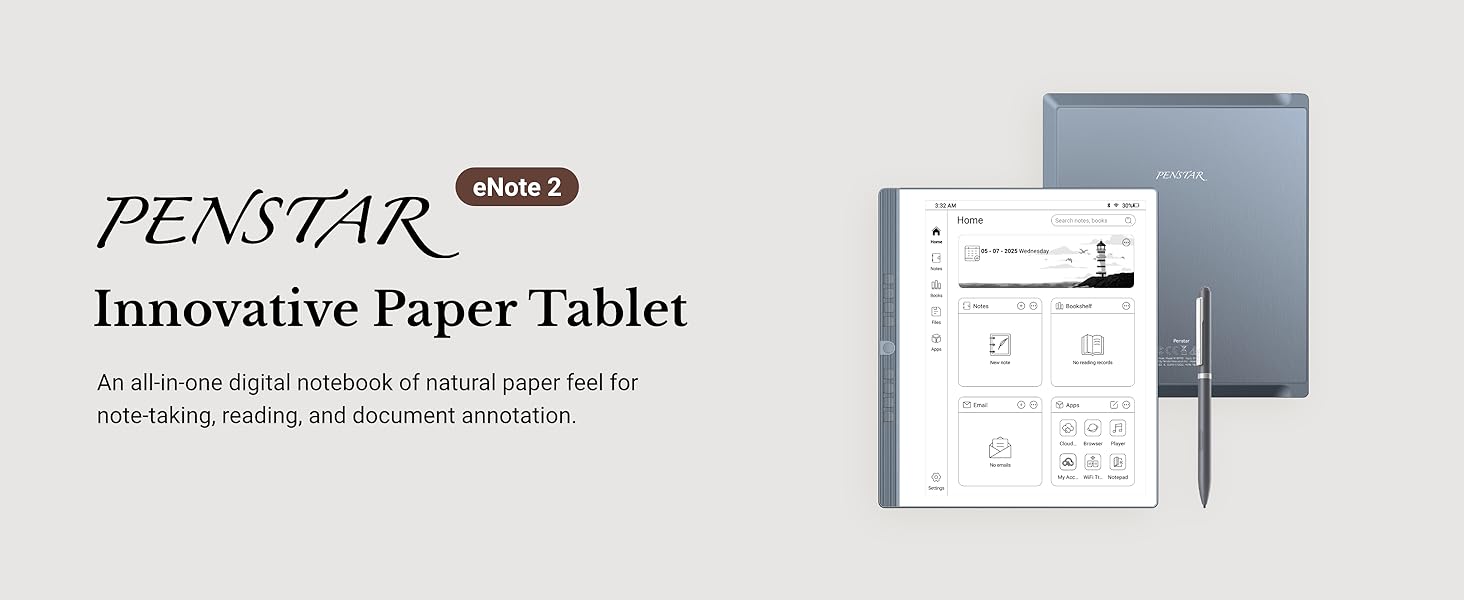
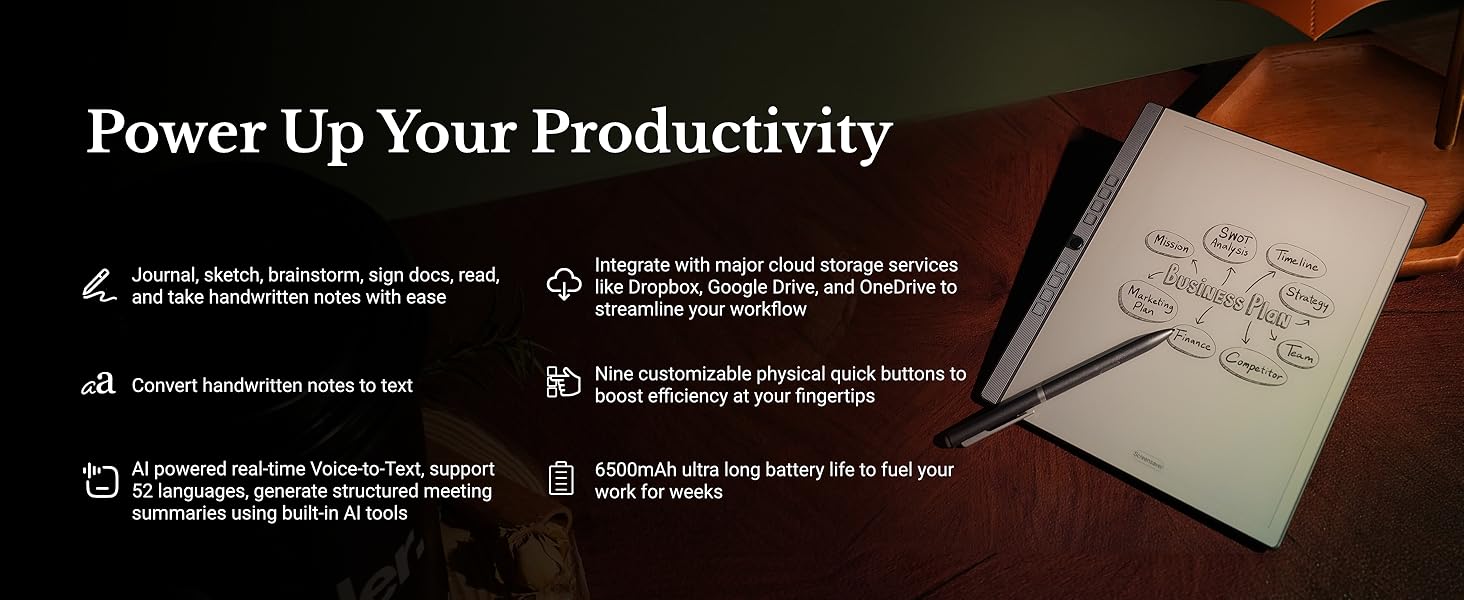
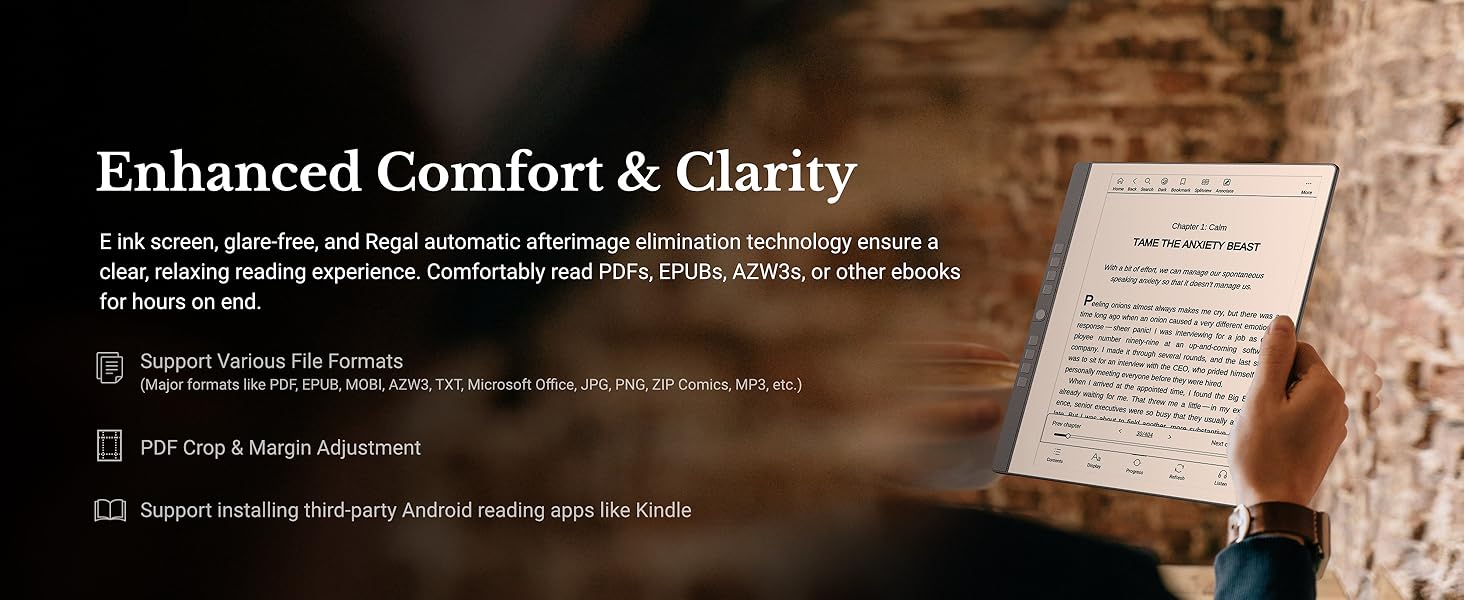
The Penstar eNote 2 is a 10.3-inch, 300 PPI pen-only E Ink tablet designed for professionals craving a paper-like writing experience. Featuring advanced handwriting-to-text conversion, AI-powered voice transcription in 52 languages, and 9 customizable shortcut keys, it supports over 30 document formats and offers seamless cloud syncing alongside offline privacy. The bundle includes two high-precision styluses with 18 spare nibs and a magnetic folio cover, making it a complete, ultra-portable digital notebook solution.






| ASIN | B0FKT9PNFC |
| Battery Average Life | 2 weeks |
| Battery Description | Lithium-Ion |
| Best Sellers Rank | #19,619 in Electronics ( See Top 100 in Electronics ) #420 in Computer Tablets |
| Brand | Penstar |
| Built-In Media | Cable USB A to Type C, Leather Folio Cover with Pen Position, Penstar eNote 2 Innovative Paper Tablet, Quick User Guide, Two B5 Pens Each with 4 Spare Nibs Inside + Spare Nibs Kit (10 Nibs) |
| Color | Gray |
| Compatible Devices | Headphones, Keyboard, Laptop, Speaker, Stylus |
| Connectivity Technology | USB |
| Customer Reviews | 4.3 4.3 out of 5 stars (249) |
| Display Technology | Electronic Ink |
| File Format | EPUB, MOBI, PDF, TXT |
| Human-Interface Input | OCR |
| Item Dimensions L x W x Thickness | 8.9"L x 7.8"W x 0.22"Th |
| Item Weight | 0.97 Kilograms |
| Manufacturer | Penstar |
| Memory Storage Capacity | 128 GB |
| Model Name | eNote 2 Bundle with Two B5 Pens and Leather Folio |
| Native Resolution | 2480 x 1860 (300PPI) |
| Other Special Features of the Product | 4-MIC Array, Anti-Glare Eye-friendly Screen, Multi-Device Cloud Sync, Stereo Speakers, Voice-to-Text |
| Processor Speed | 2.2 GHz |
| RAM Memory Installed | 4 GB |
| Screen Size | 10.3 Inches |
| UPC | 860012201372 |
| Warranty Description | 1 Year Limited |
W**S
Feels like writing in a notebook
This has been an impressive product so far. It takes a few minutes to get your bearings with it, but after that it's smooth. Moving files to/from my laptop is easy, very paper like when writing, light weight, feels solid not cheap. Works great with being left-handed since it is pen only and not touch screen. I've already recommended this to several people. Great price for what you get in the box.
T**E
Great e-notebook to replace all the paper
I would take a half star off for 3 reasons, but I will also say, that maybe I just haven't figured it out yet. First, it has a calendar app, which is nice, it would be better if I could sync it with my Google calendar or my Outlook work account, but the calendar app isn't even something I was originally expecting. Second, writing on pdfs works great, it also has a function where you can have a pdf open, and split screen to take notes. However, the notes taken in this method cannot be moved to a different folder in the device, pretty minor ding. Third, it is a little fragile. Completely my fault, but I dropped it on to asphalt getting out of my car, from 3 or 4 feet high and wound up cracking the case around the power button. This made the power button a little finicky. The good. The eNote 2 is doing everything I wanted it too and more. I originally just wanted something so that I would stop accumulating paper notebooks. I realized that taking notes on pdfs would be handy for my job, and this would do both. Transferring files is super easy, I think you can do it by syncing it to the Penstar servers somehow, but I connect it to my computer with a usb cable and it pops right up and is super easy. Something I wasn't expecting, I was able to get the Outlook email app and can access my work email. I can also email files to myself both to access on the eNote and access on my computer from the eNote. Now the great, Penstar customer service. As I said, I dropped it doing some damage. Since I had only had a week, I contacted Penstar, just to see if there was something I could do to get it repaired. Instead, they offered to swap it out. The only thing I had to pay for was to ship the original one back to Penstar. I had the new one in my hands before I was able to get the original shipped. In summary, good little device that is meeting my expectations and then some. And great customer service.
A**X
Helps me keep organized and off my phone constantly
My new favorite device. It's great for reading and taking notes along with other useful life and schedule apps. Battery life holds up great and the paper display makes it alot easier on thr eyes. Only problem i have is how thin the device is and how little thr folding screen would really protect it. Had to buy a padded carrying case but I consider it worth the investment.
S**S
Great for a beginner
This is my first e notebook. For the most part it's really easy to use. I'm currently struggling with how to install third-party apps but they're not necessary for me to use this product. Mostly I want to install Kindle. Great for work and I love the categories for notes. It's really helping me organize and I not go through 80 million paper notebooks! Great value.
A**A
It is a great Product and the Price is Right!
The Penstar E Note is a great product! It is easy to use and the display looks clear and bright. The characters on the display pop out and are better than the Boox Go 10.3 that I returned. The Penstar E Note is simple to use but yet has so many features. And it is light and solid. The Stylus works very well. The Penstar has eveything you need. And the half case and stylus come with the Penstar E Note. The price was very good making it affordable. I reached out to Penstar with a question and they responded quickly. Penstar is a company with a bright future. Hopefully they will come out with more procducts. Would love to see a smaller version of the E Note. I am so glad i purchased the E Note and use it to take notes for courses and for church. I HIGHLY recommend it!00
S**M
Wanted to Love it Based upon the Majority of Reviews
I had recently purchased the latest reMarkable ePaperPro with keyboard folio and upgraded stylus and she LOVED it and wanted on for herself, but I wasn't going to spend the better part of a $1,000 for a device like this for a child. So, I researched many ePaper Tablets and really was impressed with the reviews of the Penstar and some of it's extra capabilities over reMarkable (which is intentionally designed to be simple to eliminate distractions). Upon receiving the Penstar, I knew that it would be smaller than my reMarkable ePaperPro and it was, significantly, which is totally fine and it is also tremendously lighter which I actually really liked ALOT. I was curious about the use of the programmable side buttons and I really liked the layout of the dashboard and some of the innate capabilities such as the voice recorder, calculator, calendar, etc. I honestly feel that the menu(s) and navigation are much more logical and user friendly to me on the Penstar than on the reMarkable (which honestly is my largest frustration with my ePaperPro). Like other reviews it is true that the "cover" is more of a front cover only and the stylus pen is lightweight but not terrible. I'm not sure that I like that you have to keep it in a pen slot on the side of the tablet cover as I feel that it's just waiting to fall out and be lost. One great feature of the reMarkable is that it has an incredibly strong magnetic attachment for the marker (which also simultaneously charges it...albeit my market charging wasn't working so I had to send my upgraded marker back and am currently waiting on the new one to arrive). Also, the Penstar marker has a button down low that is kind of neat...it can be programmed for different things but it came from the factory preset to erase (as well as having an eraser at the end...which was a pricey upgrade for reMarkable...go figure). Anyway, the issue with the low button is it's almost too convenient and your fingers hit it all the time causing it to erase when you don't want it to...annoying. And from there, sadly, my review takes a steep dive off the cliff. Upon my daughters first use of the marker, it started writing before she even touched the page. When she did write, when she lifts the pen upon fininshing one word and to go write the next word, the marker still writes and draws lines connecting every word. I DO NOT see a way to fix this. I did the marker calibration and this did not fix the isse what-so-ever. Additionally, under the marker options it shows color options (shown not in color, however) and if you select "blue" for example, it just writes in grey. One reason I purchased the Penstar was to give my daughter the color option like I have on my reMarkable ePaperPro (I waited for the color version to come out before purchasing the ePaperPro). So, she's incredibly frustrated with the market tip issues and disappointed with the color options that don't give you color. I experienced all the same issues when testing the Penstar PLUS I felt tht when touching the pen tip to various icons they were nto responsive...I had to often try multiple times which was very frustrating. The included "Quick Guide" doesn't provide any troubleshooting and is not much of a "guide", quick or otherwise. Nor is there an email or phone number for Support. I haven't gone to Penstar's website yet, but this was a Christmas present for my daughter and is hugely disappointing to have a significant marker sensitivity issue which renders the ePaper tablet unusable. I don't see any other reviews stating this issue, but there aren't a ton of reviews overall either. I will try to reach out to Penstar support (which I read two reviews stating they are exception). I hope my experience is exactly that as I'd love my daughter to love this tablet. The reMarkable is for sure the "Cadillac" in this space and the product is highly refined and exceptional in doing what it was created to do. My daughter keeps telling me that I can have her Penstar if I swap and she'll take the reMarkable....honestly, as I wrote earlier, I really like the functionality options and menu/ease of navigation better on this Penstar...so her offer does make me think....for what it's worth. But the product has to function. So, off to contact Penstar I go. Wish us luck!
E**A
O produto chegou bem e rápido. O único problema que o menu está em chinês ou Japonês, não sei a diferença. Tem umas coisas em inglês, não domino. Ainda não consegui usar.
C**N
This is a great product, definitely would recommend this to anyone. Replaces all my paper notes and is easy and simple to attach to files. I rate the Penstar E-Note Tablet 10/10!
B**N
Great product. Does away with the many stacks of loose paperwork. Easy to use. Great customer support. Would recommend.
H**P
I have had this for 2 weeks and it has more than lived up to my expectations so far. Highly recommend that you read the manual before using. Set up was easy following the steps in the manual. I like that there is no touch screen functions on it. It is easy to load documents using Google drive or OneDrive. Email function is nice as well. The note function is what I was primarily after and it is excellent. It is very close to a paper like feel and the writing to text feature works well. The recording function works very well to. I have not used the voice to text feature yet. It comes with 7 hours worth of that after that you have to purchase more time. There is no colour but I am fine with that. Anyone looking for a paper like electronic note taking function I would highly recommend the eNote 2. The price point is good when compared to other enote devices on the market.
L**R
This is one of the best things I have bought. I have both Scribe and Scribe 2 (absolute waste of money, referring to the apparent upgrade; only brightness seems better). Remarkable 2 is a nightmare with no software or proper link with devices. THIS IS LIKE MY iPad Pro but a notepad. First of all, when it arrives, it arrives beautifully packed. It comes right away with a folio which is magnetic and beautiful leather. The brand is not stingy about pencils because you receive two right away, and there are so many tips, some of them inside the pan just in case you need them right away, and there are many extra. The screen is amazing. I love the fact it’s only Penn operator because the hand doesn’t disturb, so it creates this feeling that it’s really like a proper note, but unless you write something, it’s not going to do anything. So it doesn’t confuse you with other tablets, in case you have one. My mind unconsciously now recognises the iPad in my hand and this device, and I don’t get confused for touching and scrolling with my finger. It comes with such huge storage memory. All the apps you want to have, you can. Microsoft, Amazon Kindle, you name it. It’s super fast, and there’s a speed option so you can sacrifice 300 MB of the memory, and it will be switching and speeding around the screen so fast, just like the iPad does. So you don’t have this flickering sensation, like Kindle, for example, or the other paper-like notepad. So many options for templates, notebook, calendar, web browser. The buttons on the side are a brilliant idea. It actually comes with little built-in speakers; you can listen to music. The pencil is brilliant too. You can open it and you can start with pencil tips inside. Responsiveness is just spot on, not even comparable to anything else. And I’m really wondering why this is so underappreciated, because it really is, absolutely, the best from all of them. I can surely guarantee this to everybody. It can transcribe for you very well, and comes over is of minutes for free first of all, and then later we can buy some, but they are very cheap compared to other ones. The transcription mode is brilliant and perfect. It’s super slim. The design is beautiful and feels expensive in your hands. You can read your books. You can have your email. You can have everything you wish. The best is probably how many options you can have in terms of sharing, downloading, or exporting files. The best one is the Wi-Fi option, which takes split seconds to take something off your Mac or Phone into the pad, or the other way round. You can connect it to your Mac too very quickly. You can start photos, no movement. The settings are extensive options. I really have no word because it’s so much good stuff, but it’s actually super clean, easy to navigate. It’s not cluttered. It’s super cool, friendly, and I really, really recommend it to everybody. The battery is like never ending. It is one of those products that are so perfect , priced etc that makes you wonder how much we get ripped of on other things just for the brand name.
Trustpilot
1 week ago
1 month ago