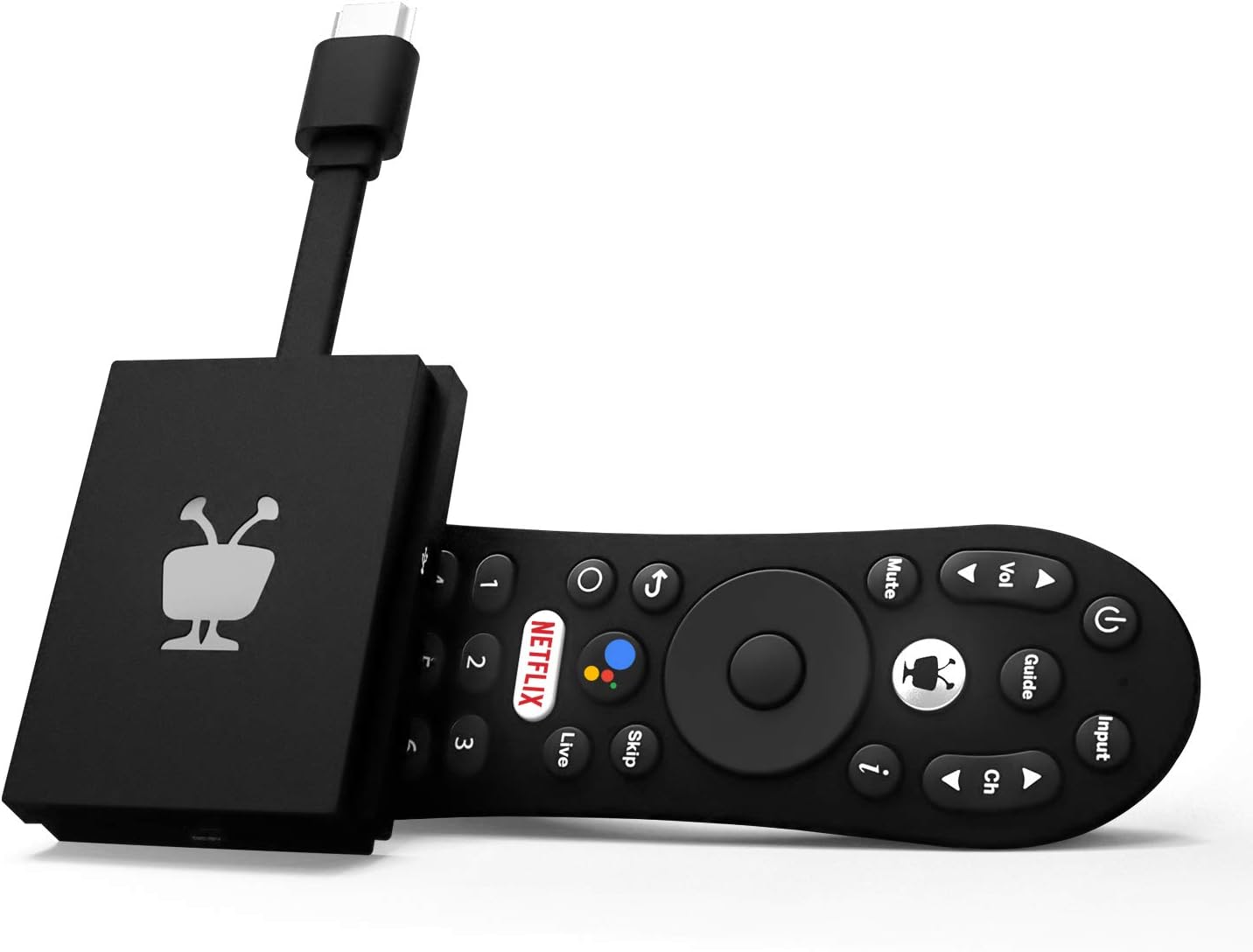
Update 2/16/2021 Still going strong. No issues. Only had to reboot it once in over 4 months. I think some of the "buggyness" others have experienced may be due to a poor wifi connection. If this is going to be placed far from your WiFi router you may have issues with spinning circle a lot. Mine sits right next to my router. My only gripe still is that if I subscribe to YouTube TV it's not going to integrate into the native Tivo channel guide and the Tivo Channel guide does not allow you to create a favorite channels list. That's really the only two main drawbacks. But if I do switch from Sling to YouTube TV I'll put the Tivo on my bedroom TV and move my Chromecast with Google TV from the bedroom to my main TV. Original Review Tivo Stream 4K, Roku Stick Plus vs Chromecast with Google TV - For the $50 and under price range, these are the three best to choose from and I tried them all. Tivo Stream 4K was my winner. 1) It's Android TV O/S so can load all the Play Store apps and use Google Assistant voice commands. 2) All apps I tried, Hulu, HBOMax, Sling, Netflix, etc, had 5.1 audio (that should have it) including Atmos on Netflix. 3) Remote correctly powers on and off the receiver, TV, and device itself. The Info button on the remote was critical so I could see the current video and audio stream spec on Netflix in realtime and discovered I wasn't getting 4K. Needed to go into my Yamaha and do a firmware update and change the video settings in the Advanced Menu to get the receiver to support 4K 60hz instead of 30hz. Not sure what made the difference in getting Netflix to stream 4K, the firmware update or changing 4K video mode from 2 to 1. 4) Live Channel Menu integrates Locast.org (free local TV via Internet), Sling, Pluto and Tivo channels. No YouTube TV of course but not using that. I'm actually using Stremium now as my Live Channel guide and Live Channel DVR. It's brilliant. I have Locast for all the major networks and Sling ($30) for mainly CNN and ESPN. The Stremium app for $5/month (or less annual), also possible on the Chromecast, may not be the best featured cloud DVR but for the price and the fact it can be my channel guide and DVR for Sling and Locast combined is really great. See ya later Comcast and hello $80/month savings without losing a single channel I like to watch. I'm sure there are drawbacks I've yet to discover but so far the Tivo Stream 4K is a total sleeper compared to the more talked about Roku devices or CCWGTV. Maybe people think Tivo brand is old tech on its way out or something? Not my experience with this particular Tivo device. On the CCWGTV, I liked the interface the best (especially if you use YouTube TV, which I don't) but it has been relegated to occasional use on my bedroom TV due to the following: 1) No 5.1 on some apps like mainly Hulu without having to cast from mobile device which is ridiculous to have to do that. Also no 5.1 on any Live TV Streaming Services except if you sideload AT&T Now app. 2) No ability to integrate other live channel services into the Live Channel Guide (not surprising as they want to steer you to YouTube TV) 3) Very disappointing remote (but what can you expect for a $50 platform?) No "Info" button on remote. Wouldn't control power on my Yamaha RX-V781 even with CEC turned on for everything to name just a couple frustrations. Other minor gripes but those were the main 3 for me. If you don't mind paying $65+tax a month for your live TV via YouTube TV and you live in the Google Ecosystem, it's probably arguably the best choice for others as long as they are willing to wait for the kinks to be worked out in all the apps on the audio streaming formats. Roku Streaming Stick Plus very promising. Better remote than Chromecast with Google TV. Simpler menu/navigation system preferable to many users, BUT, HBOMax not in 5.1 digital surround audio currently, just 2-channel PCM. Deal breaker. It's also not an Android TV device so you can't install any Android TV app from the Play Store although it has all the main apps. Moving between Android TV devices is easier in the future so you can use your Google account across a larger variety of current and future devices and not have to start from scratch when you change devices. With Roku, you are now tied to their properietary O/S that they have done a good job designing to make it easy for an average user. Honorable mention: Amazon Fire Stick. If you live in the Amazon/Alexa Ecosystem of home devices this may be your preferred device. You can 'sideload' Android TV apps.