Buy anything from 5,000+ international stores. One checkout price. No surprise fees. Join 2M+ shoppers on Desertcart.
Desertcart purchases this item on your behalf and handles shipping, customs, and support to Thailand.
📚 Elevate your reading game with color, power, and style — don’t just read, experience it!
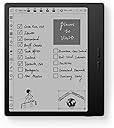
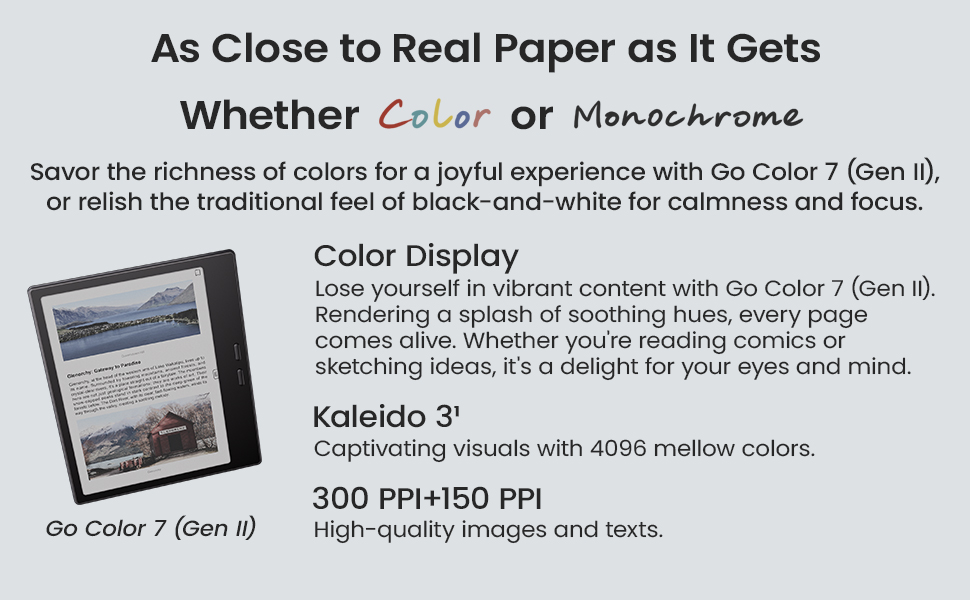
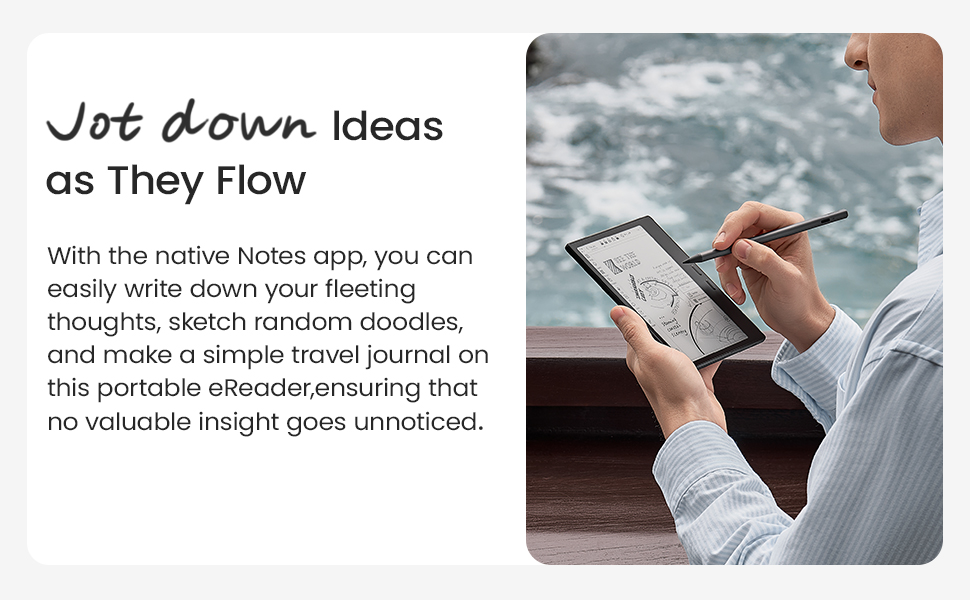
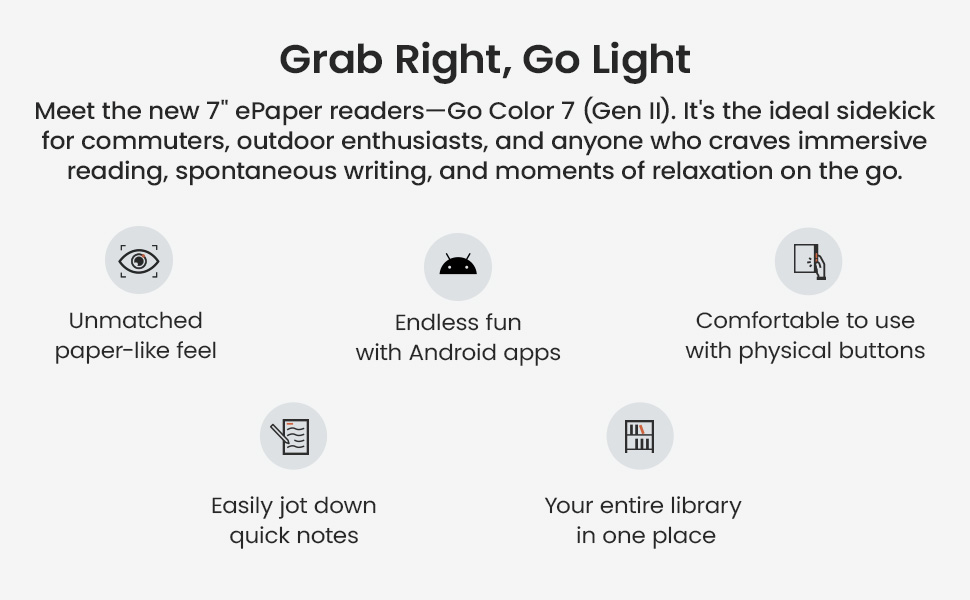
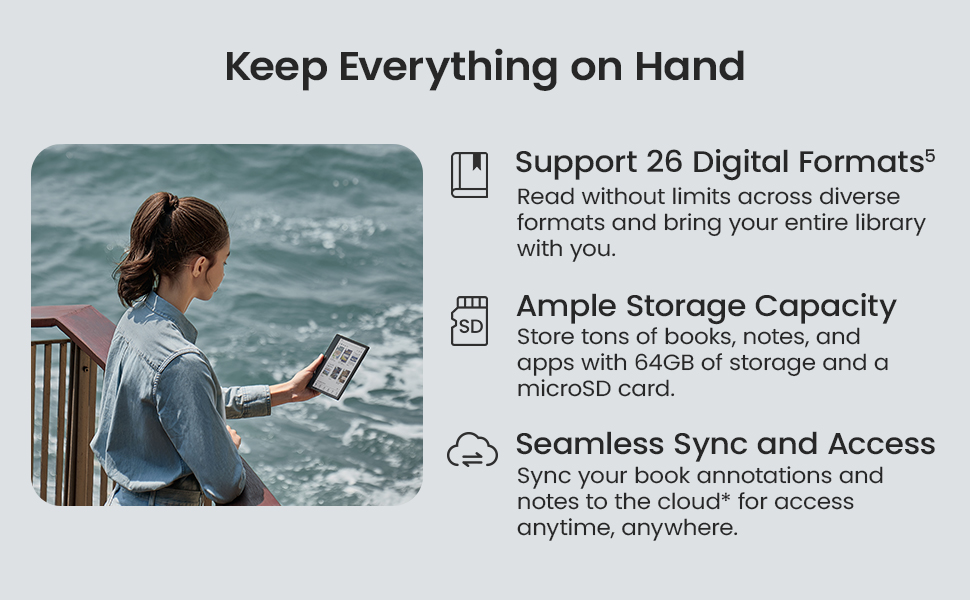
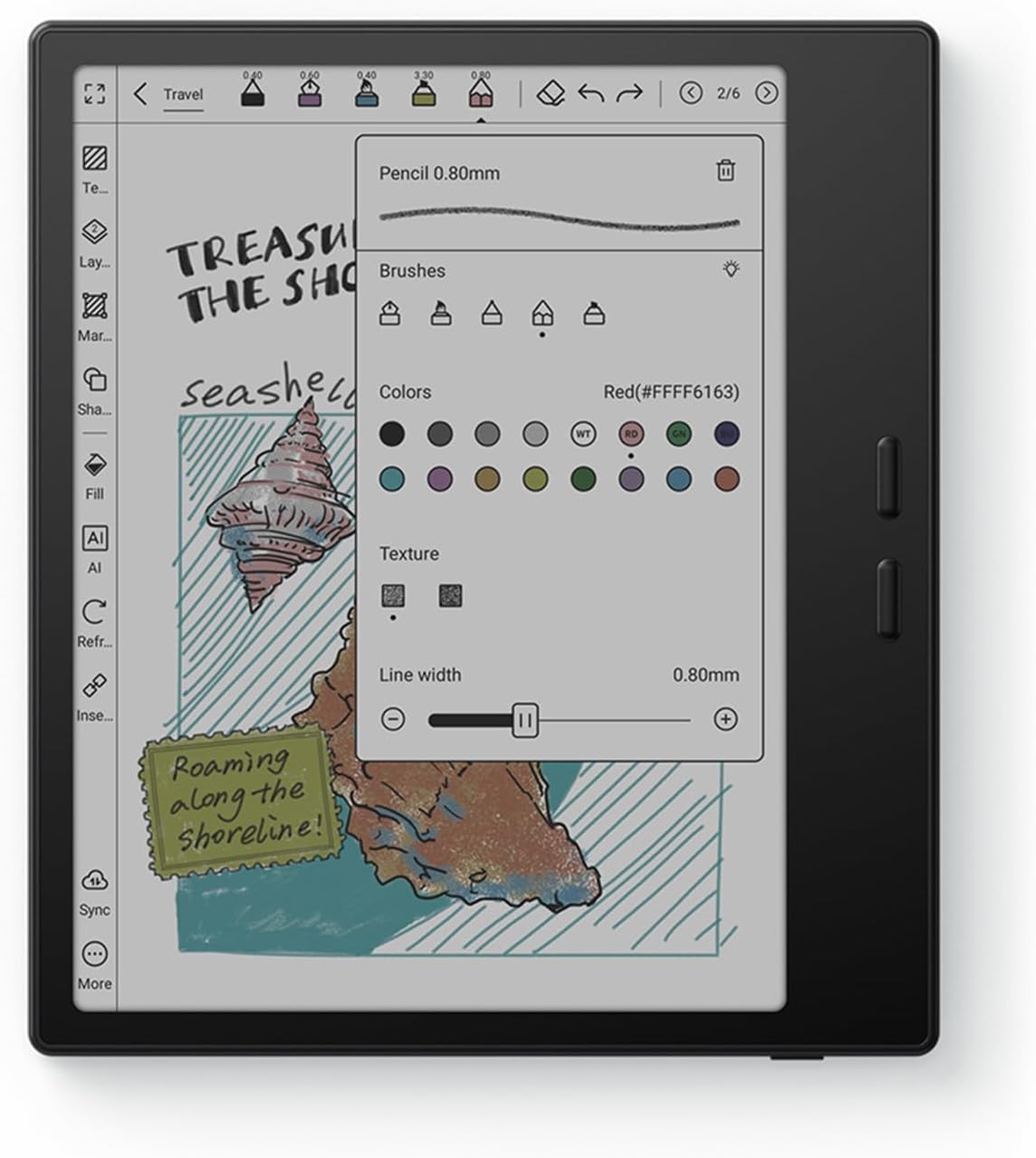
The BOOX Go Color 7 Gen II is a sleek 7-inch E Ink tablet featuring a vibrant 4096-color Kaleido 3 display, powered by an octa-core CPU and 4GB RAM running Android 13. With 64GB storage expandable via microSD, it supports a wide range of document and media formats. Designed for professionals and creatives, it offers Active Stylus InkSense compatibility (stylus sold separately) with 4096 pressure levels, making it ideal for reading, note-taking, and sketching on the go. Lightweight and portable, it combines eye-friendly technology with versatile Android functionality.


| ASIN | B0F58ZHCX2 |
| Active Surface Area | 17.78 平方インチ |
| Additional Features | E-ink |
| Amazon Bestseller | #14,186 in Computers ( See Top 100 in Computers ) #211 in Computer Tablets |
| Brand | BOOX |
| Built-In Media | Device |
| Color | Black |
| Compatible Devices | Stylus Pen |
| Connectivity Technology | Wi-Fi |
| Customer Reviews | 3.9 3.9 out of 5 stars (248) |
| Display Type | E-ink |
| Item Dimensions L x W | 15.6L x 13.7W cm |
| Item Weight | 0.39 Kilograms |
| Manufacturer | BOOX |
| Mfr Part Number | Go Color 7 Gen II |
| Model Name | Go Color 7 Gen II |
| Model Number | Go Color 7 Gen II |
| Native Resolution | Black 300dpi, color 150dpi |
| Operating System | android |
| Pressure Sensitivity | 4096 Levels |
| Screen Size | 7 Inches |
| Specific Uses For Product | Reading, drawing and taking notes |
E**U
Much better than you might think
I dont usually write revirws but this product deserves a for better score than what it gets It is an e reader but it also works with android, this means you are able to run any android app on it, every docume t that works on android will also work here Of course this also means that you ha e a lot of freedom to do things in the wrong way, if you try to run apps that are not compatible with the android version, if you try to run apps that require high refresh rate, it wont work and i think this is where most of the bad reviews are comming from Then again if you research just a little this is far supperior to other restrictive expensive products, i can not recommend it enough
T**A
color表示を楽しみにしていたが・・漫画では背景色が白黒ではなく・・ 若干色が・・文字も黒ではなく・・赤みが強い黒というイメージ・・ 読書に集中したい方は、モノクロを選んだ方が良いと自分は思った。 文字だけの小説等はkindlepaperwhiteの方が良い。 漫画もkindle colorの方が良いかも・・他の電子書籍サイトで購入していなければ。 ページめくりの時にe-ink画面なのに画像が・・目が疲れるかも・・設定次第なのかもしれませんが。
ア**ン
一部Kindleマンガのスクリーントーンが正常に表示されません(よくあるモアレ縞やレンボーなどではなく、スクリーントーン自体がノイズ縞のようになります)。私にはそれが致命的でした またフロントライトがかなり黄色めなので寒色好きな人には向いてません
A**ー
ゴーストタッチが頻繁します タッチペン等アクセサリー必須なのにそういう類のセットじゃない
購**者
評価は2寄りの3です。 kindleなどの書籍読み専用として購入しています。 使った感想としては使えるけど……ってかんじです。 良かった点 ・サイズと軽さ。 マンガを読むにはちょうど良く、電車で立ち読み腕は疲れない ・microSD対応 漫画が多い私には純正Kindleでは容量がキツかったのでこれは助かります。 気になる点 ・初心者が操作するには大変そう Kindleで物理ボタンの設定するのに小一時間かかった ・動作はもっさり 元々わかっていたのでマイナス評価ではないがもっさり感は否めないです。 ・フロントライトつけると充電残量がガンガンへる ・物理ボタンが設定した動作をたまに忘れることがある ・ゴーストタッチがちょいちょい発生する ・漫画のトーンがキレイに反映されない時がある お値段考えるとこれが一番評価落とした原因になります。
A**ー
復帰時のフリーズが異様に多い、GooglePlayプロテクト認証が全く通らない、 音声ドライバがおかしいせいで 初期状態では音声認識ができない…のは、 E-InkとAndroidの相性もあるのでまあいいとして… 2カ月で故障した挙句、 メーカー修理費として 本体をもう一度買うのと変わらない金額の請求が来た。 どうもこの商品、耐久性は非常に低い模様。 これから買う人はご注意を。
A**ー
アプリでの読書は最悪レベルで使い勝手が悪い。 ・スクロールにアニメーションがつく(邪魔) ・文字を読みやすくする設定が、思ったようにできない(ただコントラスト強めたいだけ、ができない) ・ゴースト消すリフレッシュで毎回画面色が反転するのがウザい(ゴースト許容した方がマシ) 5年前に買ったLikebookの方が直感的に使えて、文字サイズ・コントラストの調整も容易で、すごい使いやすかった事が分かった。 起動が購入時より重くなってきたので買い替えのつもりだったが、これならLikebookを使い続けると思う。 動きのモッサリした重さも、起動の遅さも、go7も同じくらいの印象。 なぜこんなに評価が高いのかわからない。
ノ**ク
この機種は歩留まり対策なのか、画面に輝点やドット落ちがかなりあってもメーカー基準では正常品(仕様の範囲内)とされます。 国内正規代理店は非公開のメーカー基準に照らして機械的に回答するのみで、メーカーへの連携はしてくれず、メーカーへの問い合わせをユーザーに丸投げされます。 代理店のオンラインストアでアクセサリーと併せて購入すると10%割引になりますが、画面のドット落ちがあった場合はほぼ返品交換は受け付けない姿勢のため、気になる方は返品ポリシーの条件が良いAmazonでの購入が安心です。 私は代理店ストアで購入し、画面の気になる位置にドット抜けがあり、代理店のサポートに連絡しましたが徒労に終わりました。諦めて使うかメルカリに出すか迷っているところです。 気になるKindle colorsoftとの画面表示の差ですが、家電量販店店頭で実機を比較したところ、同じパネル材のため素人目にはそこまで違いを感じませんでした。最大輝度はKindleの方が少し明るかったです。
D**H
Well you won't usually find this product being advertised much in India. But it is a good alternative to your all day Android needs except for heavy tasks. If you are too much into web browsing and reading and don't want to strain your eyes then this is perfect solution... A blend of Android aswell as ereader... Only issue is you won't find its case easily. Also you can use it if you find your kids addicted to mobiles and don't want to strain their eyes.
D**A
I was so excited to get this ereader because it's Android. I found it easy to set up and download all my apps, etc. But the navigation was so slow. It was always freezing and i needed to restart it constantly. When reading in BorrowBox, if I decided to change the settings, the app would close and I had to restart it and navigate back to my book. A bit inconvenient considering the price. It may be that Borrowbox is a large app and the boox hasn't got enough memory to keep it open when changing the settings, but that was why I bought it, to read library books. Though I don't have that problem with Borrow box on my 8.1 Android Galaxy tab A which is 9 years old. It's just an eye burner to read books on for extended periods. Considering the boox is Android 14, it shouldn't have that problem. Also the ghosting and lagging were too much considering the price. And the colour isn't any great advantage. It's more economical and convenient to buy the books from Amazon and use my kindle than to buy the boox device.
A**S
Es la mejor compra que he tenido, actualmente estuve leyendo 15 tomos de manga en enero y otros 17 en febrero. Me gusta leer en viajes largos, antes de dormir, o en el trabajo. Yo lo uso para leer Mangas y esta perfecto, porque puedes meterlos directamente en el lector aun con formato CBZ, o usar cualquier app.
J**K
I've been using this "tablet" for a while and I love it, but I was looking for an e-reader that happens to run Android, and that may put me in the minority. So, what is this not good for? Technically, by name, this is a tablet, but I wouldn't call it that. You are not going to watch movies or YouTube videos on this. You can browse the web in a pinch, but a lot of content will seem very unusual because of the screen's refresh rate. Most of your apps will not work very well, also because of the screen type. You will not be playing anything but the most basic games, again because of the screen, and because the SoC is very lower power in order to get better battery life. So, what IS it good for? Reading!!! It comes with its own book store/app, but you can also install Kindle, Goole Play Books, Libby, news apps, whatever you want to read. The colors are a bit muted, so if you're a fan of visual novels, you might be unimpressed, but it works just fine for that otherwise. The screen is pretty good. Not quite as good of detail as my last Kindle, but the backlight has more configuration. It's nice and light, and I really like the page flip buttons. Technically, they're volume buttons, but they can be configured to flip pages in apps I use. The battery life has been great for me. I charge it about once a week, but I could probably wait 2-3 weeks. It makes use of pretty aggressive power saving features to enable that battery life while running Android. Expect to wait close to a minute for it to start up when you want to use it.
L**A
1. Yes, the name states color e reader. But keep in mind this picks up certain a colors. It won’t be as vivid as your tablet or phone. The colors appear more mute see image! . 2. Screen was great no issues, no specks! 3. If you’re having issue with ghosting. The settings I used had the least amount of ghosting + good quality! * Remember to do this for EVERY APP! Steps : Open E-Ink Center Color mode : optimal Refresh mode : speed Refresh mode -> More A pop up box will appear with two tabs For HD : Turn ON -> System Refresh Drag to refresh -> set to 2S When scrolling use : HD Current app : set to 5 Animation Filter -> set to 20 For Speed : Anti Flicker -> set to 2 4. Has two speakers, sounds pretty nice! 5. Semi-User friendly… you might need to watch a few TikTok’s for some “how to” 6. It’s android based so you can download other apps! Like Libby, kindle, Spotify 7. It has BooxDrop, which is (your own) personalized QR + Link to upload stuff from your laptop or cellphone (images, files etc)
Trustpilot
3 weeks ago
3 days ago