Some deliveries may take a little longer than usual due to regional shipping conditions.

DOWNLOAD THE APP


Customer Services
Copyright © 2025 Desertcart Holdings Limited
DOWNLOAD THE APP

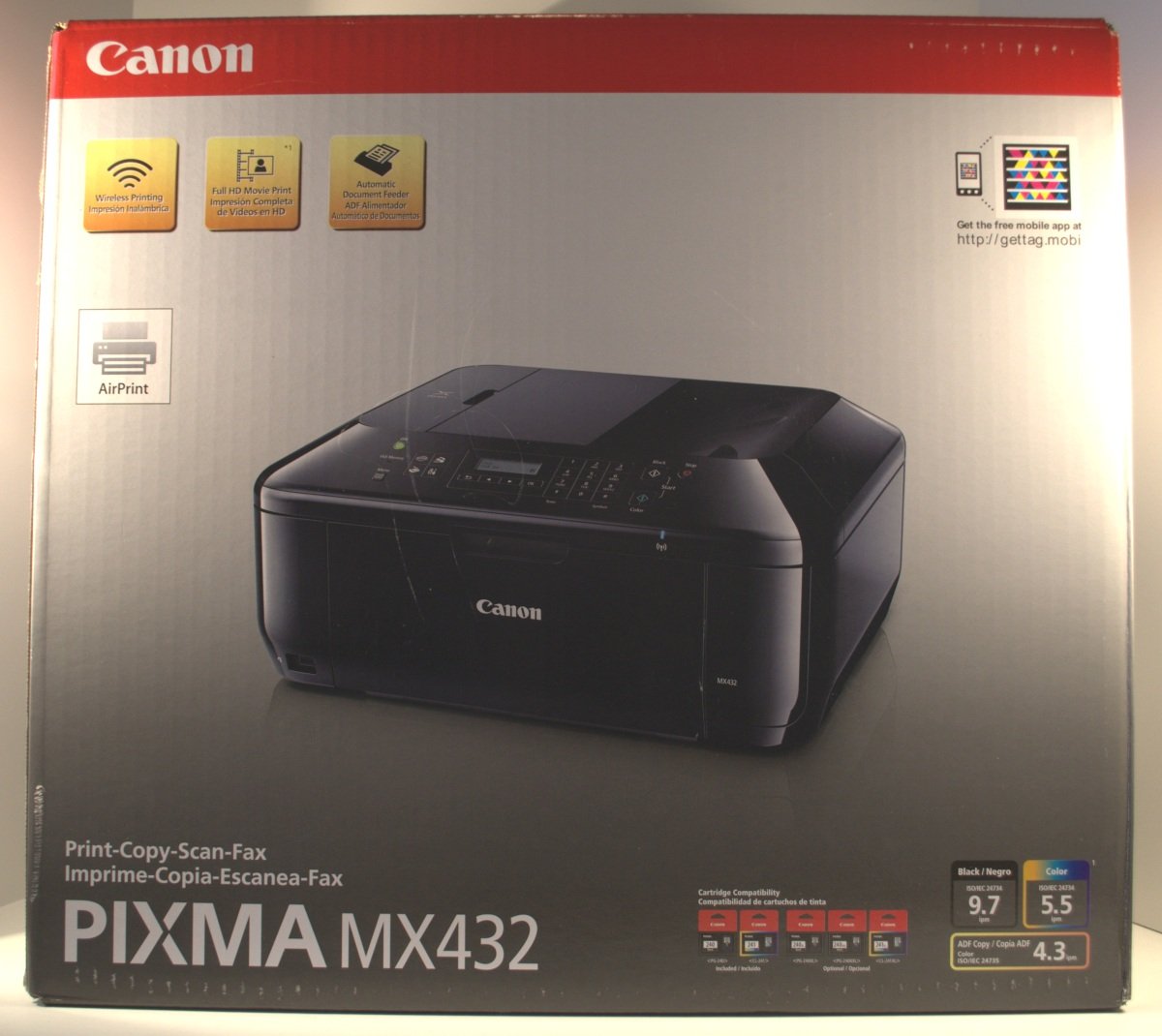
📸 Print Your World, Effortlessly!
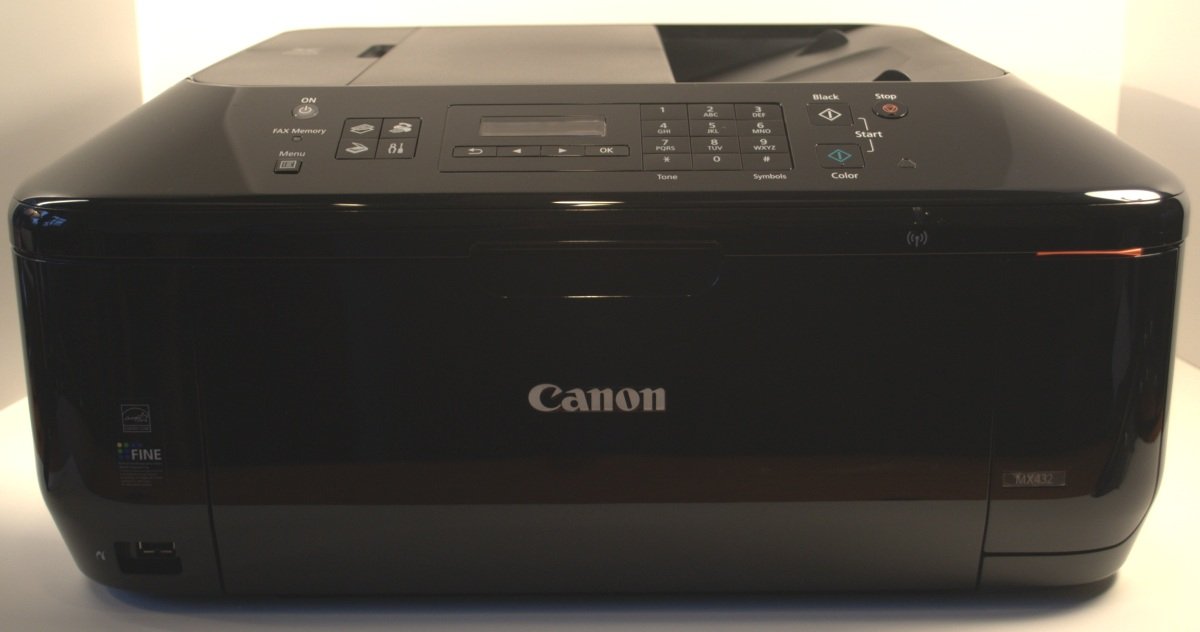
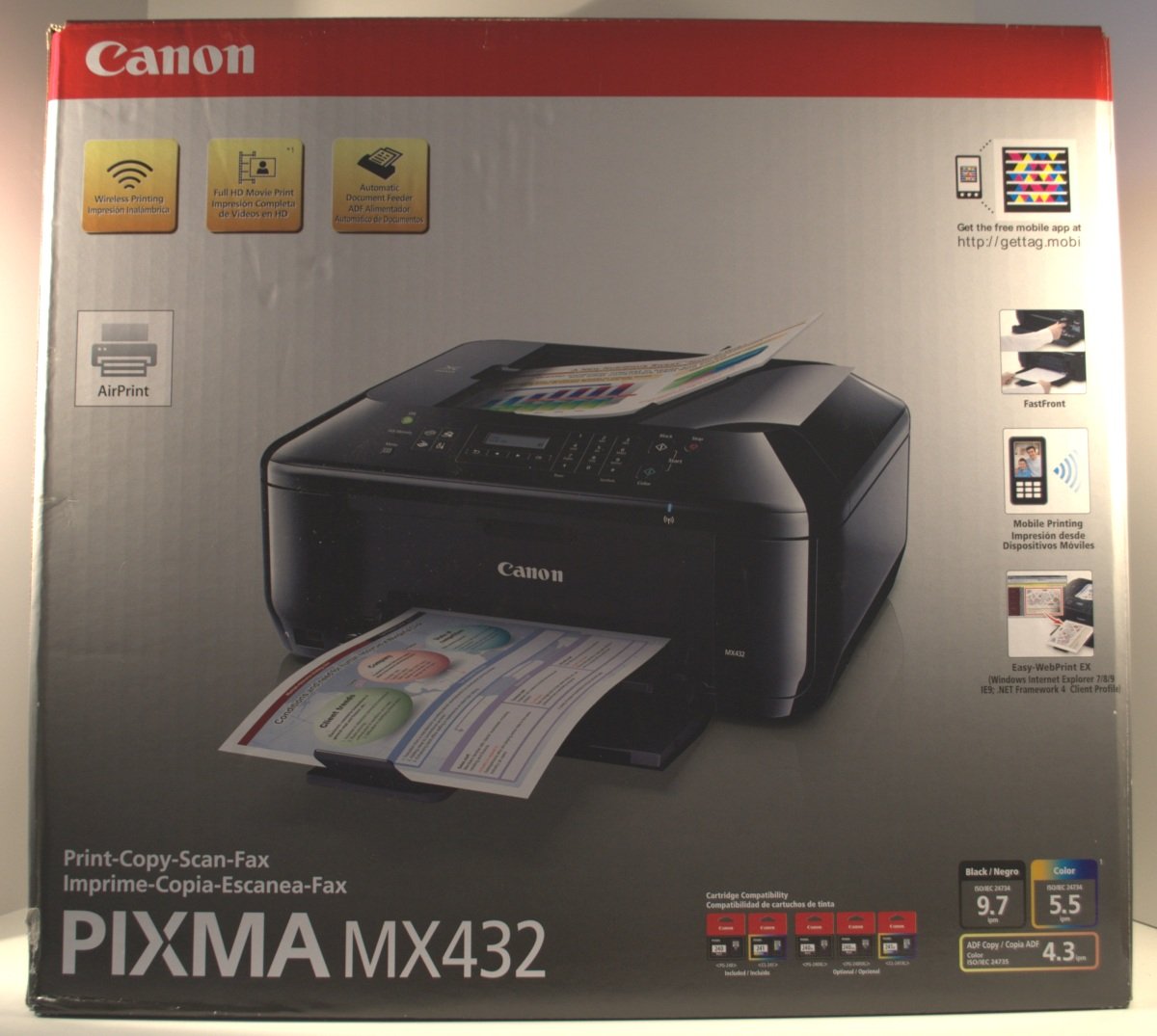
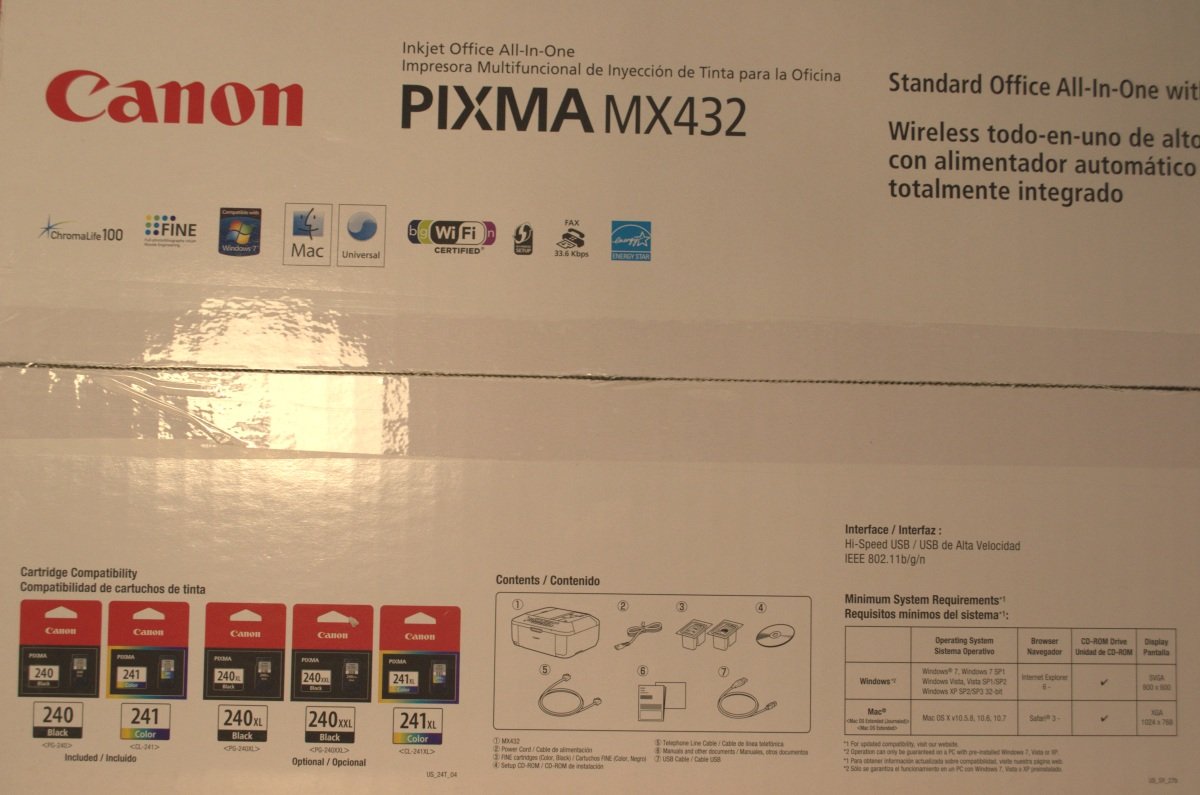
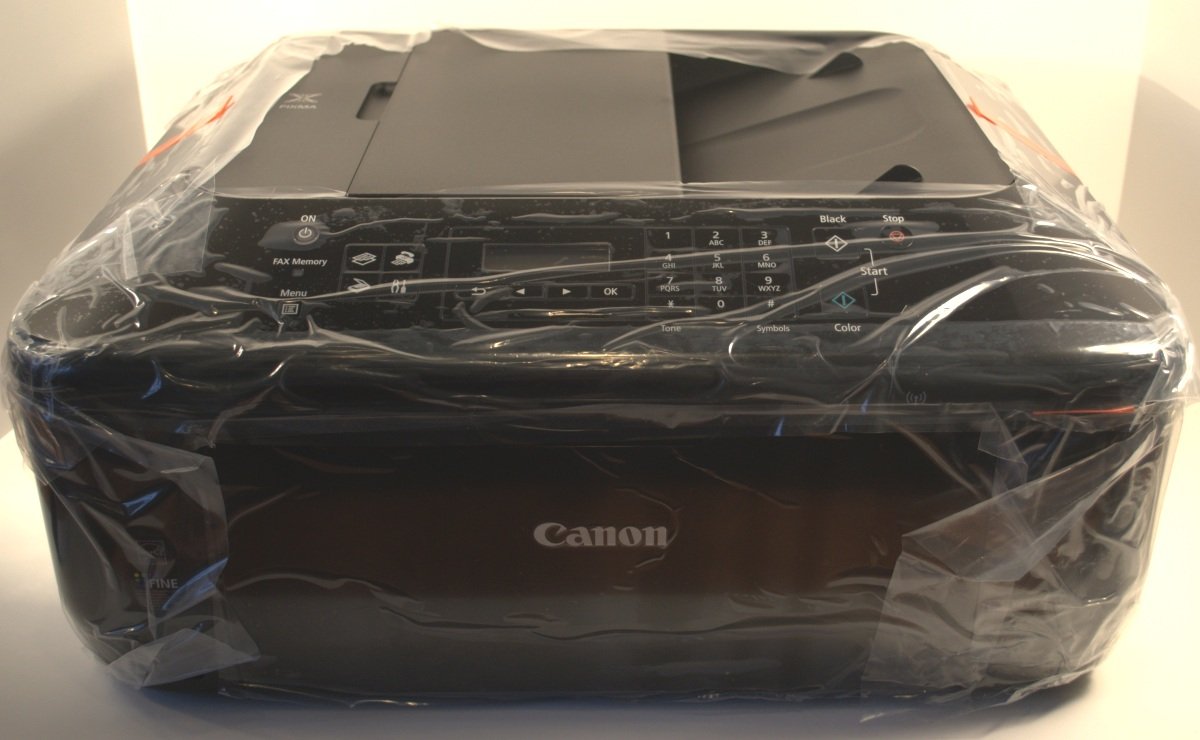
The Canon PIXMA MX432 is a versatile all-in-one wireless color photo printer that combines printing, scanning, copying, and faxing capabilities. With a 30-sheet auto document feeder and user-friendly features like the FastFront System, it simplifies your office tasks while allowing you to print directly from your mobile devices.
J**N
Fantastic printer for incredible value.
I bought this printer for my mother for Christmas. I've always bought Canon printers (I'm pretty loyal), and have always been pleased. I knew my mother would love a photo printer because she always complains about how the world has gone digital and she misses holding photos in her hands. We set the printer up with a new Win8 laptop, which took about fifteen minutes with the included setup software disk. I could see the setup process being somewhat difficult for someone who's not good with computers, but what are favorite sons for? The software included is easy to use. It places a widget on your desktop which you can click to expand, and a very user-friendly menu displaying your options is expanded. As kind of a digital imaging buff, I wish the software had a few more bells and whistles for image editing, but it will serve my mother's (or anyone just wanting to print photos as they are) quite well. This unit also includes a scanner and fax machine, but will probably not be used much. I did scan a document to test the efficiency of the machine, and it was fine. I also ordered a pack of Canon 4x6 Photo Paper Plus Glossy II. When I printed our first picture, I was absolutely amazed. It looked like a photo we'd just picked up from the drugstore photo counter. The colors were vibrant, lines crisp, and the image covered the entire sheet with no white edges. Many "ooohs" and "aaaahs" were heard as the photo was passed around. My favorite feature of this printer is the WiFi connectivity. Place the unit anywhere in your house, click "print," and your photo will be ready in seconds. As I stated earlier, I've always loved Canon printers, and this unit blows any other home photo printing system I've seen out of the water. I highly recommend!
T**H
Could be better, but works well
This product could have been much better, but I think Canon went cheap on making it. I got this printer for my parents for christmas, and saw that it was Airprint compatible. They use apple products so I thought this was great since they've been needing a wireless printer for A LONG time now, and having a scanner and fax and copier all in one at home is terrific and convenient.Well Christmas comes and they ask me to set it up, so I go to set it up. First off there is only two cartridges for ink, color and black. I find this to be an issue because I enjoy being able to print high quality photos, and you get higher quality photos with a printer that has separate colors (magenta, yellow, and cyan). I thought oh well, I'll still get this going and it'll at the least print out decent photos, since Canon is known for having pretty decent printers. I plug it in (it actually used the same plug as the last canon printer we had so I didn't have to rewire a plug to an outlet behind a huge desk) and it turned on. I go to connect it to the wireless network and ran into a problem trying to change the number pad numbers to recognize letters. The directions did not state how to do this at all. So I go and experiment and figured it out, but it took me about 15 min.I tested the airprint out and it worked flawlessly. My iPhone recognized the printer immediately which was awesome, and even connecting a PC, iMac or Macbook was a breeze. The issue came for when we wanted to Duplex print. I was unaware this printer did not allow for duplex printing. To be honest I didn't think it would because it's an injet, and inkjets don't usually allow for duplexing, but I was told our old canon (which is also an inkjet) did allow for duplexing, so I was at a loss to explain it.The ink seems like it will run out fairly quickly though, so if I need to heavily print out documents I'll make sure to do it at work. This printer has an alright sized paper tray, so again it is definitely a home use printer, and not one to be used in an office environment. If you work from home and need to print a heavy load of stuff, color, blacks, or even mixed, my recommendation is to get a different printer. If you are a moderate to light home use printer that needs it for certain things on an occasional basis then this is a good printer at a decent price.
J**S
Best printer/scanner EVER!
What an amazing printer! Easy to setup (without needing a usb cable). As long as you guide through the software, it will detect your network (s), and once you choose the printer understands what network it's on. Then setting up every other printer on the network is snap so long as you use the software (which you should because it's more user-friendly). Also didn't have to disable (or uninstall virus software) unlike HP's printers which are always a hassle.More importantly, I've been searching for years for a home version of a wireless network printer that can scan remotely. I only saw business printers in the $500+ range. Finally (perhaps a result of airprint) I can finally toss the printer on my home network, and any computer in my network can scan remotely. Scanning to a usb stick via the menu's isn't terrible, but not as easy as scanning from the computer. If you install the drivers / software, there's a command center where you can tell it to scan to your computer (once it's on the network), you can even tell it WHERE to save the images on your computer. The default resolution is 300dpi, but I did find a menu where you can up it to 600dpi if you choose. Also does auto-size detect so you don't have to crop later. Setting up airprint to an ipad is simple, though if you want to scan from printer to ipad it seems you need the Canon app (free).Hands down, this is a steal for what this printer offers. I would never go back to an HP.
Trustpilot
1 month ago
2 months ago