Desert Online General Trading LLC
Dubai, United Arab Emirates
Desert Online General Trading LLC
Dubai, United Arab Emirates



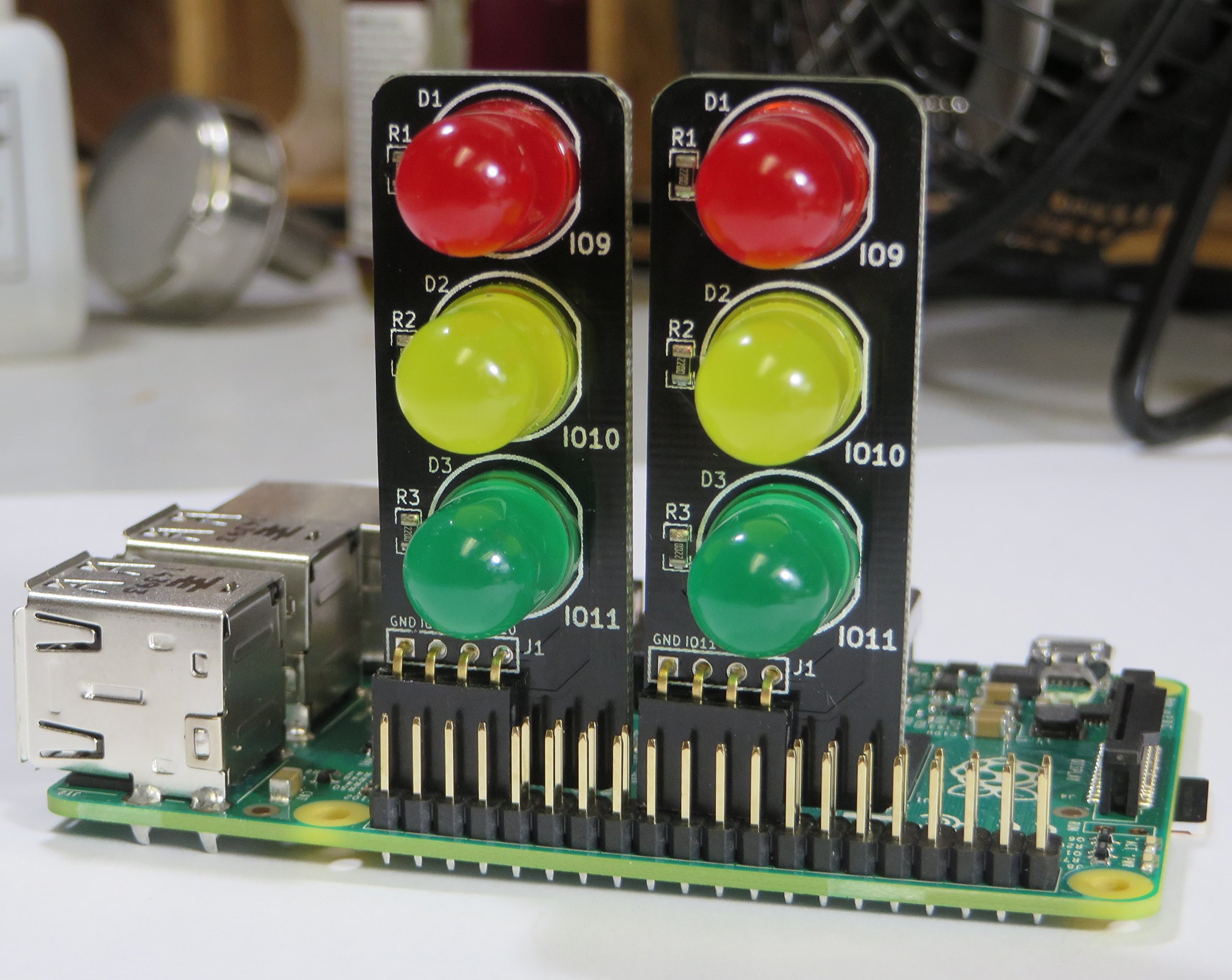
🚦 Light up your Pi projects with traffic-ready style!
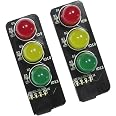
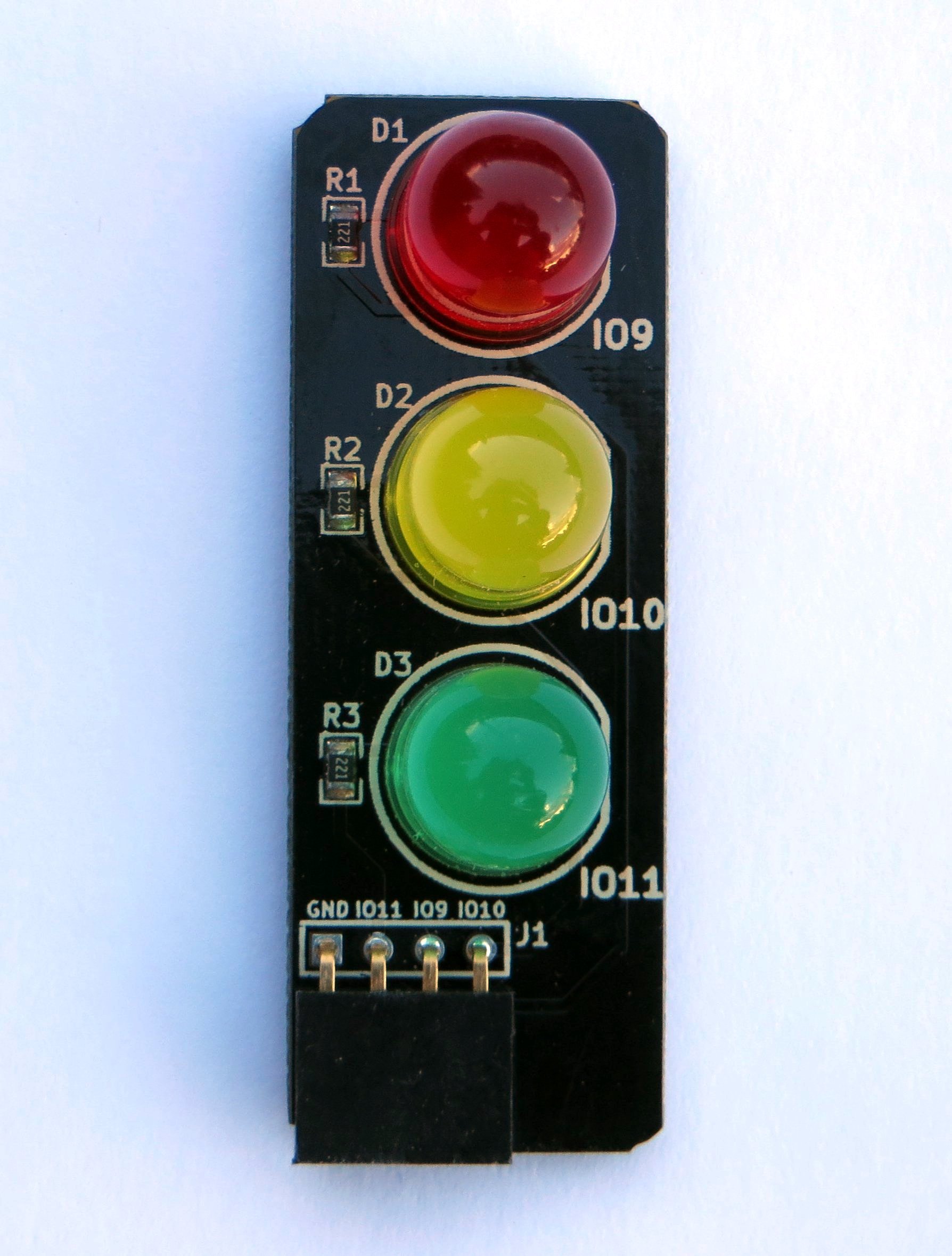
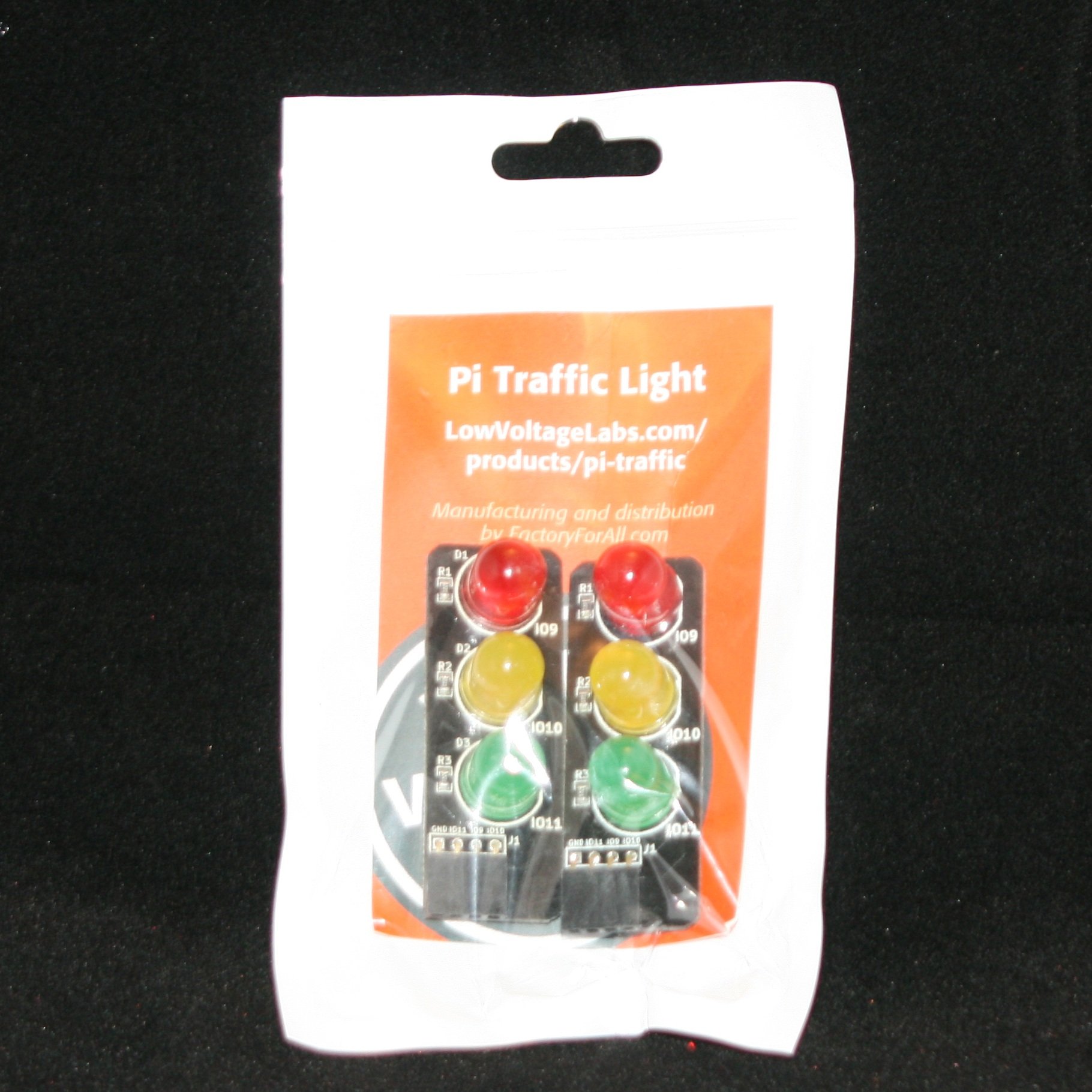
The Pi Traffic Light (2 Pack) features bright 10mm red, yellow, and green LEDs that mount vertically on Raspberry Pi GPIO headers, using only four pins (9, 10, 11) to keep your other pins free. Compatible with a wide range of Pi models, this powder-coated, battery-free LED set is perfect for adding clear, colorful signals to your projects while maintaining a sleek, compact footprint.
| Color | [III] Red, Yellow, Green |
| Shape | Rectangular |
| Finish Type | Powder Coated |
| Light Source Type | Light Emitting Diode |
| Shade Material | Plastic |
| Power Source | Battery Powered |
| Brand | Low Voltage Labs |
| Style | Modern |
| Mounting Type | Board Mount |
| Bulb Features | Color-changing |
| Number of Light Sources | 2 |
| Are Batteries Included | No |
| Set Name | Pi Traffic Light |
| Manufacturer | Low Voltage Labs |
| UPC | 634420766057 |
| Part Number | 0x05 |
| Item Weight | 0.32 ounces |
| Product Dimensions | 2.1 x 0.75 x 0.75 inches |
| Item model number | 0x05x2 |
| Is Discontinued By Manufacturer | No |
| Finish | Powder Coated |
| Item Package Quantity | 2 |
| Batteries Included? | No |
| Batteries Required? | No |
A**A
There are other similar products out there but these are excellent for clear view way across a large classroom or ...
Worked perfectly for what I had planned on using them. I will eventually order several more units. One of the units had a defective LED but the company replaced it right away, no hassles. Very friendly and courteous people. There are other similar products out there but these are excellent for clear view way across a large classroom or lab, which is the environment I am working in. They are bright enough, hence no painful glare, and the diffused lens allows for clear view from any angle. I am not mounting them directly to the pin header on the Pi, but rather using short (100mm) male to female jumpers and secured to the case with a rubber band. I know I could have the same with a breadboard but this is more study and lends itself much better to prototyping a RPi cluster environment.
A**R
NIce - but docs up need updated for beginners and B+ Pis
Nifty little leds, now that i figured out how to use them. The docs could really stand a bit of updateing.the images show the older pis, that only have the the 26 pins. [...]Well the newer pi B+ has more pins, I did not notice this and put the LED board at the end of the pins. This is incorrect, and i realized later that i had to count in 13 pins and set the board there. It sits in sort of the middle of the row of gpio pins. (Newbie mistake)I imagine You can move the board to other pins, but you would need to alter your programs to match up.----------------------------------- Here is my simple test program - the one on the web site is sort of poorly done. -----------------############ My Pi Traffic Light Tester appimport RPi.GPIO as GPIOimport time#GPIO.setwarnings(False)# Pin Setup:GPIO.setmode(GPIO.BCM) # Broadcom pin-numbering scheme. This uses the pin numbers that# match the pin numbers on the Pi Traffic light.GPIO.setup(9, GPIO.OUT) # Red LED pin set as outputGPIO.setup(10, GPIO.OUT) # Yellow LED pin set as outputGPIO.setup(11, GPIO.OUT) # Green LED pin set as output# Set the pin HIGHGPIO.output(9, True) # Turns on the Red LEDGPIO.output(10, True) # Turns on the Red LEDGPIO.output(11, True) # Turns on the Red LEDtime.sleep(10)# Set the pin LOWGPIO.output(9, False) # Turns off the Red LEDGPIO.output(10, False) # Turns on the Red LEDGPIO.output(11, False) # Turns on the Red LED# Tidy things up when you exit.GPIO.cleanup()###############################################There ya go. The only suggestion i would have would be to make one with a 90 degree bend in the connector, so i could lay it flat and put some holes in the pi case (or use a clear case) so it would fit under/in a normal pi case and work as an indicator lights easier.
P**L
Great for introducing physical computing on the Raspberry Pi
These work great when you want to focus more on using the Raspberry Pi to the programming of LEDs rather than spending time teaching breadboarding (which is also an important skill, but sometimes you've got to chose how to spend your time).
E**N
VERY high quality...
You get what you pay for, and in this instance, high price is most definitely HIGH QUALITY.I read a blog by a teacher who used these in his classroom. He mentioned the quality, so I decided to take a chance.YES, High Quality.. These are not cheap junk.I kept four, and gave one to a friend. He does electronics experiments with his daughter,and this was spot-on for the RPi. He also was impressed by the quality.His only concern, and I agree, is that the LED's are not completely matched in brightness."A minor quibble", you say? Not at this price-point.
B**G
Neat light tree if you're into modeling.
Works just as expected. Nice 1st project when learning how to program the GPIO pins on the pi. They will eventually become permanent signal lights on my HO gauge railroad.
T**G
What I wanted but brightness varies
It was exactly what I was looking for. They use the same current limiting resistor values for all 3 colors so brightness levels vary greatly. I wish they would have sized each resistor a specific value so that brightness levels would be the same when used at 5vdc.
R**B
The device is fine. The picture showing them side-by-side is misleading
The devices plug in an work just fine.HOWEVER, the image here on Amazon showing two of them plugged in side-by-side is a little misleading. The right-hand traffic light is plugged into the wrong GPIO pins. The actual location is one pin to the left. If you try plug in two boards side by side, they are a bit too wide to actually seat properly.If you need them side-by-side, you can file down one of the two traffic lights.
M**T
Great start for GPIO/Python programming!
This is the perfect item to get started with learning Python and GPIO work. I'll be featuring this product in a write-up on my website as I found it completely invaluable when starting out with learning how to program Python on the Raspberry Pi. The fact that it came as a two-pack and wasn't obscenely expensive is an added bonus. I've decided that I'm going to keep one of these and give the other to a friend of mine that also does stuff on the RasPi.
Trustpilot
2 weeks ago
2 weeks ago