
DOWNLOAD THE APP


Customer Services
Copyright © 2025 Desertcart Holdings Limited
DOWNLOAD THE APP


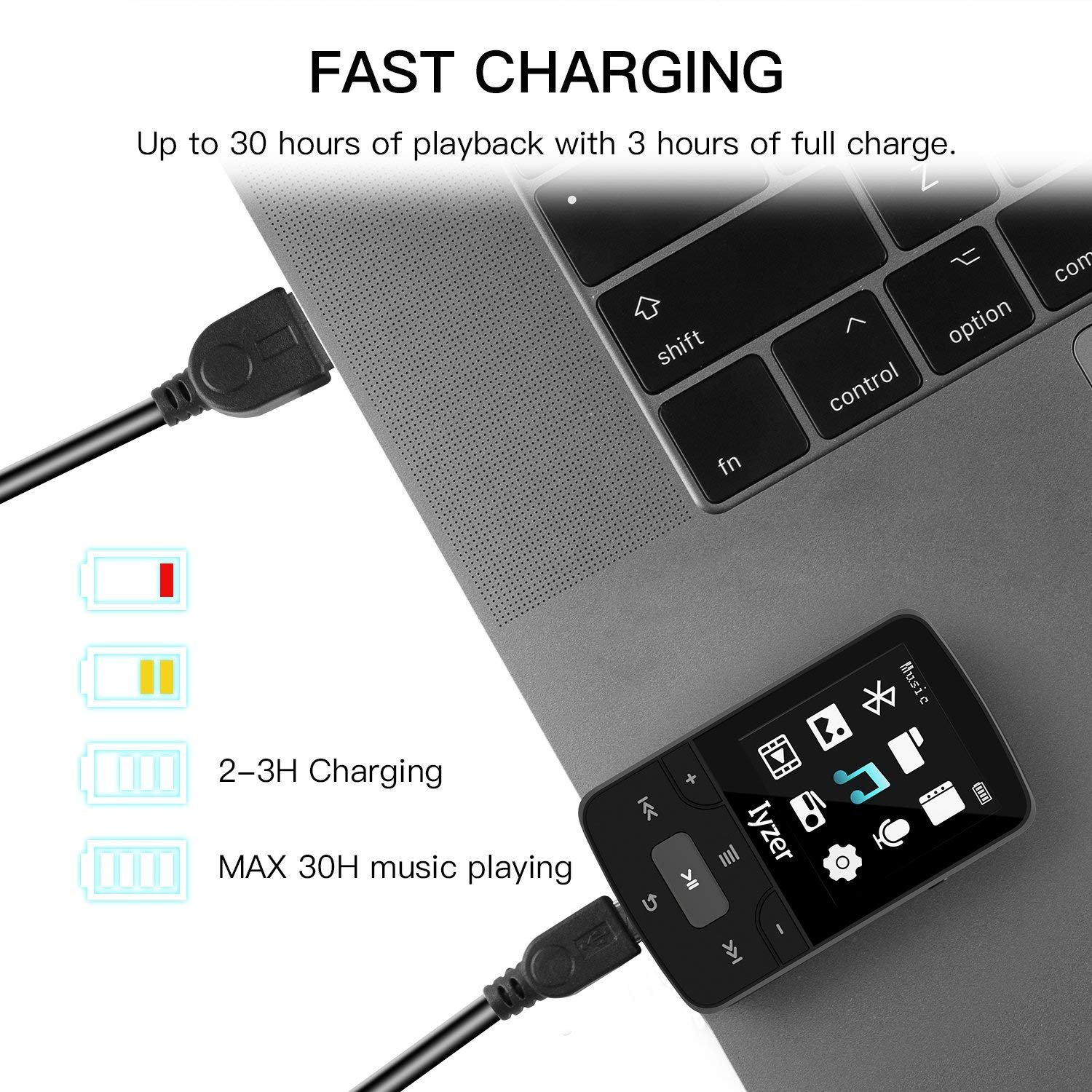
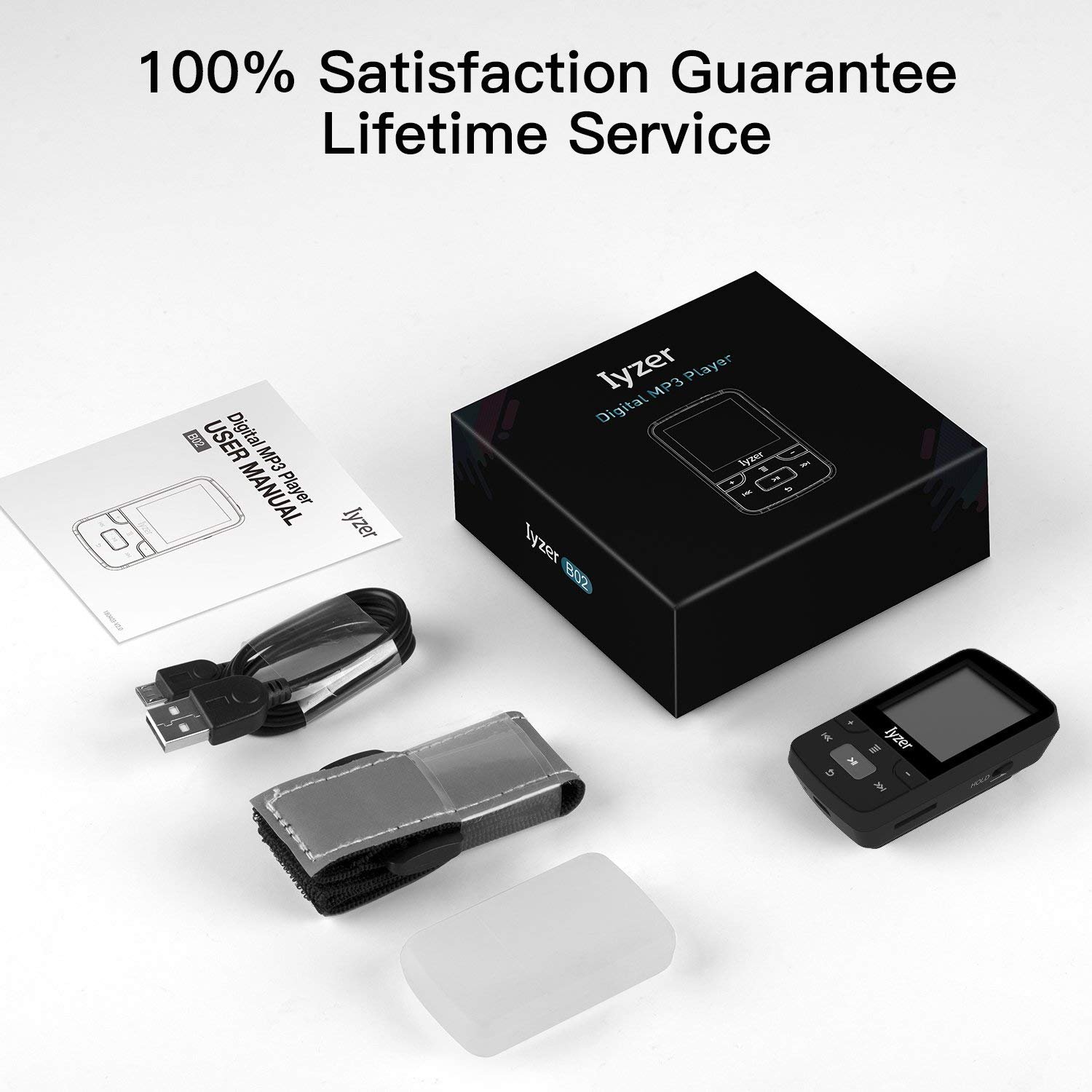
🎶 Elevate Your Workout Vibes!
The AwesomeWare MP3 Player is a lightweight, portable digital music player designed for sports enthusiasts. It features 16GB of internal storage, Bluetooth 4.0 compatibility, and supports expandable memory up to 128GB. With a long-lasting battery life of up to 30 hours, high-quality sound across various audio formats, and a 45-day satisfaction guarantee, this MP3 player is perfect for anyone looking to enhance their music experience while on the go.
K**L
Lowered my upstream power levels, but increased my downstream power levels
Like a lot of reviewers, I purchased this active return booster to help with a high upstream power level on my modem, which caused the modem to drop the cable internet signal and/or reboot. I mostly noticed this problem with my VoIP phone, where the person with whom I was talking could not hear me (upstream) but I could hear them (downstream).My cable company (Comcast) had been to my house numerous times and had even completely replaced my line-in cable from the pole to my modem, eliminating all splitters and joins in an effort to make my signal stronger. Even though this is now one single cable to my modem, my modem was still screaming to hear the weak Comcast signal, increasing its power level to the point where it rebooted or dropped the signal entirely. I saw a video on Youtube about someone with the same issue, and decide to try this active return booster.The Motorola Signal Booster fixed the issue I had with VoIP phone, and my upstream power levels went from high +45 to +52 dBmV, to acceptable +33 to +37 dBmV. However, at the same time, it increased my downstream power levels (which were excellent at -1 to +1 dBmV) +12 to +14 dBmV (which is borderline). So my VoIP phone is more stable, but my internet connection is not. I had one tech tell me it's because I live at the 'end of the line' (in a cul du sac) and that basically 'my signal' is being 'stolen' by my neighbors as it makes it way to me. I don't understand why the Comcast techs can't balance this signal at the tap to make this work right.Overall, the Motorola Booster with Active Return works well, and will improve both your upstream and downstream modem power levels. This would have been better for me if my downstream was horrible to begin with, but now it's high and the modem drops the downstream, but at least I can use my VoIP phone. 4-stars for the booster, 1-star for Comcast.
S**R
Correcting my cable modem performance
I treated myself to a new modem, locally buying an ARRIS / Motorola SURFBOARD SB 6141. Upon connecting it, I found that the modem continually reset (rebooted) itself -- at the instant that a complete connection was established, it would reboot. (Initially this was sporadic, even going a full day without a reboot.) I called ARRIS support and discovered (via suggested modem link 192.168.100.1 typed into my browser internet address bar) that my upstream power level was very high: 58 dBmV., the probable cause of my problem (ARRIS likes 40 dBmV). Further research about this problem and correcting it led me to this Motorola signal booster (informative YouTube videos). (I was able to get the modem to work by eliminating one of four total splitters, even though the Upstream Power Level did not change upon reanalysis.) From another source I ordered an unbalanced three-way splitter (by Extreme) to replace the four-way splitter I was using. The splitter arrived first, so I hooked it up to see if it alone would make any difference. The "unbalanced" "stronger" (-3 dB) signal output port went to the new modem, with the other two (-7 dB each) going to the telephone modem and TV. My new SURFboard cable modem went back to continually rebooting. Switching the modem connection to one of the "weaker" output ports (-7 dB) on the unbalanced splitter allowed the modem to operate again.The signal booster arrived with an included AC adapter (power block, bug), which is good, since it is an 18v output transformer and not a 12v like I had on hand. Instructions with diagrams were included. I knew that no cables were included (the AC adapter uses one to connect to and deliver power to the amplifier; it does not use the typical electrical plug). I had some spare cables around; three-foot lengths are handy. It wasn't difficult to set up; finding a suitable place to plug the adapter into is usually the hard part when adding things that use adapters. (Using a small open end box wrench will ensure secure cable connections; the nuts on the cable connectors take a 7/16-inch wrench.)I knew as soon as the modem rebooted (after disconnecting it to attach the amp) that all was well. The SURFboard unit has LEDs that include Receive and Send lights. Previously, the Receive light would be blue in color (vs. green) to indicate that a "bonded" channel had been established while the Send LED was always green, indicating that (simply) a connection had been established. (You'll have to look up "bonded.") As soon as my new amp and modem were connected, and the modem allowed to reboot, both the Receive and Send LEDs were blue (both now receiving the better "bonded" signals).Even if your modem is not working properly, you can type that numerical address (above) into your web browser and get an analysis of what's going on with your modem. There are three important parameters that should be looked at.Before the amp was installed, my Downstream Signal-to-Noise (S/N) ratio was a barely acceptable 35 dB (higher would be better), Downstream Power Level an acceptable -11 dBmV (acceptable range = +15 to -15), and Upstream Power Level an unacceptably high 58 dBmV (51 or less is one acceptable reference I found).After the amp was installed, all these parameters improved: Downstream S/N now 37 dB to 38 dB (readings for eight channels), Downstream Power Levels positive 6 dBmV to 7 dBmV, and (most importantly) Upstream Power Levels (only four channels listed) 44 dBmV to 46 dBmV -- being in the 40s is good.The amp as well as its AC adapter (especially) get very warm, so keep this in mind when arranging things. I used a small brick to set my amp on, just to keep it from sitting on anything possibly combustible; probably acts a little like a heat sink, too. If you're having connection problems with your cable modem and the analysis points to a high Upstream Power Level, then this signal booster should fix things for you. Be sure that it is this specific booster that has the active return feature, for it is this feature alone that boosts the Upstream Power Level. (You are downstream, and when you use a computer or "on-demand" television, you/your equipment is sending info back up to a server or "upstream.") Of course, if you need the multi-port amp, then get that. Regardless, check for a "K" within the Motorola model nomenclature (K series), designating a unit with active return. Motorola Signal Booster 1-Port Cable Modem TV HDTV Amplifier with Active Return Cable Modem Boost
W**H
Worked great for 1.5 years and then DEAD
If you have an intermittent internet connection, such that the internet link drops out from time to time and you have to reset or restart the cable modem, you need to do a few things. First you have to check the modem signal strength, using the browser control panel for the modem. When I checked mine, the signal levels were out of specification, usually more than 50 dB upstream and less than -17 dB downstream or worse. That explained the crummy internet connection.The second thing you have to do is to optimize the signal splitter and house wiring. When I checked my house wiring, I found that the builder had installed a super-cheapo 4- or 5-way splitter into the coaxial cable, so that the cable modem was getting less than 1/5 of the signal entering the house. I replaced that with a high-bandwidth 2-way splitter, one leg of which went straight to the cable modem. That boosted the cable modem signal by a few dB. Also check for bad cables, stressed connectors, etc. Bad cables can knock a few dB off your signal.Then the last thing to do is to get a 2-way cable amplifier. I installed this Motorola amplifier in the garage, right where the coax cable enters the house. It totally eliminated my signal problems! My upstream signal is now consistently nearer to 30 dBm, and my downstream signal is around -3 dBm. The internet connection is never NEVER lost, and in the six months or so that I have used the amplifier I have not had to reset the cable modem.And now that I finally have reliable internet, I have switched over to VOIP phone, dumped my ATT service, and I'm saving fifty bucks a month on phone service. Not bad at all.***UPDATE - 18 MONTHS LATER - The amplifier failed. It worked great from July 2012 until January 2014, when it started to develop noise (interference in my TV signal) and loss of downstream data rate (slow internet 0.2 Mbps). Now it's basically useless. I had to bypass the amplifier to get my internet back again. There was no misuse, no lightning strike, no overheating, or any other explanation for the failure. I think these things are just not built to last.
Trustpilot
3 weeks ago
1 month ago