
DOWNLOAD THE APP


Customer Services
Copyright © 2025 Desertcart Holdings Limited
DOWNLOAD THE APP
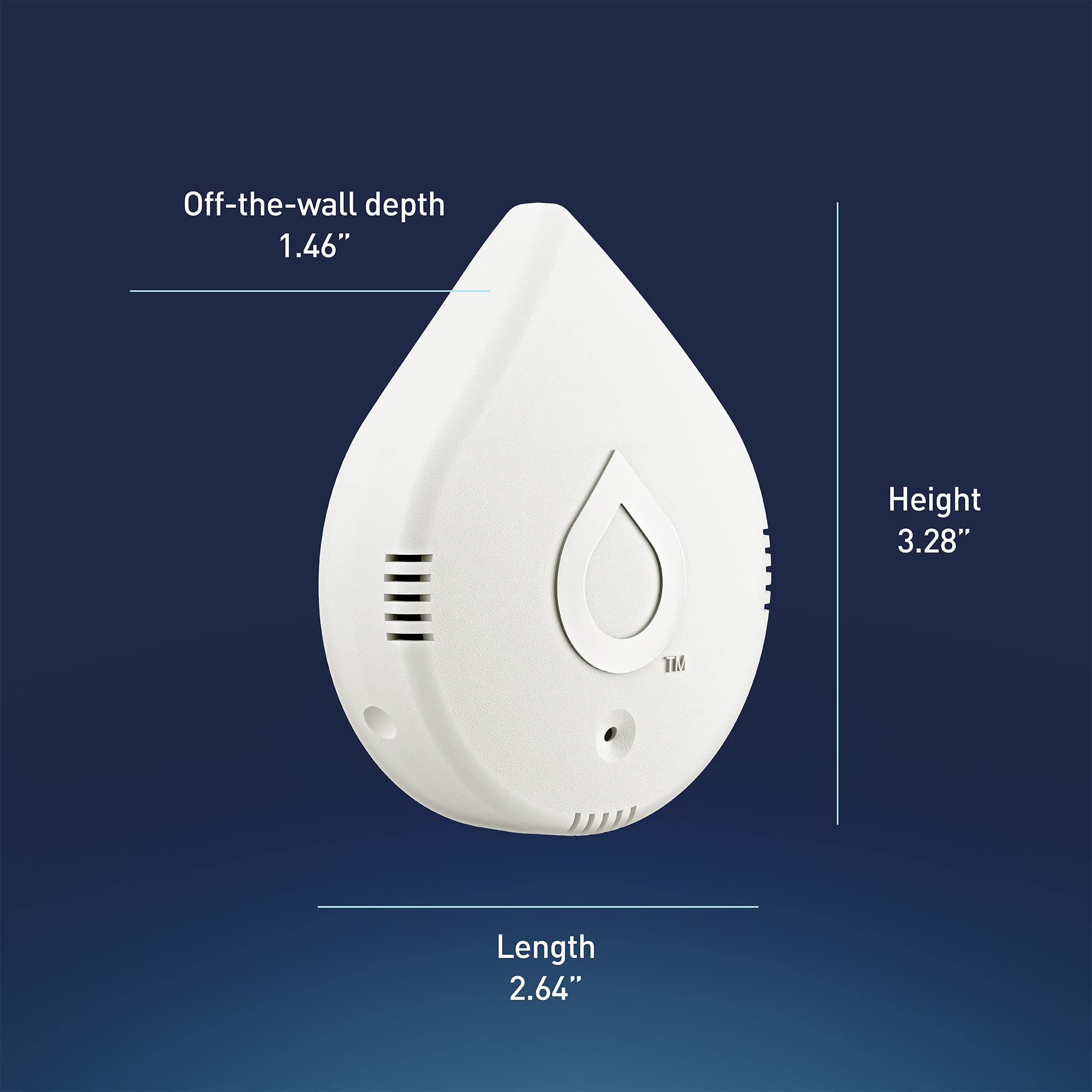



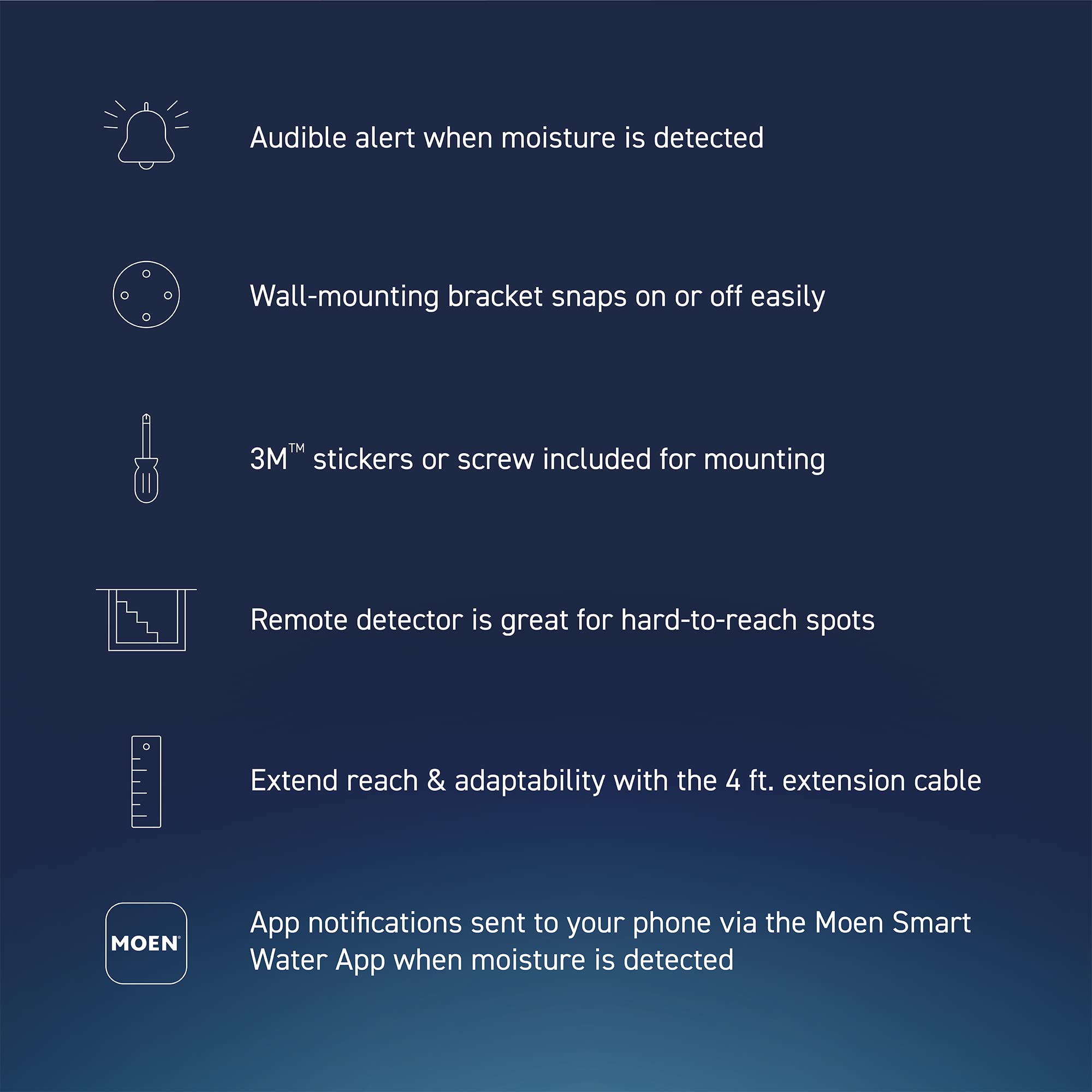

💧 Protect your home like a pro—because leaks don’t wait!
The Flo by Moen Smart Water Detector 3-Pack offers professional-grade, 24/7 leak detection with real-time app alerts, audible alarms, and LED indicators. Featuring a 6-foot leak sensing cable for extended coverage and compatibility with smart shutoff systems, it empowers homeowners to prevent costly water damage effortlessly. Designed for easy battery-powered installation, it’s the smart choice for proactive home protection.








| Battery Description | Lithium-Ion |
| Brand | Moen |
| Color | White |
| Power Source | Battery Powered |
| Voltage | 3.7 Volts (DC) |
N**K
Works well with a connection caveat
I just installed 12 units in my house. As a background, I had a different brand installed in my house and second home. All worked well. After a year or so, my wifi was upgraded at my house. Now I coukd not reconnect the units to the wifi in my house. But the units continued to work at my second home. So, after not having leak detectors for some time, the hose on our dishwasher broke and was flooding our kitchen. Luckily I was right there when it happened and shut the water down, which brings me back to how important leak detectors are. So after searching, I decided on the Moen. I easily installed all 12 Moen units. One did come with a dead battery. The issue I see that many have is that these units have to connect up to Wifi 2.4 and not your general 5.0 wifi. And some wifi appliancees out there are pretty ‘picky’ on which 2.4 works. That’s my experience. These Moen installed easily, as my 2.4 wifi worked well with them. My experience has been some brands will work with my wifi and others won’t. I’m lucky with the Moen. I also tested one by purposely putting a very slight film of water around a detector. And it worked flawlessly by sending an alert. I also liked the app very much. Gives you the temp and humidity. And you can set the type notifications and what info. So far I’m very pleased. Just be aware of those who had trouble connecting or staying connected. Comes down to the quality of their Wi-Fi. Like I said, some brands will work for you, and others won’t. I’m happy.
A**A
Feeling Lonely? These Will Send Useless Alerts Dozens of Times a Day
Wow, these things are complete junk. About nine months ago, I bought eight of them to use on various faucets and other locations. Two were bad out of the box, and I never could get them to connect. I should have returned them but never bothered (for reasons that were entirely my own fault.) The app is required to connect them when first setting them up, but the UI for that is klunky. I set things up so that I would get both an alert on my phone and an email if there was a problem, and then I tested them by putting them in a bit of water. The alerts worked. So far, so good. The alarm noise was not very loud, but I was going to rely on the alerts on my phone and the emails. Then the "Device Offline" alerts started. Just one device every week or so. "On September 9 at 10:31 am, your Smart Leak Detector went offline. This could be due to a battery or internet outage." It would be offline for minutes or hours and then it would come back online. One alert for off, one alert for on. Gradually, over time, the alerts escalated. The day before yesterday, I got more than twenty alerts from all six remaining devices. Yesterday, I replaced all the batteries (not cheap), thinking fresh batteries would solve the problem. It didn't. And now, I will start researching other brands that will only send me an alert when there's actually a problem.
E**Y
Works great but...
I have 9 of these. They work great and even send you an email if there is a Temperature, Humidity or water sensor out of range. My only complaint is that the battery does not last that long. I'm guessing every 6 months they need to be replaced and it is not a standard off the shelf battery however I think I pay around a dollar a piece for the battery.
C**K
Gets the job done, but I wish it had a few more flourishes
I use these to detect if my dehumidifier bucket is full so I can go empty it in my shed. I've been using it for a little under a year, so here are my thoughts: - I really do wish there was a way to run these off of wall power. The battery lasts a long time when it's not beeping, but let's say I'm at work and it starts beeping, the battery will likely be dead by the time I get home. I solved this by getting rechargeable CR123A batteries, but I essentially have to have a rotating pack of them to replace in case it goes off. - After the detector puck has been submerged in water, it takes a while to dry out completely. That means you can remove it from water, dry it off, plug it back in, and the meter will still go off! It's annoying, but because I have several of these I can just keep a rotation of dry pucks as well. Otherwise it works well, and it does detect the presence of water. I've never had a Wifi signal problem with it, and it reconnects to the Wifi flawlessly every time I replace the battery. I had been looking for a water detector that had an external puck AND could be plugged in, but I settled for this one. I do plan on putting more of these around the house wherever water is.
D**S
Issue with WiFi During Setup But Otherwise Works Well
Flo Water Detector Hardware: Seems fine for what it is. The sensor cable appears to only detect water if the logo side is down. I’d recommend testing it prior to placement to verify it works. Flo Water Detector Install: This was fairly frustrating. I have a mesh network (Eero Pro 6) and despite my best efforts (locking the network in 2.4Ghz, unplugging all but the main node, multiple setup attempts) I couldn’t get the device to handshake properly to my WiFi. I would see the device on the network but the app would never complete the configuration and kept providing a connection error. Here’s how I fixed that, please note your results may vary. I used two smart phones with one that has a personal hotspot (or sub one phone for an actual 2.4Ghz hotspot). In my case we use iOS devices so I took both iPhones down the street out of range of my home WiFi. I renamed one iPhone my home’s network name. In iOS the personal hotspot broadcasts the phone name as the WiFi name. Then I updated the personal hotspot password of that same phone to my home WiFi password. I also set the iPhone to maximize compatibility so it was locked in 2.4Ghz. This allows your phone to mimic your home network, it will make sense later. I then took my other iPhone which auto-connected to the WiFi the original phone was broadcasting (if it doesn’t auto connect then connect it to the WiFi network mimicking your home’s wifi). Then use the phone that’s not broadcasting the WiFi network to pair the Smart Detector. This worked for me, once it completed pairing and showed up in the app I pulled the battery and reinserted it. Once I heard the beep and the blue light went out I pulled the battery out again and set it aside. Then I resumed pairing the other detectors. The water detectors after setup will store the WiFi name and password. Once setup is complete then put your iPhone name and personal hotspot password back to what it was prior. Then I drove home and was able to put the batteries back in the detectors when in range of my home WiFi. Because during setup your mobile hotspot was mimicking your home’s credentials the next time you pop in the batteries they should auto connect to your home WiFi without any additional steps. Mine did and work fine. I’ve tested pulling out the batteries again, testing to see if it will detect leaks, etc... and they’re connected and working without issue. Features/Use: The devices detect water within seconds, if you have a Flo by Moen Smart Water Shutoff they’ll quickly turn off the water. Notifications worked as expected, I was really impressed. My backstory: I live in a smart home mostly with iOS devices and using HomeKit natively and homebridge for everything else. We have a smart oven, robot vacuums, robot mop, smart locks, MyQ garage door, lights/switches (lutron, hue, brilliant smart home), TVs, sprinkler system, shades, locks, etc... Most are relatively simple to get going with the more difficult requiring some tinkering with network stuff.
J**.
Decent - updated
This alarm works perfectly at detecting water. A few caveats: As people mentioned, the pairing and Wi-Fi setup steps are missing from provided setup instructions, however, within minutes I located a short YouTube video that quickly filled in the blanks, and once you do this, it takes a few minutes to connect. Second caveat is that the provided alarm is very quiet. Your smartphone has louder ring options. So, you really need to rely upon the iPhone notification alerts to have a clue that it is going off, unless you are sleeping right next to your sump pump or wherever. I rigged mine to hang into a basement drain with the sensor on cord. Works. My sump failed, and I would never have known since I don’t go into basement daily and check, and dehumidifier regularly drains to this pump. I got a notification on iPhone from the Flo app while away from home, and checked sump upon return to determine sump had failed, but water was still in drain, so no overflow. I caught it early enough to minimize cleanup. It’s just a little, relatively cheap device, but it works.
W**C
Do not like ......update...I hate it all...swapping for a D-Link system
I love these devices but I hate the cost cutting of batteries only. In theory, you put these were water can leak but you would not notice in time. These would go under counters, in attics, in washrooms, and other areas that often are difficult to reach. I would pay double the price to have an AC adapter option. Exactly 1 year into my install the batteries are failing and the batteries are expensive and not environmentally friendly to dispose of batteries. The battery cost and hassle of replacing and buying batteries every year makes this product less than it could be. Ideally, it is better on AC. If you lose power, the device cannot talk to the wifi so the only reason for the batteries is bottom line cost and agency approvals. It was a marketing decision....not an engineering decision. I would buy another 3 pack and pay the additional cost of having the AC option. 2/24 I am done. I have come to hate the Moen design. The base unit does not sit flat in a cabinet and when you use the expensive cord it also does not sit flat. Where you put these devices is subject to disruption so the sensors are always getting moved which the design should expect but not with Moen. If you bump the cradle the connection to the sensor wire is lost and you will never know. The battery life is more like 8 months at most and I have had these long enough to prove it. The alarm volume is a joke. You cannot hear it 30 ft away unless the home is completely silent. How ridiculous to make an alarm and make it so quiet that if it is in a cabinet closed then no one will hear it beeping. I am moving to a D-Link that is a different setup and after Moen I can see why the D-Link makes sense and cents. It uses a hub that plugs into AC and has a "screaming" loud alarm. The Hub supports up to 24 sensors making the D-Link similar in price for the first 2 sensors but you saves hundreds of dollars if you need 6 or more. With the new system, you take a $25 sensor and place it on the floor of the cabinet, pan, or wet area floor. No mounting, no harness. The sensors link to the hub and that links to an app on your phone.
K**T
Awesome product, but pairing instructions could be better
These leak detectors are awesome! Our plumber highly recommended this system. But we did encounter frustration pairing the system to our network so that we could receive cell phone alerts when a problem was encountered. As a former head of quality I would fail the video provided by Moen. It is confusing and doesn't show all steps. Fortunately the Moen Flo technician we reached on the phone was awesome and got us on track. We have Android phones. The video instructions tell you to skip the pairing steps. We found out we had to go through them. You must use your wireless to link to the leak detection device (use the address provided): it will indicate that there is no Internet signal. Then click on "Retry" and your device will show that the firmware is being updated. Then you will be asked to link to your home wireless router and for a password. That should do it. Again, besides the frustration of pairing these are excellent devices that track leaks, temperature, humidity, and battery status. We are about to have installed a Flo device that can automatically shut off water to the house if a leak is detected from our installed devices or if it senses an anomaly. Having lived through issues with leaks, we are excited to have this system.
Trustpilot
5 days ago
2 months ago