

Desert Online General Trading LLC
Dubai, United Arab Emirates
Desert Online General Trading LLC
Dubai, United Arab Emirates


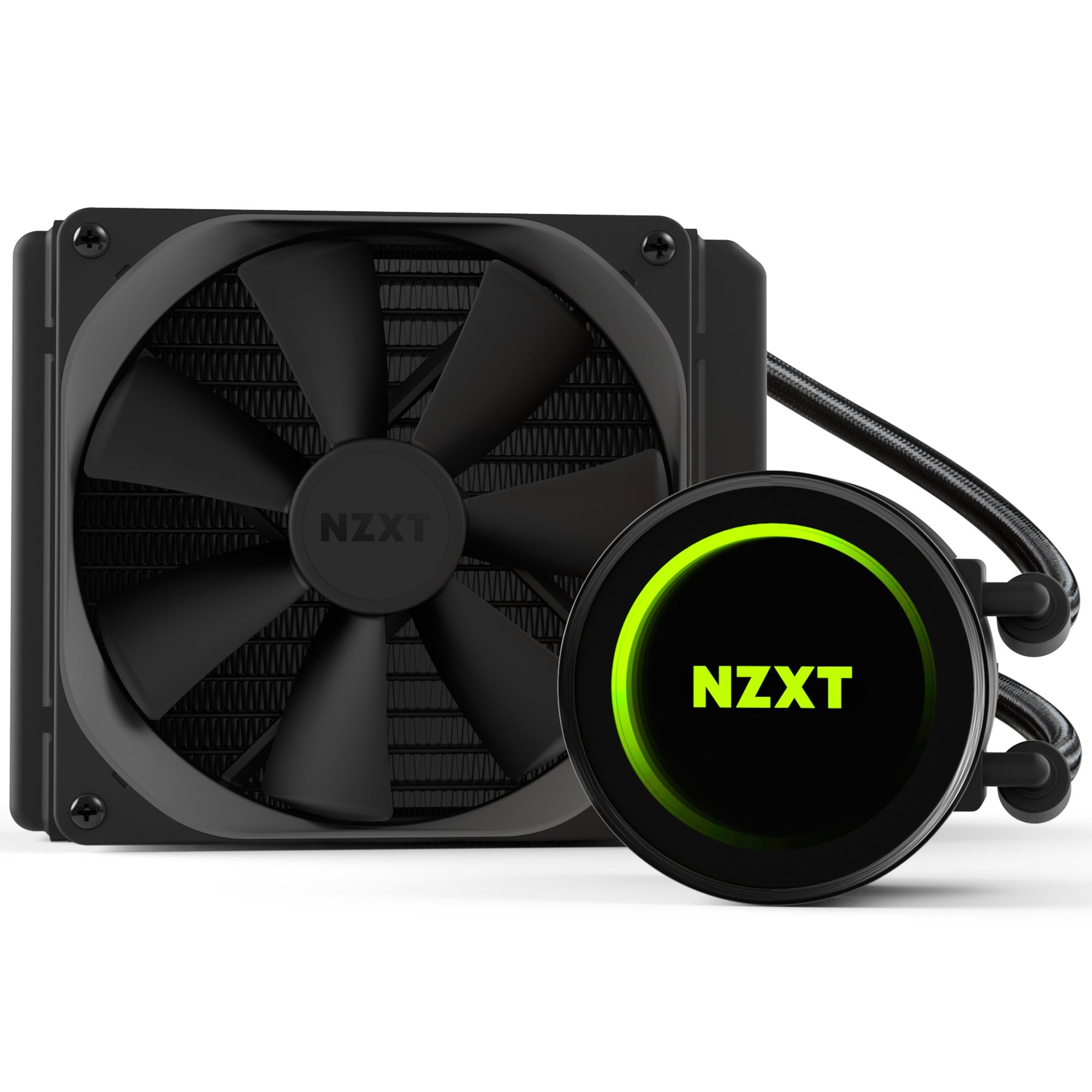

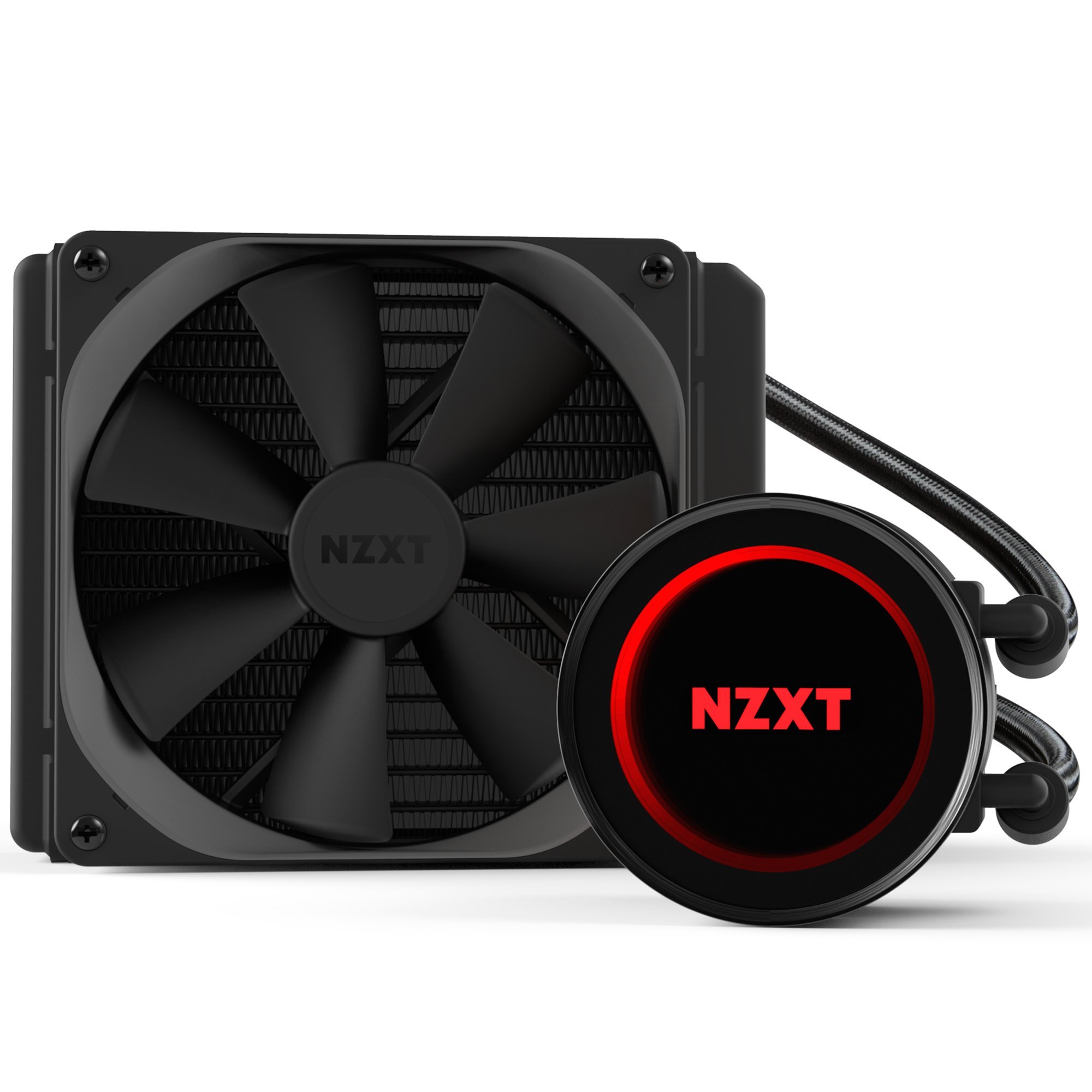
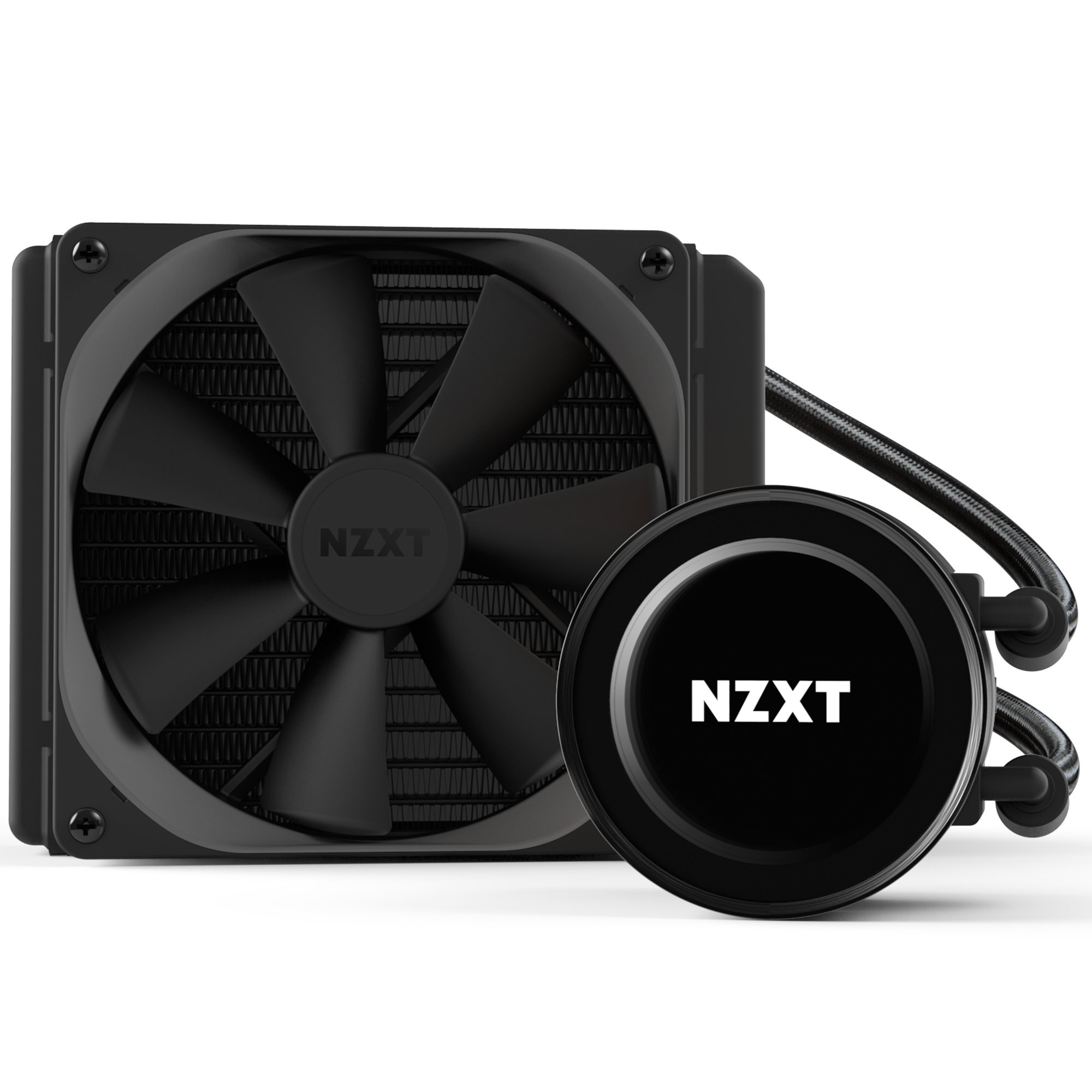
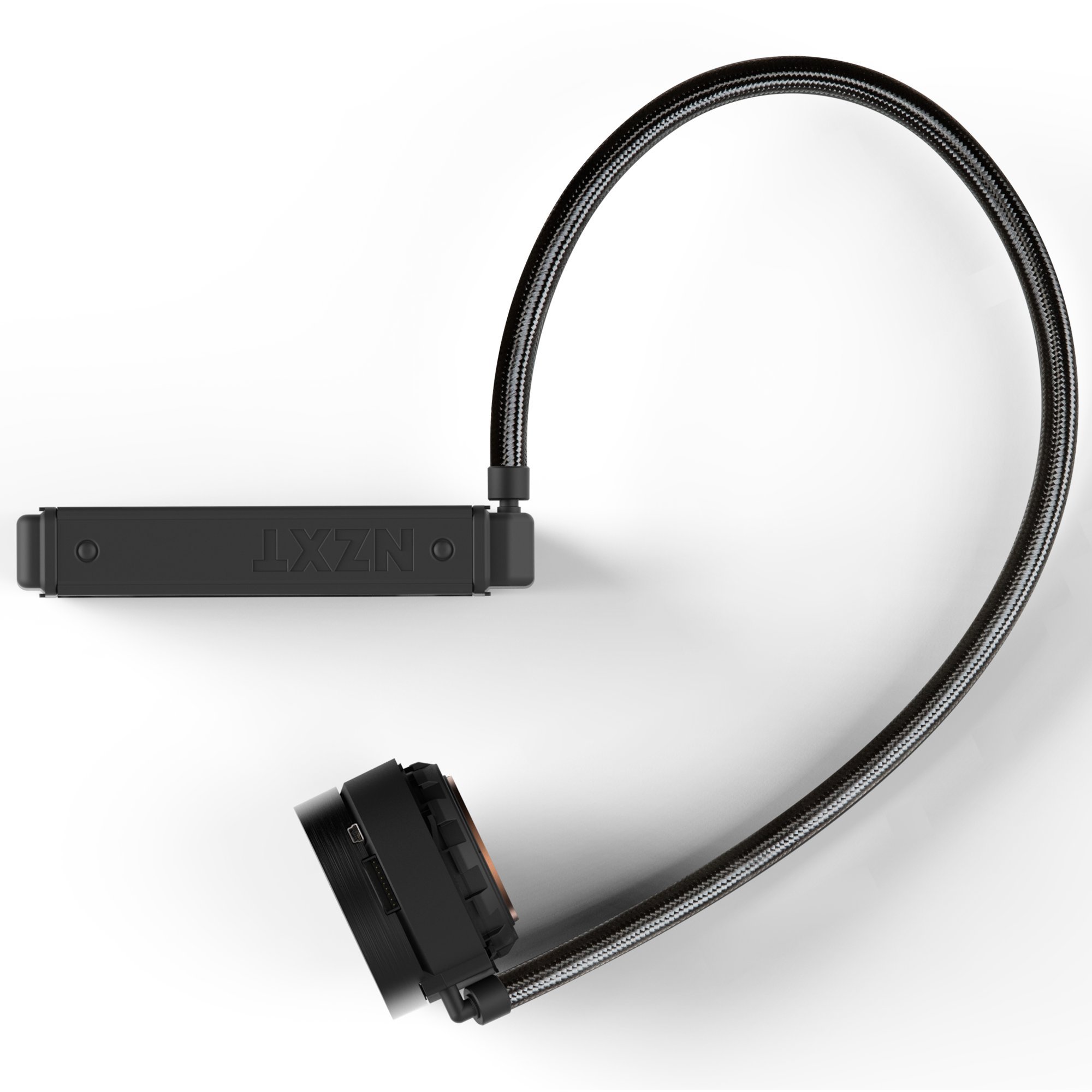
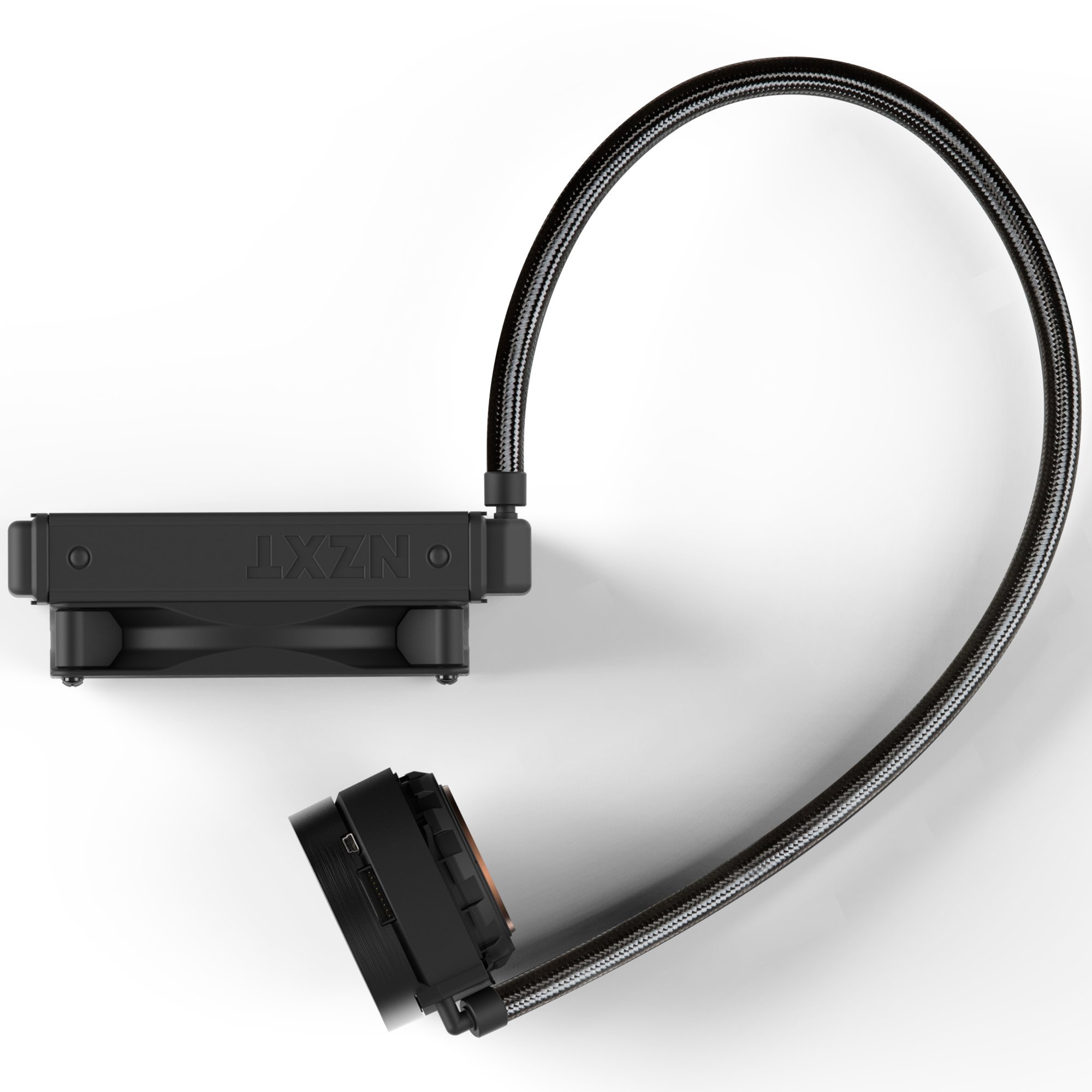
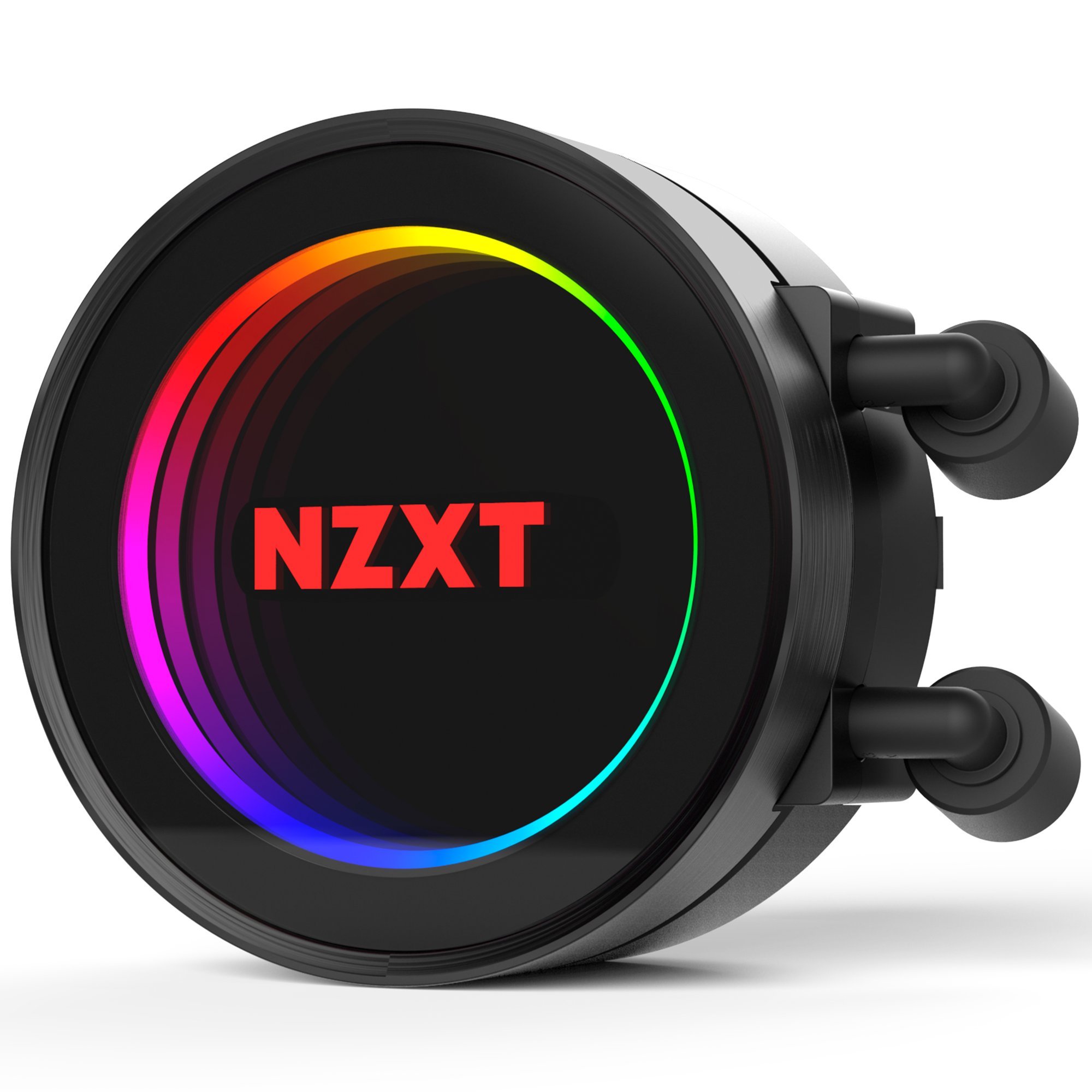
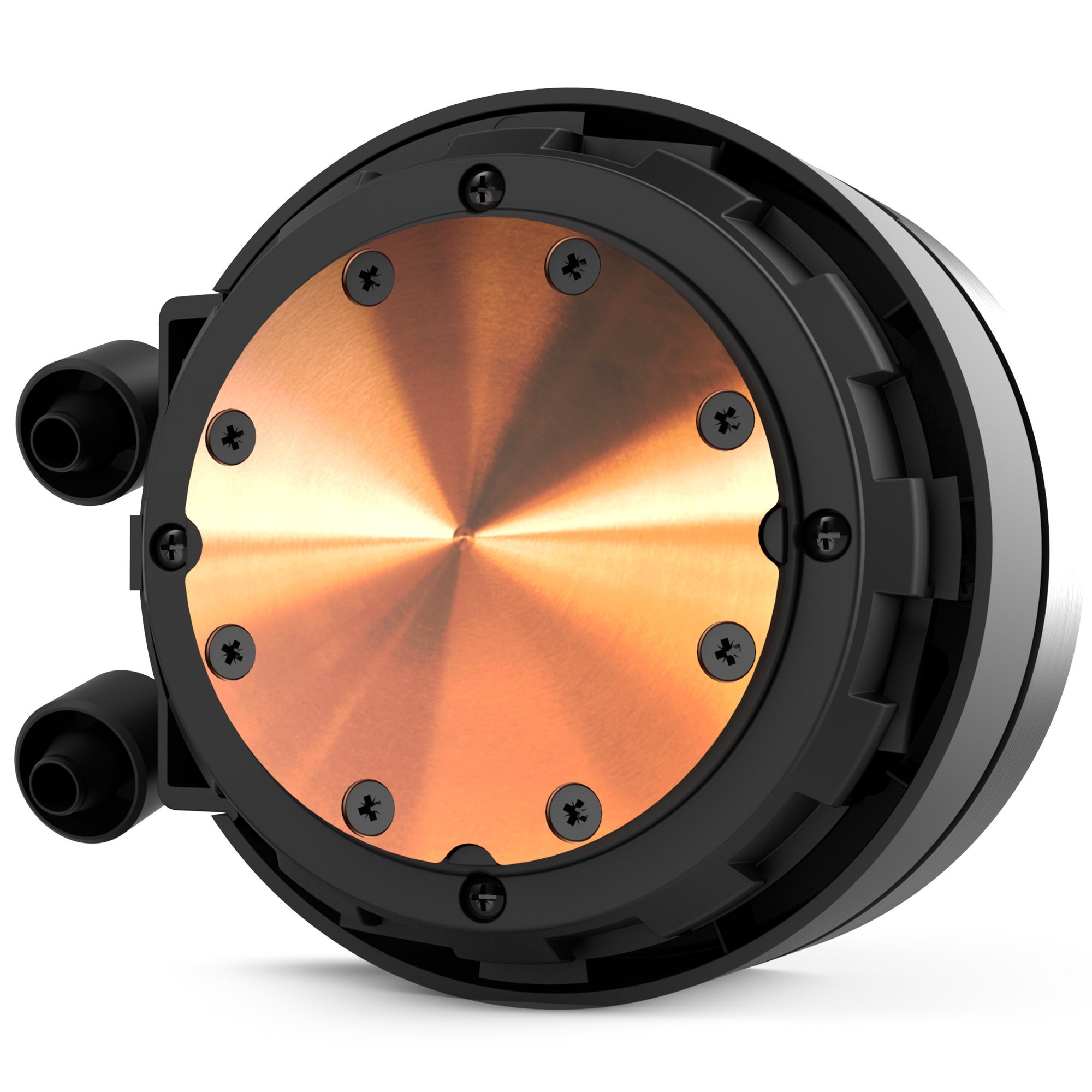
💧 Cool your CPU, light your style, own your performance.
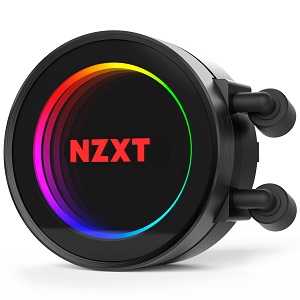
The NZXT Kraken X42 is a 140mm all-in-one RGB liquid CPU cooler featuring an infinity mirror design for stunning lighting, a high-performance Aer P radiator fan for silent cooling, and CAM software integration for precise control. Compatible with most Intel and AMD sockets (excluding Ryzen Threadripper TR4), it combines durability with advanced engineering, backed by a 6-year warranty.


| Brand | NZXT |
| Voltage | 12 Volts |
| Cooling Method | Water |
| Compatible Devices | Desktop |
| Noise Level | 38 Decibels |
| Maximum Rotational Speed | 2500 RPM |
| UPC | 815671013422 |
| Global Trade Identification Number | 00815671013422 |
| Manufacturer | NZXT - US PC |
| Item model number | RL-KRX42-02 |
| Item Weight | 1.96 pounds |
| Product Dimensions | 9.65 x 6.1 x 8.23 inches |
| Item Dimensions LxWxH | 9.65 x 6.1 x 8.23 inches |
| Color | Black |
| ASIN | B06XXJ86WJ |
| Is Discontinued By Manufacturer | No |
| Date First Available | January 18, 2017 |
B**N
reduced temps 30C
used this with a kraken g12 to cool a GPU and reduced temps 30C. Fantastic results!There are a lot of cables to manage and I was maybe a little rough with the hoses during install, but no issues. Everything seems durable and it withstood my not-so-gentle pushing and prodding to get everything into position.do wish it would play nice with asus aura software as that is my primary RGB software, but CAM is pretty good. You can set effects on the logo and the circle independently , which is nice. solid blue circle with rainbow logo for instance, or whatever.. good stuff.. I've heard previous versions of CAM were pretty bad, but no issues here.I guess the one downside you can't get away from is they aren't serviceable. Just destined for a landfill. but that is years away and I will certainly do my best to recycle it (if possible?) when that time comes.
S**R
Its pretty easy to mount and isnt too noisy
It was pretty easy to mount. Came with everything you need to mount it like bracket and all the screws. Noise is pretty low so that's good and I haven't got to see the rgb lights since I used it to replace my old aio that died in my Alienware Aurora and sadly it doesn't have an extra usb 2.0 or rgb header on the motherboard but it expect it would look awesome! Overall it's pretty good and so far had no problems with it, very satisfied and on a plus note keeps my computer super cool like in the 30 degree C range on idle so that's great.
M**C
And nothing looks better! The temperatures are pretty much in line with ...
If you are buying this you are most likely here for the looks. And nothing looks better! The temperatures are pretty much in line with my cryo C1 cooler ... however that one was modified with a BeQuiet silent 1000 rpm fan. Also my fan on here isnt ramping up to full speed on my first test, so it probably has a lot more cooling to go ... but I am after cool and quiet so I may leave it at this.Right now my i7 8700k will run at about 71 degrees under intel extreme tuning utility stress test. On the bench mark it his a max of 81. Both results are in line with the C1 with a bequiet fan. For looks this think gets a 10/10 for performance ... id says 7 or 8 out of 10 ... more performance would be nice at these prices. And this is with a delided CPU.
L**R
Hardware is MUCH better than competing Corsair products. Software has some bugs.
This is my first NZXT water cooler; I've previously installed several Corsair H80/H80i in my & my wife's computers, and I've installed some Cooler Master AIO units as well.I find the NZXT unit to be far superior to Corsair (and similar competitors) in terms of its hardware design:1) The tubes running between the pump & the radiator is significantly longer than Corsair (or any other AIO water cooler) I've worked with. This allows the cooler to be installed in certain cases that may require the radiator to be situated further away from the pump (such as my InWin 901 aluminum chassis, which requires the radiator to sit externally in the rear of the case. The Corsair units with their shot tubing has always given me very little room to work with, and I can't even orient the pump block properly due to this constraint.2) The mounting brackets on the NZXT unit have precisely-cut holes to prevent the pump block from sliding around when you mount it over the CPU. This is a small but very thoughtful design element that Corsair (and Cooler Master, if my memory serves) units sorely lack. When installing the Corsair AIO's, oftentimes the pump block would slide around a bit on the CPU while you are trying to screw it down; this smears the thermal paste around and is generally just annoying.3) The X42 is amazingly quiet. The Corsair H80i I used have all been very noisy - and the fans very much need to be at full speed to keep the liquid below 40C during gaming (I am running a Core i5 6600K overclocked to 4.5GHz); setting the fans to a less aggressive setting results in throttling and sometimes games crashing. Unfortunately Corsair's fans sound very much like a hair dryer when they are spinning at high RPM - even after years of usage I still can't tune it out (to add insult to injury, my H80i had a noisy pump that makes grinding noise; always been that way since day 1. My wife's unit doesn't have the same issue). I chose NZXT's X42 because my case limits me to a 140mm max radiator, and the NZXT unit has a thicker radiator than Corsair's H90. I was a bit skeptical how much of a difference going up to 140mm would make, but I was blown away by how quiet this thing is even after I tweaked the fan settings to be more aggressive (I added a second fan for good measure; I prefer to keep pump temperature below 40C). Even after playing games for several hours, this thing is still whisper quiet - and no instability issues whatsoever. Even when the fans do spin up, the noise they make is much more subtle (think office desk fan on low setting VS a hair dryer).The only issue with the NZXT unit so far has been the software. As several reviews pointed out, it has some bugs. I immediately noticed one upon launching the CAM software - the ability to login with Google and sync settings via Cloud is... well, broken. I am stuck using the software in Offline mode, which works perfectly fine. I have no trouble customizing the lighting and fan profiles. So, shame about the Cloud service, but it's really irrelevant IMO.
Q**.
Update: new version of CAM software is hot garbage.
I originally gave this cooler a 4, but now that I've updated to the new version of their CAM software I've actually been driven to completely replace this product with a corsair AIO. The software's fan curves are no longer curves, just a step function. For example, if I set 30C temp to 40% fan speed and 35C to 100% fan speed, my fan speed stays at 40% until i hit 34.8C where it'll shoot up to 100% instantly. There is no granularity to either the temperature or fan speeds.
Trustpilot
3 weeks ago
2 weeks ago