
DOWNLOAD THE APP


Customer Services
Copyright © 2025 Desertcart Holdings Limited
DOWNLOAD THE APP
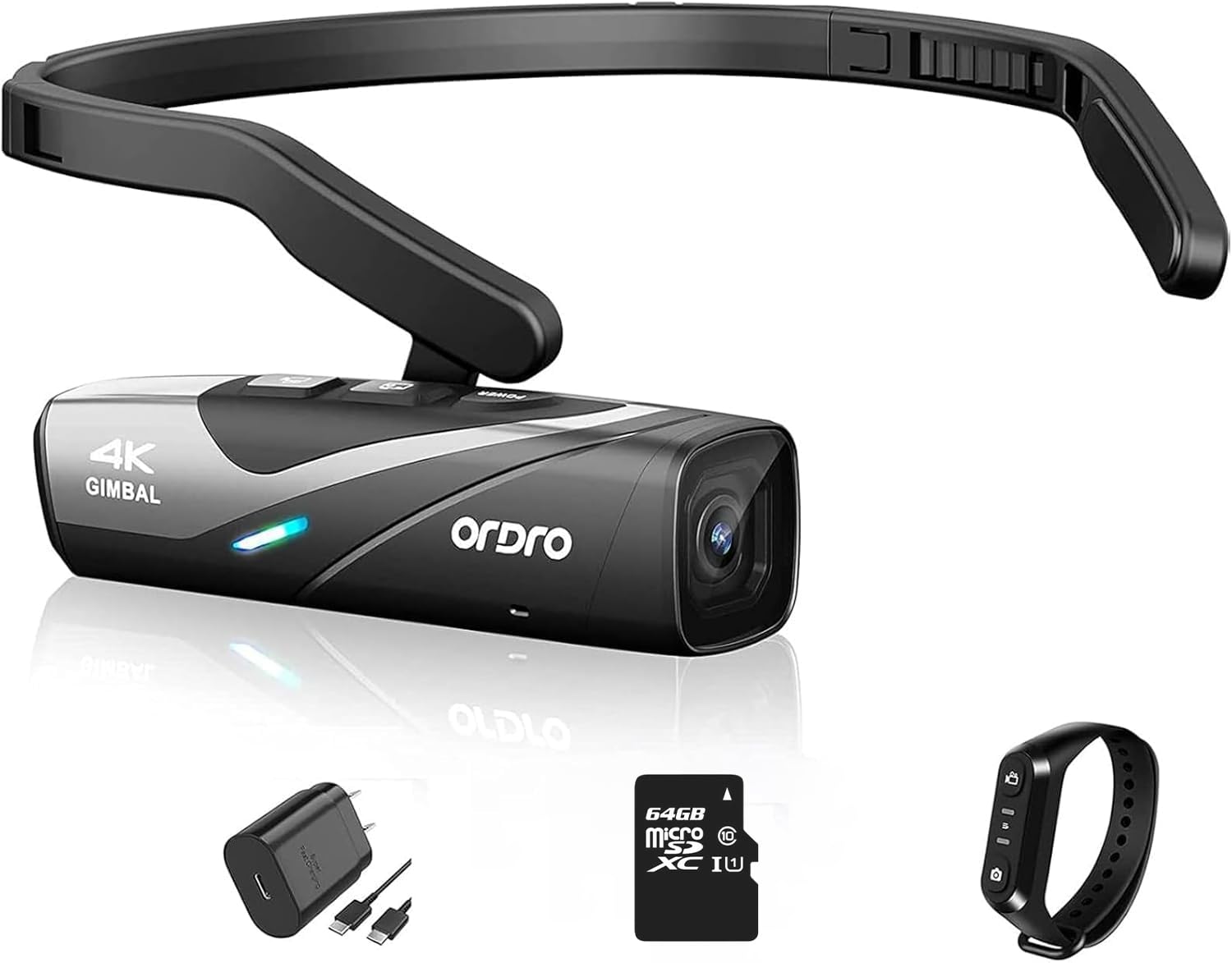
🎥 Own the moment, hands-free and flawless.
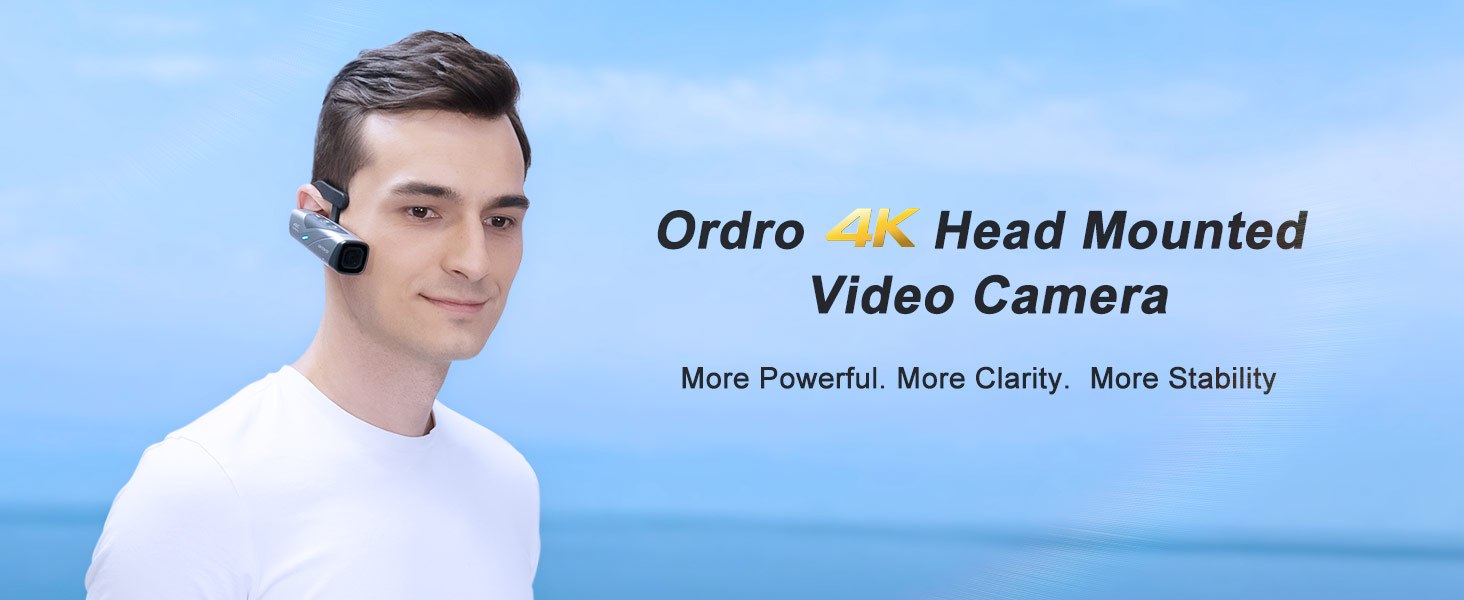
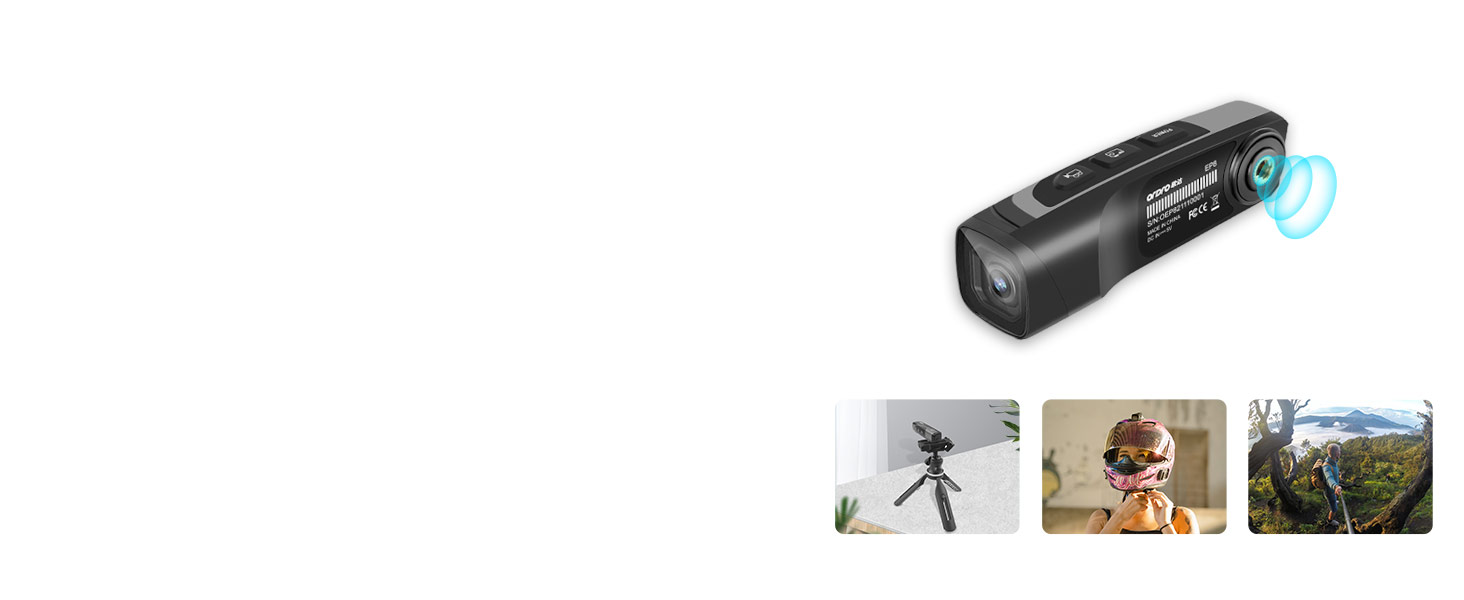
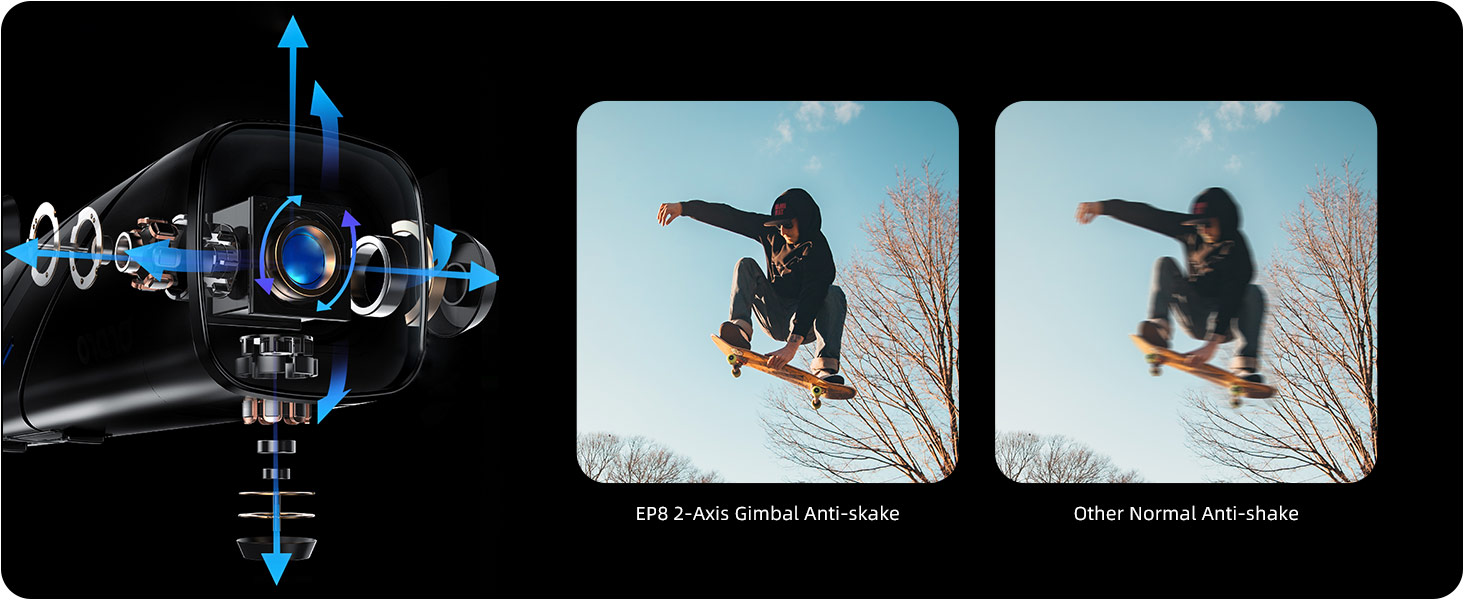
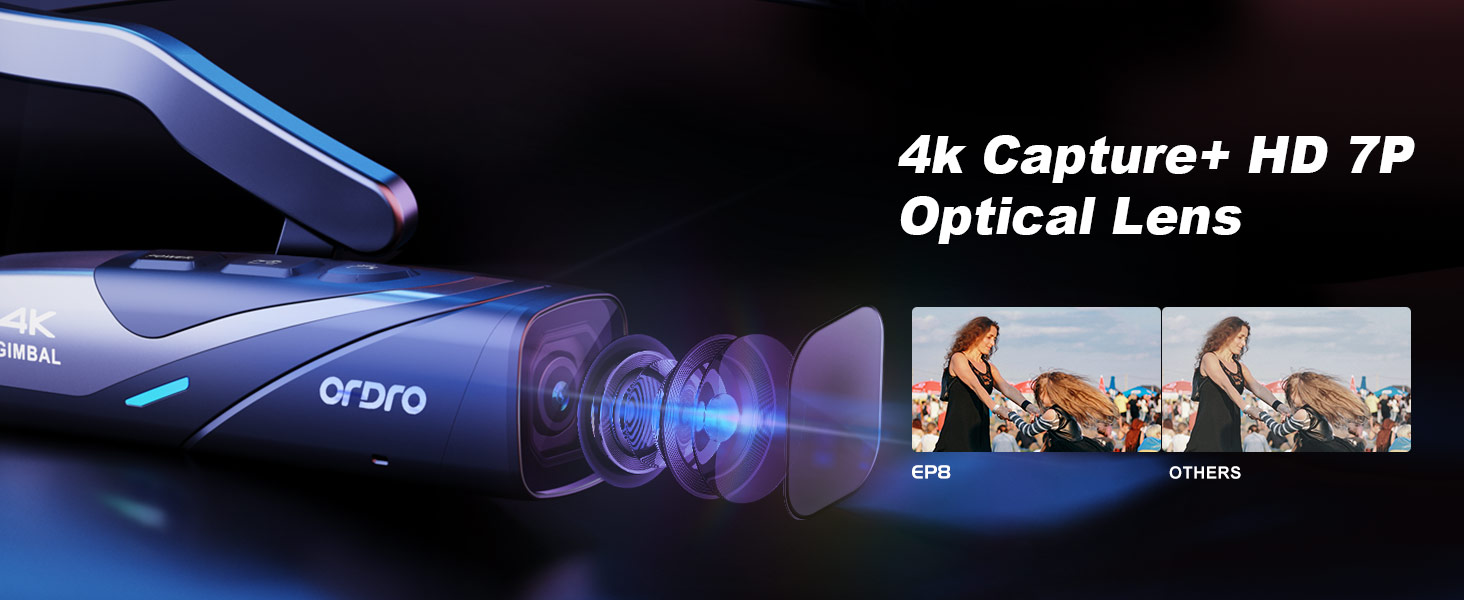
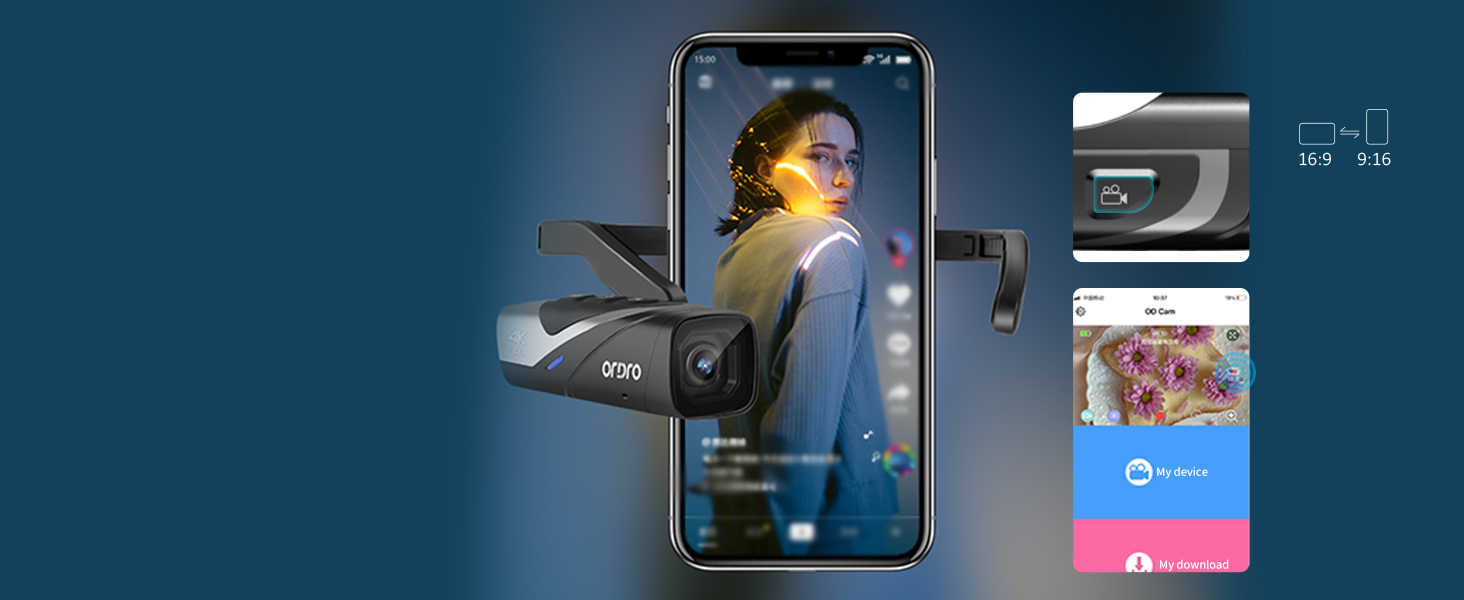
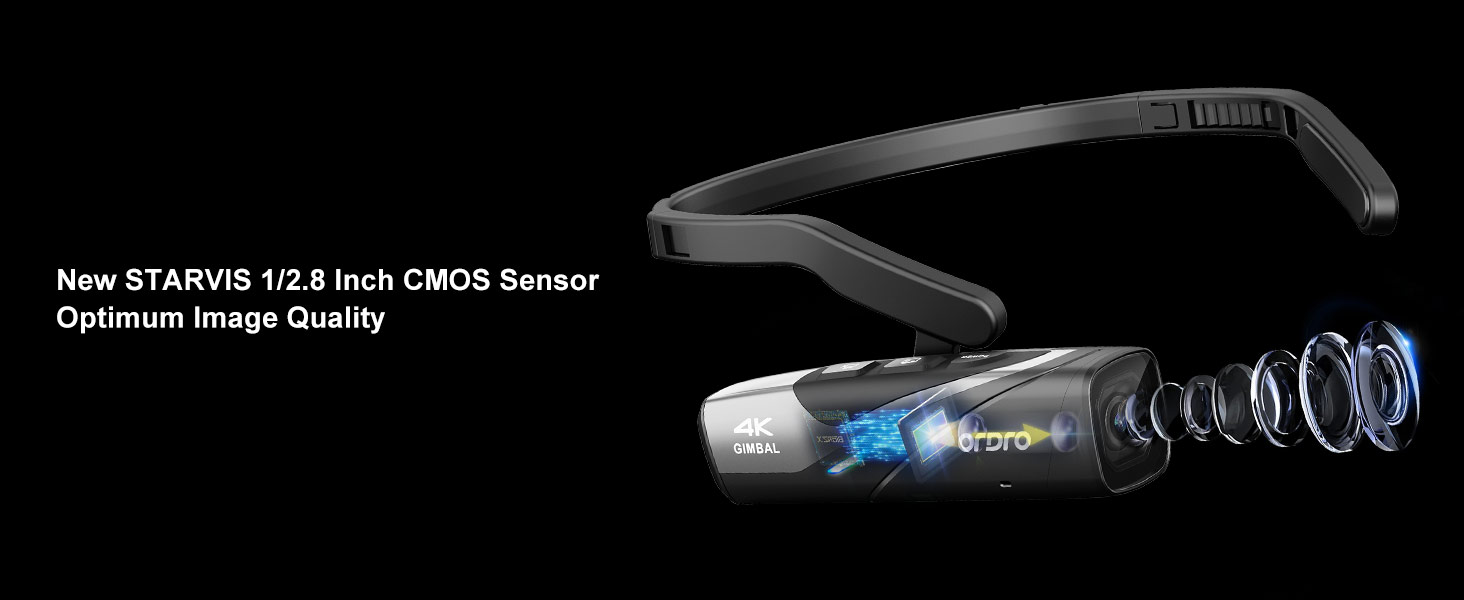
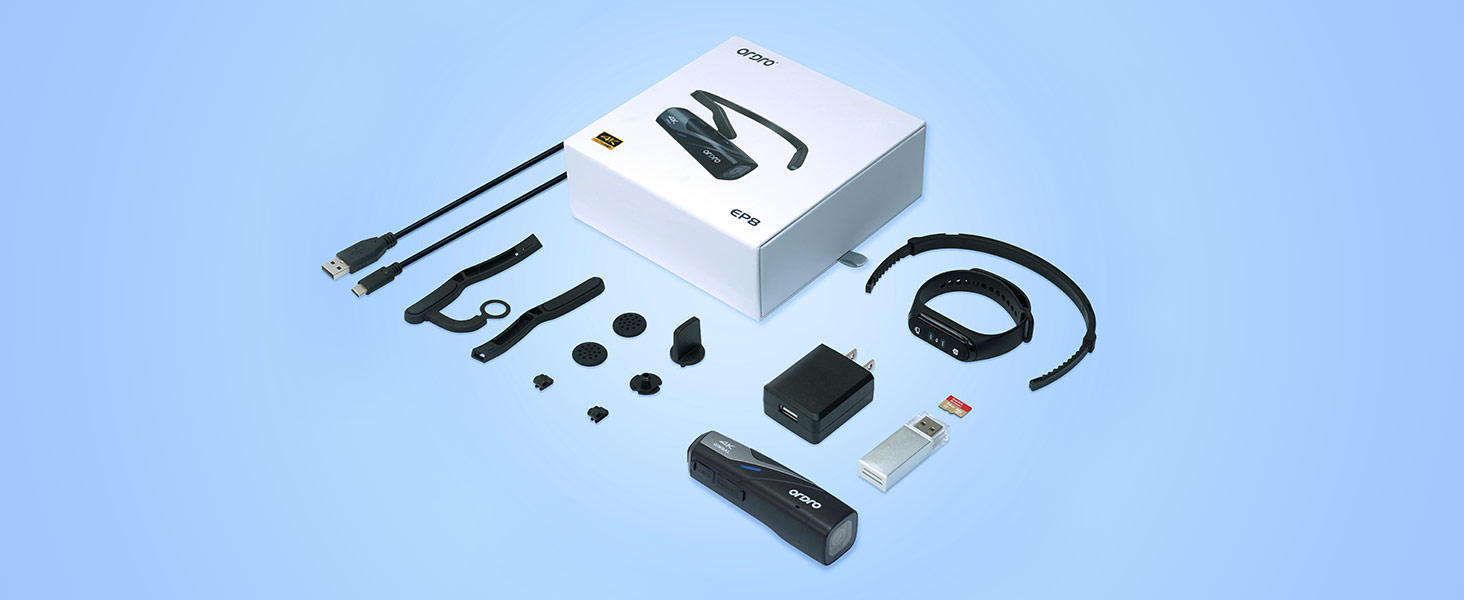
The ORDRO EP8 is a cutting-edge 4K head-mounted video camera featuring a Sony STARVIS CMOS sensor for exceptional image quality and low-light performance. It offers ultra-smooth footage with a 2-axis gimbal stabilizer, fast Type-C charging, and a versatile 130° wide-angle lens with distortion calibration. Enhanced by a stable Wi-Fi app for remote control and instant sharing, this wearable camcorder is designed for professionals and content creators who demand mobility, clarity, and seamless connectivity.


| ASIN | B09TR4KQ81 |
| Best Sellers Rank | #56,582 in Electronics ( See Top 100 in Electronics ) #88 in Camcorders |
| Item model number | EP8 |
| Manufacturer | Shiliyunsheng |
| Product Dimensions | 15.49 x 15.6 x 5.69 cm; 431 g |
B**Y
The product came in on time no issues with packaging. charged it and tested it out. I got this for I am a mobile repair mechanic, and I can wear this and use video as documentation if someone says I did or did not do something. Plus, use as my content creator stuff. I have tested it out and the comfort was better than I thought, and video quality is excellent. I have used it on a few jobs already and had no issue with video or audio, and it is comfortable to wear.
W**R
Impressive video quality, the audio is generally good but sometimes gets crackly for a few seconds. I have not tried to use the phone app for viewing the video during recording. As others stated the only way to check or change the settings is using the app through a phone wifi connection, which was pretty awkward to use. The small remote was generally useful, however for my use there often was a lot of background noises making it was very hard to hear the camera voice (barely audible in a quiet setting) saying the commands (eg., "start recording" or "stop recording"). And the camera did not always start recording when commanded from the remote so I was never quite sure if it actually was recording. Another problem is one must be careful when using the record button that is on the camera itself because if it is pressed too long it will cause the camera to change from 16 x 9 images to 9 x 16 images. The first time that happened it caused me to loose some valuable footage because of the wrong viewing angle and I was unaware that it did that until after downloading the files to my laptop. After that, I only use the remote which as far as I know, cant change the orientation. The card that comes with the camera holds about 50 GB which is about 90 minutes of video when using the default setting of 2.7K/30 fps. Battery seems to last about that long as well. Overall I am pleased with the camera after figuring out all of the minor issues.
D**H
I was initially excited about the Ordro EP8 4K Head-Mounted Video Camera, especially with its sleek design and the promise of hands-free recording at Ultra HD 4K 60FPS. The 2-axis gimbal video stabilizer and the included 64G Micro SD card are great additions. The device itself is lightweight, comfortable to wear, and the design is impressive—perfect for vlogging or capturing adventures without needing to hold a camera. However, despite its promising features, the camera quality is a significant letdown. The 4K resolution doesn't deliver the sharpness and clarity expected from a product at this price point. The autofocus struggles, especially in low-light conditions, and the video output often appears grainy and lacks detail. Even with the gimbal stabilizer, footage can be shaky, making it difficult to produce professional-looking videos. The idea behind the Ordro EP8 is solid, but the execution leaves much to be desired. If you're looking for a stylish, hands-free camera, this might work for casual use. However, if top-notch video quality is a priority, you may want to consider other options.
J**S
people are having a really difficult time using this device and its being called a scam. i just got mine a few days ago and it has be difficult to get working and im ok with tech. the main issue i have found is that there is a driver that isnt on the main store page. you need to find the driver and download it on pc. then u need to add the sd card to cam and format the drive. then u need to take the cam to the pc and drag and drop the file u downloaded (it is a rar file) and drop it folder called other or misc or program depending on what you see when u open the cam. he are some pointers to help....long press cam to power. 2 fast clicks on power will enable bluetooth, but im not sure why we need bluetooth and it maybe why its not working for many people trying. bluetooth does not connect the cam to phone. it must be connected to WIFI and that maybe disconnects you from wireless phone network. what you do is go into phones setting....find the bluetooth and turn it on, then click on the actual work bluetooth so that you can see all the available networks. you will eventually find something that starts with EP8_ click that and the password is 12345678 once your phone connects on to this network you can then connect the phone top the app. OD CAM. make sure od cam is installed on the phone before doing all these steps. if you do all of the steps correctly you will be able to change the cameras settings and you should it has great performance. i have bought this to film music festivals and will report back if its worth buying for festiefilmings
S**N
The headset piece is hard to adjust in order to keep the tip of my normal sized nose out of the picture. Wearing sunglasses with it on also a complication, which I need riding my ebike. Tech. Problem solved over charging and PC connection. The included USB cord was not compatible. They replaced it after my testing and feedback. They stepped up to profesionally solve the problem (after I nagged them a few times). I kept the camera, which works quite well!
Trustpilot
2 days ago
3 days ago