

Desert Online General Trading LLC
Dubai, United Arab Emirates
Desert Online General Trading LLC
Dubai, United Arab Emirates


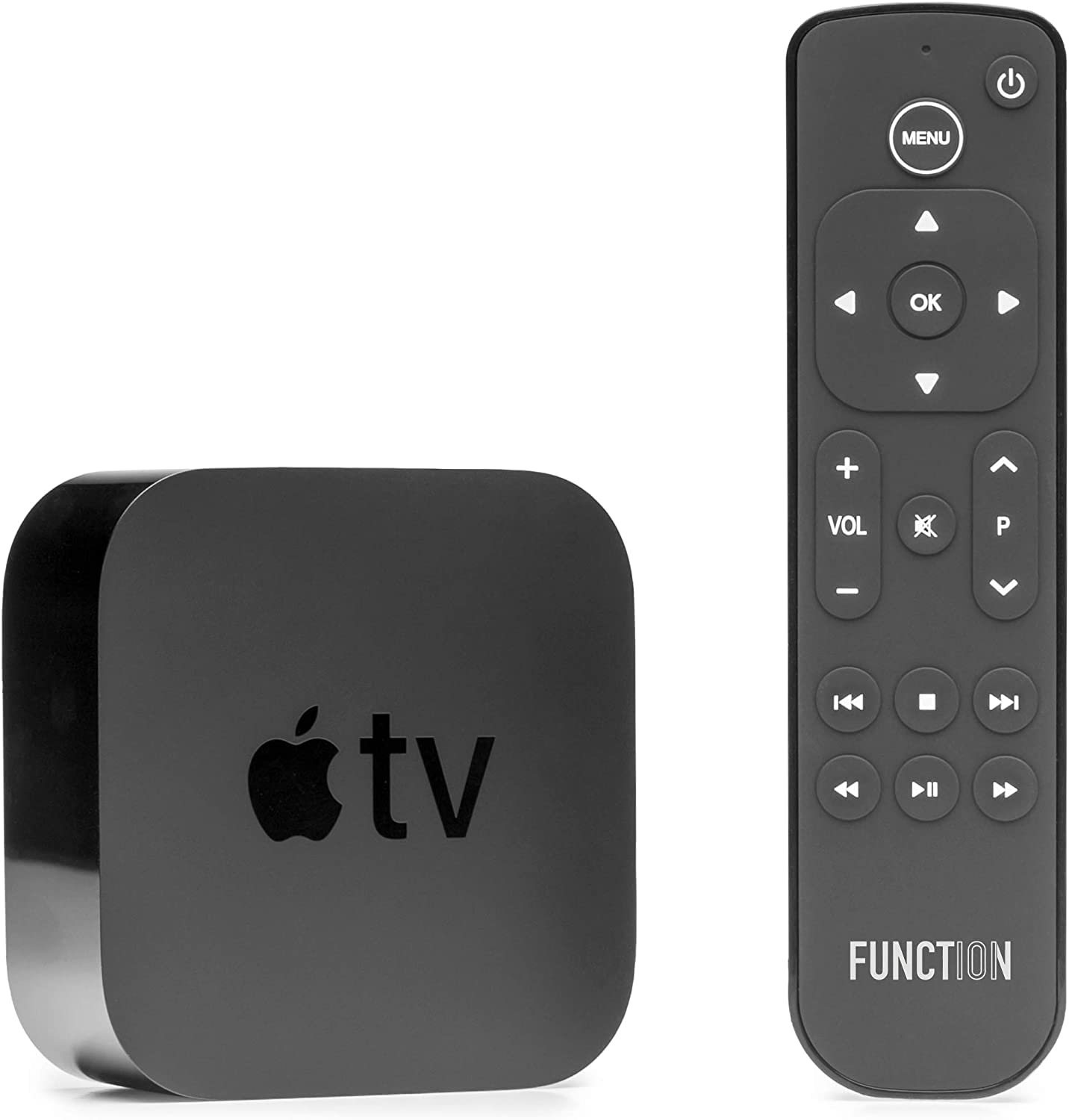

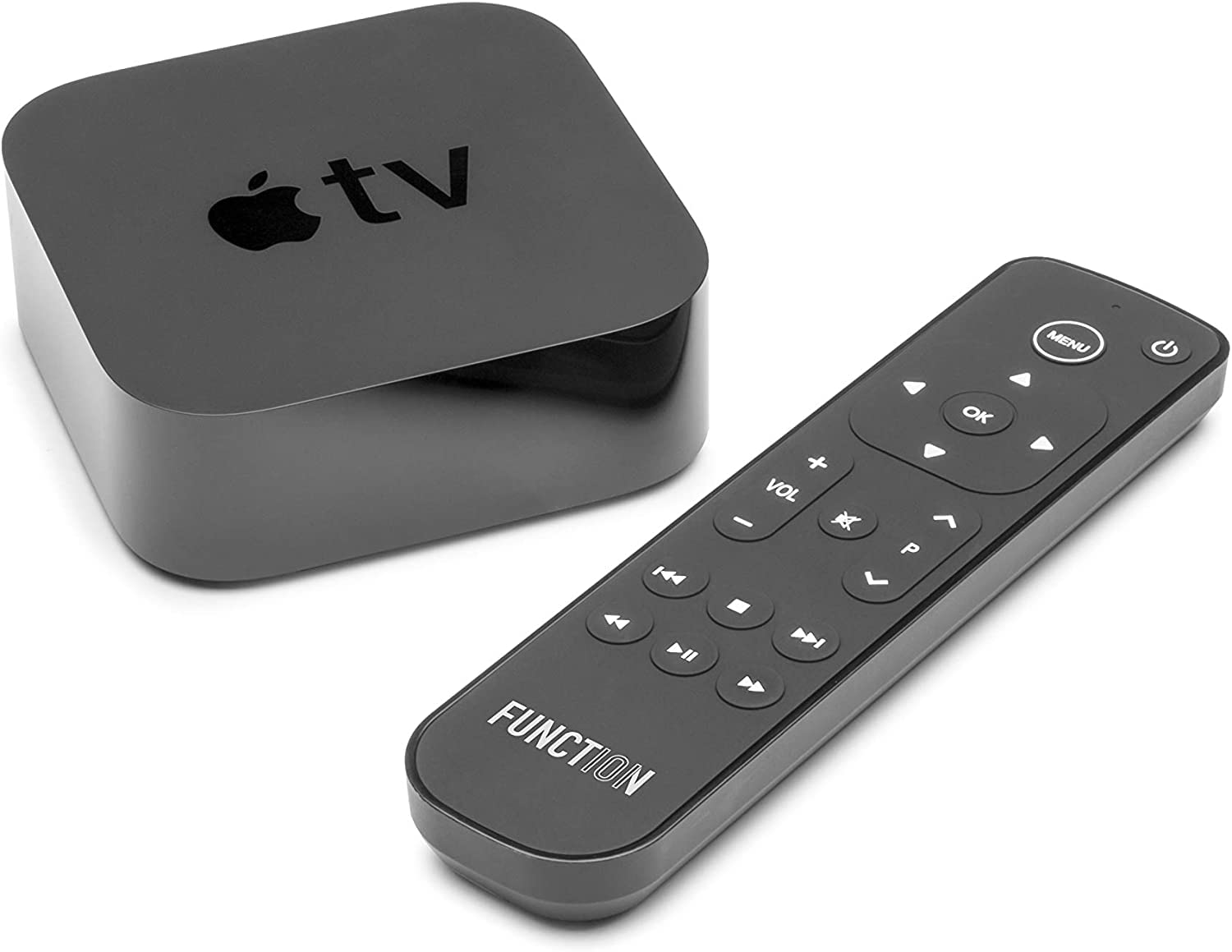
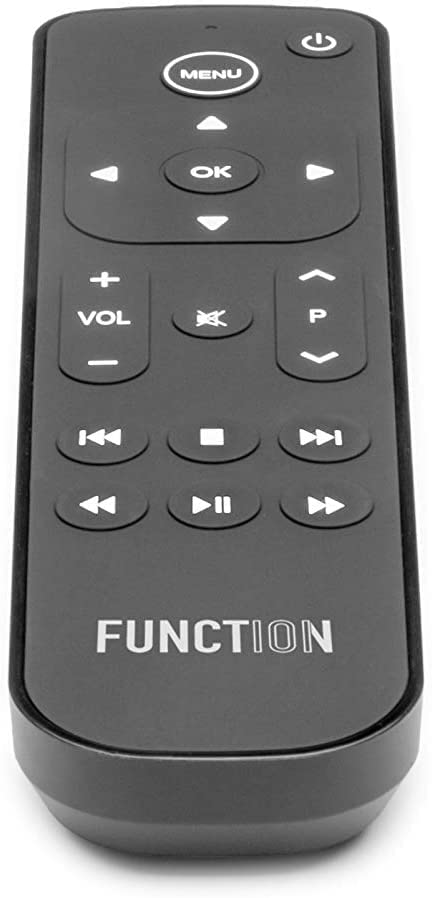
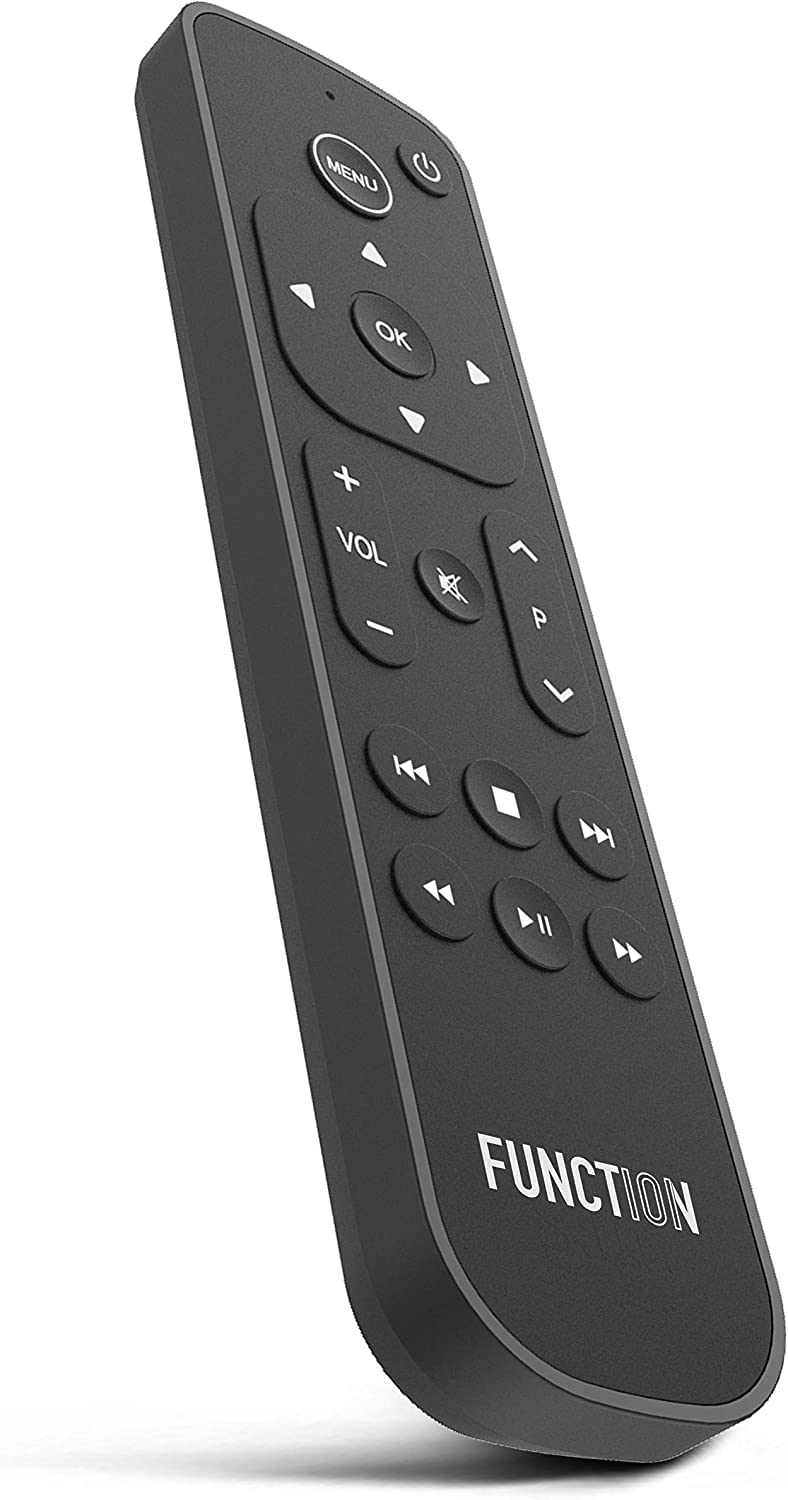

🎮 Elevate Your Viewing Experience with Effortless Control!
The Function101 F101-ATVRM 2-Pack offers a user-friendly replacement remote for Apple TV, featuring infrared connectivity for seamless control of your TV, soundbar, and receiver. With an ergonomic design and a maximum range of 12 meters, this remote is perfect for enhancing your home entertainment experience.


| Controller Type | Button Control |
| Number of Batteries | 2 AAA batteries required. (included) |
| Supported Battery Types | Alkaline |
| Maximum Range | 12 Meters |
| Compatible Devices | Apple TV |
| Connectivity Technology | Infrared |
| Special Features | Ergonomic |
| Maximum Number of Supported Devices | 1 |
S**V
Works beautifully
I can’t tell you how tired I was of the original slip sliding remote that comes with Apple plus. This new remote worked immediately and with the buttons, is so accurate and easy to use. Worth every penny.
O**6
Much better than the original Apple HD TV remote!
This remote is so much better than the original if you did not like the slide area which was never accurate when attempting to accomplish your choice. This remote offers well place buttons and does everything the previous remote did. Someone stated that it does not have a button to choose your different app’s you added in Apple TV, like YouTube TV, Netflix, Hulu, etc. that is not accurate. You simply hit the menu button until your apps all appear just like the original remote and choose the apps you want to watch.Setting up the sound bar or TV was very easy, but you do need to watch your sound bar or TV during the process to see a reaction on the TV or sound bar that lets you know they are synced.To set up your Sound Bar, do the following:• Push “Menu” and “OK” until red light comes on at the top of remote.• Hit the “Arrow Down” button below “OK” every 3 seconds until your sound bar lights up or flashes, then stop and press “OK” button again and your remote works perfectly with your sound bar. I have an old Yamaha sound bar and it synced perfectly. I needed to push the button 30 or 40 times until the sound bar lights came on and make sure your sound bar is on before you start the process. Instructions said that there are approximately 120 sound bar choices you can go through, so your sound bar should be programmed into the remoteTo set up your TV, do the following:• Push “Menu” and “OK” until red light comes on at the top of remote.• Hit the “Arrow Down” button below the “P” button every 3 seconds until your TV shows a menu item pops up like the volume line on which show your volume level on your TV, then stop and press “OK” button and your remote should work with your TV. I have a new LG TV and it synced perfectly after only hitting the down arrow a couple of times.You need to make sure the red light is on during the hitting of the down button. Again, this is done by pushing the Menu and OK buttons at the same time until the red light comes on. Give 2 or 3 seconds between each push of the button, but the TV or Sound Bar does seem to react immediately when synced. As you are going through the repeat hitting of the down buttons for both sound bar and TV syncing with your remote, be patient and do not feel like nothing is going on because the remote will not show anything letting you know it synced, but the TV or Sound Bar will give you a signal like additional lights coming on or blinking on our sound bar or a pop up on your TV that just appears after you hit the right sync choice for you TV when hitting the down button under the “P”.The only thing I would like to see added to this remote is back lighting for night us, but for the money you won’t find a better replacement. I highly recommend this remote to replace the not so friendly Apple remote that came with your Apple HD TV.
L**K
So So Remote Replacement
June 4, 2024: updating to let people know that I reached out to this company with a couple of questions.The customer support I received from this company was exemplary. Well done guys.👍🏼👍🏼👍🏼Works ok as a replacement for Apple’s remote. Not sure I find the placement of keys to be ergonomically sound, but it is what it is.Note: infrared remote doesn’t have any Siri option so you’re out of luck there.App switching generally works ok, but the required long pressing of P key is a bit annoying and doesn’t always work…certainly not as seamlessly as Apple’s remote.Body of remote is also very prone to fingerprints.$30 less than Apple replacement price of $60 is the best thing I can say about this remote, but it does comes with definite drawbacks.
C**Y
Finally! A normal remote for the Apple TV that is quality made
The media could not be loaded. The Apple TV remote is cool and all but it doesn't have nearly the amount of buttons that a remote control for your tv should have. After a while, I said I was just going to find a normal remote control. I found the Function 101 and was skeptical because it was pretty cheap, and I didn't have high expectations for a third party item for a Apple product. But boy, I'm glad I got it.The Function 101 has a mostly flat face but the entire face is made out of a nice grippy material that makes pressing the buttons feel so nice. The Function 101 is a large remote control. It's so much bigger than the Apple TV, it'll make it a lot harder to lose it. I would have to search for the Apple TV remote at least once a day because it's so little and can fall anywhere. This problem is mostly gone because it's so much harder to lose the Function 101.My favorite thing about having the Function 101 is the directional pad. It's so nice being able to go forward or back frame by frame instead of swiping on the Apple TV remote and skipping 10 minutes ahead on accident and spoil what's ahead. If you need to go faster, there is a rewind, fast forward, and pause button.Set Up:The set up was so easy it isn't even funny. I expected some difficult procedure but all I had to do was literally point and press a button.The Function 101 uses infrared to work with the Apple TV so you don't need to connect them.Also, the Function 101 comes programmed to work with Samsung TV's out of the box, and I had a Samsung TV, so that was perfect. Even if you have a different model TV, I looked at the set up and it's really easy.I have 2 negatives about the Function 101.- No voice button- No trackpadThe voice button I'm ok with but there is no track pad. It makes it take so much longer to type when you are trying to use the search bar since it is made specifically for the trackpad. But it's hardly a complaint because I only bought this controller for $30 dollars. Just the quality and directional pad make it worth the $30.Even if you want to stay with your Apple TV remote, this might be a good back up for you for when you inevitably lose the Apple TV remote. If you are a Roku lover who recently switched to the Apple TV, this remote will be more familiar.RatingI give the Function 101 Apple TV Remote4.5/5 Stars.
D**S
Volume control did not work with my Apple TV set-up
It was supposed to work “out of the box”. It did not and I spent a couple of hours following website FAQs with no effect.I returned it. I was initially notified that I was only being refunded £4.05 for a device which cost £29. This would have infringed my UK consumer “distance selling rights”.I have now received a refund of £25.92 so accept that this was probably just an administrative error.
G**N
It works better than the original
This thing works better and faster then both the Apple controller and the Sony TV controller. So it has nicely replaced both. It requires to be set up in Apple TV, which is not difficult, and after that, everything is genius.
C**H
Didn’t control the TV or the Apple TV
A disappointing device in our case. Gave up after hours of trying.
Trustpilot
2 weeks ago
1 week ago
2 months ago
3 weeks ago