
DOWNLOAD THE APP


Customer Services
Copyright © 2025 Desertcart Holdings Limited
DOWNLOAD THE APP


🎥 Capture Brilliance, Stream Like a Pro!
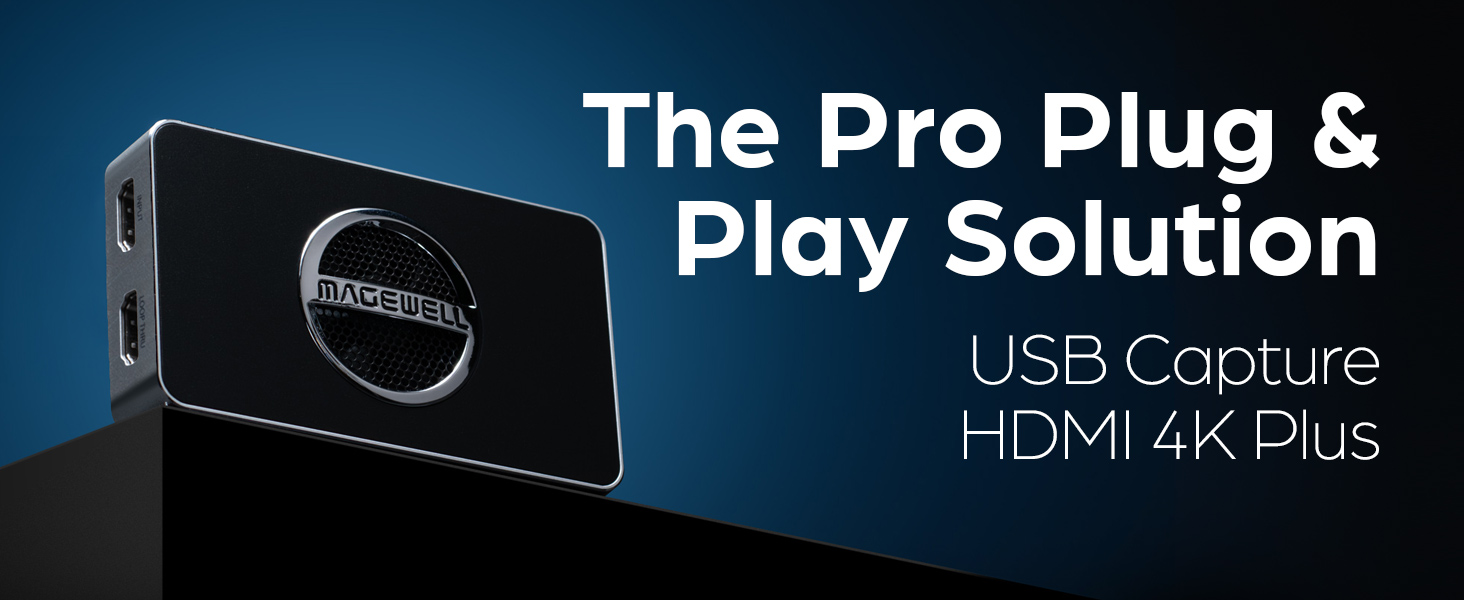
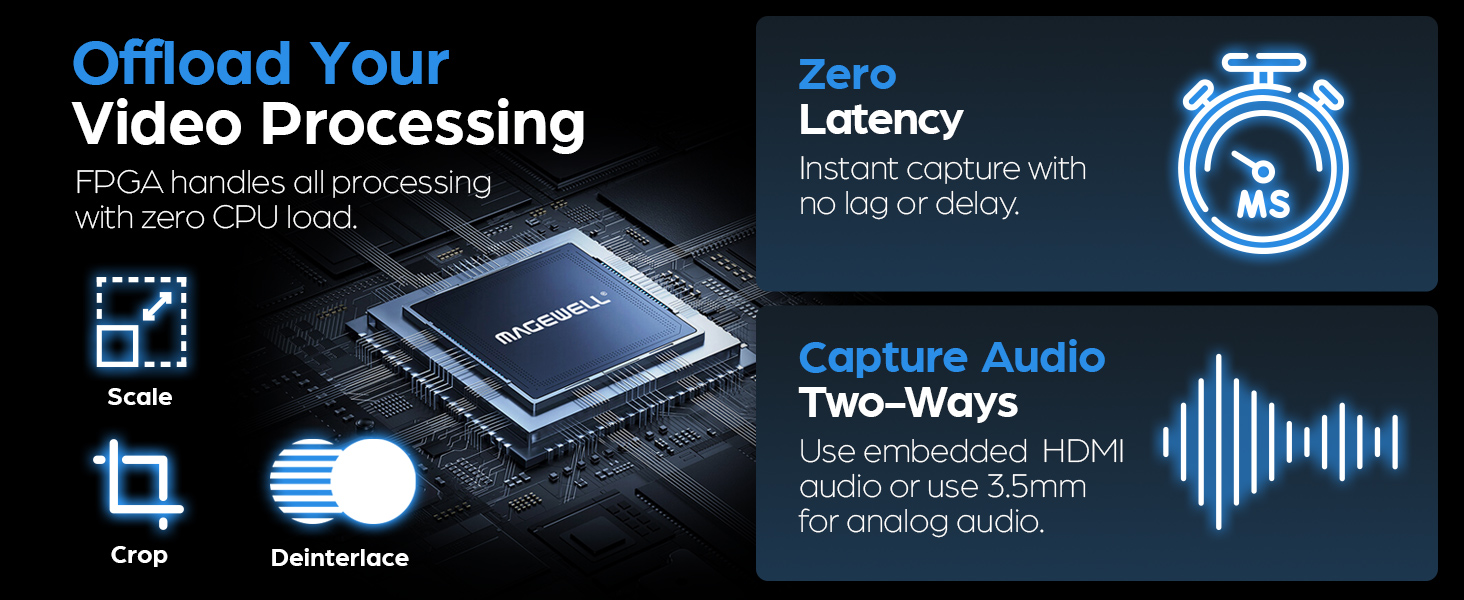
The Magewell USB Capture HDMI 4K Plus is a compact, professional-grade video capture device supporting up to 4K60 HDMI input and 4K30 capture. Featuring HDMI loop-through for real-time monitoring, flexible audio input/output options, and plug-and-play USB 3.1 Gen 1 compatibility across major OS platforms, it delivers reliable, high-quality video capture with onboard FPGA processing to optimize performance and reduce CPU strain. Ideal for content creators and professionals demanding seamless, high-resolution video workflows.



| ASIN | B0754C5XLW |
| Best Sellers Rank | #52 in External TV Tuners #138 in Internal TV Tuner & Video Capture Cards |
| Brand | Magewell |
| Customer Reviews | 4.0 4.0 out of 5 stars (50) |
| Date First Available | March 7, 2017 |
| Is Discontinued By Manufacturer | No |
| Item Dimensions LxWxH | 5.4 x 5.3 x 1 inches |
| Item Weight | 7.8 ounces |
| Item model number | 32090 |
| Manufacturer | Magewell |
| Operating System | Windows, Linux, Mac, Chrome OS |
| Product Dimensions | 5.4 x 5.3 x 1 inches |
| Series | HDMI 4K Plus |
J**M
This is fantastic equipment to use
This is fantastic equipment to use. Even the beginners can just plug in & play. Very easy to use and scaler built in.
E**R
This device just works™ even on Linux
I'm running Fedora 29 on a Ryzen 7 with an ATI Vega 64. Because Wayland's video screen capture abilities are terrible, I wanted to capture the HDMI output of my computer and feed it back the USB port for screen recording. This device worked flawlessly right out of the box. I knew that USB had bandwidth limitations, so while my screen is 4K, I told obs (Open Broadcaster Software) to use V4L and the device showed up immediately with no fiddling required. All the different capture modes showed up as well in the resolution selection. So I was able to get 1080p at 30fps with full color and it just worked. Few hardware manufacturers are willing to put in the attention to detail in their software so that specialized driver tweaks are not needed to account for ways in which their specific piece of hardware fails to follow standards specifications. Magewell deserves huge props for not being a manufacturer who is willing to do the work. This is how all hardware should be.
K**Y
Stopped working after 1 month
Absolutely terrible waste of money, stopped working after 1 month after purchase. Dont buy
A**B
Plug and play on a Macbook.
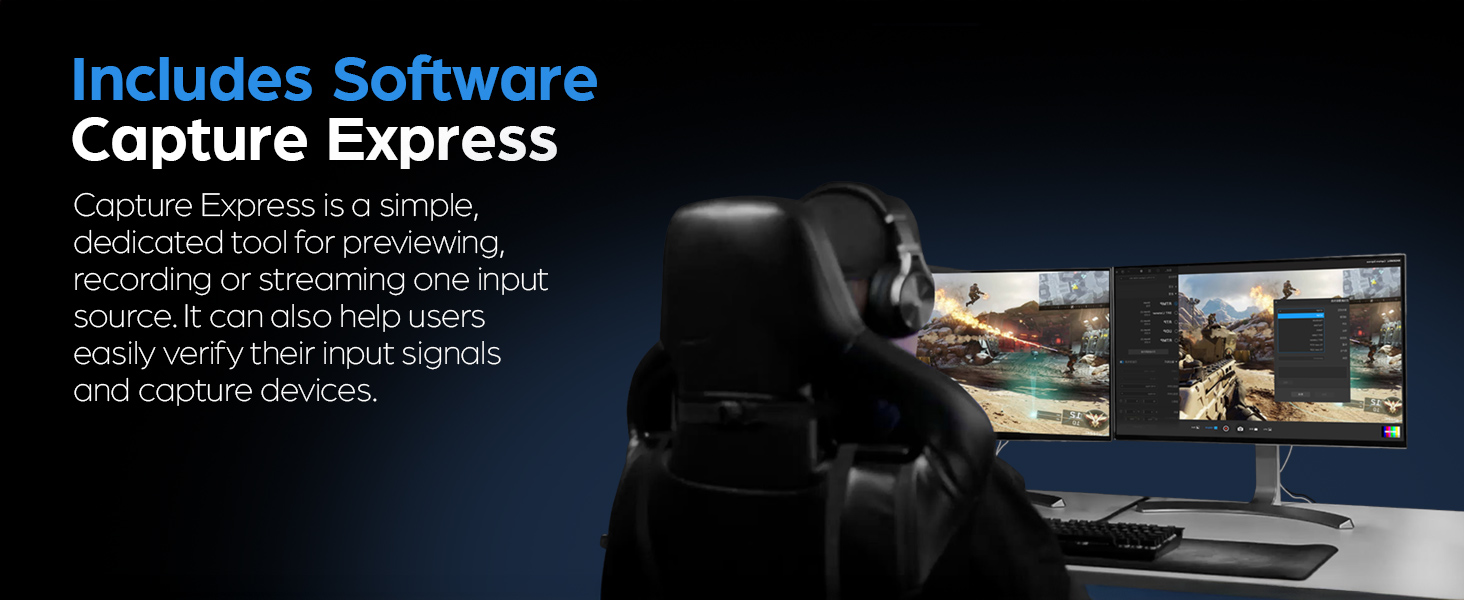
Works like a charm (I'm hooking up a Canon XC15 to a Macbook Pro Touch). It's literally just plug and play. One side plugs into the camera's HDMI output, the other into the computer (through an Apple USB-C to USB-A adapter). You could probably eliminate the adapter with a USB-A to USB-C cable. Shows up as a webcam to the apps running on the mac. On the down side :(1) There's a fan (the circle with the Magewell logo on it is the fan vent). It's noisy enough that I can hear it. I put the thing in a box, but I'd much rather have a humongo heat sink and no fan. (2) There's a noticeable lag between real time and the output. I run my sound through the camera, so there's no audio/video synchronization problems, but this could be problematic if you were matching sound from the computer with the video. I ran their app and set the output resolution to 720P (the input from the camera is 4K), and that's helped a little, but hasn't eliminated the problem.
K**.
Works great for Zoom Rooms
Bought this to be able to have a computer (Mac or PC) be able to connect directly to the Zoom Room via a HDMI cable. This box converts HDMI input to USB to go into the Zoom Room PC. Works fantastic. Zoom Room recognizes it as a computer and it could deal with screen resolutions. Expensive but recommend.
T**N
I can get around 20 FPS at best, but that is not acceptable quality at all
For 459 Dollars You would think this card would do what it is advertised to do. No Matter What software I have tried I can not seem to get this card to record at 4K @ 30 FPS. The problem is not the recording software it is with the card as I can not even get any software to display the 4K single (without recording) at 30FPS. It seem the USB 3 speeds are not enough to send an entire 4k single across and not have any frame drops. I can get around 20 FPS at best, but that is not acceptable quality at all. Same goes for 1440P I cant get more than 25-28 FPS. I will say however it does send video at 1080P @ 60 FPS perfectly fine, but if thats all I wanted I could have gone with a much cheaper capture card. Something around $150-$180, not $459! Plus It does not come with any recording software and doesn't work with too many third party recording software's out there. It really only works with streaming software but your not going to be able to stream in 4k. I have tried OBS on Windows 10, with the Nvenc codec (which uses your graphics card for compressing the recording) so it easily can handle and record what ever single it is being presented with. The problem again lies with the card, it can not get a 4k signal at 30 FPS to the computer at all.
D**R
Best in class.
I tried a bunch of these devices, including ones with similar specifications at a lower price. All had issues except this one, which worked like a charm and has excellent online support. Highly recommended.
P**S
Killer Functionality
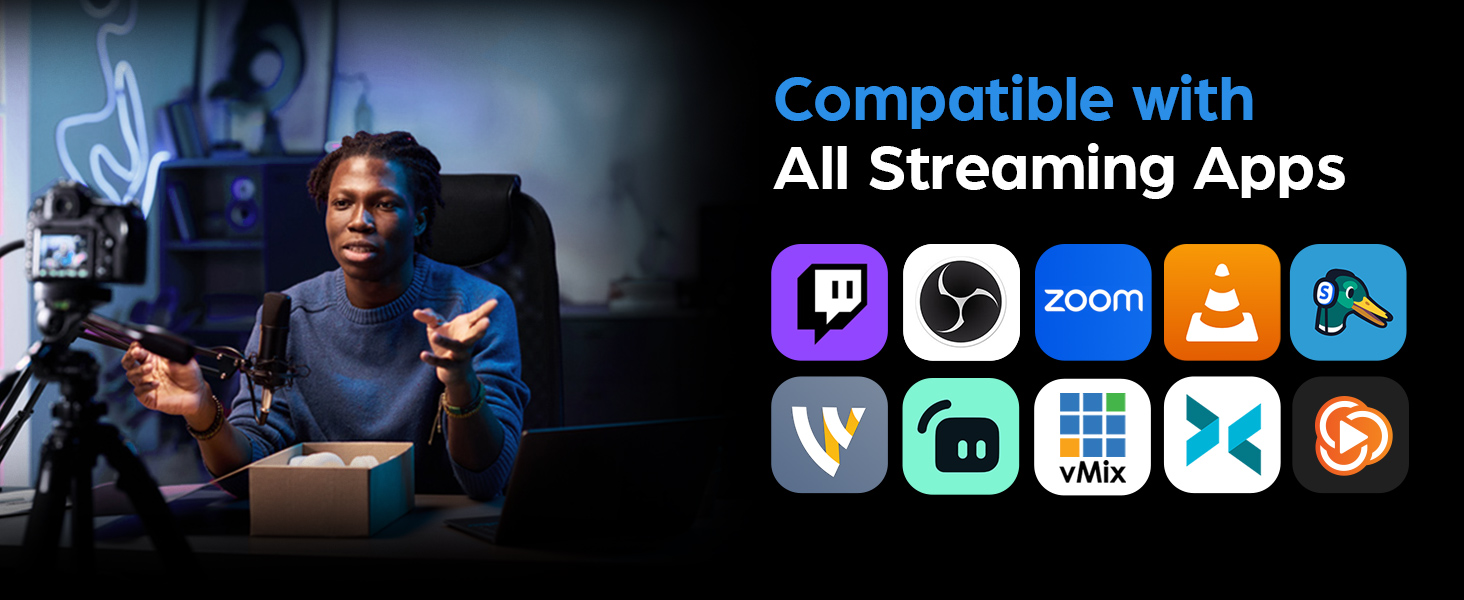
I used this product for the first time to do a tech rehearsal where I was on Zoom, Vimeo Live, as well as Stemyard. I had no problem with any of the platforms and even impressed the folks back at office with the fact that it played out so well. Now it's time to shoot the promo videos - gotta get done!
I**N
Works great but how can the manufacturers justify such a high price?
Trustpilot
1 month ago
4 days ago