
DOWNLOAD THE APP


Customer Services
Copyright © 2025 Desertcart Holdings Limited
DOWNLOAD THE APP

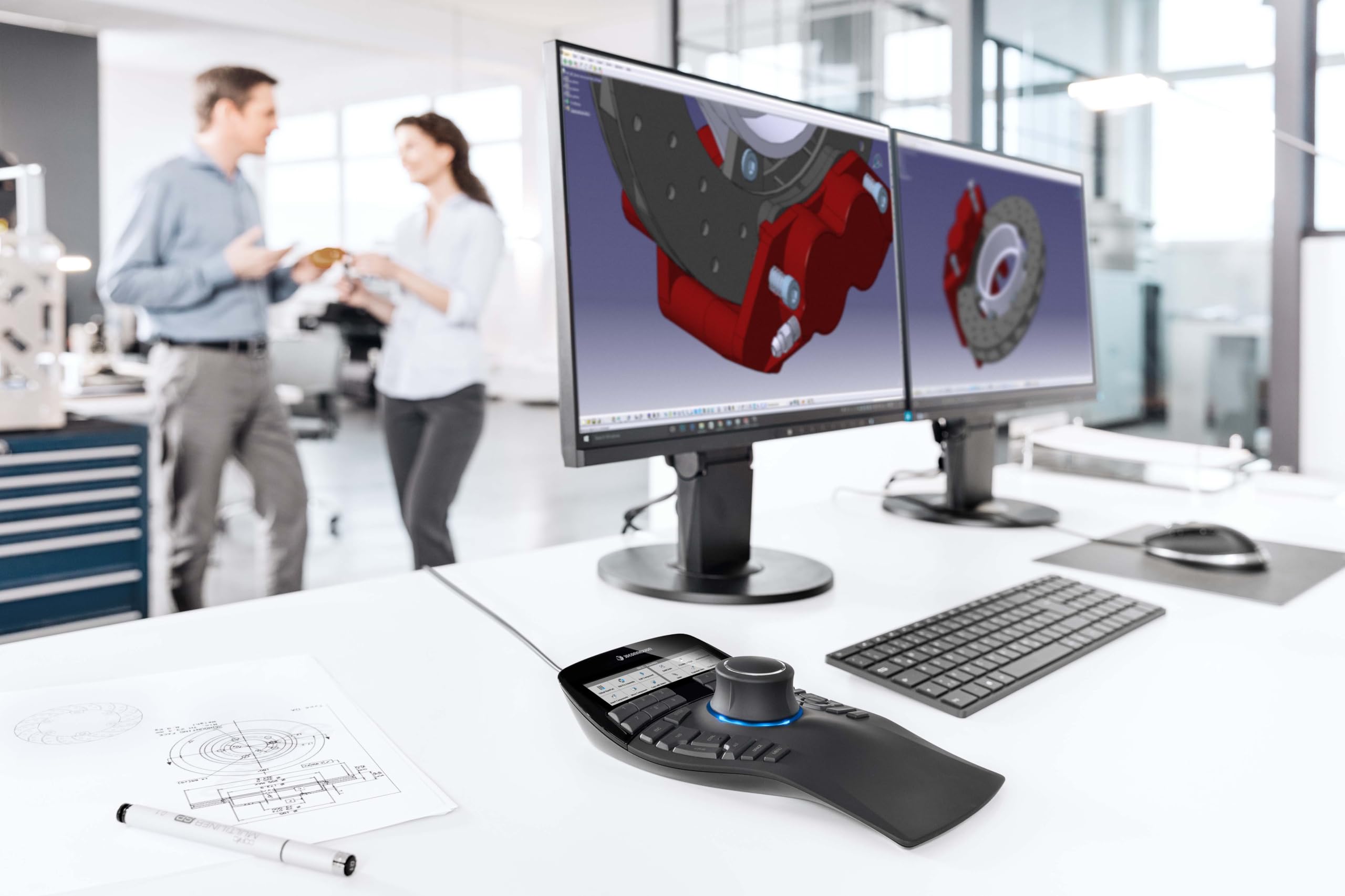



🚀 Elevate your 3D workflow — because precision is the new power move.
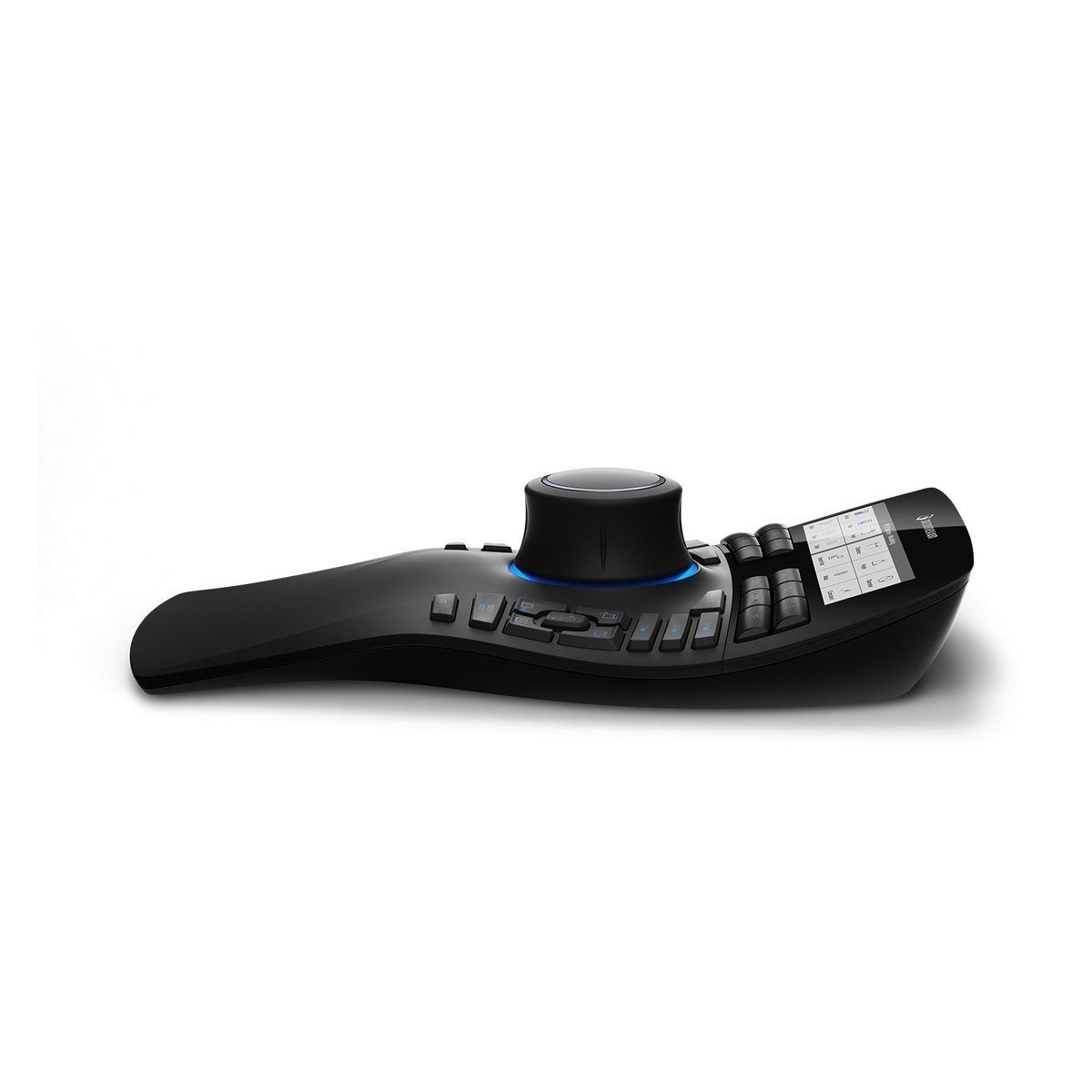
The 3Dconnexion SpaceMouse Enterprise is a premium wired 3D mouse featuring a six-degrees-of-freedom sensor, 31 programmable buttons, and a color LCD for real-time function key visualization. Designed for professional CAD users, it offers smooth, precise control and robust build quality, making it an essential tool for mastering complex 3D environments.
| ASIN | B01F9TR3KG |
| Best Sellers Rank | 374,260 in Computers & Accessories ( See Top 100 in Computers & Accessories ) 6,342 in Mice |
| Guaranteed software updates until | unknown |
| Item model number | 3DX-700056 |
| Manufacturer | 3Dconnexion |
| Product Dimensions | 30.23 x 21.84 x 9.4 cm; 1.27 kg |
R**A
Was faulty
I received a faulty product. When zooming in or out, after a while it gets caught in the motion. So if you're zooming out it'll keep zooming out indefinitely and there is nothing you can do to stop it except pull out the USB cable. Not sure if this is a common fault as mine was an amazon warehouse purchase and things from there are sometimes not 100% reliable. Was a cool paper weight for a few days and that was about it.
J**D
First off... To help anyone new to these, they are great for manipulating the model in space. Secondly, to help anyone using it for the first time, figure out how your mind works in that space. Are you they type to visually spin the model, or are you the camera navigating around? Once I figured out that I am the camera that glides around the manual it became way easier to setup and use. As for the build quality it is very well made and the joystick is smooth precise. It has great weight to it and stays planted on the desk. The programmable keys are nice and the software included makes it very easy to setup and use and it effortlessly transitions between different software's. I mainly use this for Solidworks and it is very nice to rotate about the model and select my fillets or various other features.
U**E
J'aurais dû l'acheter avant. Depuis que je l'utilise, j'ai grandement évoluer dans mon travail. Je dessine plus vite et mieux. J'estime un gain de 300% de productivité.
A**R
SpaceNavigatorをキーボードの左に置いて使用していますが、キーボードのSHIFT、CTRL、ALTキーを押すために左手が頻繁に行ったり来たりしてました。できればあまり左手は動かしたくないと思い本品を使ってみました。 キーボードの左側にあるキーがまとめて3Dマウスのすぐ左に位置しているので、握ったまま小指や薬指がすぐ届いて使いやすいです。ボタンの硬さはもう少し軽い方が私は好みでした。3DマウスはSpaceNavigatorと同様、どっしりと安定していて、動き出すこともなく快適です。 カスタマイズ可能な12個のファンクションキーは内容が常に液晶に表示されており、何を登録したかを忘れることがありません。SolidWorksやInventorなどではアプリケーション内のアイコンまで表示されるのでさらに分かりやすくなると思います。私はRhinocerosを使っていますが、アイコンの表示までは対応していないようでした。(追記:最新のバージョン6では対応しています) バックライトの明るさ調整はドライバである3DxWare側からできるので、部屋の明るさに応じて変えた方が見やすいです。 3Dマウス自体の良さはもう体に染みついていてもう抜け出せませんが、それに加えて本品の美しい曲線のデザインは、末永く使いたいという気にさせてくれます。
M**Y
Wow, I love this thing. I have had the wireless small version for years and it worked, but this is sooooo much better. Unlike the wireless one, you don't have to worry about constant disconnections (obviously), or it shifting around because it is larger and your hand will be anchoring it down so it won't be moving all over the place. I have a couple Stream Decks too and a Shuttle Prov2 (I'm big into productivity gadgets), screen tablet & pen, and this is a great addition. I love the 12 buttons with the screens, and the best is the front/right/top/etc. buttons and even better are the 3 View Saving and Recalling buttons. I use this in Blender (I had to make my own plugin for the 3 views to work though, but in all other 3D apps I use the View Saving works flawlessly), 3DCoat, Rhino, Substance Painter, Unreal and I even use it in non 3D apps like vscode for shortcuts and stuff, and even music apps like Reaper, Dorico ...basically everything. The View Saving 3 buttons are the best in 3D though, time saver! 6/5 stars!
K**S
MacBook Pro (15-inch, 2018) macOS Catalina 10.15.3 SketchUp2019にて使用。 ドライバのインストールにもたつきましたが動作はします。使用感は人それぞれかと思いますが、私のような3Dマウス初心者には慣れが必要なのは言わずもがな、使いこなせたら仕事はかなり楽になると思います。高価な商品ではありますが購入を決断してよかったです。
Trustpilot
1 day ago
2 weeks ago