

Desert Online General Trading LLC
Dubai, United Arab Emirates
Desert Online General Trading LLC
Dubai, United Arab Emirates
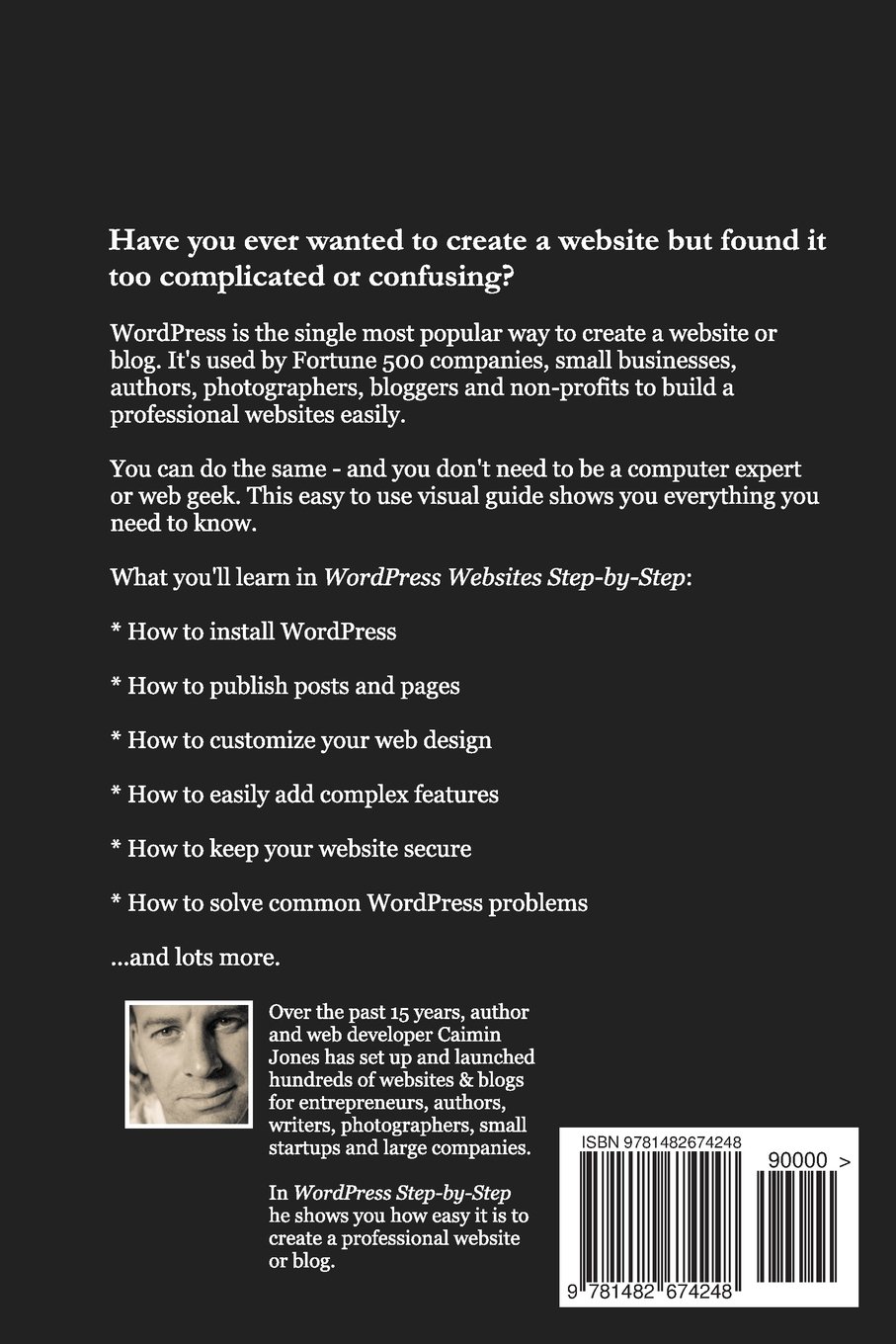
Full description not available
L**R
The Web Doctor Recommends This One
I've built hundreds of WordPress sites for myself and my clients. I want my clients to be self-sufficient, so I have provided them with links to videos, because there hasn't been a good ebook available. That just changed with the publication of WordPress Websites Step-by-Step. It is an amazingly complete guide to creating and maintaining a WordPress site.The quality of the writing is outstanding. I also do a bit of copy editing, and I was impressed by the absence of typos and language errors. Appropriate screenshots add to the clarity of the text, although the Kindle does a poor job of displaying them. These are better seen by the Kindle readers available for other devices (desktops, laptops, and tablets).My quibbles are few. I didn't care for the positive references to GoDaddy, a company I avoid for a number of reasons. At least alternatives for hosting were provided. The chapter on search engine optimization (SEO) was skimpy, although the bonus chapter "Getting Visitors to Your Site" made up for it in a big way.So, is there no future for The Web Doctor, now that this ebook is available? Perhaps the area where a professional can be the most help is in the selection of an appropriate theme and the considerable tweaking that is often necessary to get the appearance of the site just the way you want it. This sometimes involves editing the WordPress code, which is not covered in this ebook. There is certainly no need to pay someone to maintain your site, once it's up and running the way you want it.
F**D
Straightforward help for the first-time WordPress user
The WordPress platform is one of the best examples of what open, cooperative software development can create. Now in release 3.5, the platform offers a fabulous array of tools not only to build and publish a blog but also excellent content management tools that enable you to build and maintain a dynamic website.While the WordPress volunteer team has done a fabulous job in delivering a robust software platform, the project documentation, like that of many software projects, is terse and it can be a challenge for the new user to access. There are three classes of questions that are typically on the mind of a prospective new user:1) What can I do with WordPress and why should I use it rather than another platforms?2) How do I get a copy of the WordPress platform installed and running?3) How do I create and maintain my first website with WordPress?Caimin Jones' new monograph, "WordPress Websites Step-by-Step," styles itself as a non-geek guide intended to help the new user get up and running on WordPress without wallowing through a lot of technical detail. In very large measure, Jones succeeds.Of the three classes of questions, Jones does an outstanding job with questions 2 and 3 (getting started, creating and maintaining). Indeed, by following the steps outlined in Jones' book, the non-technical user will very quickly be able to set up and get running his or her first website, all without writing a line of code.Many "how-to" books aimed at beginners end up being hundreds of pages long, discouraging rather than encouraging the beginner. Jones' monograph is much more compact and, in the end, much more likely to actually help the first time user than a longer treatment ever would. With the experience of successfully producing that first website, the new user may well want to explore more options and more depth; at that time the then newer user should turn to those much, much longer guides.I do think the book is a bit light on "why select WordPress?" (hence, my rating of four stars rather than five) but as long as the reader has already opted for WordPress, the reader will find Jones' book well worth the price paid.
R**N
An Excellent Overview of WordPress Basics
The myth of WordPress is that anyone can make a great WordPress website in minutes with no training. That isn't true. This book is what you need to get started.The book -- available only on Kindle -- contains all the basics you need to know, from finding a domain name and web host to installing the software, to setting up a sidebar and choosing some plugins, with a special bonus chapter on getting people to visit your website. I like the fact that a lot of things that get overlooked are covered: how to log in to the admin section of your website, how to keep your site secure, how to choose a domain name. No basic issue is overlooked.Each chapter is clearly written, with step by step instructions and plenty of screenshots. It's up to date and practical, and should be comfortable reading for people with no tech background.This book is not designed for experienced users, but many WordPress users will find tidbits in here that are new to them, and at the price, there's no reason to hesitate. Chances are good that all WP users will find a new resource, a great plugin they've never tried, or a reminder of best practices they've gotten lazy about.
T**M
Really good & pretty good
I wish I could give 2 ratings. It's a really good orientation & overview of the WordPress experience - 4 1/2 stars. After that, it's barely worth going back to for more information - 3 stars. I am not new to computers. I am not new to web development. I am new-ish to WorPress. I am interested in serious clues about how things are structured. For example, I want to develop in a "sandbox" LAN environment. But, I cannot get my LAN/WiFi devices to see the pages with the theme & formatting. And, there is little accurate information about that anywhere on the web. As with programming, so much can be gained only through experience. I have written documentation, end user oriented, for the most part. So, I have a sense where other people need to be at the end of a training material. Everything I wrote was geared to having the user be more oriented than before. At the least, users can ask better, higher level questions. There's always more, though. I wish there was a little more in this well-conceived book.
Trustpilot
2 weeks ago
4 days ago