Desert Online General Trading LLC
Dubai, United Arab Emirates
Desert Online General Trading LLC
Dubai, United Arab Emirates



Label your world with style! 🎉
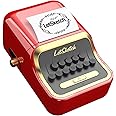
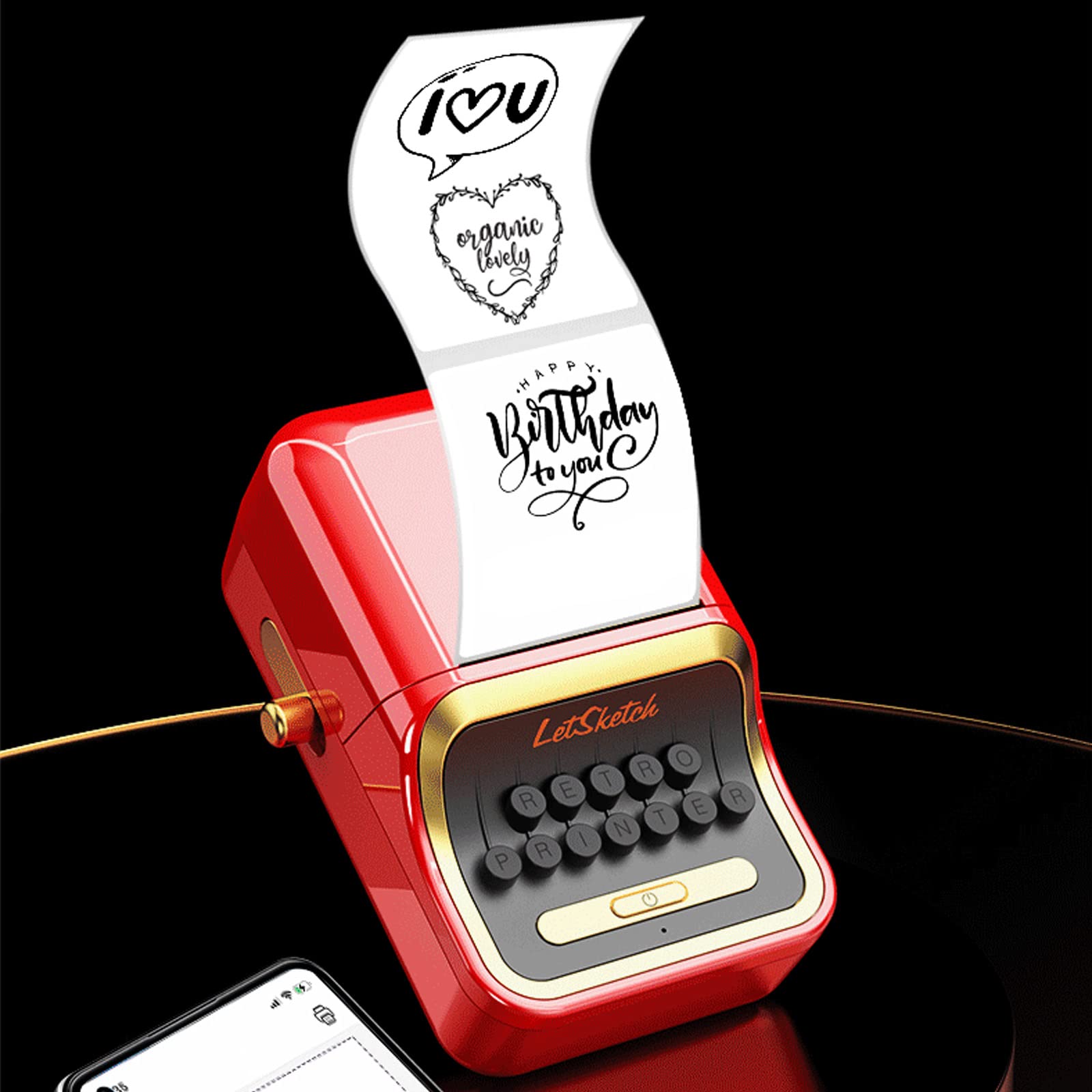
The LetSketch Portable Bluetooth Thermal Label Maker is a versatile and eco-friendly labeling solution compatible with both Android and iOS devices. It features inkless thermal printing technology, a user-friendly app for easy design, and the ability to print a variety of label types, making it perfect for retail, mailing, and personal use. With a compact design and included label rolls, this label maker is ideal for anyone looking to streamline their labeling process.
P**B
This Thermal Printer Can Print So Many Different Kinds of Labels, and Print them Well!
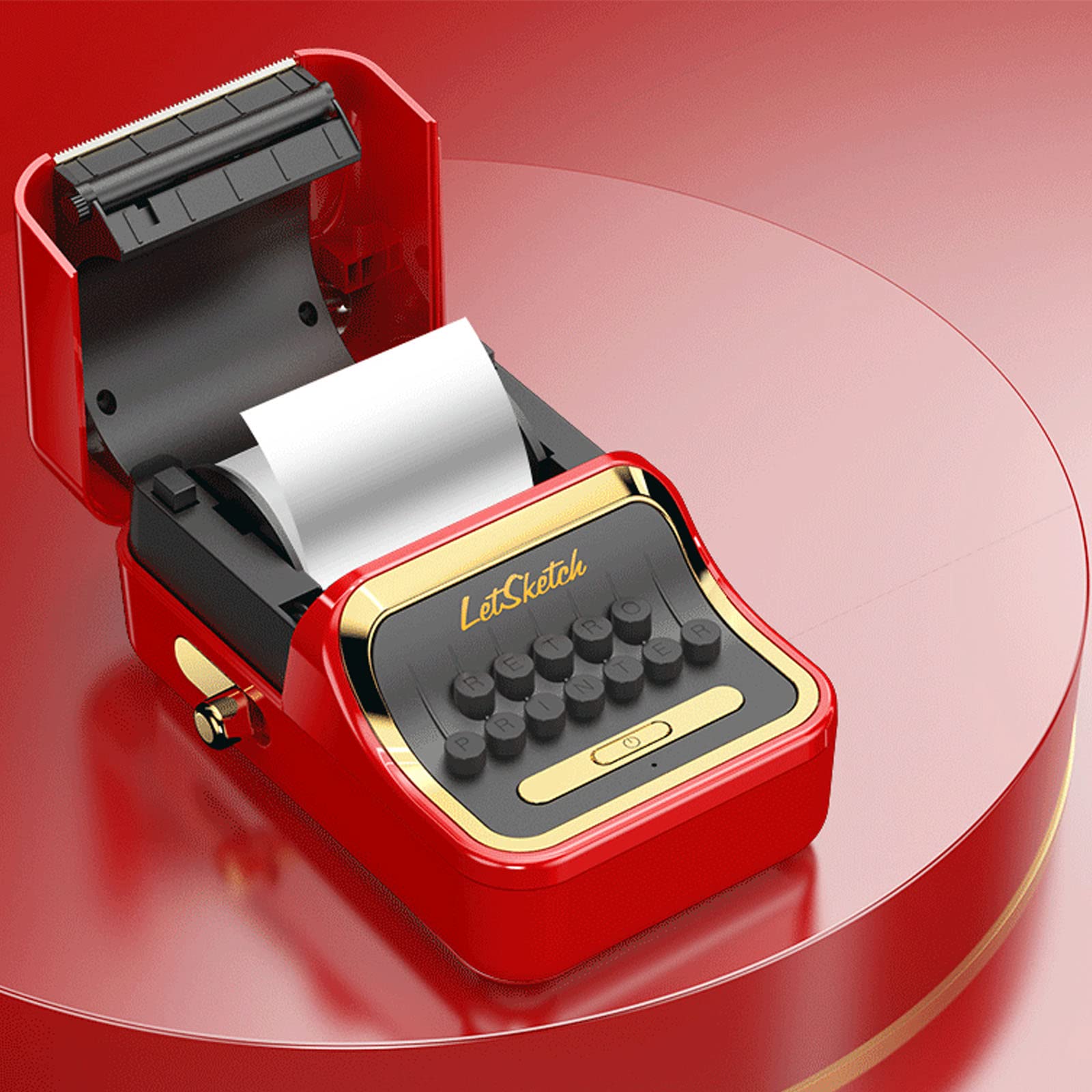
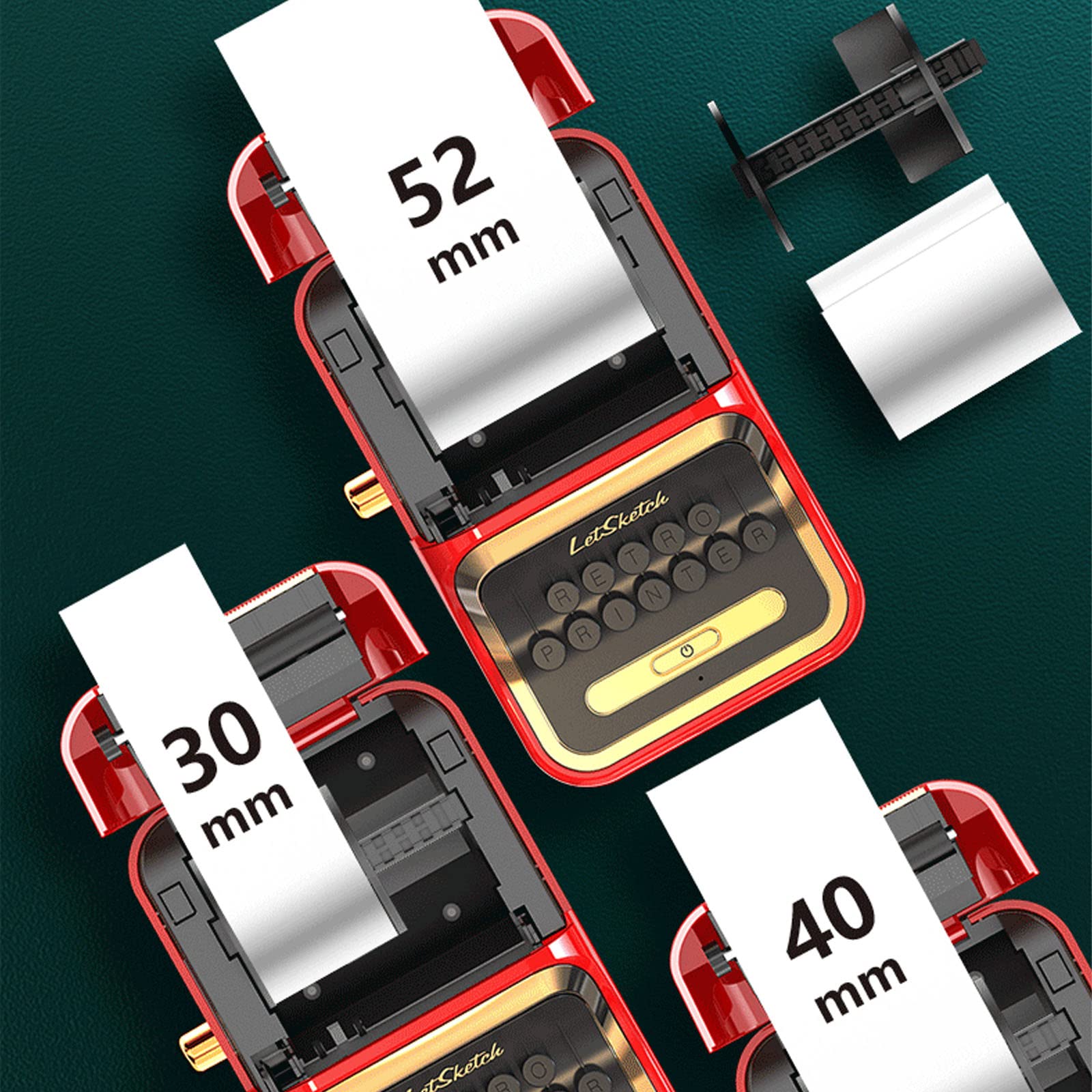
This LetSketch thermal label printer looks like an old red cash register. It’s something that people would comment positively on when they see it sitting on your desk. Once you explain what it is and what it can do, they’ll be even more impressed.This printer can use a wide variety of thermal printing labels, of differing widths (12 mm to 52 mm), lengths (I saw labels of 70 mm long, but you can print continuous labels as well which means no effective limit), and styles (pre-printed ones, transparent ones, even ones that allow you to print in color <though only one color per label>). The printer comes with four rolls of 40 x 30 mm tapes to use (with a lot of labels on each tape). The labels themselves are long-lasting, waterproof, oil resistant, wipeable, tear-resistant, self-adhesive, abrasion resistant and BPA free. It connects using Bluetooth and charges using a USB C cable. Whew! All good things to have!The printed directions have tiny print (I’m sure it wouldn’t have been as “tiny” forty years ago, but my eyes are a bit picky now-a-days!). Though tiny, they are clear as I was able to understand them, download the free app (iLabel from either Google Play or the Apple Store), load the paper and print out some labels in short order. Amazingly enough, I didn’t have to worry about getting the blank labels in the correct position—the printer does that automatically!This printer doesn’t just print text. It can print your photos, emojis, bar codes, just about anything you’d want to print. I’m mostly interested in labeling foods (is that corn starch or confectionery sugar in that jar?) and on shelving down in the basement, but you can use this printer in retail settings as well.About the only negative thing I could say about this was that when I first printed some labels, I used a very small font and some of the vertical strokes of the letters weren’t printed too clearly (though they could still be made out). Later when I was printing larger text, I didn’t notice this. I’m not sure if it was just because the printer wasn’t warmed up (thermal printers use heat to chemically change the labels to make the printing) or for some other reason. Since it didn’t seem to matter much, I haven’t checked back on it. That’s not much of a negative in my mind, certainly not enough to deduct a star from this review.I received this label printer for free in exchange for an honest review: good, bad, or indifferent. You’ve just read the honest review and here’s my recommendation. If you need a label printer that can print narrow to wide labels, of whatever length, then this is an excellent printer for you!
S**C
Cute and easy stickers
PROS: Unlike label printers that print a straight strip, this can do larger graphics. The included artwork was extensive and cute. I could see these being nice to put on a wall calendar. I made a couple of stickers and a dental appointment reminder using the included fonts and graphics as examples. Also, it gives you the option to print black and white images from your phone's gallery.CONS: there are only 11 available fonts in the app.Having lost the manual, I had to do some tinkering to figure out how to center the labels. It makes a big difference when trying to print labels with a frame. If you already have the device and can't get the labels to center... the labels have to be as far to the left as they can go. Pull out the roll and push the bulkier side of the roll holder in, so that it's snug on the size of roll that you have, this will keep it to the left. Since the roll was preinstalled, I thought it would come set up accordingly, but maybe it shifted before it got to me. Either way, once I squeezed the roll holder so that it was snug against the roll, it was then lined up properly.
N**N
Decent Little Label Printer
UPDATE: This morning I picked up this label printer to print off some inventory labels. It's now bedtime and still no labels because I've been unable to get the printer to connect with the app. It turns on, the blue light comes on, but no connection. Thinking maybe it needed to be charged before it would connect, I charged it during the day. Still no connection. In fact, the app can't even find a printer to which it can connect. Very disappointing, especially since I've invested in several rolls of label tape specifically for this machine. I'm returning it for a replacement. If that one works any better I'll update again, but based on my experience today I'm afraid this printer just doesn't deliver.ORIGINAL: This little label printer is somewhat of a tease. The body forms a sort of typewriter shape, complete with what appears to be a keyboard. The keys of the keyboard don't do anything, especially to help with printing the labels. The top of the printer opens using a knob on the side, popping up the printer lid when you push it forward. In order to print labels or interact with the printer, you must first download and install an app called "iLabel" from whatever app store you use. This app is mostly intuitive once you get the terminology down, but the written documentation and commands for sales in the USA could benefit from being edited by an English-speaking person with a bit more attention to detail. For example, the single index card sized sheet of instructions ends with an unfinished sentence referencing a non-existent illustration.When I first printed some labels I had a difficult time getting the alignment correct. No matter how I centered everything in the app, the print-out lined up to the left. I only got it to print where I wanted it by lining things up in the app on the right side of the template. It did seem to improve after stopping and starting the app a couple of times, but it still takes some work.The app comes with a fairly extensive library of graphics and symbols you can print on the labels along with text. It also includes several basic workhorse fonts some of which download as you request them. The one thing that I found most disappointing, however, is the print quality. Think an old CRT terminal with its green cursor blinking at the left edge of the black screen versus a modern monitor with millions of color. The printout is similar to a dot-matrix effect which requires adjusting the print quality to the max setting to be sure that everything you see on the screen prints on the label. One of my bar code labels couldn't be read by my bar code scanner, which I believe to be the result of the poor quality printout.All in all, now that I've experimented with this little printer, I will probably be able to use it for rudimentary labeling. I don't expect that I will use it anywhere that I want an attractive label or anywhere I would place a publicly visible label. At a very basic level it does do what it is designed to do.
R**C
Pretty useless - stay away
Refused to connect to both my phones even after a few days of trying. Only connected to my PC once, and disconnected, and never could reconnect again.Could've been a dead unit, but I didn't have time to care to try again.Another caveat -- the labels are tinier than what you expect. So definitely make sure it's the right size for you.
Trustpilot
3 weeks ago
2 weeks ago
4 days ago
2 weeks ago