We remain fully operational. Our teams are working around the clock to ensure your deliveries continue safely.

DOWNLOAD THE APP


Customer Services
Copyright © 2025 Desertcart Holdings Limited
DOWNLOAD THE APP

🔄 Switch Smarter, Work Faster — Share Like a Pro!
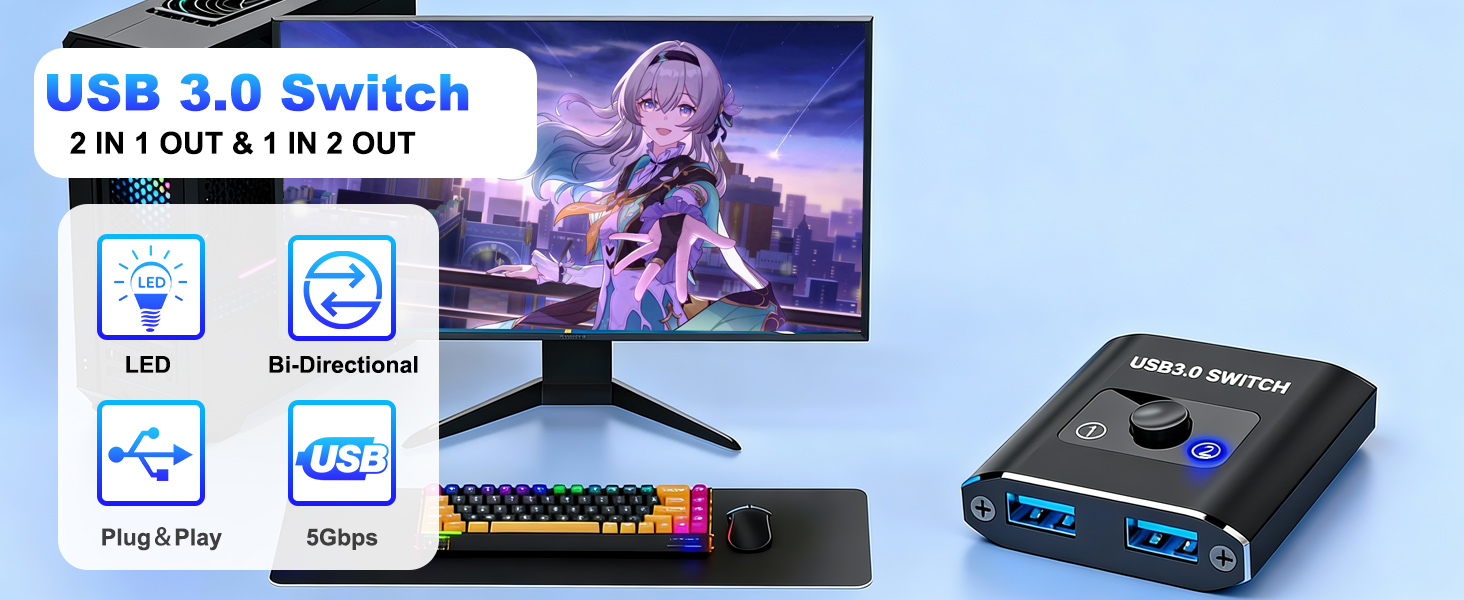
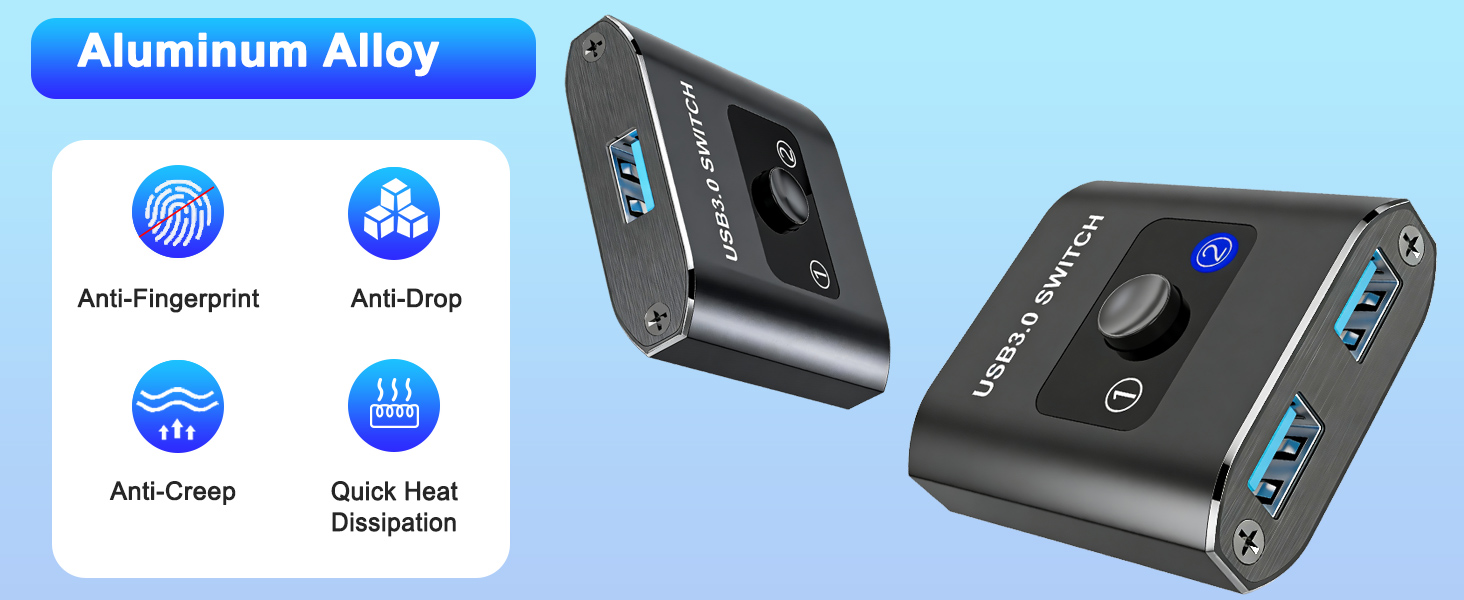
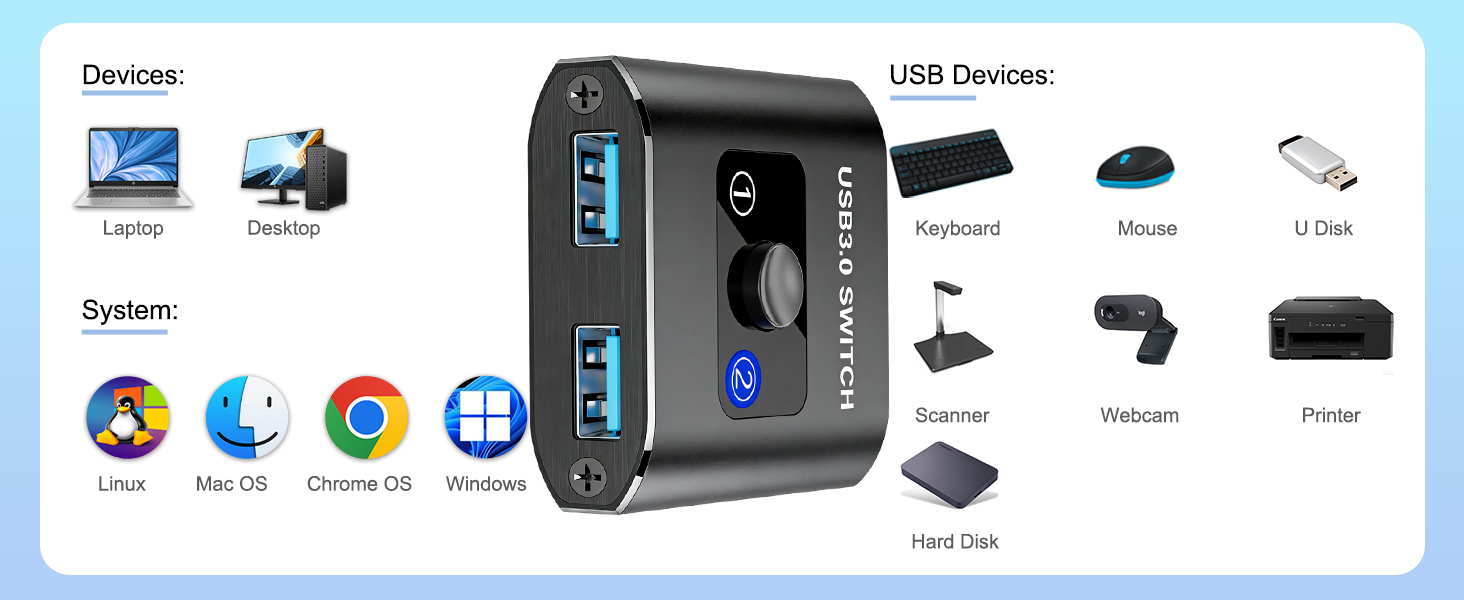
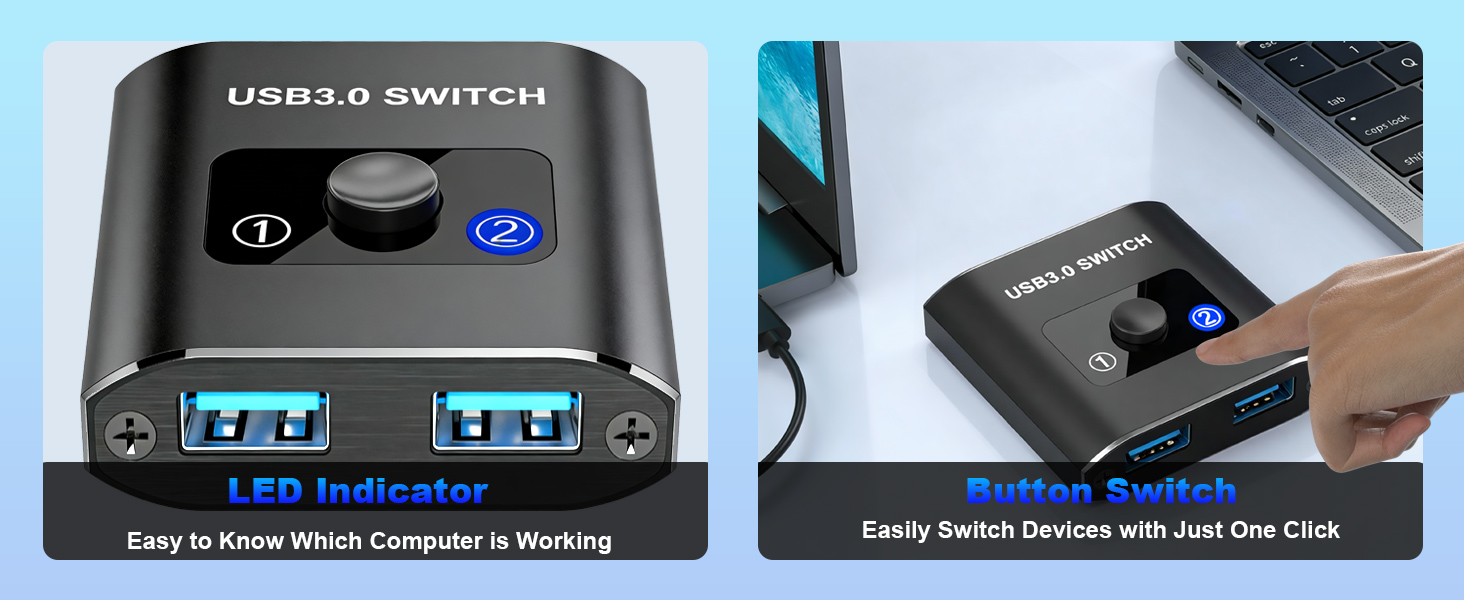
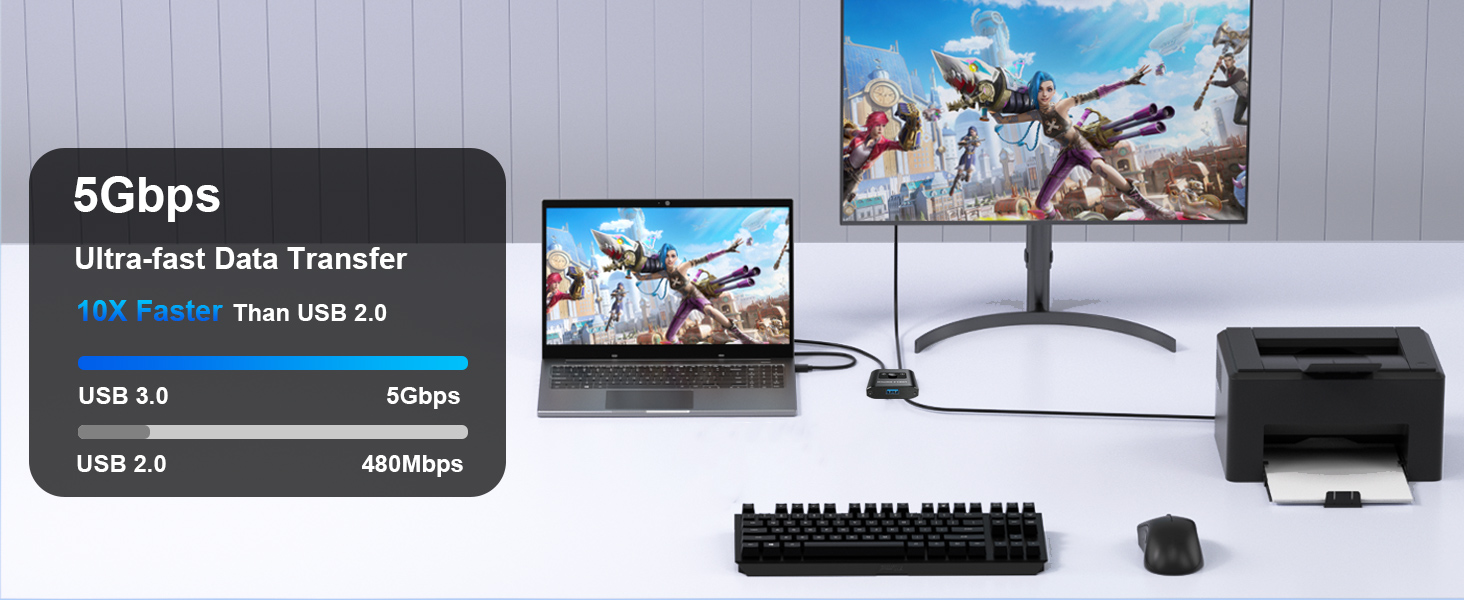
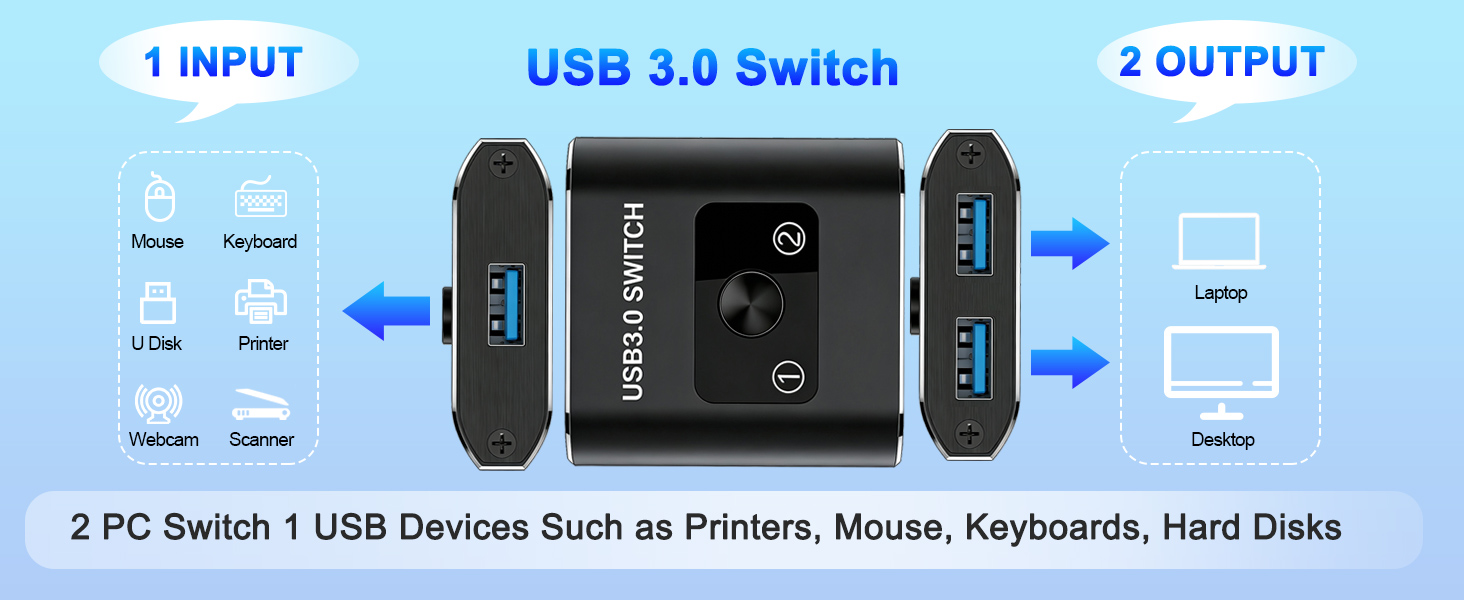
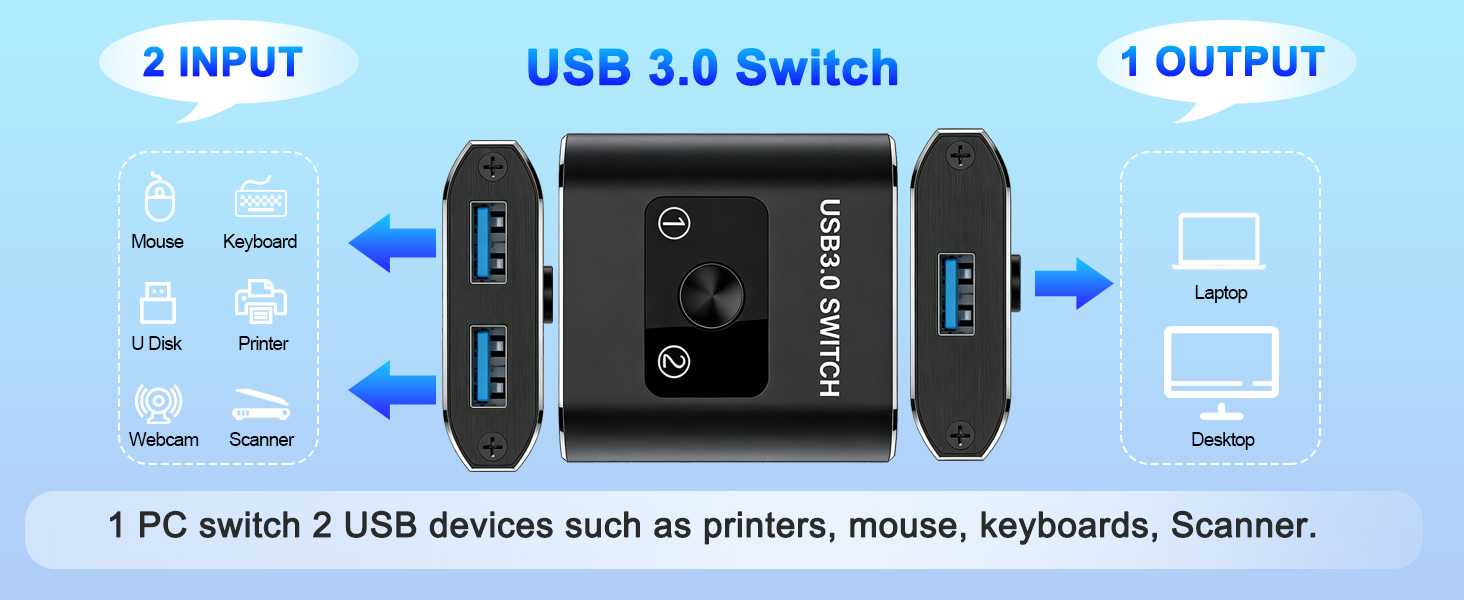
The Closs USB 3.0 Bi-Directional Switch is a compact, aluminum-encased device enabling seamless sharing of USB peripherals between two computers or switching between two USB devices on one computer. Supporting ultra-fast 5Gbps data transfer and broad OS compatibility, it offers plug-and-play convenience without extra power or drivers, ideal for professionals seeking efficient workspace management.
| ASIN | B0D5XGR498 |
| Best Sellers Rank | #11 in KVM Switches |
| Brand | Closs |
| Circuit Type | 2-way |
| Color | USB Switch |
| Compatible Devices | Laptop, Personal Computer |
| Connectivity Protocol | USB |
| Connector Type | Usb |
| Contact Material | Copper |
| Contact Type | Normally Open |
| Control Method | Push Button |
| Control Type | switching |
| Date First Available | June 15, 2024 |
| International Protection Rating | IP54 |
| Item Weight | 2.08 ounces |
| Item dimensions L x W x H | 0.59 x 1.97 x 2.17 inches |
| Item model number | US-201A |
| Manufacturer | Closs |
| Number of Positions | 3 |
| Operation Mode | ON-ON |
| Product Dimensions | 0.59 x 1.97 x 2.17 inches |
| Terminal | Through Hole |
| Unit Count | 1.0 Count |
T**N
Great to share keyboard/mouse with 2 PCs
This switch was the easiest and leadt expensive method to switch my bluetooth keyboard/mouse combo with usb dongle between my Windows Desktop PC and Linux Mini PC. USB dangle plugged into switch and 2 usb cables out to the PCs. Less desk clutter abd works great. .
T**A
Works as intended
Switches inputs effortlessly. Works well with my keyboard and mouse dongle.
R**N
My USB switch is bi-polar. Because it switches back and forth. Get it?
I am gonna keep it a buck fiddy with you. I did not have very high expectations for this product. I needed something to allow me to switch a wired Razer controller between a PC and an XBox. I thought I'd give it a shot and I was very surprised. Works great. No issues for connectivity, because of it's size it was easy to install right on my desktop. Definitely a must have if your setup is anything like mine.
F**I
Works fine and smail switch
It works fine for my two laptops, but doesn't come with a USB cable
D**3
The switch should not be operated with the current device active.
I use a backup scheme with two USB drives only one of which is "online" at a time, so there's no need to use up two USB ports on the computer. I switch them periodically. The idea is that if the worst should happen, I can restore from the drive that was offline at the time of the disaster. Since I use free software I only backup my home directory; everything else I can get online. To make the switch, I unmount and then turn off the one being "switched out". Then I push the button on this switch, and finally turn on the other (which then automounts).
E**T
Not for use with a TWAIN scanner
Does not work well with a Twain scanner. Both attached computers must be turned on to use the switch. Even then most of the time the switch is set to a port, the attached computer says the USB device is not recognized, and never starts to be recognized. Doesn't work at all with a USB A<>C cable (only with USB A<>A cable) - somehow with USB A<>C cable (even a genuine USB 3.1 data cable) no power gets drawn by the switch. Just not useful. Returned.
O**R
Perfect Solution for Multiple Wireless CarPlay Adapters
My wife and I share a vehicle which only supports "wired" CarPlay, thus we purchased a wireless CarPlay Adapter. Worked great except, when driving alone, we had to disconnect one iPhone and reconnect the other through the phone settings. This USB switch selector allowed us to connect an additional wireless CarPlay adapter and now we simply push the selector button to pick our specific phone.
C**S
Inexpensive Solution
I am using this to share a docking station with two computers so that each can utilize the same dual monitors, wireless keyboard/mouse, and speakers. It works flawlessly and is a inexpensive solution. I also bought two USB cables with it to ensure everything worked correctly.
D**R
It is a nice product when using one side with usb and one side with wireless android auto just one switch then it is changed from usb to wirlees android auto.
B**B
We use this to switch between keyboards (my child cannot be trusted to not spill food and drink onto a good keyboard), and it works perfectly for that use.
A**.
Works nice, switch is easy to use. Saves climbing under desk to move USB cord between computers.
M**️
Fonctionne très bien
A**Y
This USB switcher is incredibly affordable and works exactly as advertised. Switching between devices takes just one click, and the process is smooth and quick every time. It’s simple to set up, easy to use, and has made managing multiple devices much more convenient. A great purchase for the price!
Trustpilot
1 month ago
2 weeks ago