


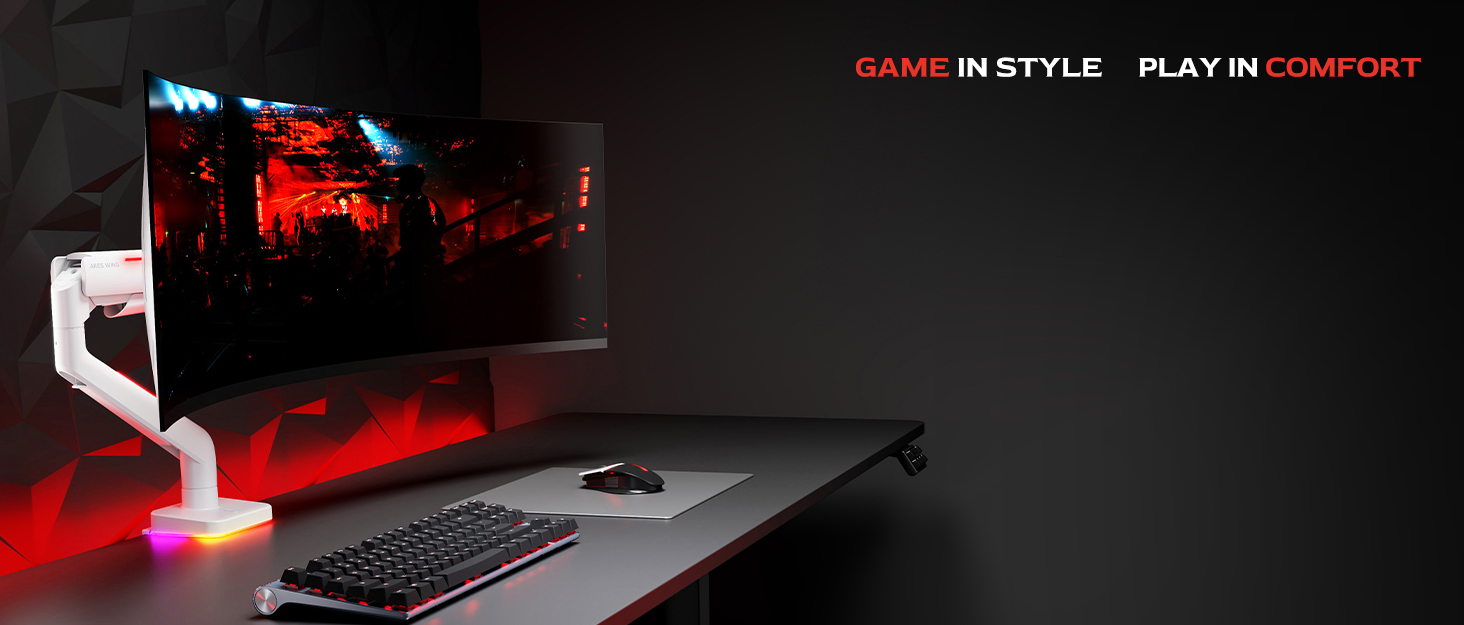
🖥️ Elevate your ultrawide game with precision and power — because your desk deserves the best!
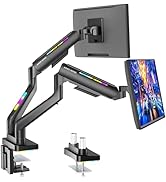
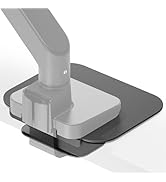
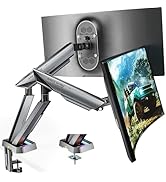
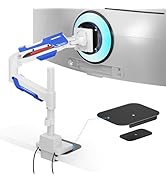
The ARES WING Single Monitor Arm is a heavy-duty, full-motion desk mount designed for ultrawide monitors from 17 to 49 inches, supporting up to 44 lbs. Featuring an 18-inch extended gas spring column, it offers smooth height adjustment, tilt, swivel, and rotation for ergonomic perfection. Compatible with VESA 75x75mm and 100x100mm mounts, it provides flexible installation via C-clamp or grommet options. Integrated cable management and a tool slot ensure a clean, efficient workspace, making it ideal for professionals seeking a sturdy, versatile, and sleek monitor mounting solution.









| ASIN | B0DFGZBP27 |
| Best Sellers Rank | #76 in Computer Monitor Arms |
| Brand Name | ARES WING |
| Color Name | Black |
| Customer Reviews | 4.3 4.3 out of 5 stars (271) |
| Date First Available | August 28, 2024 |
| Item Weight | 10.49 pounds |
| Item model number | GDT1004PBK |
| Package Dimensions | 16.85 x 8.39 x 5.35 inches |
T**Y
lovely product
I love this ARES WING Dual Monitor Arm! Setting up two monitors was super easy, and the instructions made everything straightforward. I have two 34” curved monitors mounted, and the arms feel really sturdy—no wobbling at all. Adjusting the height, tilt, and rotation is smooth thanks to the gas spring, and it’s easy to get the perfect angle for work or gaming. The built-in cable management is a nice touch too; my desk looks so much cleaner now. Overall, this mount has made my dual monitor setup way more comfortable and organized. It’s strong, flexible, and looks good on my desk. Definitely worth it if you want a solid, easy-to-use dual monitor mount.
M**.
Well worth the $$
I have one other monitor mount with a different design that does not allow for height adjustment anywhere close to this level. The pneumatic arm has become loose over time, down at the base where it attaches to the mount, making it virtually unusable for anything above 8 inches from the desk. I found this far superior design and ordered it to use with a 34 inch wide screen monitor and it performs even better than I expected. The design is as good if not better than any other monitor amount I have seen of this style or several other styles, and I highly recommend this product to anyone with a monitor within the quoted weight range. I will actually be ordering another one of these to mount my other monitor so I can have my main monitor at the height. I prefer in my slightly smaller and secondary monitor mounted above that. Right now, the other monitor arm mount that I purchased is forcing me to run my primary monitor above my secondary monitor. It’s actually not a problem with this due to the amazing adjustability of this product and the fact that I can easily tilt my upper monitor downward and set that angle by tightening a screw on the “swivel.” I will include a couple pictures to show exactly what I just described which I hope help people make their decision on whether or not this product is correct for them. Hope this helps! ***EDIT*** I was sent an email with a question about how well the pneumatic arm and tilt function works and holds the monitor where you want it to be. This monitor mount is the ONLY mount I have found that will hold a VERY heavy monitor, (within the specs of whatever is listed,) to actually hold that weight in place precisely where you want it, but also be able to adjust without a massive headache. There are a couple of different set-screws which adjust the tension on the swivel mount, and also the height mount, which allow for you to make it easier to adjust, or for a lighter monitor. I set the screws fairly tight, so my monitor holds in place precisely where I want it to be since it is a 34 widescreen model, and a little north of the halfway mark for the weight limits. I don't remember the pound limit off the top of my head, but when ordering this product I remember that what I have was a little north of halfway. I think my monitor is something like 20 pounds or so. This mount will clearly hold something twice that heavy, with ease. I truly cant recommend this product enough and will be buying another one fairly soon for a third monitor I am purchasing. Hope this helps the man who asked the question, since I cant find the email to respond to his question anymore. Cheers!
K**N
Great!!!!!
I’ve been using this dual monitor stand for about one weeks now, and so far, I’m really pleased with it. I bought it to replace the stock stand on my G9 because the original stand took up a huge portion of my desk. This mount helps free up all that space underneath, giving me a much cleaner setup. In the future, I plan to add a second 49” monitor, but for now, I’m using it to hold a 32” monitor above my G9. Once set up, the stand has been rock solid. Assembly was pretty straightforward, though I had to estimate the right height for the lower arm before securing it. I also positioned the upper arm at its highest setting. Attaching the monitor to the mounting plate took a bit of effort—especially with a display of this size—but that’s to be expected. Having a second person to help definitely makes the process easier. One thing I noticed is that if your monitor tilts forward after mounting, the best solution is to hold the monitor at the angle you want and gradually tighten the bolt in the wrist joint until it stays in place. This seems to be a common issue with mounts for 49” ultrawide monitors, as I’ve seen similar feedback on other models. However, it’s just a one-time adjustment during setup, so it’s not a dealbreaker for me. Overall, this mount offers great value for the price. Unless you’re willing to spend $300-400+ on an Ergotron, this is probably one of the best options out there.
J**S
Built to last with one downside
Somewhat easy to put together. Only saying that because to be able to move the mount once you set it up, you will have to take it completely apart due the adjust screw is inside the pole that holds monitors. Other than having to undo everything 3 times until I got everything as centered as I could before getting tired of lifting a 49in monitor on and off and lining it to the clips. But once setup it’s a amazing mount and looks great with a very good range of movement.
B**Z
Heavy-Duty and Minimalist: The Only Monitor Arm You'll Ever Need
Absolutely blown away by this monitor arm! I'm using it with a 49-inch MSI Ultrawide monitor, and it's mounted on a Secretlab Magnus Pro XL desk. It holds the massive display with no issues, and the gas spring is easy to adjust. This thing is super sturdy and feels incredibly secure. I love how minimalist and clean it looks, which fits the aesthetic of my setup perfectly. I was considering much more expensive monitor arms, but I'm so glad I went with this one. It simply works great, and there's no need to spend a fortune when this fantastic product exists!
L**B
Excellent! Was pretty simple to install. Since I have a pretty large monitor you have to make sure that the base and clamp aligns with wherever your monitor sits in the middle of your desk. Otherwise you would need to take off the monitor, put it back on and make adjustments.. Otherwise great product! Definitely a huge upgrade going from the monitor stand which took 50% of my desk depth. Very sturdy and offers great movement.
M**R
I bought this mount for my 43-inch monitor and was a bit skeptical about whether it could handle the weight, but it’s actually pretty solid and holds up well. One downside: the plastic cable holder was broken out of the box. I ended up gluing it back since it didn’t seem worth the hassle of returning the whole thing for such a small issue. Overall, the mount does its job and feels sturdy where it matters
R**D
The mount is questionabley secured to a glass tabletop desk with a metal frame that I had to cut so I could accommodate the included clamp. There's one step not in the instructions that I found helped snug the base to the desk and thats by putting a nut on the long screw when installing the base, without it I probably wouldnt finished installing.
O**E
très solide Il y a deux façons. L'installer, percer un trou sur le bureau, soit installer en fixant des vis. Je le conseille. Fortement pour 180$ avec taxe incluse, c'est pas un mauvais achat si vous avez un écran 34 po. Aussi très facile de changer de direction des écrans en comparaison de plusieurs comme Vigo.
K**N
Unbelievable. This is when the product speaks for itself. This review is written purely as a result of a very positive impression of this product. Strongly recommend it.
Trustpilot
5 days ago
1 month ago



