
DOWNLOAD THE APP


Customer Services
Copyright © 2025 Desertcart Holdings Limited
DOWNLOAD THE APP
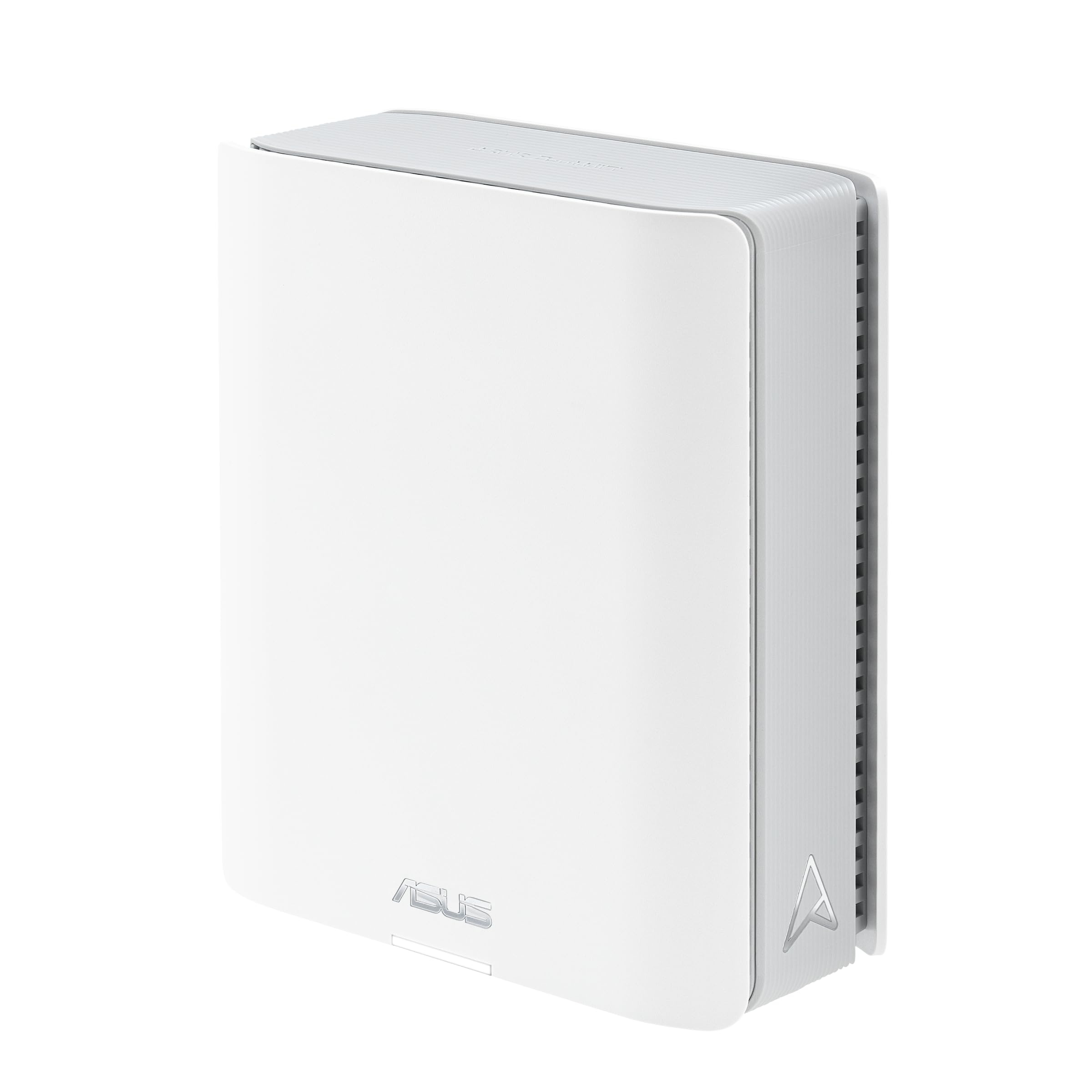
🌐 Elevate your home network to pro-level speed and security — because buffering is so last decade!
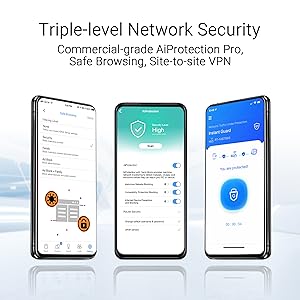
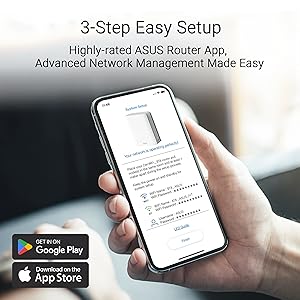
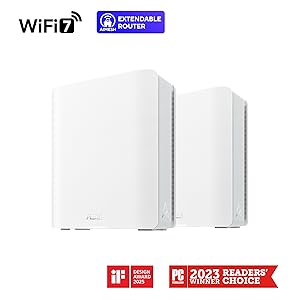
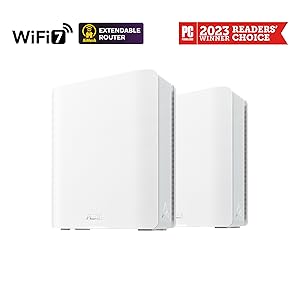
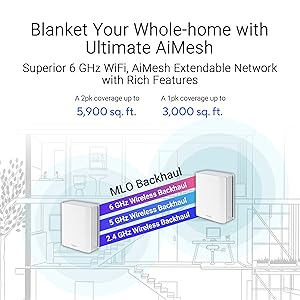
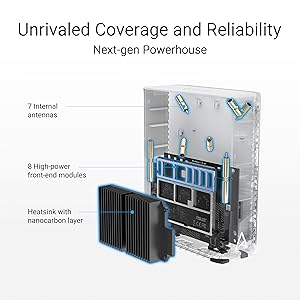
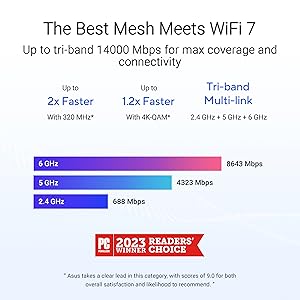
The ASUS ZenWiFi BT8 (1pk) is a state-of-the-art Tri-Band WiFi 7 mesh router delivering blazing speeds up to 14 Gbps and coverage up to 5900 sq ft. Featuring AI-powered Smart AiMesh technology, dual 2.5G ports, and robust commercial-grade security with AiProtection Pro and VPN support, it’s designed for seamless, secure connectivity across multiple devices including IoT. Ideal for professionals seeking reliable, high-performance home networking with advanced parental controls and smart home integration.


| ASIN | B09T8ZKC2H |
| Are Batteries Included | No |
| Best Sellers Rank | #2,935 in Computers ( See Top 100 in Computers ) #14 in Whole Home & Mesh Wi-Fi Systems |
| Brand | ASUS |
| Customer Reviews | 4.2 4.2 out of 5 stars (2,887) |
| Date First Available | 11 December 2024 |
| Item Weight | 850 g |
| Item model number | ZenWiFi BT8 (1pk) |
| Manufacturer | ASUS |
| Operating System | ASUSWRT |
| Product Dimensions | 15.8 x 7.1 x 18.6 cm; 850 g |
| Series | ZenWiFi BT8 |
| Wireless Type | 802.11.be |
K**N
Excellent WiFi 6 Mesh Setup from ASUS
ASUS make great WiFi equipment and the XT8 has become better with time thanks to regular firmware updates (plus 3rd party support in the AsusWrt Merlin GNUton's builds) and a web admin interface that is highly configurable. Range and speed for me has been very good with 15+ devices connected but the best has been the reliability and fast startup/reconnect times of the router+node. The only negative, and it is quite a big one, is that the supported control channels for the hardware I received only reach to 140 (5700MHz) despite the UAE and UK (as a UK socket power plug adapter was provided) both allowing higher channels than this. This reduces the available non-DFS channels and so also reduces the channel bandwidth possible (reduced speed) on the higher channel range.
P**L
better than second router
good for bigger apartment, although it took a while for me to position it correctly
I**A
Solid
Asus is my favorite. they are stable and solid with easy to install and manage App
K**A
Wifi7 needs work
Happy with the product overall. Security control is really good. Coverage is good. However, I had to turn off wifi 7 and revert to just 6 because it kept acting with issues here and there. Wifi 7 still needs work.
U**R
Trash
These things refuse to do as they are told, had one completely brick and is not responding to rescue mode or reset button or anything. All the others seem to insist on joining a mesh network without explicitly being told to do so. Nightmare to manage and deal with. Do not buy
B**I
Fast and reliable
For me, the most important thing, was having a reliable connection throughout the apartment. With the ASUS XT8, I achieved that.
D**D
Works as advertised
May need more in older buildings without networked rooms to hardwire the backhaul function. Wireless backhaul will be slower than hardwire.
O**T
Extremely easy to set up
Good signal and throughput
G**C
Ok, let me address some repeating comments here first. This system can transmit at upto 6GBps if you link the two nodes by a cable. This is standard practice and shouldn’t be seen as false advertising. If you use the Wireless meshing system you utilise one of the two 5Ghz radios as a dedicated mesh backhaul. That still gives you a great WiFi AX network. Also if your looking at true 6Gbps requirement you will need 10Gbps wired infrastructure to everything else anyway so it really isn’t a problem. I have about 70 WiFi devices in my home and there is no bottle neck across the network and I am using the WiFi mesh. Right, onto the main review. This router and node kit is fantastic! Powerful, fast and full of useful features from an easy to use App (Android and iOS both available FOC) or the web GUI. Features include advanced IPS and gateway antivirus (provided by Trend Micro), full VPN server, excellent QoS and a host of other features for the advanced user. Setup was a breeze via the iOS app and from unboxing to fully configured mesh WiFi took less than 10 minutes. Please note however that the WAN port is presented as upto 2.5Gb Ethernet so you will need a Modem if you use VDSL/FTTC. I have a DrayTek Vigor 130 in my setup but the white OpenReach modems will be just as good for 99% of users. So far it has been rock solid and not missed a beat. There are some really cool features built in including a Speedtest.net plugin to test directly on the router (so you don’t have the drop between router and client) l, also a real-time traffic monitor lets you see how much bandwidth each device on your network is using in real time (great for fault finding) the VPN server works flawlessly as does the endpoint for Site-to-Site VPN. This is a great router system for both standard and advanced home users and would definitely recommend!
J**T
Didn't come with Australian plug
M**1
Werkt naar behoren
K**N
Produkten fungerar väldigt bra. Över förväntan med 500/500 mbit fiber så har jag nästan detsamma med trådlös backhaul i L-format enplanshus på 183m2. Täcker upp trädgården runtom väl också med ca 300-200 mbit. Över 50 trådlösa enheter uppkopplade utan problem. Jag ger inte 5 stjärnor för att jag upptäckte att Asus säljer dessa utan tillverkargaranti när de går via Amazon (trots såld och fraktad direkt av Amazon samt Prime). EU:s tvingande reklamationsrätt gäller naturligtvis gentemot Amazon, men den självpåtagna tillverkargarantin som Asus i normala fall står för gäller inte. Det har jag dubbelkollat med Asus support. Värt att veta att Asus som tillverkare inte supportar produkter sålda direkt av Amazon.
V**R
Wanted a mesh that supports WireGuard setup for VPN, i tried XD5 with 3 points before this (2-floor house) but that one had some strange issues, like switching itself off so I returned it. Looked at this one, and was worried this might have issues with meshing from different floors and I can say I am pleasantly surprised, all works very well. Now, Asus’s phone app is quite rubbish but for simple setup it does the trick. If you want to do more medium to advanced settings to it, the classic way of accessing a router (ie via IP address) works a treat! You could do it via the app as well, and I tried with the XD5 but I wanted yo throw the phone out the window. All in all very happy with this one
Trustpilot
5 days ago
1 month ago