



🎮 Dominate Every Frame with LG UltraGear OLED – Where Speed Meets Stunning
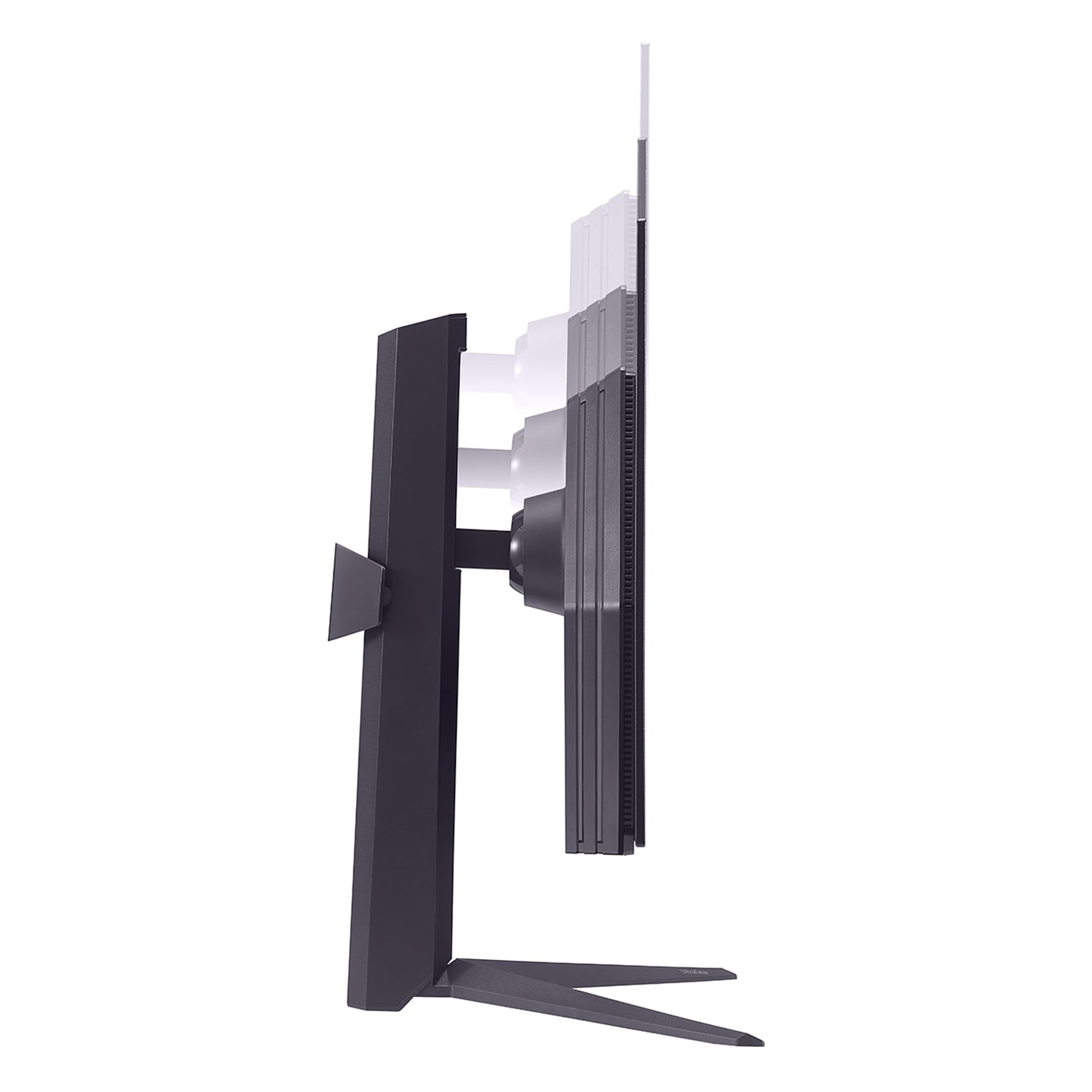
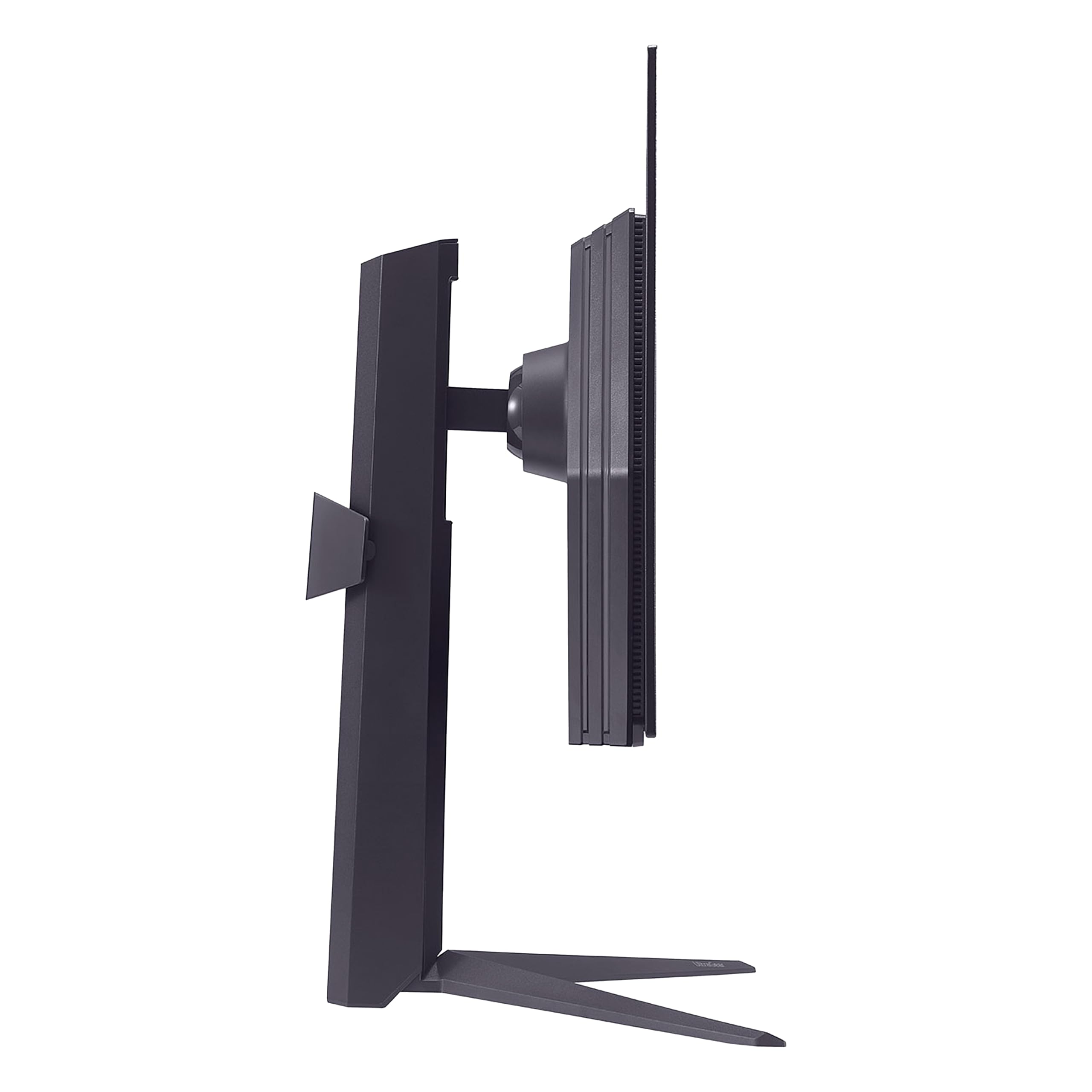
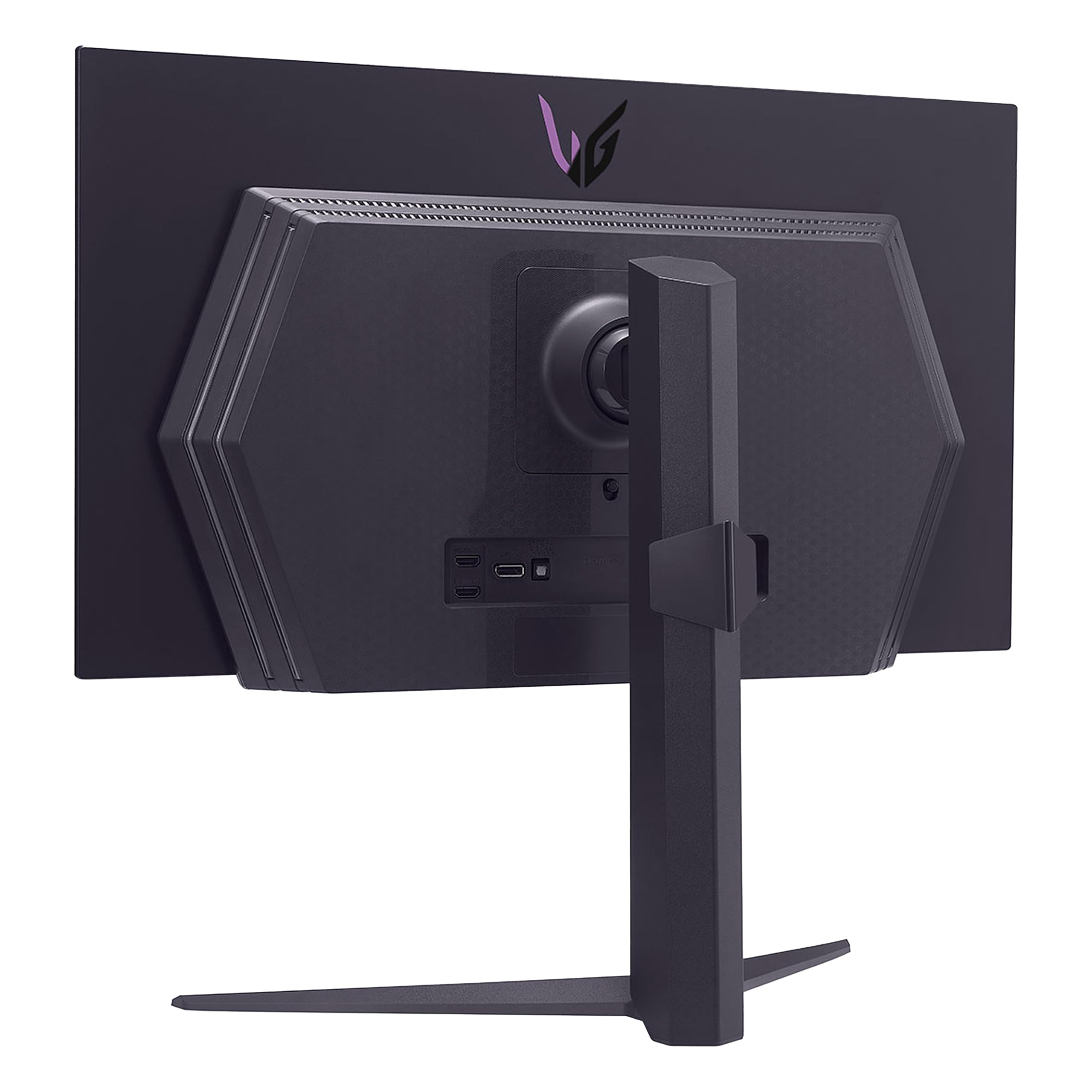
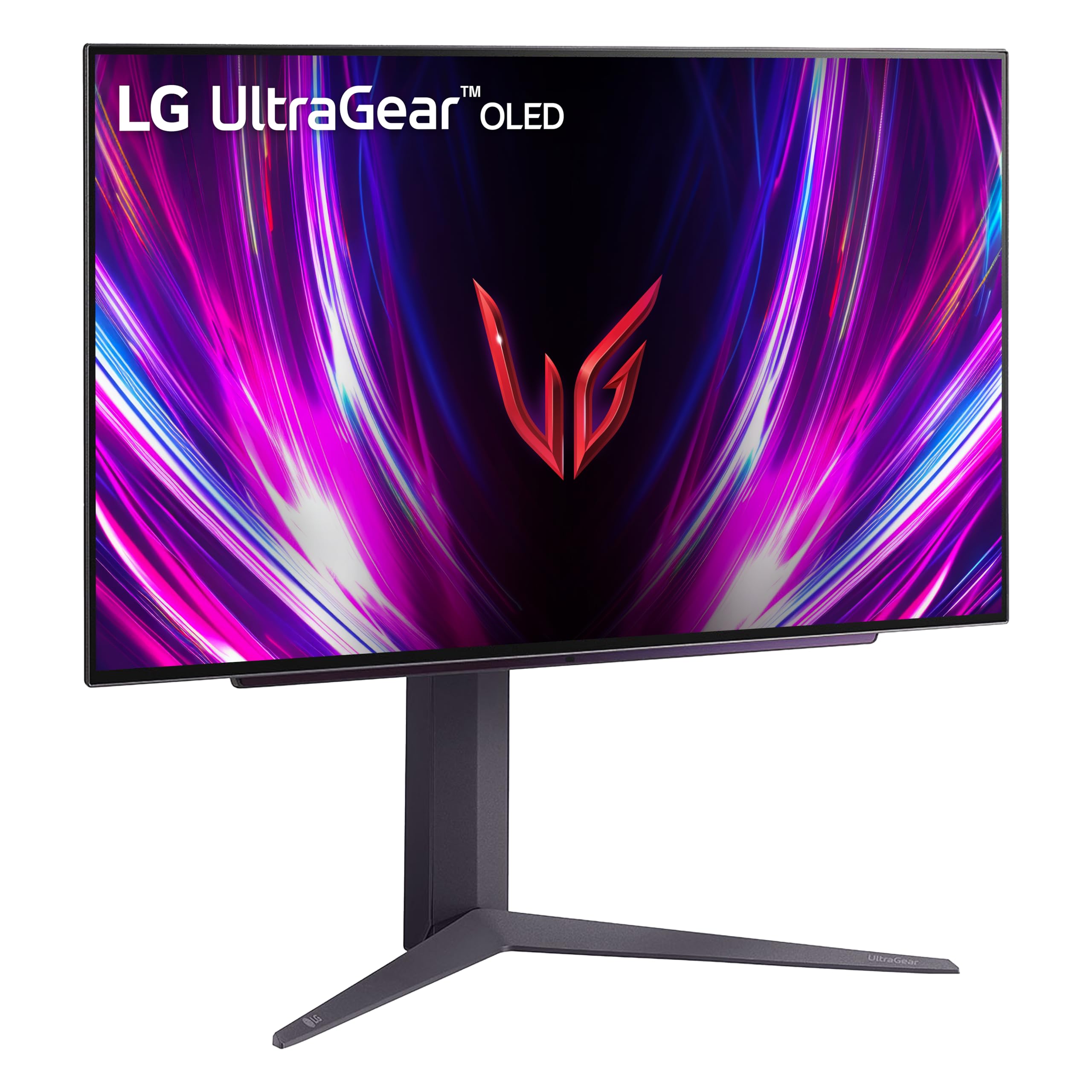
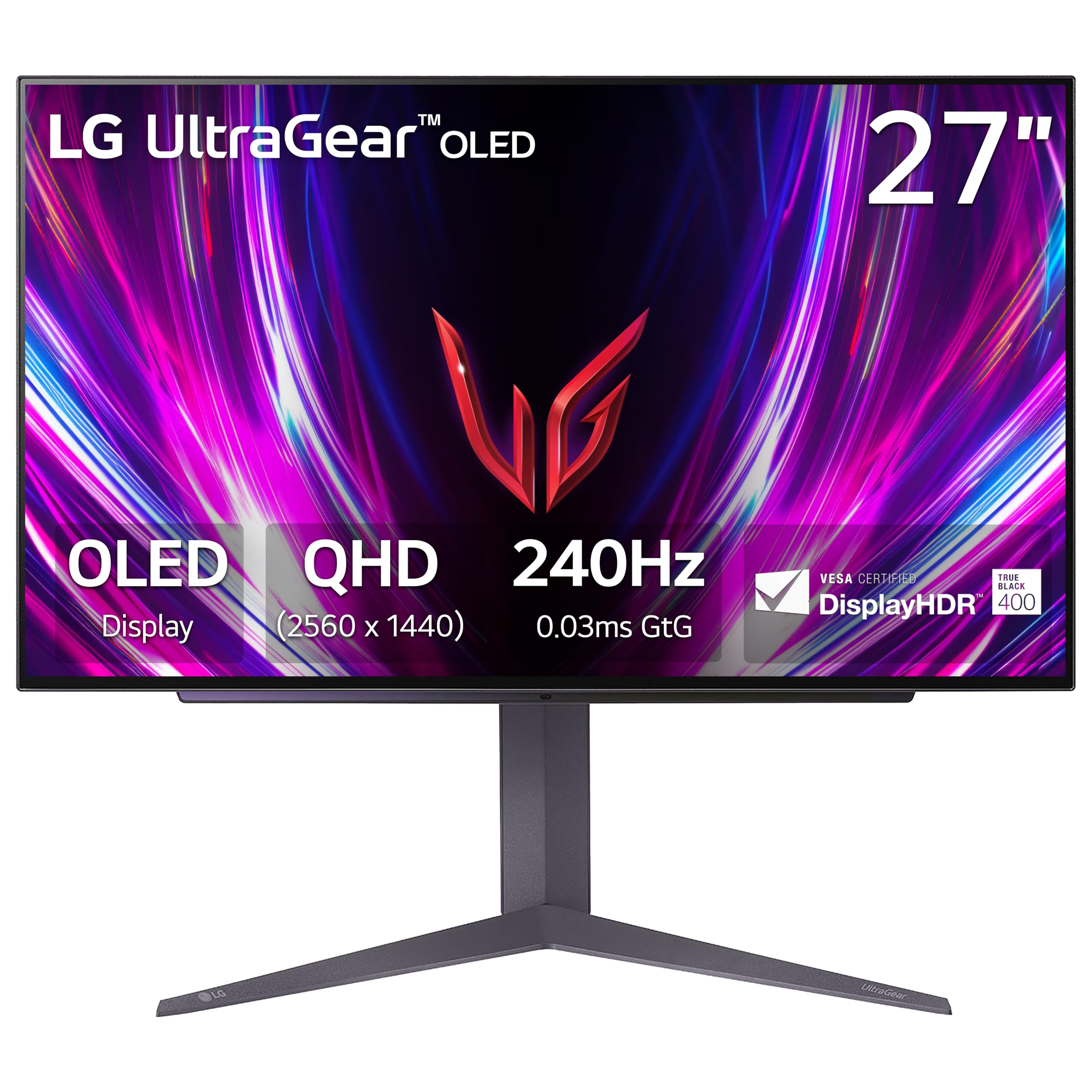
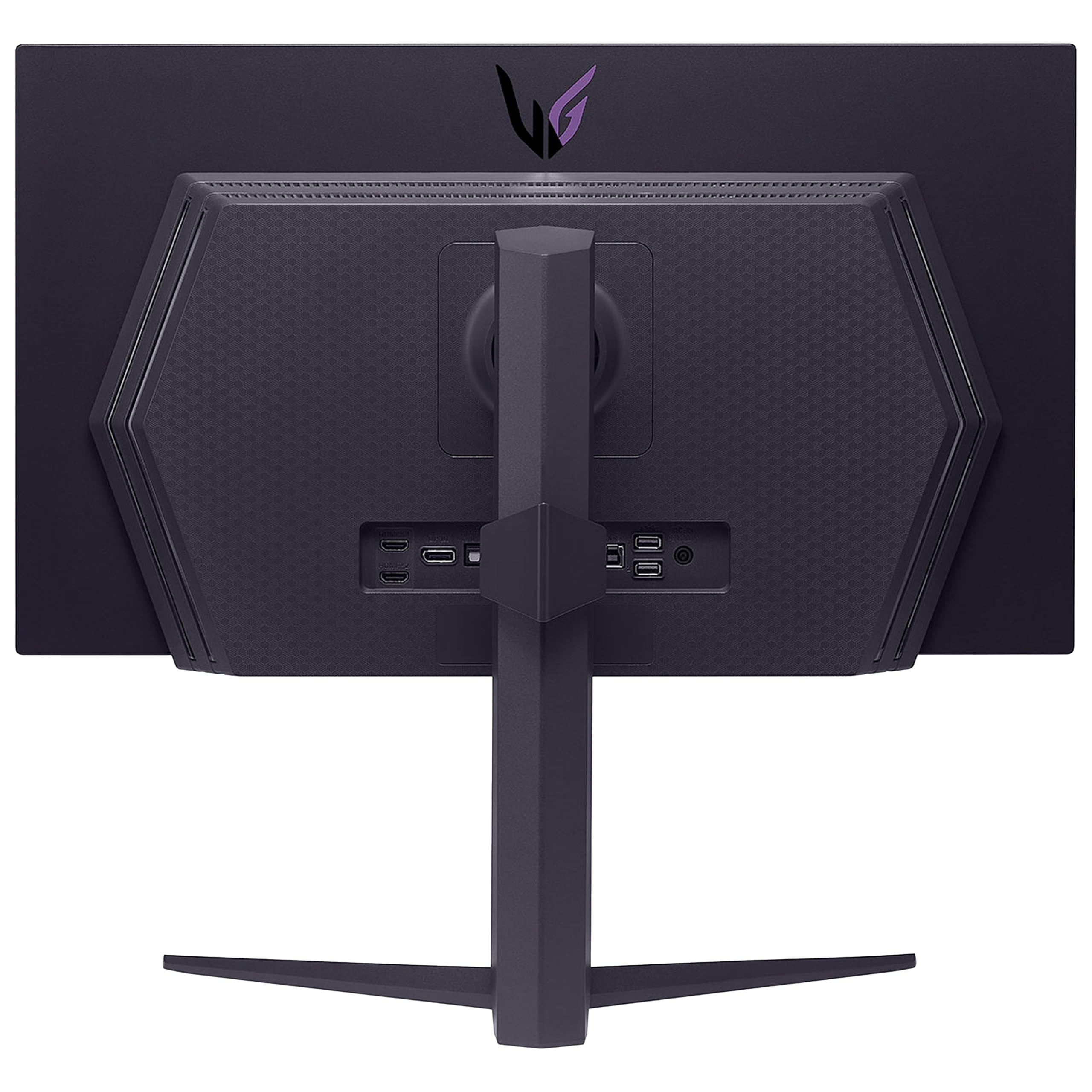
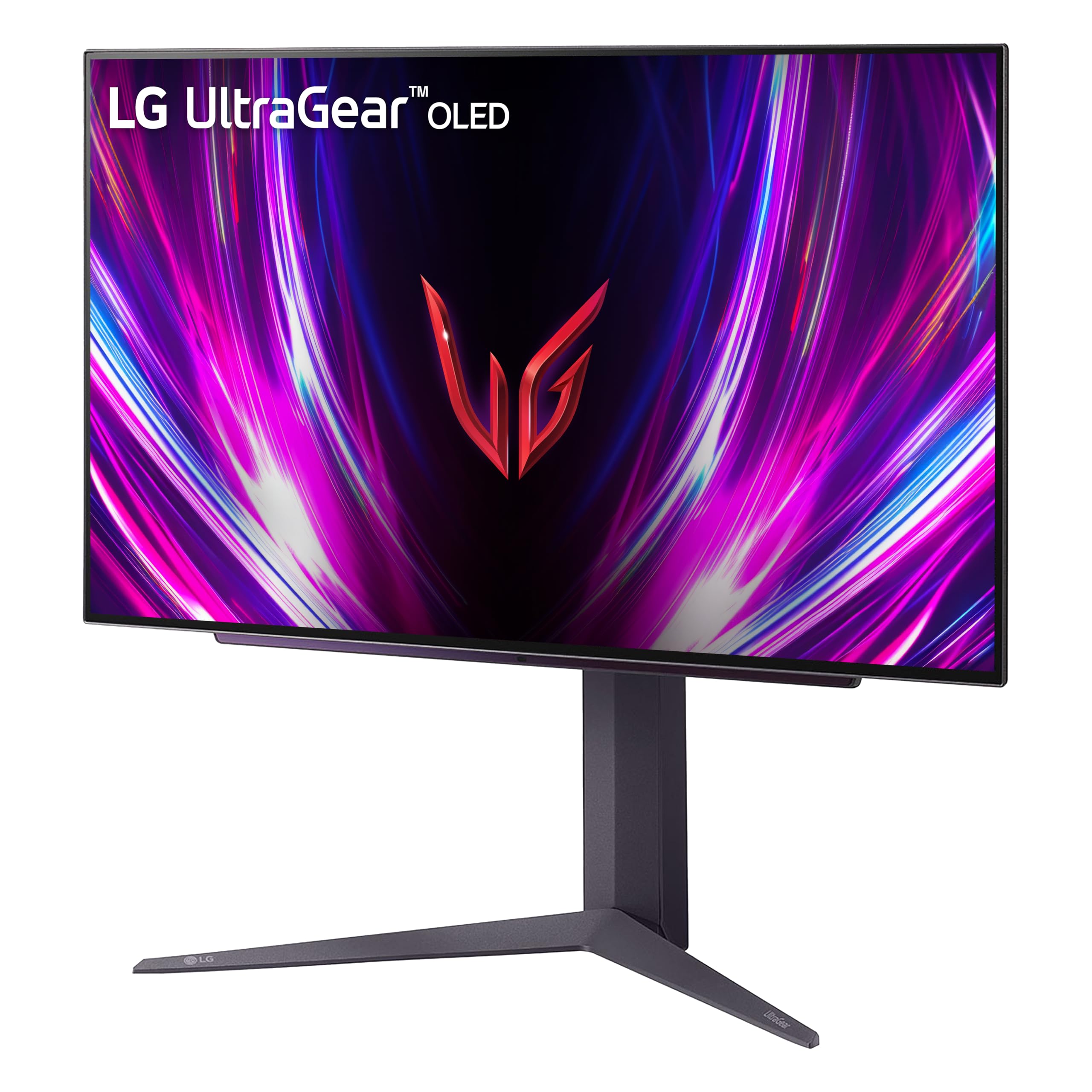
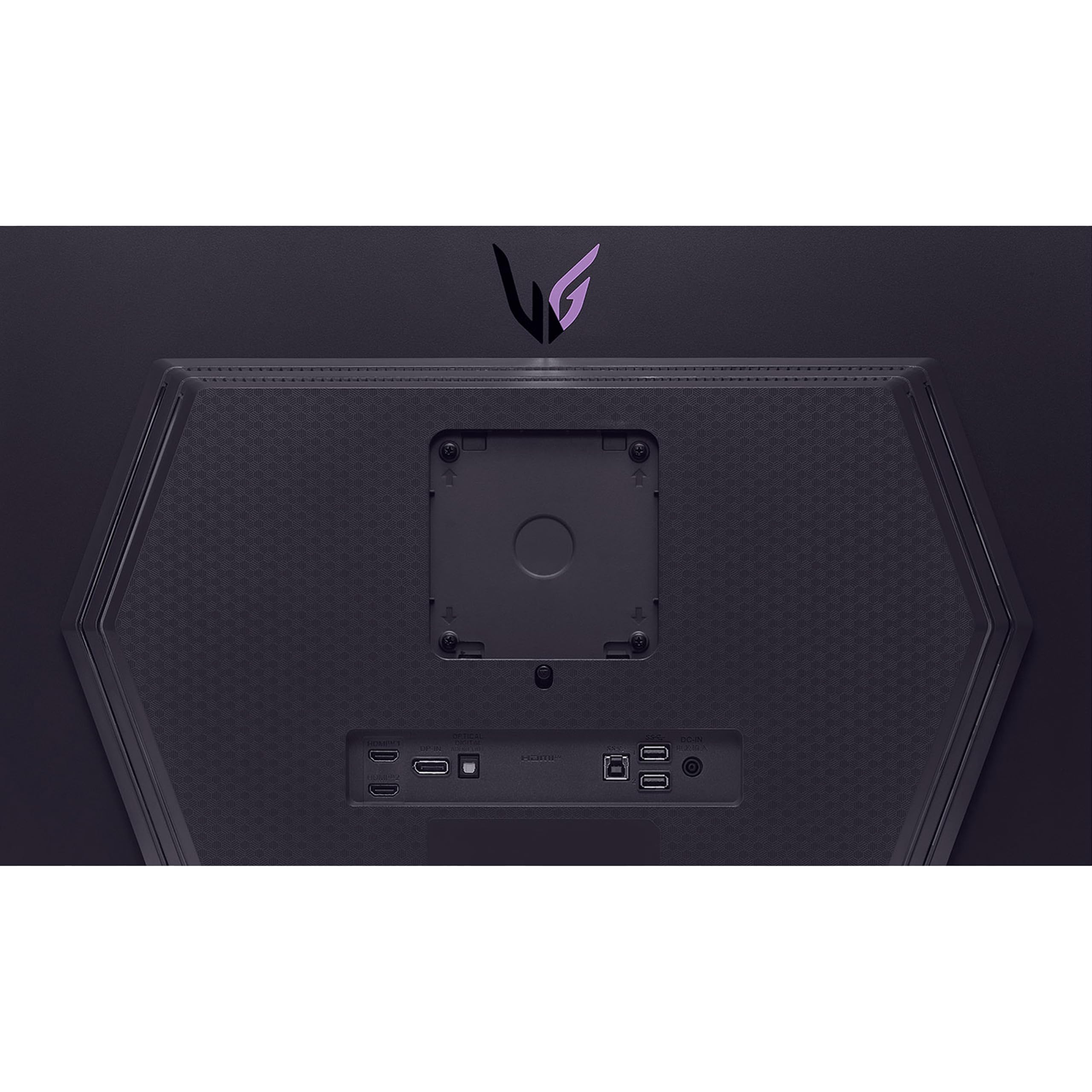
The LG 27GS93QE is a 27-inch OLED gaming monitor featuring a blazing 240Hz refresh rate and ultra-fast 0.03ms response time, certified VESA DisplayHDR True Black 400 for deep blacks and vibrant colors, and equipped with NVIDIA G-SYNC and AMD FreeSync Premium Pro for tear-free gameplay. Its ergonomic, virtually borderless design includes height, tilt, and pivot adjustments, while HDMI 2.1 and DisplayPort 1.4 ensure cutting-edge connectivity. Perfect for millennial pros seeking a sleek, high-performance display that elevates both work and play.


| ASIN | B0DF786923 |
| Are Batteries Included | No |
| Brand | LG |
| Colour | Black |
| Customer Reviews | 4.3 4.3 out of 5 stars (1,099) |
| Date First Available | 4 Dec. 2024 |
| Guaranteed software updates until | unknown |
| Item Weight | 6.71 kg |
| Item model number | 27GS93QE-B.AUS |
| Manufacturer | LG |
| Number of HDMI Ports | 2 |
| Number of USB 3.0 Ports | 3 |
| Product Dimensions | 25.91 x 60.45 x 57.4 cm; 6.71 kg |
| Resolution | 2560 x 1440 Pixels |
| Screen Resolution | 2560x1440 |
| Series | 27GS93QE-B.AUS |
| Standing screen display size | 27 Inches |
| Voltage | 230 Volts |
M**I
اخذتها ب 3500 .. شاشه ماشاء الله تبارك الله ماعليها كلام .. طبعا تابع مقاطع وشلون تحافظ ع بكسلاتها .. واغراضها كامله معها وامورها الحمد لله تمام التمام .. بس حط ببالك السلك الي يجي معها الظاهر الامريكي مااعرف نوعه بس مو مثل الي عندنا البريطاني يعني هات لك توصيله او فيش صغير الي يركب عليه اي نوع فيش وامورك تمام باذن الله فيه شي بعد ابغى اضيفه بالنسبه للي يبغى يبث او يسجل مقاطع بالعموم ماتصلح للتسجيل والبث الا اذا عدلت على الابعاد حقتها او الريزلوشن المهم من الشاشه بالزر الخلفي اختار اعدادات ثم مدخل ثم نسبه الابعاد ثم اختار الاصلي او مجرد مسح .. ماادري وش الفرق بينهم عموما بعد ماتختارها تعدل على اعدادات كرت الشاشه عندك انا عندي amd فمن اعدادات amd اختار display ثم اختار شاشه LG شوف تحت مكتوب custom resolution اضغط على الزر الي جنبه create new بتفتح لك نافذه حط باول خيار على اليسار 3840 وعلى اليمين 2160 تحتها معدل التحديث 240 الي الشاشه تدعمه ماراح تضبط معك انا خليتها 100 فريم وبالنسبه لخيار timing standard على كلام chatgpt يقول اختار cvt - reduced blanking قال الاسباب بس ناسي بس اذكر كانه خيار يحافظ لك على الشاشه شي زي كذا وبس اذا خلصت سو حفظ ورح لاعدادات العرض بالويندوز وغير دقه عرض الجهاز الى 3840×2160 راح تصغر الشاشه لان ماتقدر تجيبها على الشاشه كامله .. الشاشه ابعادها 21 وجودة 4k ابعادها 16:9 تقدر تشوف مقاطعي على اليوتيوب مصورها بالطريقه هذي اسم قناتي zolan_play
M**.
Passant d'un 32 pouce QHD à ce moniteur 39 pouces, la hauteur étant la même, la résolution relativement identique sur la hauteur aussi, je ne vois pas une si grosse différence au niveau du DPI tel que plusieurs l'on mentionné. La technologie OLED semble avoir une tendance à rendre les caractères d'écriture un peu moins précis, mais cela ne me dérange nullement, ce moniteur me sert à 80% pour le gaming. Coté gaming, tout est parfait, noir profond, latence très basse en mode gamer 1 et 2, rafraichissement de 244hz, courbure très prononcé, je suis un fan, je l'adore, mais surtout, le gros avantage, c'est qu'il ne tire qu'environs 30% de plus de jus à ma carte graphique que mon moniteur 32 pouces traditionnel ce qui est très raisonnable pour une immersion totale. Le 4k serait idéal mais pour cela, il faut une carte graphique vraiment à la hauteur, et jouer en 2K sur un écran 4K, c'est tout de même assez décevant. Je recommande donc ce moniteur natif en 2K, pour ceux à la recherche d'un moniteur de plus de 34 pouces et qui n'est pas 4K, mais je crois tout de même que nous sommes à la limite pour un QHD, le 45 pouces doit être plus décevant en terme de DPI.
K**E
This is the best monitor I have ever owned. It's not my first OLED as I own a small QD-OLED, but its my first WOLED monitor. I think both WOLED and QD-OLED are great technologies and when purchasing a monitor more things should factor in the purchase than the panel itself IMHO. This monitor has a lot going for it: The remote makes so much sense and it is so helpful and practical when adjusting the settings, unlike the knob that most monitors carry nowadays, allows me to change between settings quickly. I have my setup in a well lit room with multiple windows, in a common area so it's impossible to control the light conditions, so matte is the way to go for me, but this monitor isn't 100% matte, more like anti-glare, semi-glossy, which to me is definitely the best option, because it definitely shows the dust and dirt way less. I have perfect vision and never wore glasses and I don't see any smearing of the graphics, and playing with the settings I was able to replicate the color impact of my QD-OLED without the caveats of the glossy screen. When rendering colors I have my monitors calibrated with an i1 Display Pro to make them look the same so I don't see any differences between the OLEDs, unless changing modes that are pre-calibrated and over-emphasize colors. I can understand someone liking those modes on a QD-OLED display since it can display a broader color range, but that wasn't the game designer's intention most likely, specially when most videogame graphics are designed to display sRGB colors and sometimes use more restricted graphic palettes in order for the games and graphics to look good in a broader variety of displays. As someone who has been involved with graphics in a variety of media I remember the days when Apple decided to suddenly switch to glossy monitors and the vast majority of professionals saying that was a poor choice and a bad idea, it's interesting how over a decade and a half later people are drooling over glossy QD-OLEDs thinking that's the best and only way, must be the fact that cellphones are everywhere and their screens are glossy. I personally find glossy screens more distracting and less immersive in normal light conditions and better suited for dark rooms or windowless rooms with ceiling illumination. As for the brightness, I mostly use this monitor with brightness between 67-85%, with 75% being my average, with peak brightness setting on high during the day and low or off in the evening and night. Peak Brightness at night shows a lot of banding on low light conditions so it's best when it's off. Again, having a remote allows you to quickly change these specs quickly and effortlessly if needed. To sum it up, if you are looking for an OLED monitor that's suitable for most people than being targeted exclusively towards gamers and looks like a product targeted towards an older demographic of people who game and can afford and OLED monitor but like most adults out there don't have the perfect light conditions, need to share the space with others and don't want something that has an overly gamer aesthetic despite being a gaming monitor. I would recommend this monitor to anyone that want's a flexible premium OLED monitor that has a great number of features that will blend in better with any lifestyle without restricting you in one way or another and that feels like a logical upgrade. 2 month update: I have gotten the hang of calibrating it properly and creating ICC profiles. Colors look incredibly accurate even on HDR you don't get the washed out effect after properly calibrating it. Interestingly enough leaving it at 75% brightness works for most situations. I find it as bright as my older VA monitor, but I have never been a fan of extreme brightness.
R**E
Recomendable 100%, el contraste es magnífico, la pantalla es mate y no lastima la retina. Llegó rápido. muy buena compra.
S**O
Got a dead pixel after 20 days
Trustpilot
2 weeks ago
2 months ago



