
DOWNLOAD THE APP


Customer Services
Copyright © 2025 Desertcart Holdings Limited
DOWNLOAD THE APP
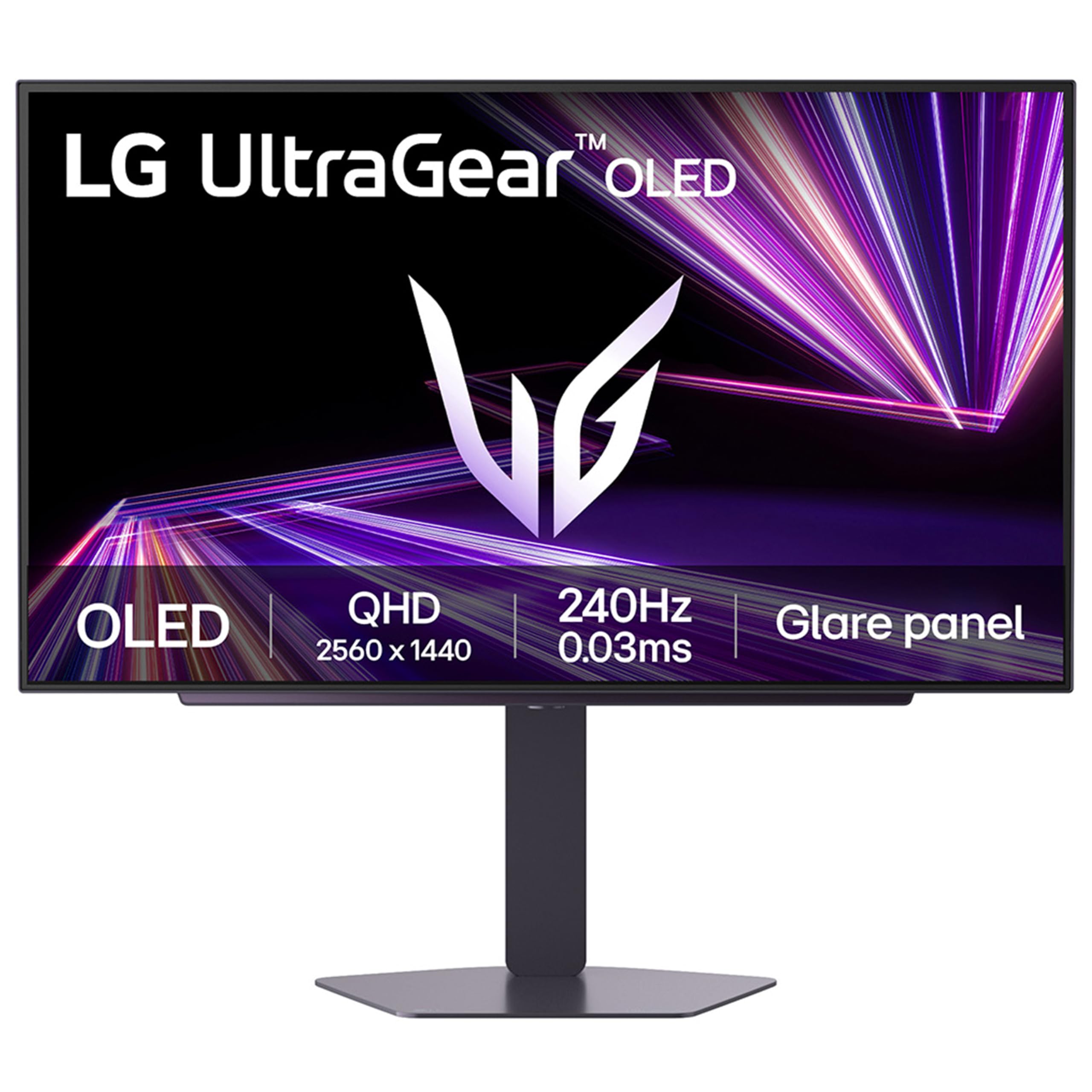


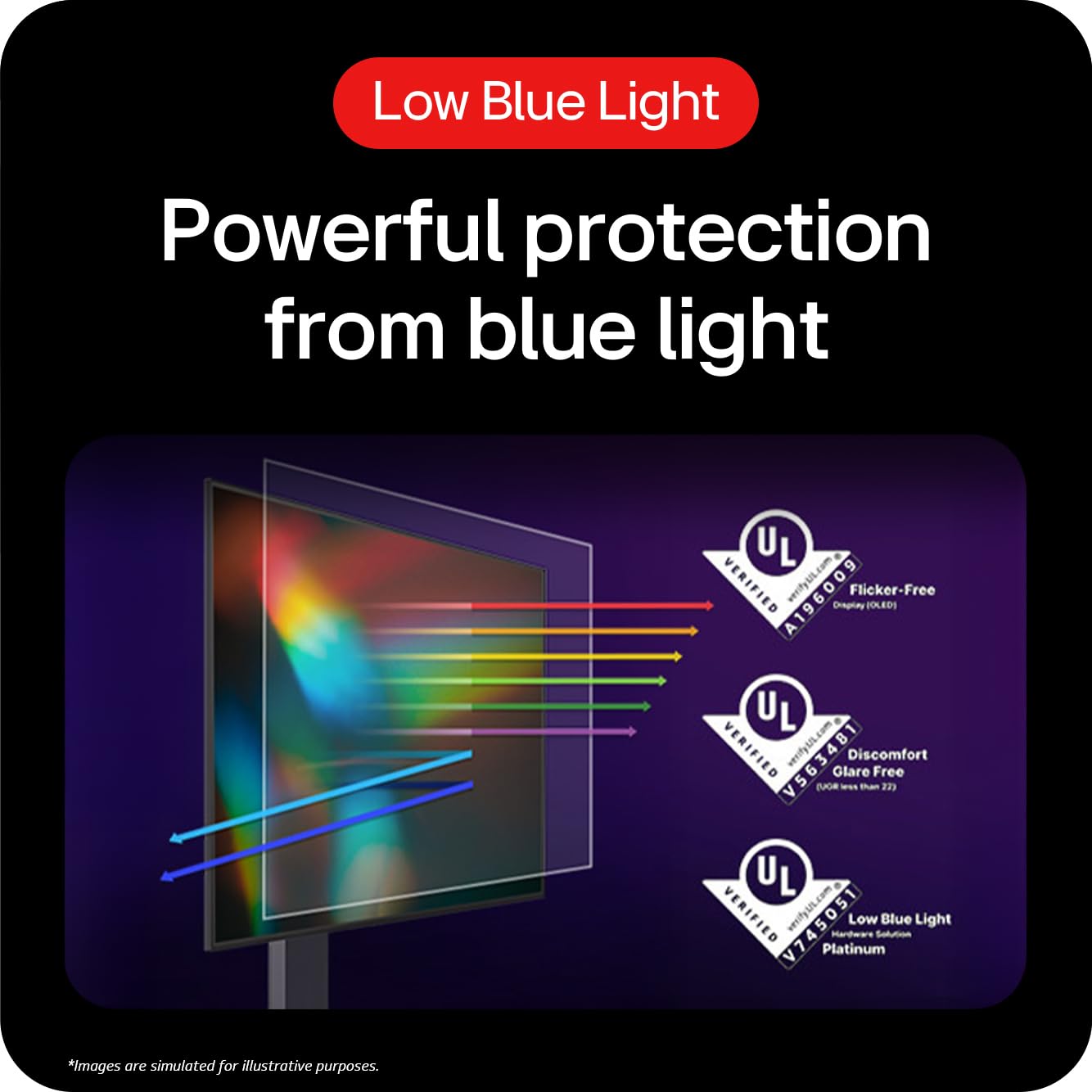
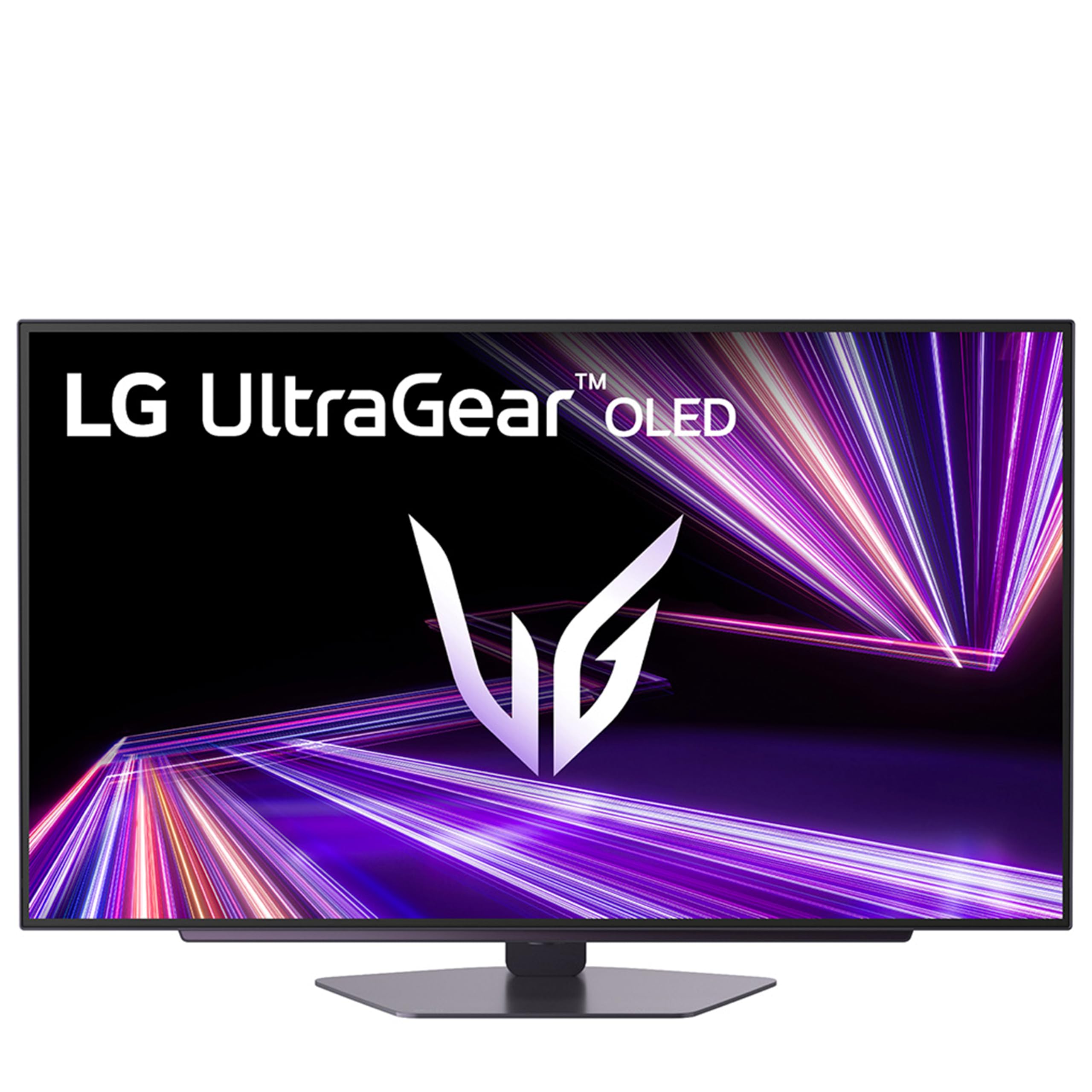
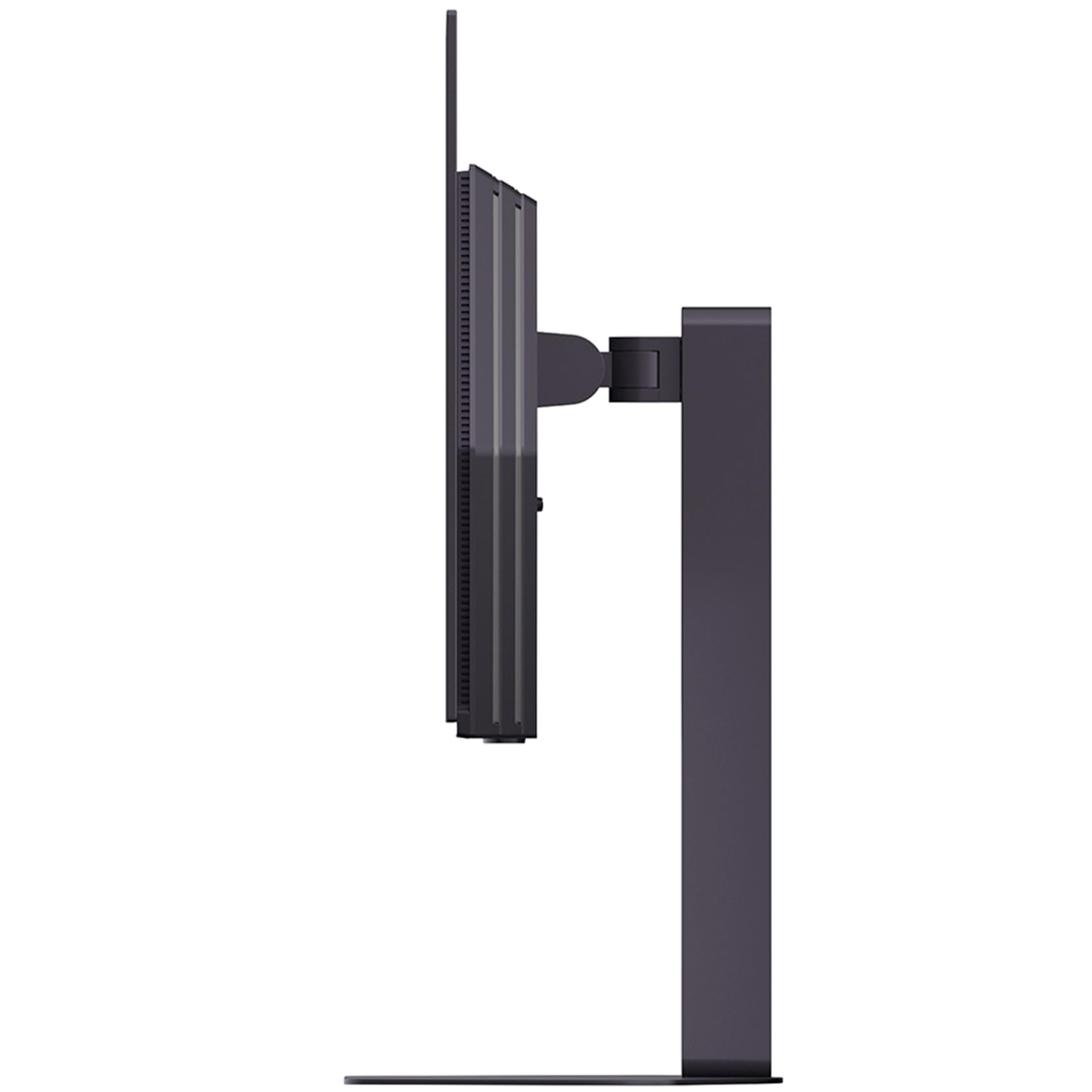
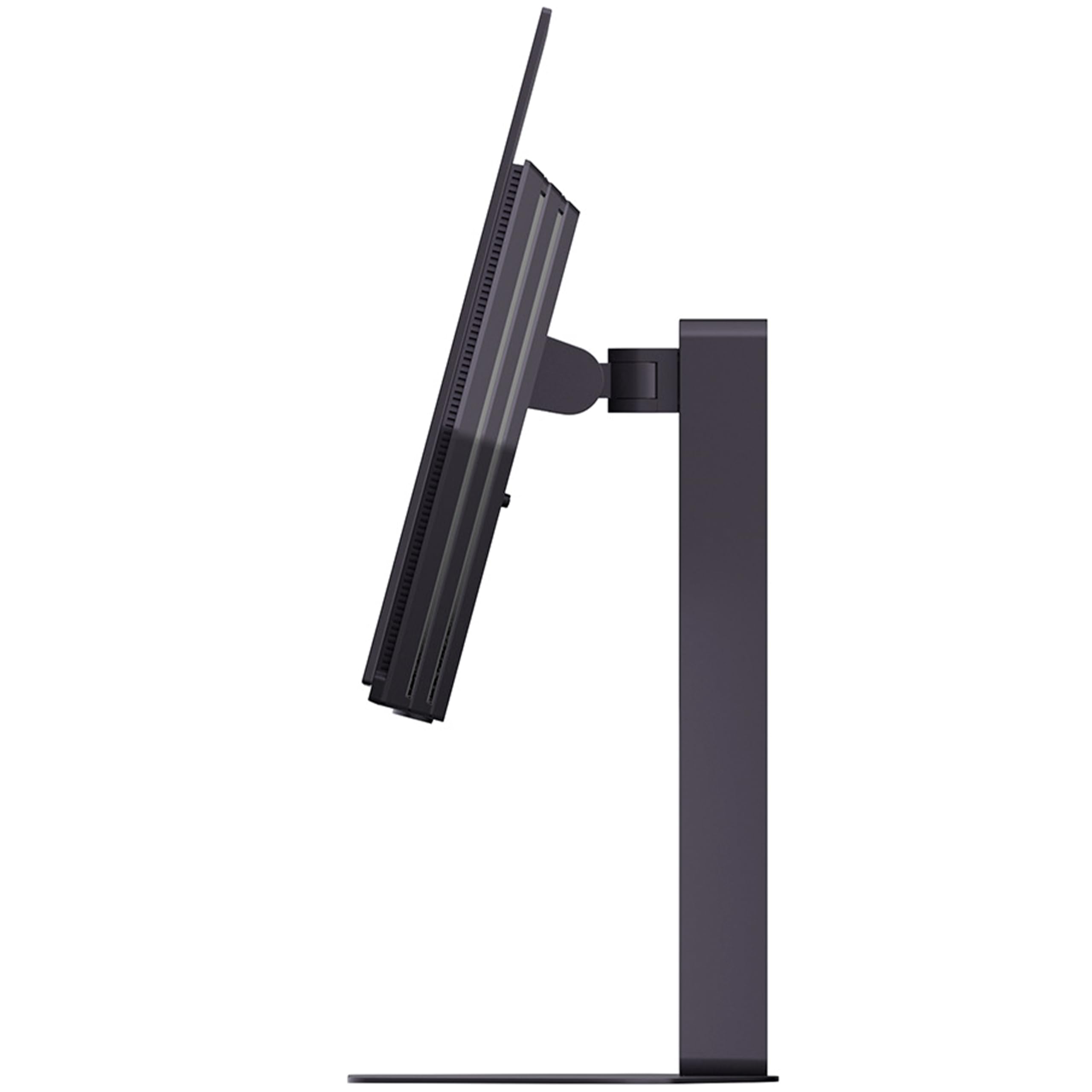
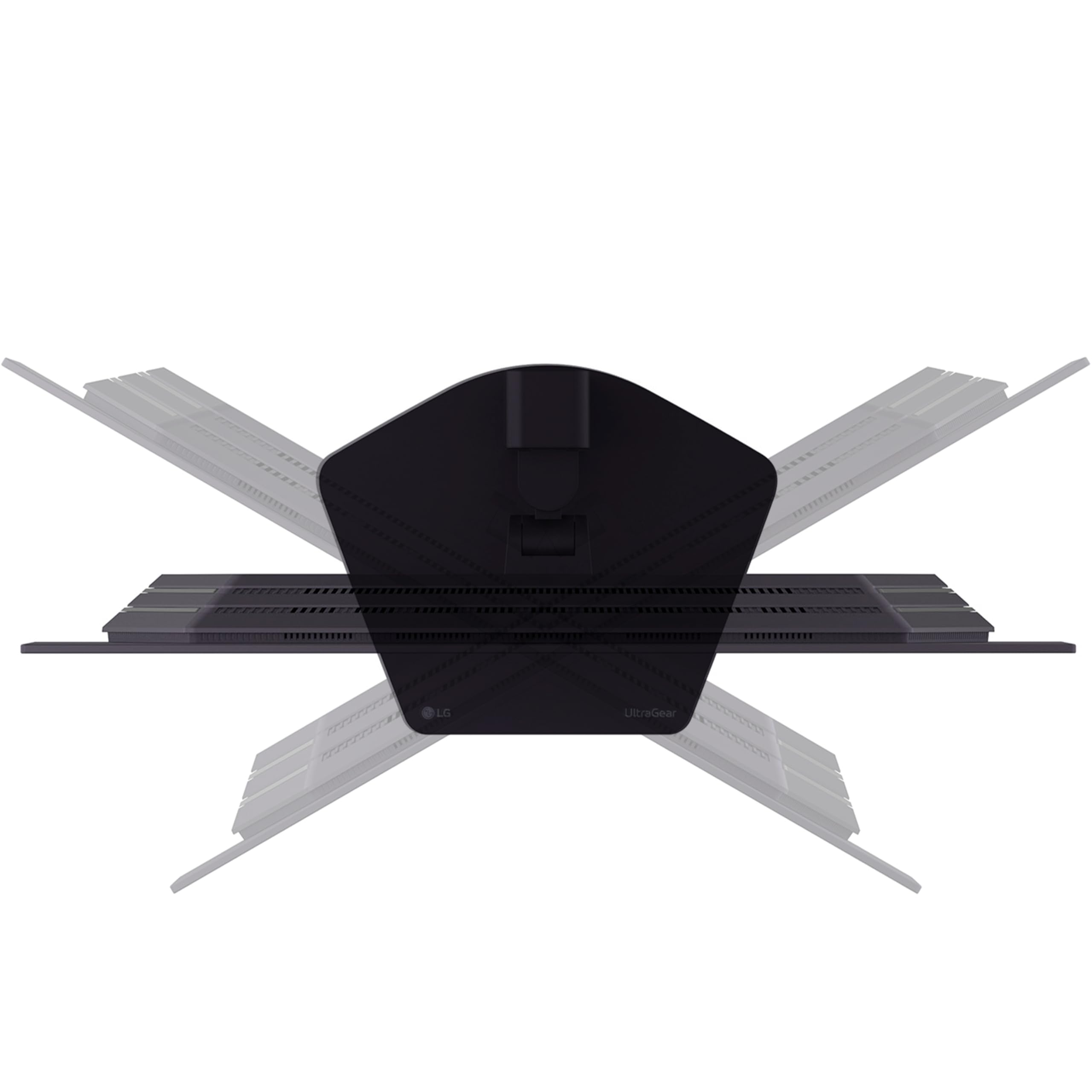
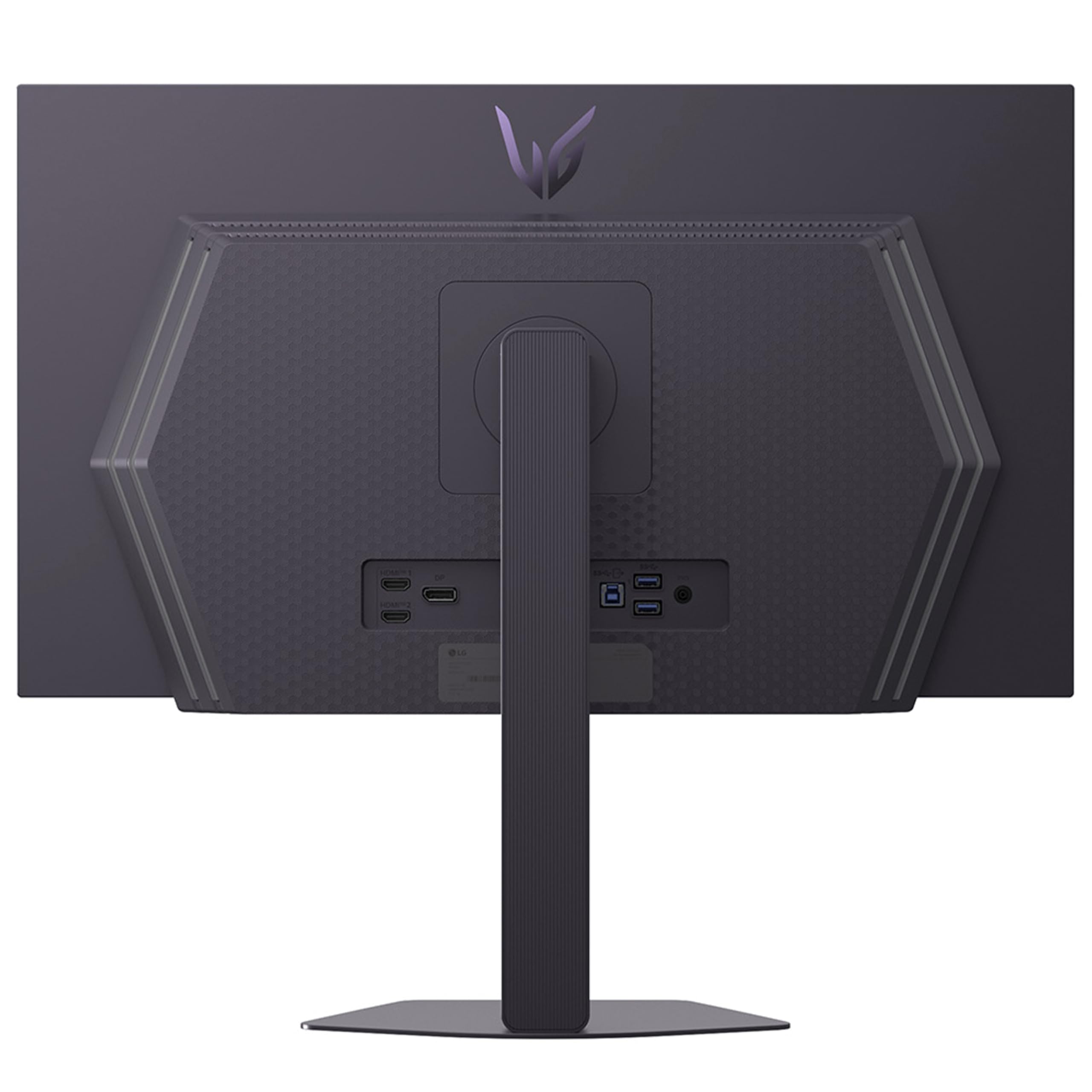
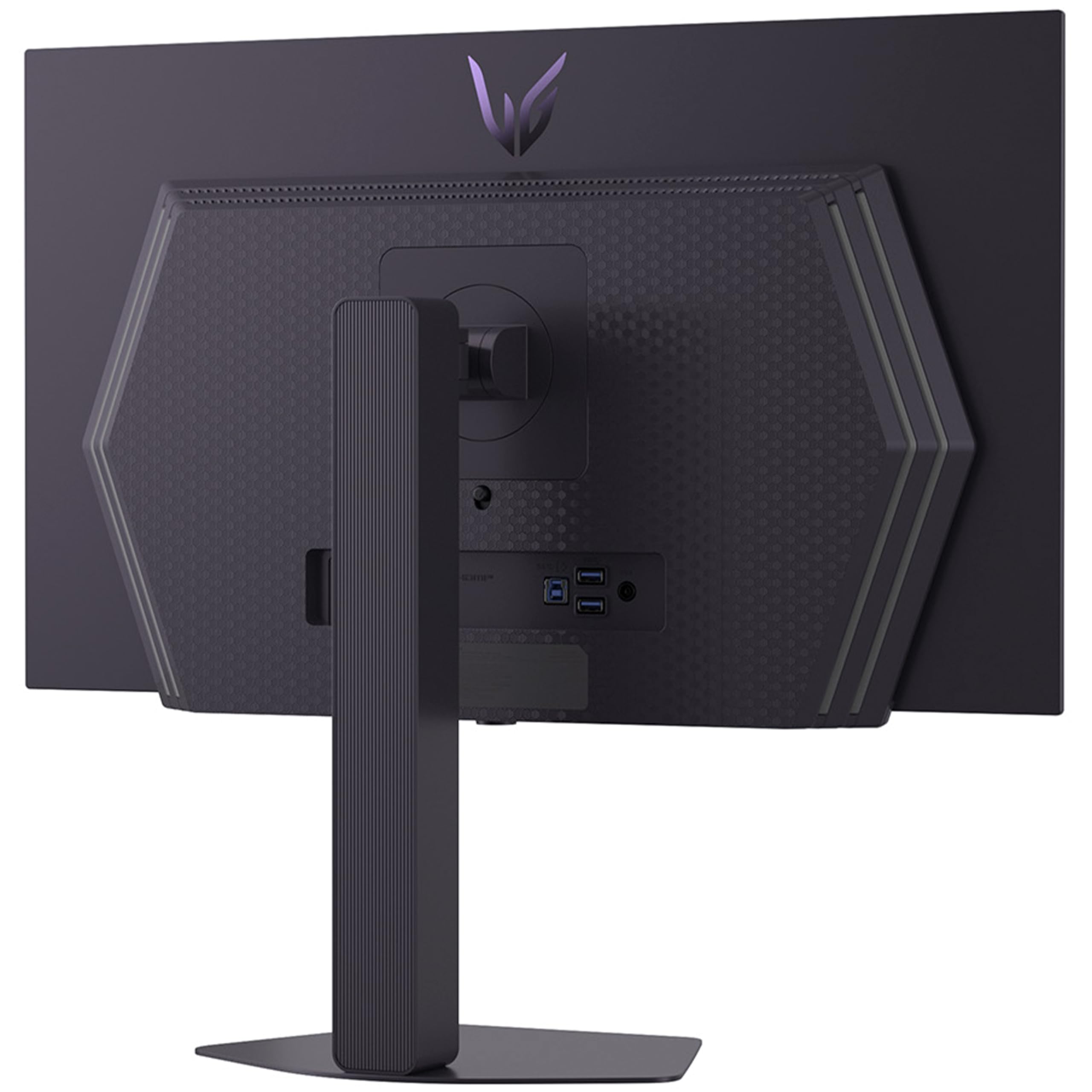
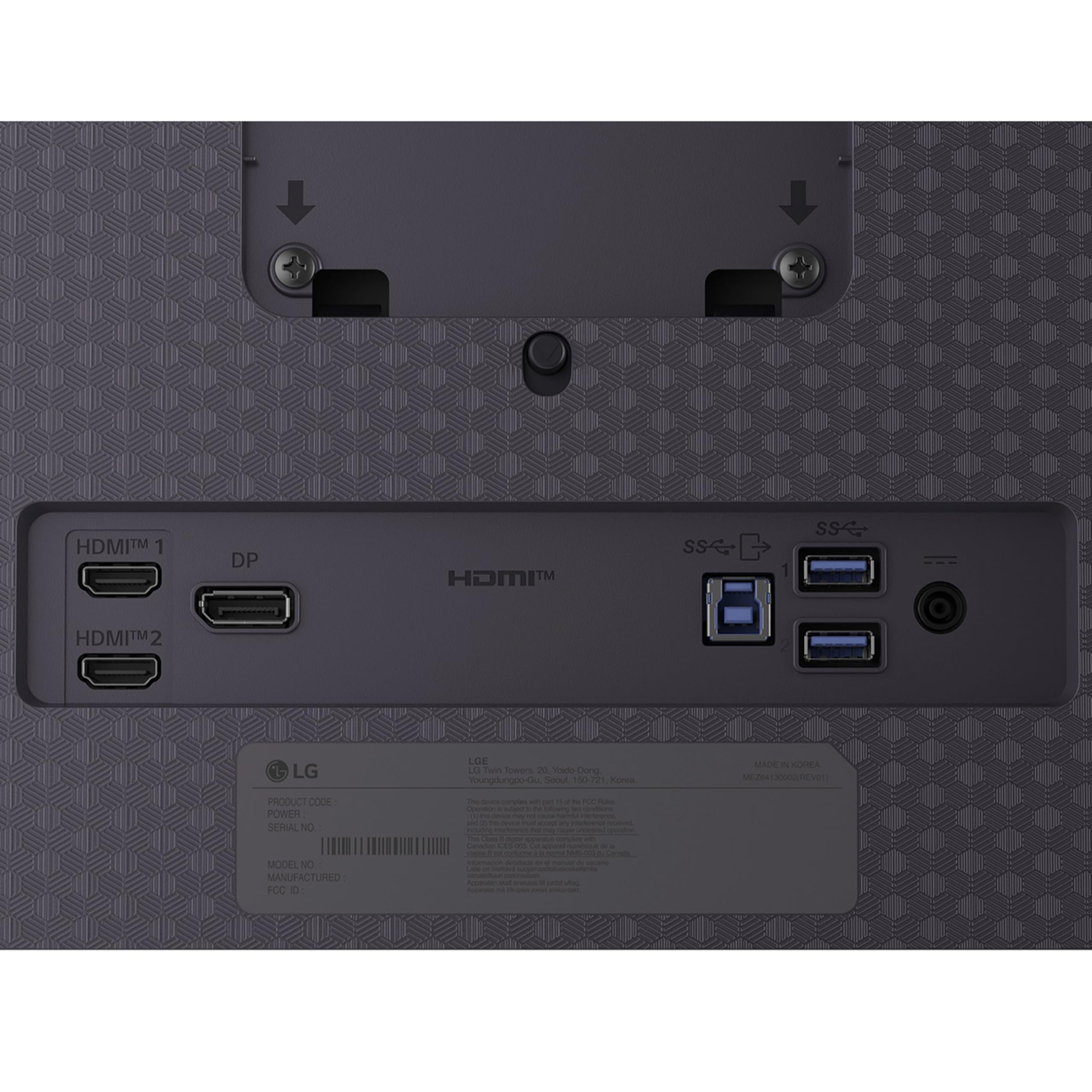
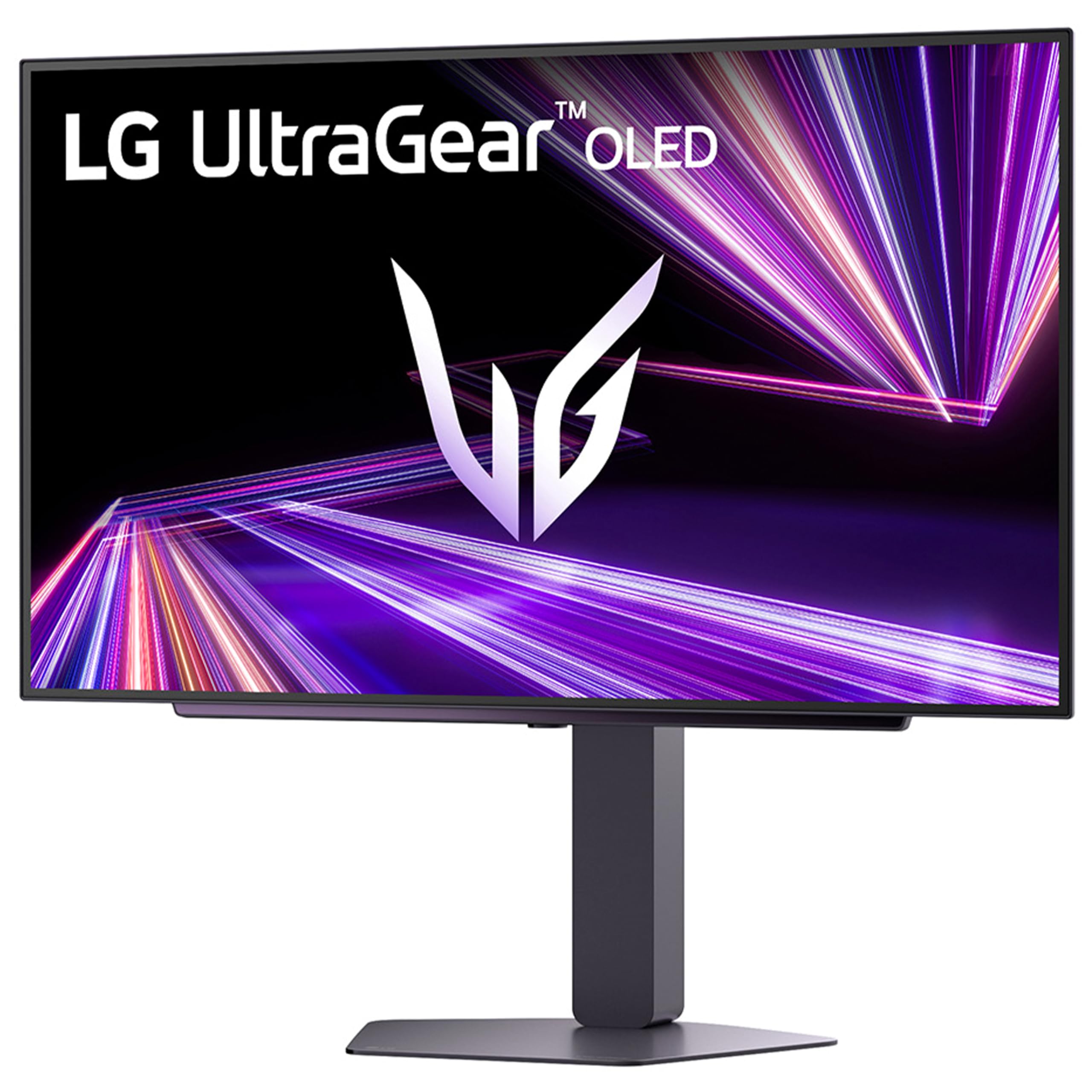
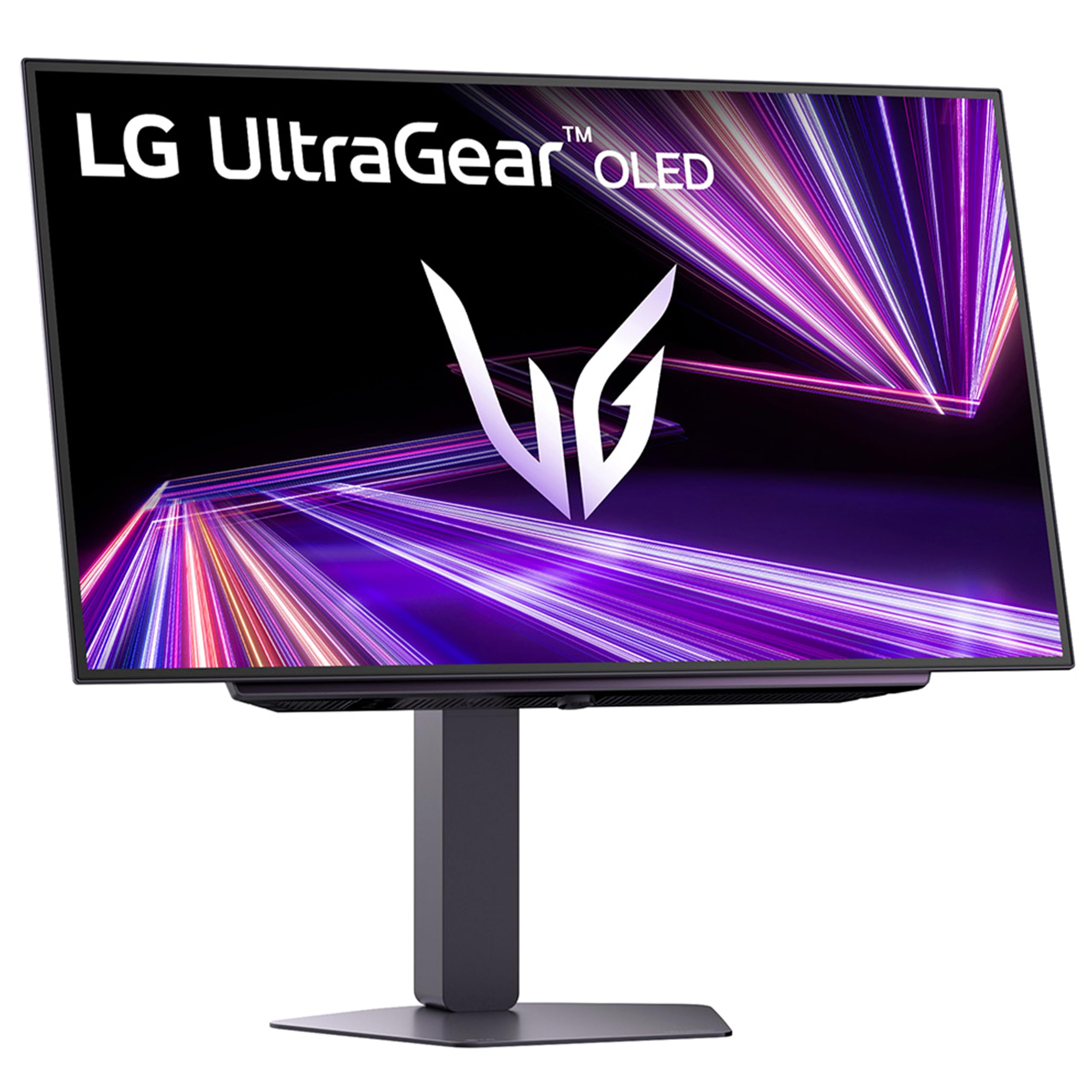
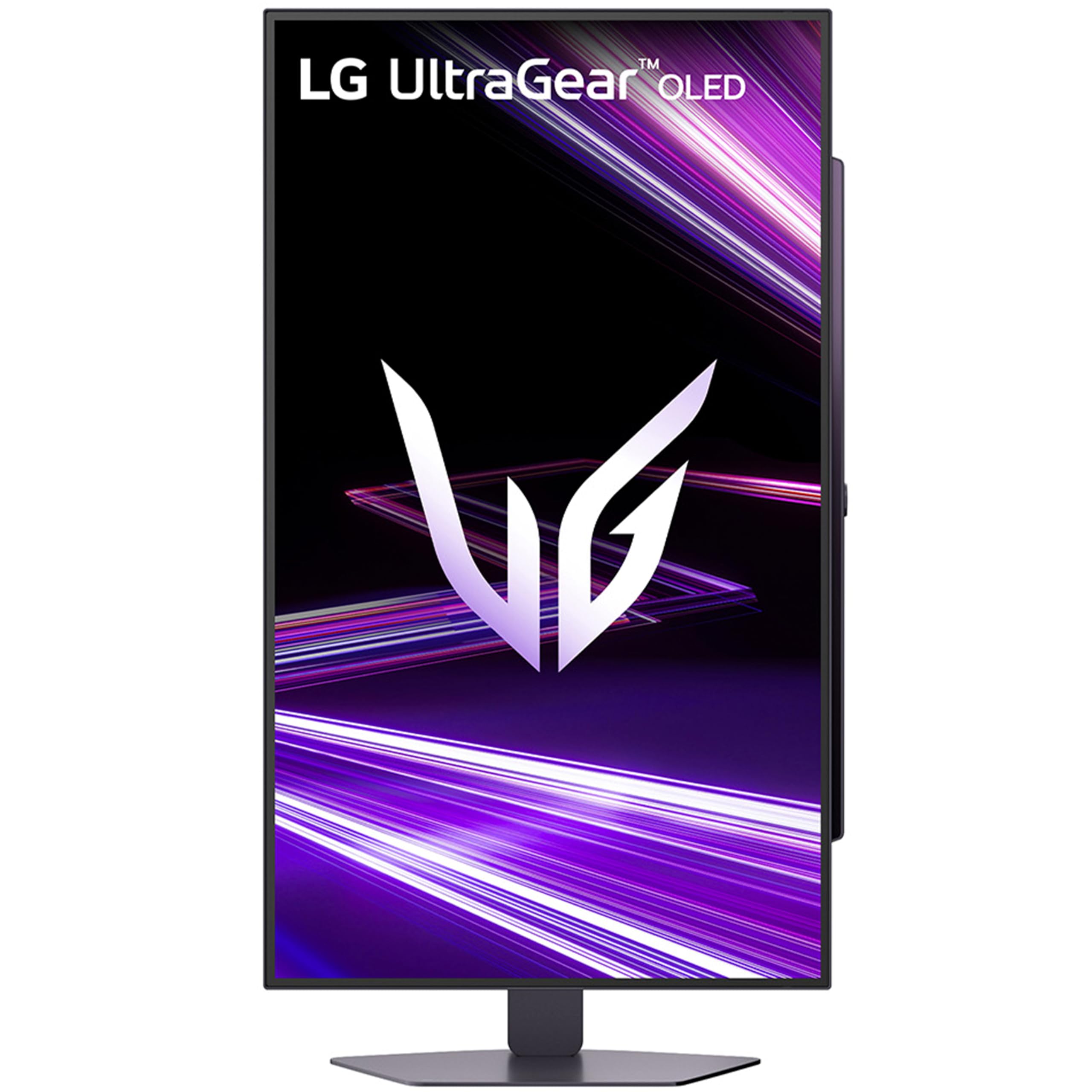
⚡ Dominate every frame with LG UltraGear OLED GX7 – where speed meets stunning clarity!
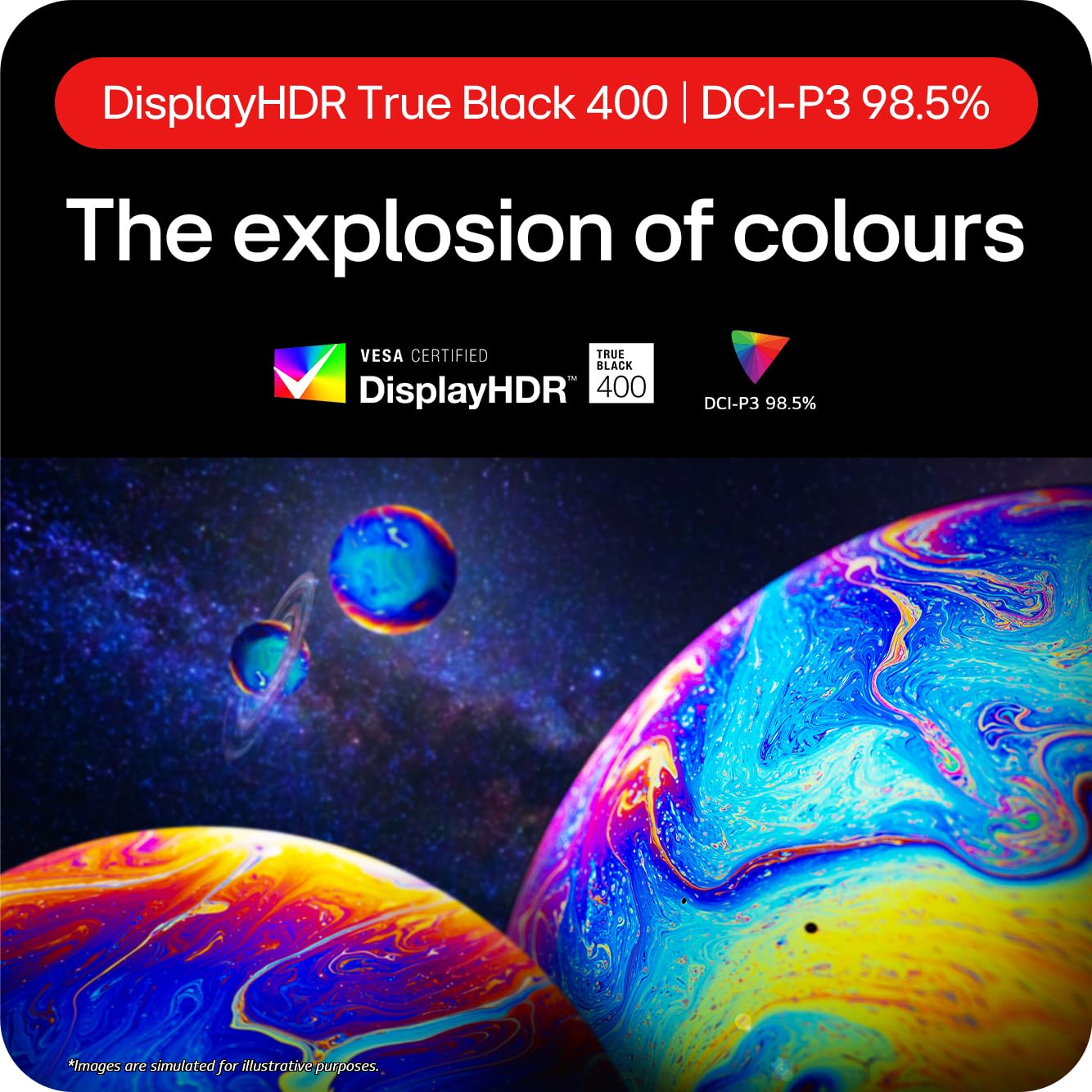
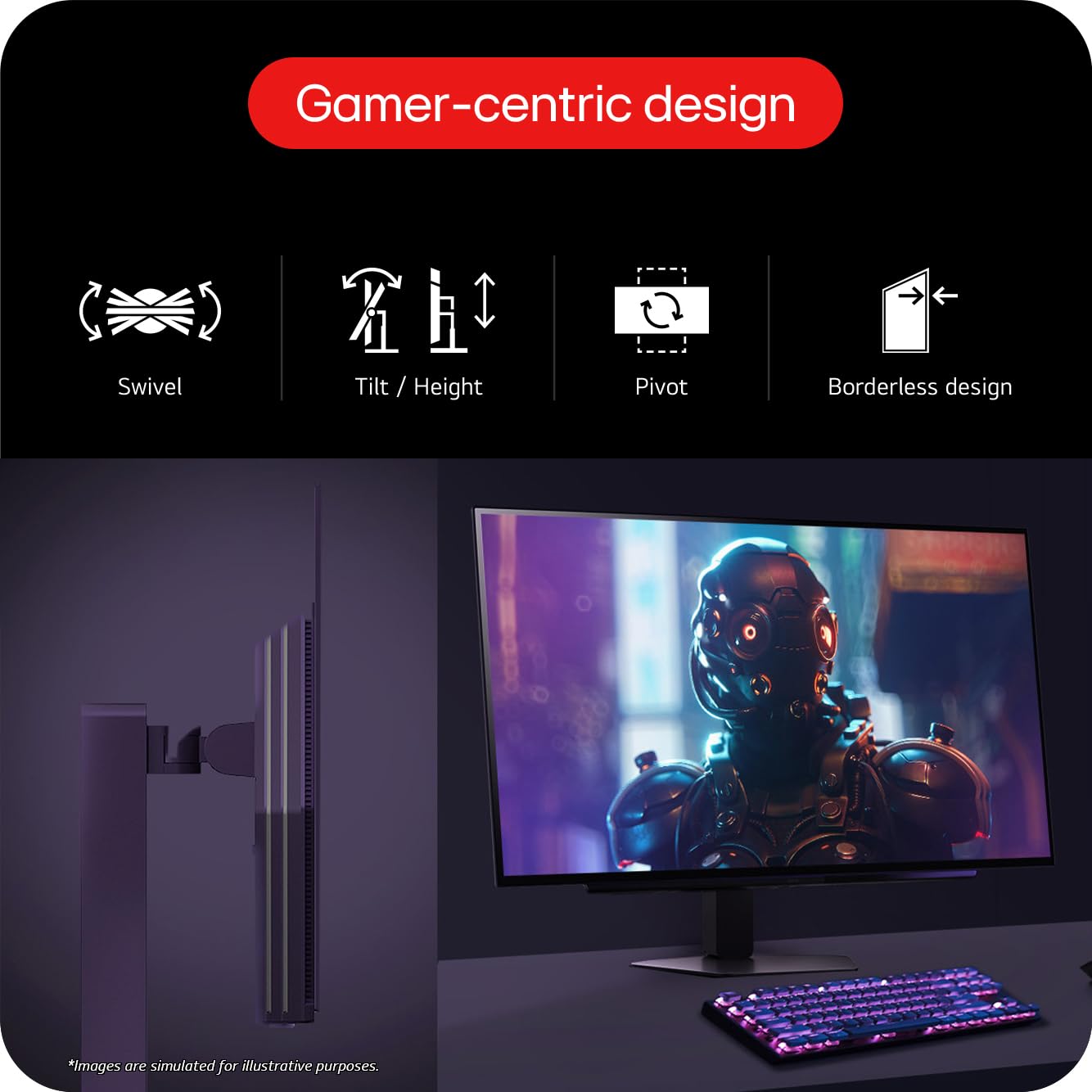
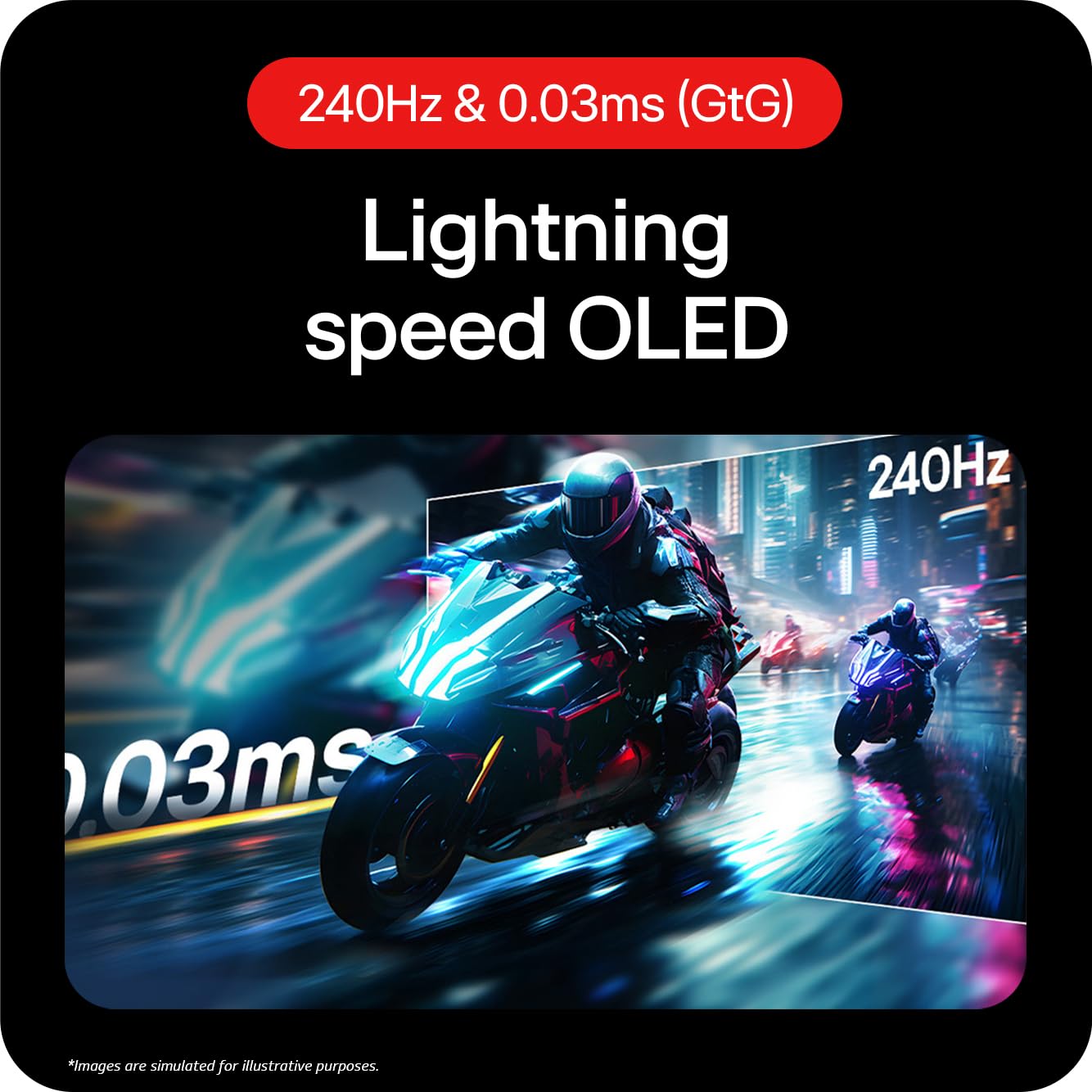
The LG UltraGear OLED GX7 is a 27-inch QHD gaming monitor featuring a groundbreaking 480Hz refresh rate and ultra-fast 0.03ms response time on an OLED panel with 98.5% DCI-P3 color accuracy. Equipped with DisplayPort 2.1 and HDMI 2.1, it supports AMD FreeSync Premium Pro and NVIDIA G-SYNC for tear-free gameplay. Its MLA+ technology boosts brightness up to 1300 nits with deep blacks and vivid colors, while ergonomic adjustments and RGB backlighting create a personalized, immersive gaming environment. Ideal for competitive gamers and content creators seeking unmatched speed and color precision.


| ASIN | B0DT26YLD4 |
| Adaptive Sync | G-Sync Compatible |
| Aspect Ratio | 16:9 |
| Aspect ratio | 16:9 |
| Best Sellers Rank | 9,748 in Computers & Accessories ( See Top 100 in Computers & Accessories ) 229 in Monitors |
| Brand | LG |
| Brand Name | LG |
| Colour | Purple Grey |
| Compatible Devices | PCs, gaming consoles |
| Contrast Ratio | 1500000:1 |
| Customer Reviews | 4.2 out of 5 stars 35 Reviews |
| Display Technology | OLED |
| Display Type | OLED |
| Hardware Connectivity | DisplayPort, HDMI, Headphone, USB 3.0 |
| Has Color Screen | Yes |
| Image Brightness | 1300 nits |
| Image contrast ratio | 1500000:1 |
| Item Dimensions D x W x H | 4.5D x 60.5W x 35.1H centimetres |
| Item Weight | 5.1 Kilograms |
| Manufacturer | LG Electronics |
| Maximum Display Resolution | 2560 x 1440 |
| Model Name | 27GX790A-B.AEK |
| Model Number | 27GX790A-B.AEK |
| Mounting Type | Wall Mount |
| Native Resolution | 2560x1440 |
| Network Connectivity Technology | DisplayPort, HDMI |
| Picture Quality Enhancement Technology | OLED |
| Product Features | Adaptive Sync, Anti Glare Screen, Dynamic Action Sync, Flicker-Free, Frameless, Height Adjustment, Pivot Adjustment, Swivel Adjustment, Tilt Adjustment, USB Hub |
| Product Warranty | 1 Year Manufacturer |
| Refresh Rate | 480 Hz |
| Resolution | QHD Wide 1440p |
| Response Time | 0.03 Milliseconds |
| Screen Finish Type | Matte |
| Screen Size | 26.5 Inches |
| Screen size | 26.5 Inches |
| Screen surface description | Matte |
| Shape | widescreen |
| Specific Uses For Product | Desktop, Entertainment, Gaming |
| Total HDMI Port | 1 |
| Total USB 3.0 Ports | 2 |
| Total USB Ports | 2 |
| Total Video Out Ports | 3 |
| Viewing Angle | 178 Degrees |
| Warranty Type | 1 Year Manufacturer Warranty |
T**K
Best monitor I’ve used
The 480 hz 1440p oled is really good for its price, there is so many points I want to make though. In gaming it’s 480hz obviously but I think it’s better than 540hz TN or IPS panels because the oled panel makes it more natural and there is WAYY less ghosting than the other panels I’ve come across. The other point I wanted to make is that you need a really powerful gpu to run it without stuttering which is ideally something equivalent to an RTX 5080 which I use with a ryzen 7 9800x3d and also 32gb ddr5 ram. I don’t know if this is with all oled panels but sometimes I do get flickering and I did my research and found out that it is VRR (variable refresh rate) which causes the flickering. Now my monitor doesn’t do that I’m guessing this because I turned off hardware acceleration and instantly it stopped flickering. Also the way this monitor works is really good in games like valorant or Fortnite and even Black ops 6 because i play 2560x1440 on low-medium settings with DLSS on gets me about 500-570fps. The monitors stand I’m a really big fan of because it does not take too much space which is a good thing about this monitor. As a £750 monitor (I bought it for £650) it is still really reasonable for its price and because I’m a very competitive gamer this is truly the best monitor I have ever played on. I moved from 360hz TN panel to this. This monitor is also good for content creators or people that edit pictures or videos which really gives you the colour accuracy since oled is the most natural panel and it’s best known for colour accuracy at the end of the day. One thing I wouldn’t advise is if you want this monitor for office work or just typing emails and stuff then I would recommend a different monitor since this monitor is mostly for gamers and people that have things to do with content creation or just creation in general. This monitor also has oled image cleaning which basically prevents your panel from getting burn in. Also please if you have read this long review put a fully black wallpaper in windows and also auto hide your taskbar to prevent burn-in. Thanks so much for reading this and if you buy this monitor, enjoy it to the fullest
C**K
Best screen ever
An amazing monitor. LG panels are the best. This OLED is crystal clear with dark blacks. Was a bit fiddly to set up due to all the different settings but once done it’s stunning. Is an aggressive curve however it hits your line of sight perfectly. Great for productivity and fantastic gaming to boot
M**S
A great, responsive OLED, but update the firmware and settings
I chose this LG UltraGear as my new main monitor, specifically opting for a WOLED panel over a QD-OLED. My desk is next to a large window, so I wanted a monitor with a matte screen that could handle reflections well for both work during the day and gaming at night, and this has been the perfect choice for that scenario. Coming from what was a fairly high-end IPS display when it released, the leap to OLED is staggering. It is a huge improvement in every single regard: the colours are significantly richer, the inky blacks are truly perfect, and the responsiveness is on another level. For gaming, this monitor is simply impressive. The incredible refresh rate makes competitive games feel exceptionally fluid, while the perfect contrast ratio is a game-changer for darker, atmospheric horror games. The experience extends to media, too. Watching HDR Blu-rays on this display is a treat; the visuals are so impressive that they even surpass my main TV. The inclusion of DisplayPort 2.1 is also a great touch for future-proofing. However, it's important to address the software. Many of the reported launch issues, like the poor 60Hz responsiveness, have been fixed via firmware updates and hopefully more improvements will come in the future. The update process is easy enough, though the PC application you use feels clunky and has some poor translations. More importantly, I would strongly recommend new owners dive into the settings immediately. The default picture mode has an adaptive brightness that can make the screen unreadably dim at random moments. Switching to a different mode and making a few tweaks makes a world of difference.
A**R
Downgraded from 32" to 27" - Best Decision I Made
I switched from last year's 32GS95UV (32" 3rd gen WOLED) to this 27" QHD model. The 32" was overwhelming on my 120x60cm desk - both the size and resolution caused eye strain. My previous 27" 4K IPS had similar issues, but when LG released their 4th gen WOLED in this size first, I decided to try it. It's exceeded my expectations completely. HDR on Mac actually works: Using HDMI 2.1, both Windows and Mac display perfectly calibrated HDR out of the box. I could never get proper HDR on the 32GS95UV with MacOS - this worked immediately. (Note: Use HDMI, not DisplayPort, for proper calibration.) Brightness is finally sufficient: You're not sacrificing brightness anymore. At maximum it's almost too bright. Combined with the subtle matte anti-glare coating, I can comfortably use this facing a window. QHD is the right balance: Yes, you lose some sharpness versus 4K, but the improved sub-pixel layout keeps text usable. After being burned by 4K panels that looked sharper but caused headaches, I'll take slightly softer text that I can actually use for extended periods. This display works for both Mac work and Windows gaming without fatigue - genuinely life-changing. Overall improvements: Perfect blacks, 280Hz, and noticeably better color calibration than 3rd gen panels. LG has finally closed the gap with Apple's displays. Can't wait to see what else they release with this 4th gen technology. Note: confusingly LG has another variant of this called 27GX790 which is an older 3rd gen panel - avoid that one. This review is for the 27GX700 - the first 4th gen panel. Worth upgrading to! Update: still had to return this due to burnout symptoms but I don’t think it’s this monitors fault as other screens have caused same. Original praise stands (the calibration and HDR are much better) but if you struggle with eye strain give it a week to see if you can get used to the brightness, size and colour gamut.
Z**H
Nice monitor but don't buy used
I would not get a used one... said it was used in good condition but when arrived the monitor clearly had been dropped and the corner was completely bent
B**Y
Fantastic!
As of now this is a 5 star rating. I have only had it around a week. I have no greyscale banding, text is perfectly readable and the semi matte coating does not seem to effect picture quality. The colours are insane and really pop, the blacks are...well...black. I have a black background and when im not using it i cannot tell its even on. The brightness is insane also, i used to use 80% on my old IPS monitor and i have had to lower this down to 55%. The motion clarity is fantastic i was testing various frame rates and at 60 fps with g sync it felt like 100 fps due to the pixel transitions and response times. Either i won panel lottery or the reason it was out of stock for so long is because they fixed some issues. But i am one happy first time OLED user. I did tons of research before purchasing this, so i knew what to expect and what defects ect to look out for and this really has amped up my experience when gaming. I only use this monitor to game, all my desktop icons and web browsing ect are done on my secondary monitor, if im not using it them the screen is just black.
R**F
Great for 1st person games, compromised everywhere else
I bought this 39" ultrawide to do it all. Attracted to the deep blacks of an OLED, and the size was about what I was after. It seemed to hit all the spots. Firstly the good. For 1st person games, it's phenomenal. The immersion people talk about is true. The curve brings you in, you can focus on everything on screen and everything off screen does seem to disappear. It really is impressive here and where the monitor excels. If you spend the majority of your time on this activity, I'd recommend this monitor. For non 1st person games, like strategy games, 3rd person views, isometric view based games, it's still very good. The colour rendering is wonderful, response time fast, etc. The only negative is some text clarity isn't quite there, but that's going to be font dependant on the game. I'd still recommend with that caveat. The smart TV capacities, I didn't overly explore, but it seemed very comprehensive. Bear in mind with the curvature though, the usage of the monitor is limited to you sitting in a very exact place. With your eyes being 80cm away from the screen being that exact place. If you even lean back a little, or too the side (apparently I do this a lot leaning on my chair, something I never even thought about before with flatter screens), the image starts to appear to be a bit contorted, and drops the enjoyment of whatever media you are viewing. Sit in the exact space though (easier with 1st person games as previously mentioned, but less likely with a movie), and it's fine, and the 21:9 format works very nicely. So why the 3 stars then? Because I don't just watch movies sat 80cm away and play games. I like to have a few things on screen at once, a browser in one place that I tend to read, a youtube movie to the side, a calendar and note taking somewhere reachable too. The size is great for this, the curve is too aggressive for this, the OLED tech unfortunately is poor for this. The text clarity is the real reason why I chose to return this monitor, the underlaying subpixel layout resulted in text fringing and I also deal with highlighted text at work, we tend to use yellow highlight, and this resulted in the left side of the highlighted text being green, and the right side in red. Very odd and distracting and something I never came across with an IPS screen. A few fonts seem fine, but many just weren't. Ironically the LG website seemed to use one of the worse fonts for rendering on an OLED too. It was way worse than my 10 year old 32" 1440p 2k IPS 60Hz screen to an unacceptable level. Spreadsheets are just weird too. They say sit in the perfect space and it appears to be straight. OK, but flatter monitors are always straighter anyway so this isn't an issue. 800R is honestly just a bit crazy for productivity tasks, there is nothing else as aggressive as this curve on the market. It also eats a lot of desk space up due to this, even with a large desk like mine, plus the large stand brings the monitor about 12cm closer to the back of it, which is quite significant but probably necessary to get the user of the monitor to adjust to that 80cm sweet spot. If you're on the market for a monitor, and have more than 10% of your time not gaming, then I'd unfortunately recommend looking at a different model. Other things: The backlighting is quite nice, the menu system a bit confusing, and the processor is not fast enough for the smart TV things. It's a nice to have (maybe suitable for a student that's just left home) but cheaply done. This results in booting up time being fairly significant (10-15 seconds), and when plugging in a new input source, it seems to take a while to recognise this, and then offers to switch source, or sometimes not even that. Maybe this was a menu option I missed though.
M**N
The best productivity monitor I used so far
This monitor is absolute joy to use - it's great for both productivity tasks and gaming. Although it's huge, it doesn't require an excessive viewing distance due to its high resolution (which results in very comfortable 125ppi). As many other reviewers have noted - the curve is well pronounced, but nothing one can't get used to in a couple of days.
Trustpilot
2 days ago
2 weeks ago