
DOWNLOAD THE APP


Customer Services
Copyright © 2025 Desertcart Holdings Limited
DOWNLOAD THE APP

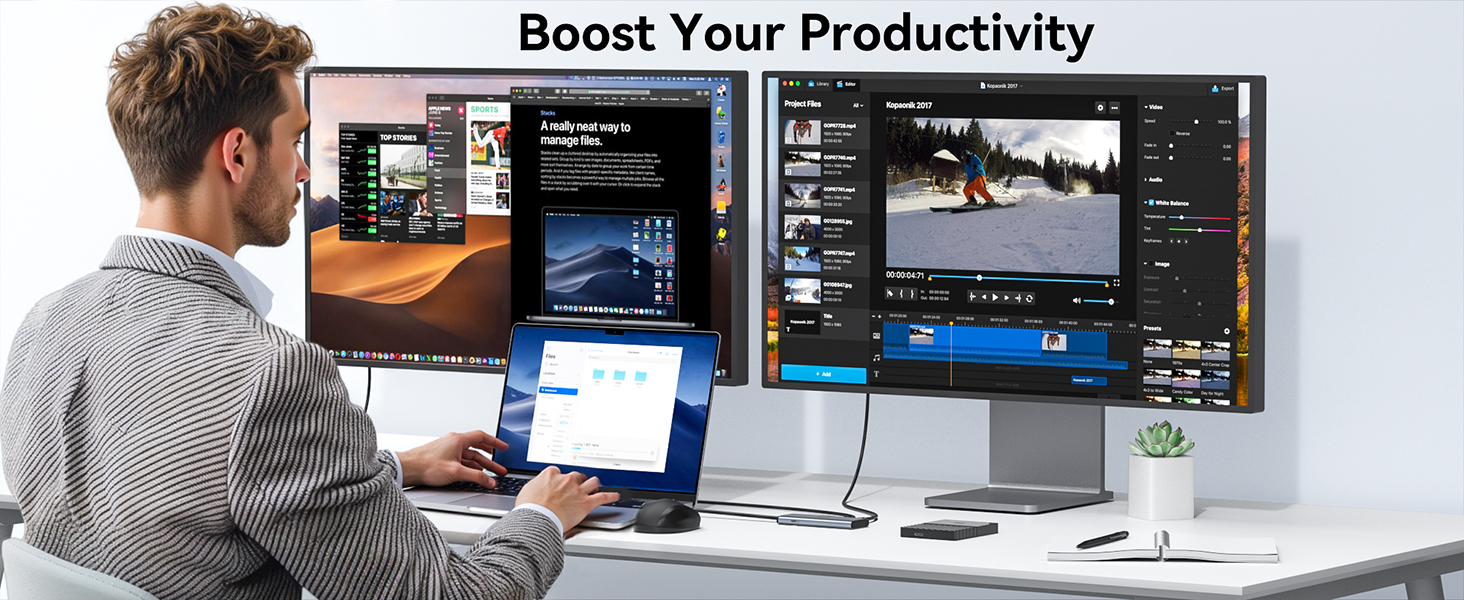
🚀 Double your screens, double your productivity — power up like a pro!
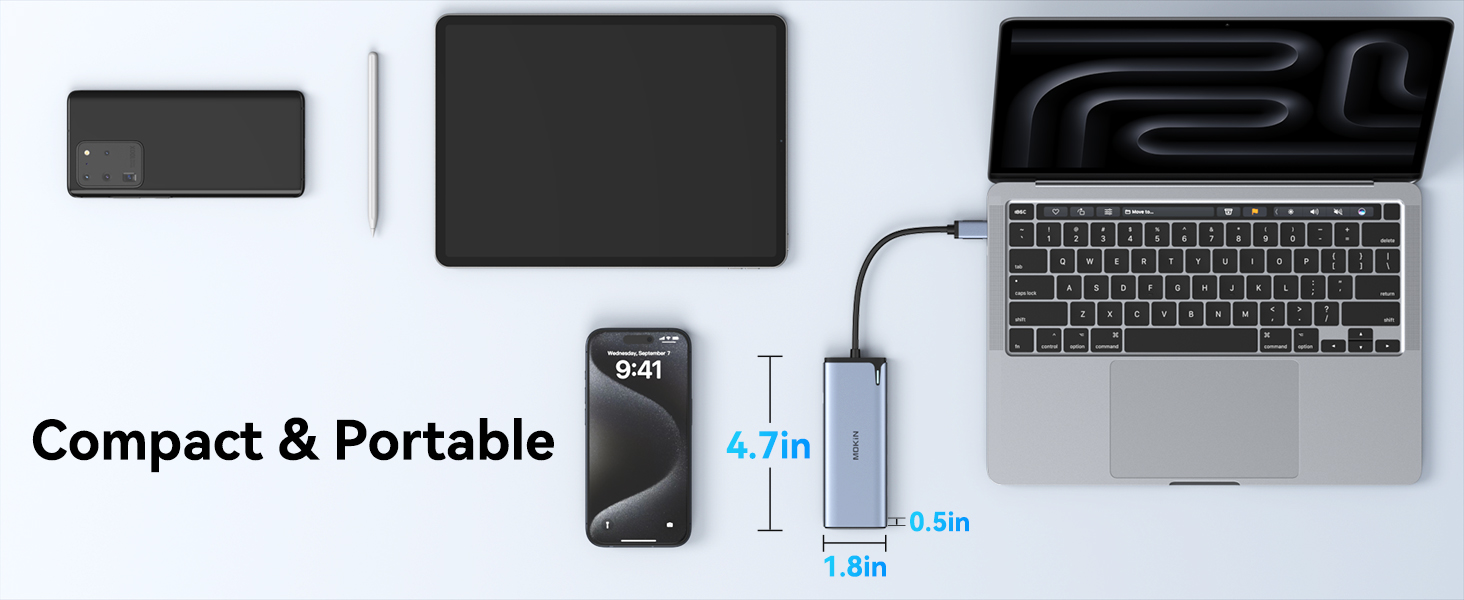
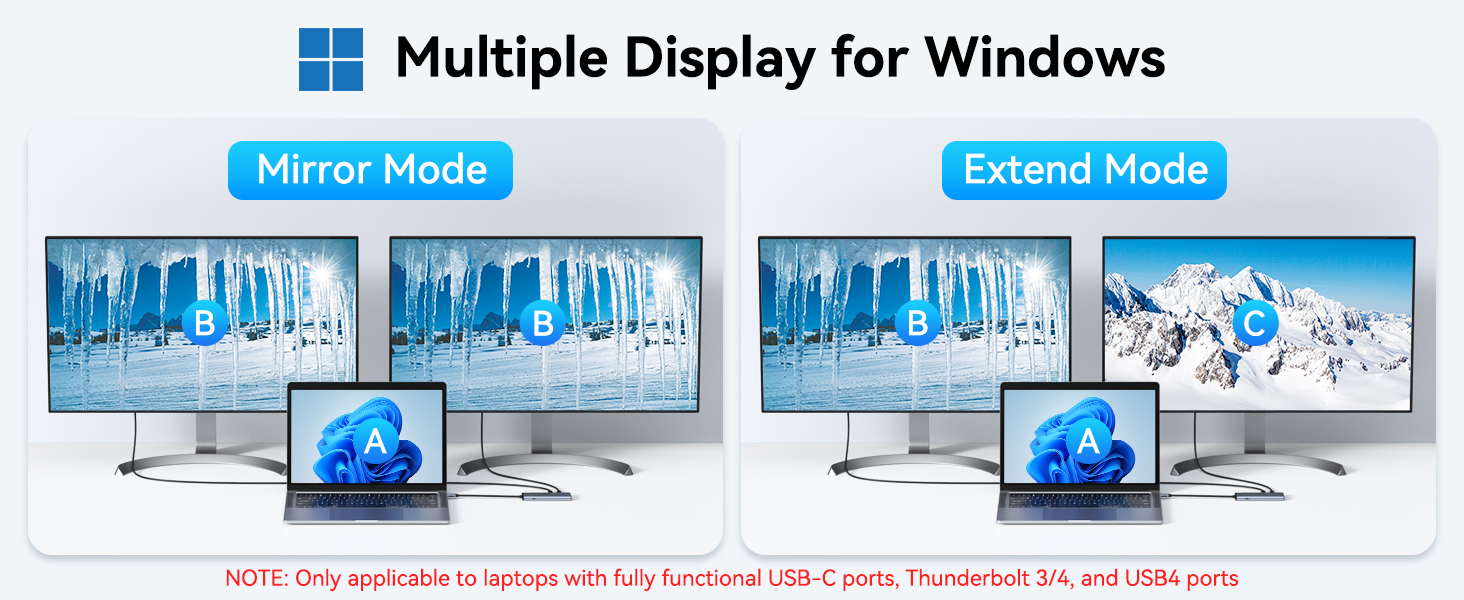
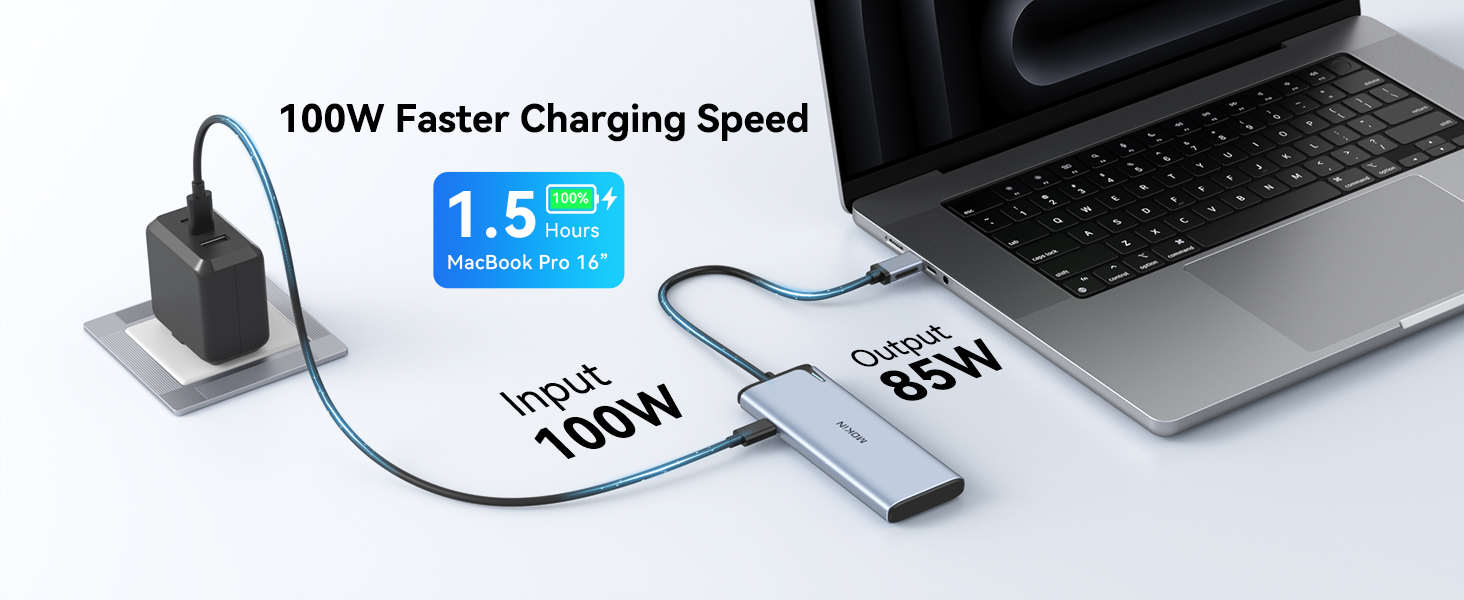
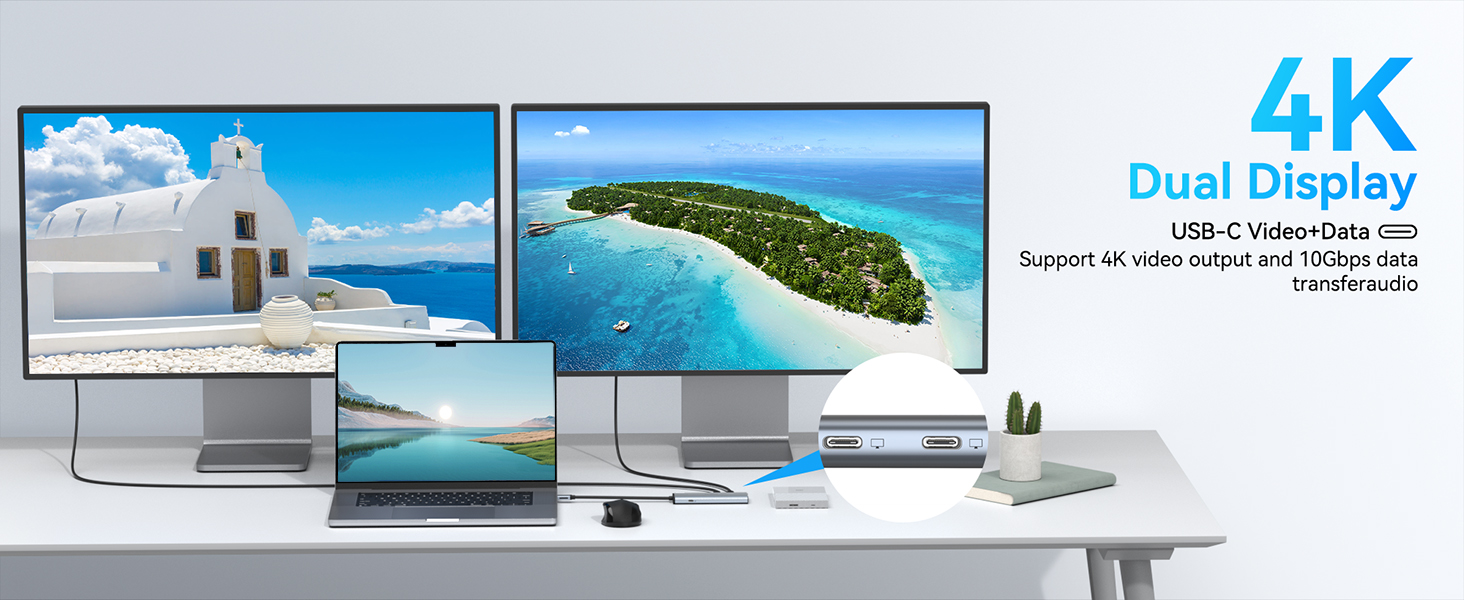
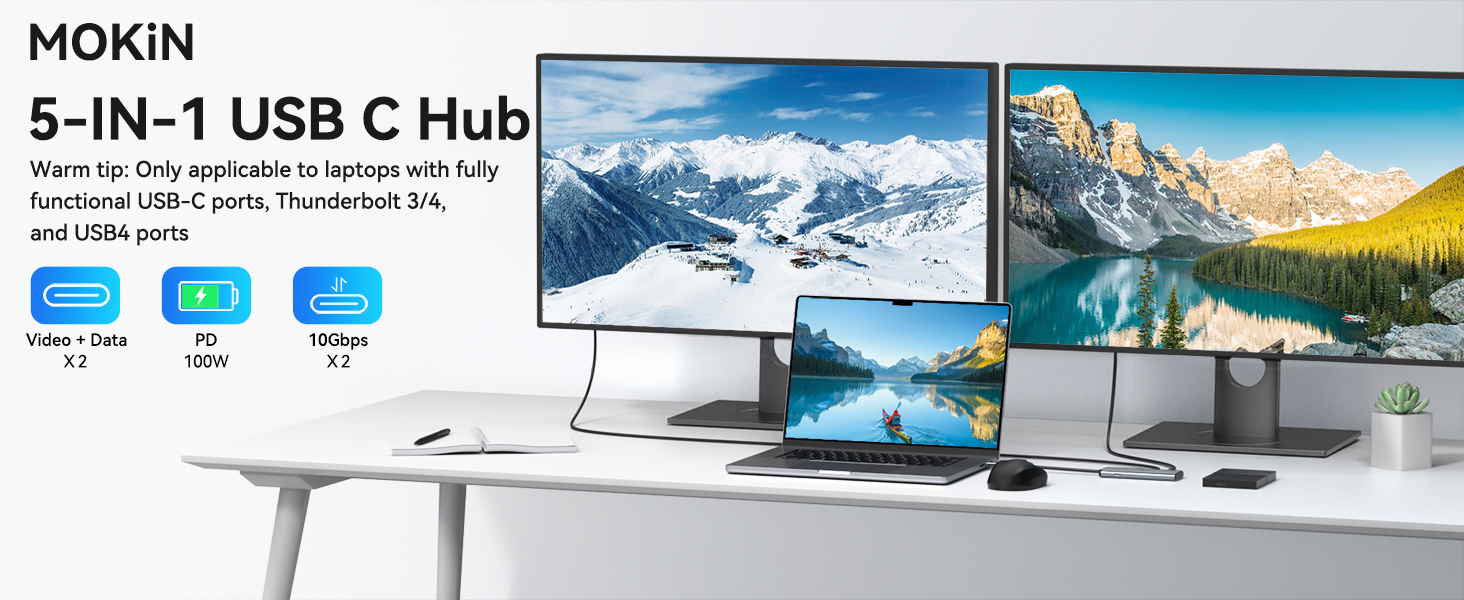
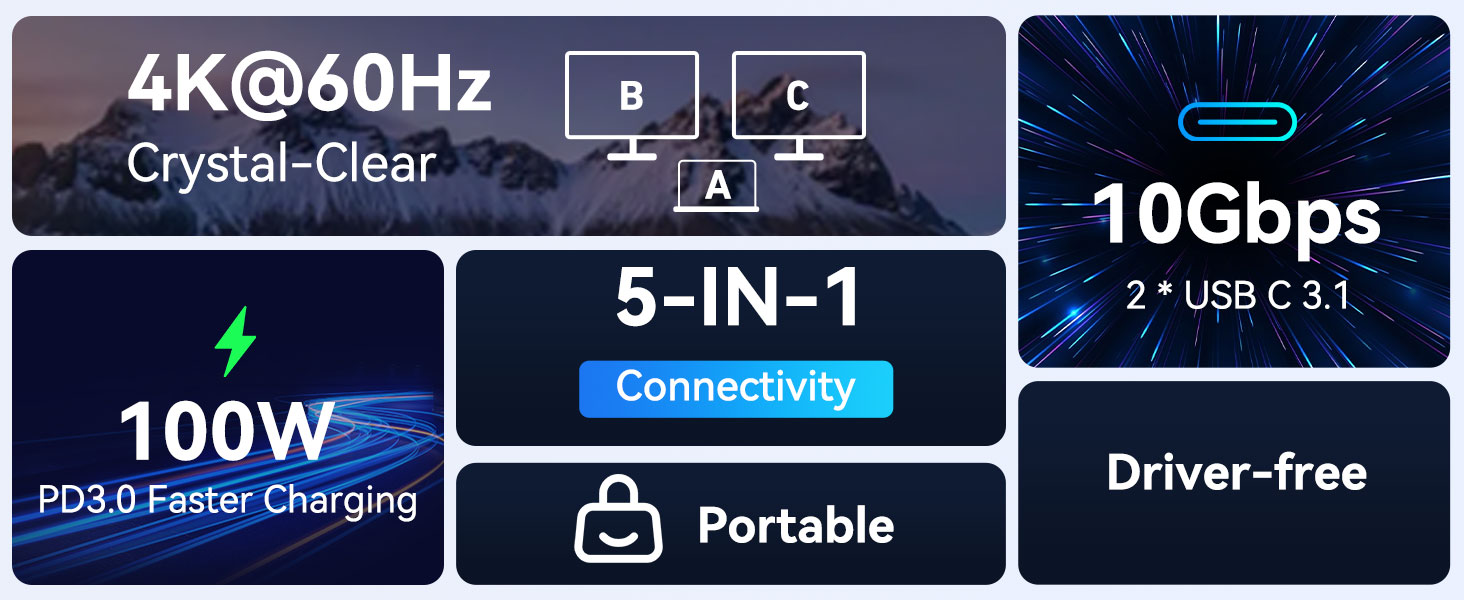
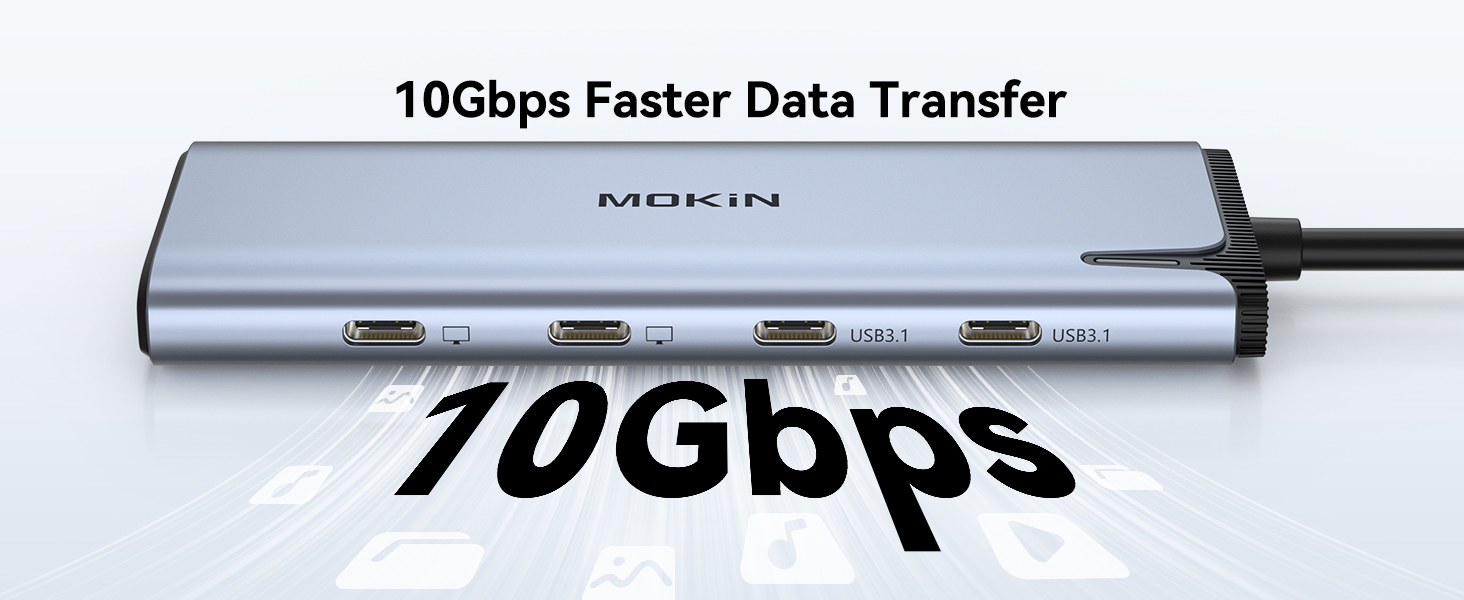
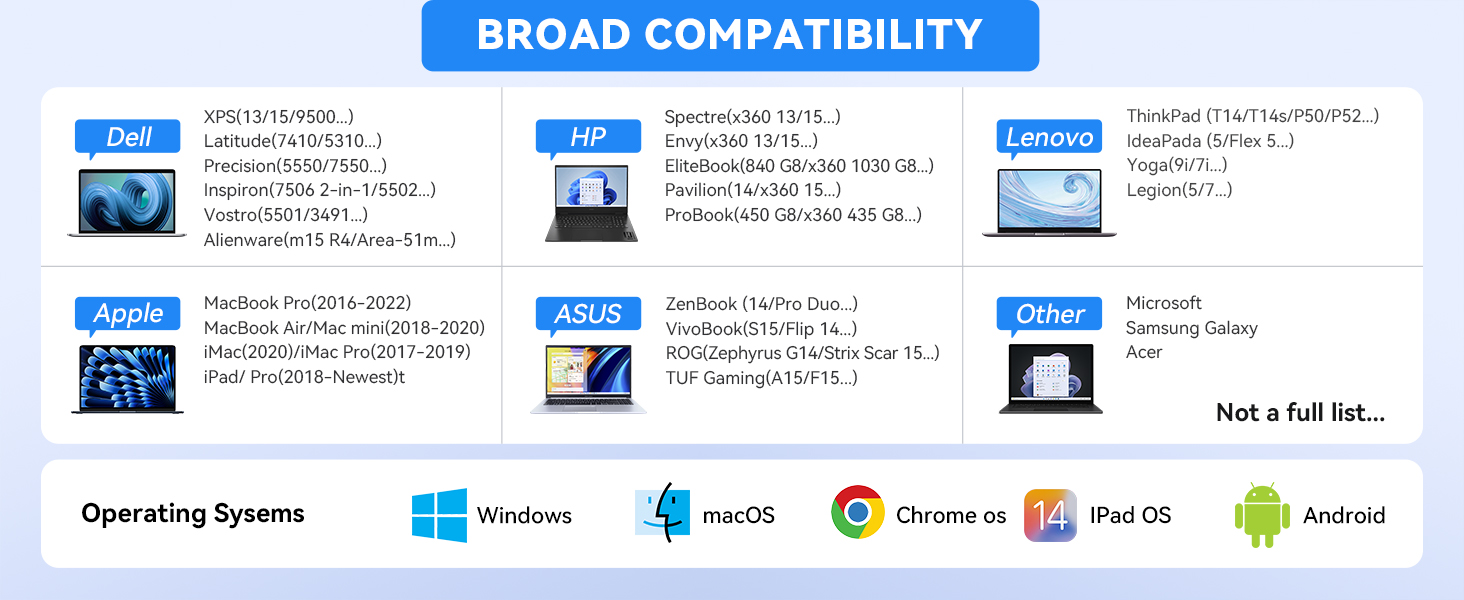
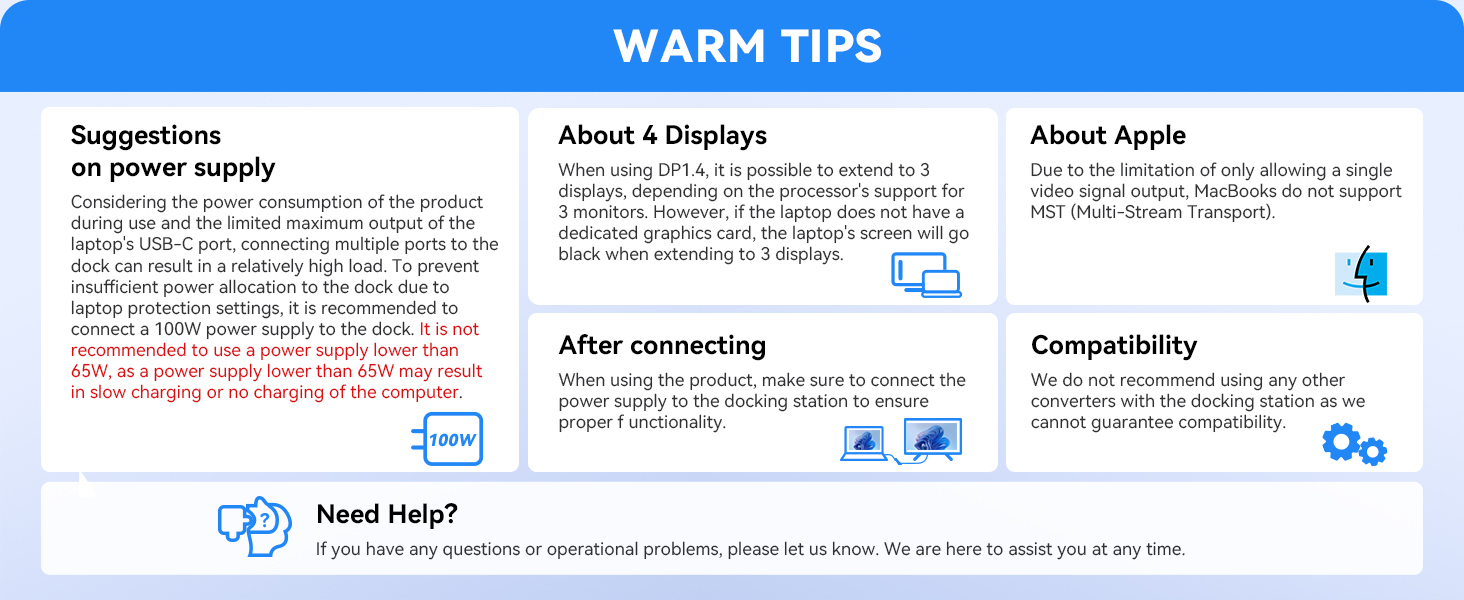
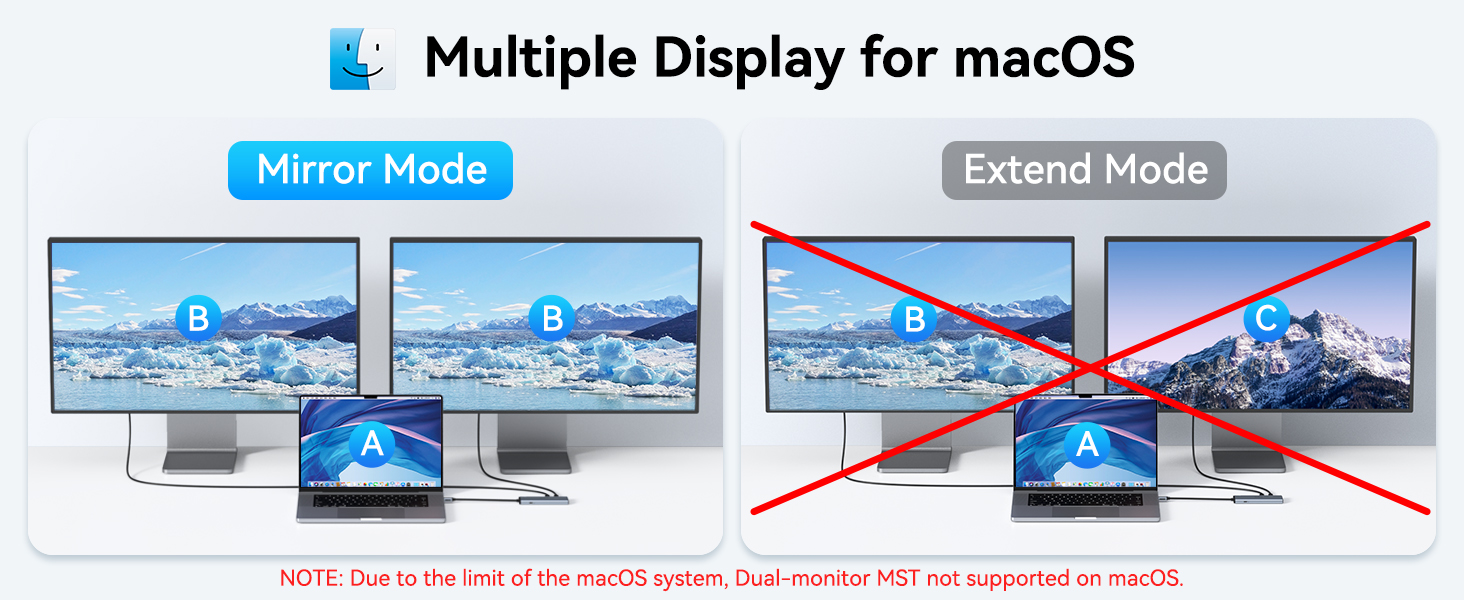
The MOKiN USB C to USB C Hub is a professional-grade dual-monitor adapter designed for Thunderbolt 4/USB 4 Windows laptops. It supports dual 4K@60Hz video output via DP Alt Mode, 10Gbps data transfer through two USB-C 3.1 ports, and delivers up to 100W power delivery charging. Perfect for multitasking across multiple displays and devices, this compact hub is ideal for professionals seeking a portable, high-performance workstation upgrade.

| ASIN | B0DYDRSNBS |
| Best Sellers Rank | #4,020 in Electronics ( See Top 100 in Electronics ) #66 in Laptop Docking Stations |
| Customer Reviews | 4.4 4.4 out of 5 stars (2,360) |
| Date First Available | December 9, 2024 |
| Item Weight | 2.46 ounces |
| Item model number | UC6101B |
| Manufacturer | MOKiN |
| Package Dimensions | 7.91 x 2.52 x 0.75 inches |
C**R
Easy to Use
Excellent device. I have been using this for about a month. It works very well with the two 34 in. monitors as well and the laptop. Would buy this again without any doubts.
S**R
Charges SteamDeck while using Xreal Glasses
I purchased this to be able to charge my Steam Deck while playing games on my Xreal One glasses. It works great. Just plug into the Steam Deck, provide power to the PD port on the hub and plug the Xreal into one of the two DP USB C ports. You should be able to plug another set of glasses in the other DP USB port for maybe watching movies together when plugged to an iphone or android phone with DP usbc. Great product and a very reasonable price.
T**K
Exactly what I Need.
System setup: Lenovo ThinkPad X1 Carbon Gen 13; Dual monitor Pitycbo 2560 X 1600, 60 Hz.; SanDisk 4TB SSD Drive; Windows 11. Disclaimer: I don't have 4K monitors, so I can't vouch for this feature. I am happy to say that his hub works flawlessly. I can power up and connect both external monitors to my laptop, setting up the overall system with 3 monitors. The external monitors are driven at their native resolution with no flickering or shadow artifacts. The SSD drive works as well. There is only one connection to the laptop via the Thunderbolt USB-C port. By placing the hub in the back middle of the laptop screen, I can use the same cable length for connectivity. This streamlines cable management and is great for portability. So far, it is compatible with my system setup. I prefer to have a longer cord for connecting to the laptop port, but it works for me as is. The refresh rate for both external monitors is good.
C**R
Works great with xreal glasses.
Works great. Got this to share one video source with two pairs of xreal AR glasses. Specifically I'm using an xreal one pro and an OG xreal air. Works great with Windows laptop, or Samsung z fold 6. It's a fraction of the price of the sidetrak adapter you may see recommended on reddit. The side trak adapter did not work while this one did.
J**6
Supports power and video for LCD monitors
This dock is one of the least expensive that will support portable monitors for both video and power over USB-C. It works well for that. I also wanted USB-A ports for mouse and keyboard, which this dock does not have. I could solve that issue with USB-A to C adapters. It also did not have Ethernet support, which is not claimed. I tried to solve that with adapters from Ethernet to USB-C. It did pass through the internet, but the speed was about 350 Mbps, vs. my 1 Gb service, so I just used wi-fi which was approximately the same speed. I did purchase a fuller function Thunderbolt 4 dock for home use, but I will keep this one for travel use for my monitors. Bottom line, it works, but make sure that it will cover any other needed ports for your use.
L**A
Worth the buy
Works great.
S**K
seems great at first, but then discovered 2 flaws (power trhoughput, awaking monitor)
thought i found the perfect solution to my needs, but then discovered: 1. the pass-through charging is slow charging and doesn't fully charge my laptop to 100%. if you mouse over your battery icon (in windows), you'll see the "slow charging" message and see that even when plugged in for hours, it will never reach 100% charged. my laptop was showing 97% charged all day. 2. with my dell 27" monitor, after waking up my monitor, the hub just causes my monitor to flicker every 5s. unplugging the hub and plugging back in seemed to fix it temporarily. but i'm not going to re-plug the hub every time my monitor goes to sleep. switched to the anker 5-in-1 usbc hub (ODK4L0), plugging power+usbc devices into one laptop usbc port, and my usbc monitor in my other laptop usbc port. not perfect, but laptop fully charges and no monitor flickering, and i can use additional usbc devices in the hub. mokin has potential to be the best hub on the market if it resolved those 2 issues.
A**R
Great product. Get one now!
Used for my Chromebook. Display out to TV with HDMI, usb-c offers charging to the Chromebook, and extra USB ports for charging various devices. This product is a game changer... Literally. Allows me to play GeForce Now games through the Chromebook on my TV. Would buy again.
A**W
Fast delivery, works great. Not alot out there that can do 2x monitors via USB C
F**N
Practical to use, USB 3 is a winner
C**H
Works perfectly with XREAL One XR glasses in either DP Alt USB-c slot. Tested with pass-through charging of Pixel 9. Still works with no external power source (phone providing power to glasses through the Hub without external power).
F**M
Works so well. The only hub I found that allows for 2 monitor setup through usb-c at an affordable price.
Y**F
Exactly what I'm looking for. Projects on my dual screens without having to use HDMI.
Trustpilot
3 days ago
2 weeks ago