Some deliveries may take a little longer than usual due to regional shipping conditions.

DOWNLOAD THE APP


Customer Services
Copyright © 2025 Desertcart Holdings Limited
DOWNLOAD THE APP

📺 Elevate your living room with the future of 8K — where AI meets cinematic perfection.
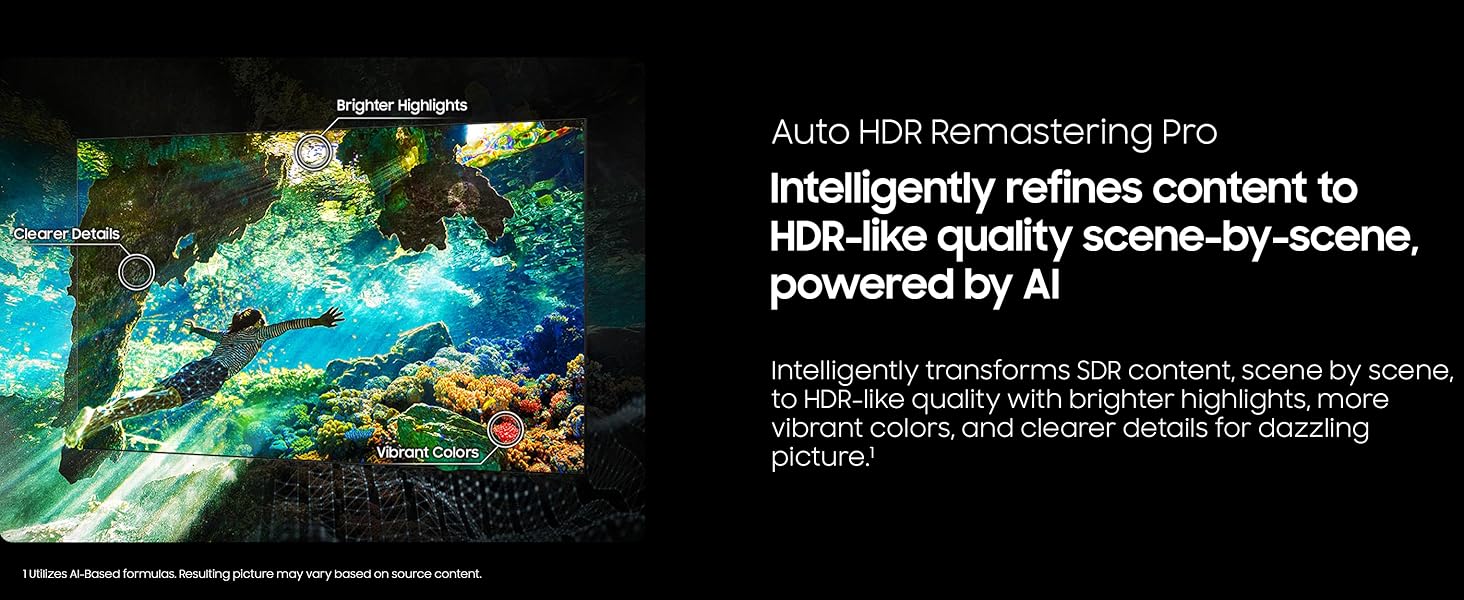
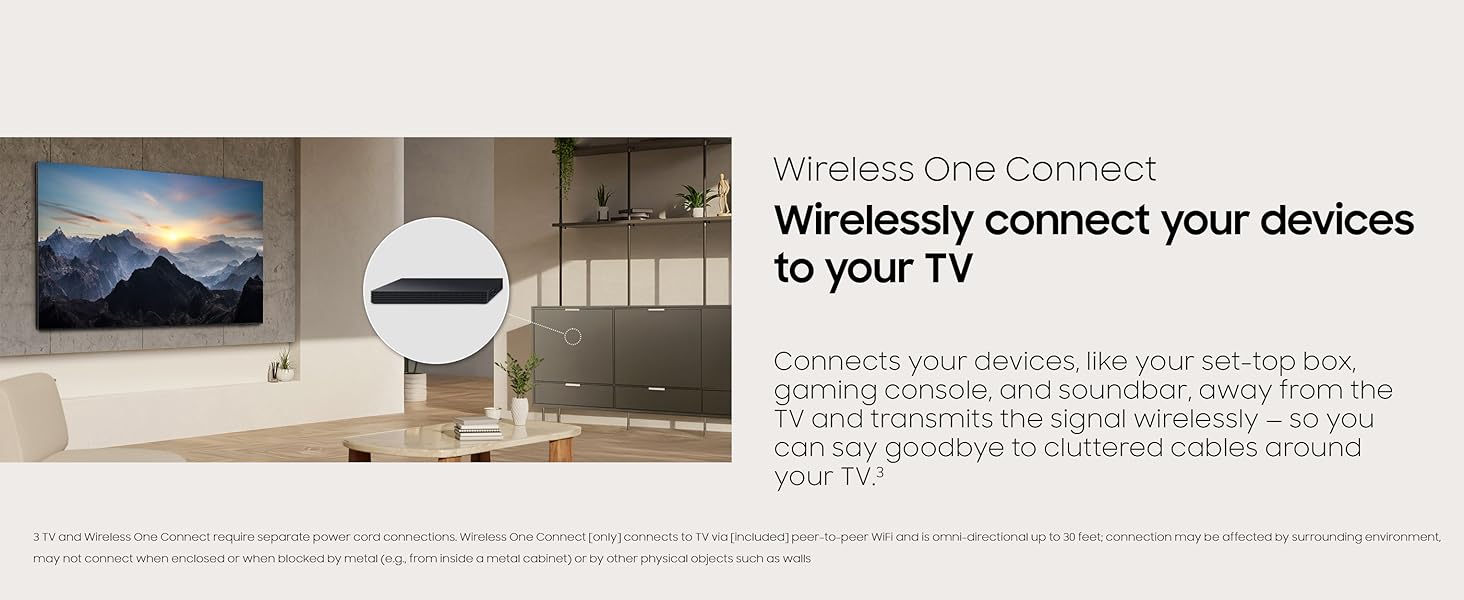
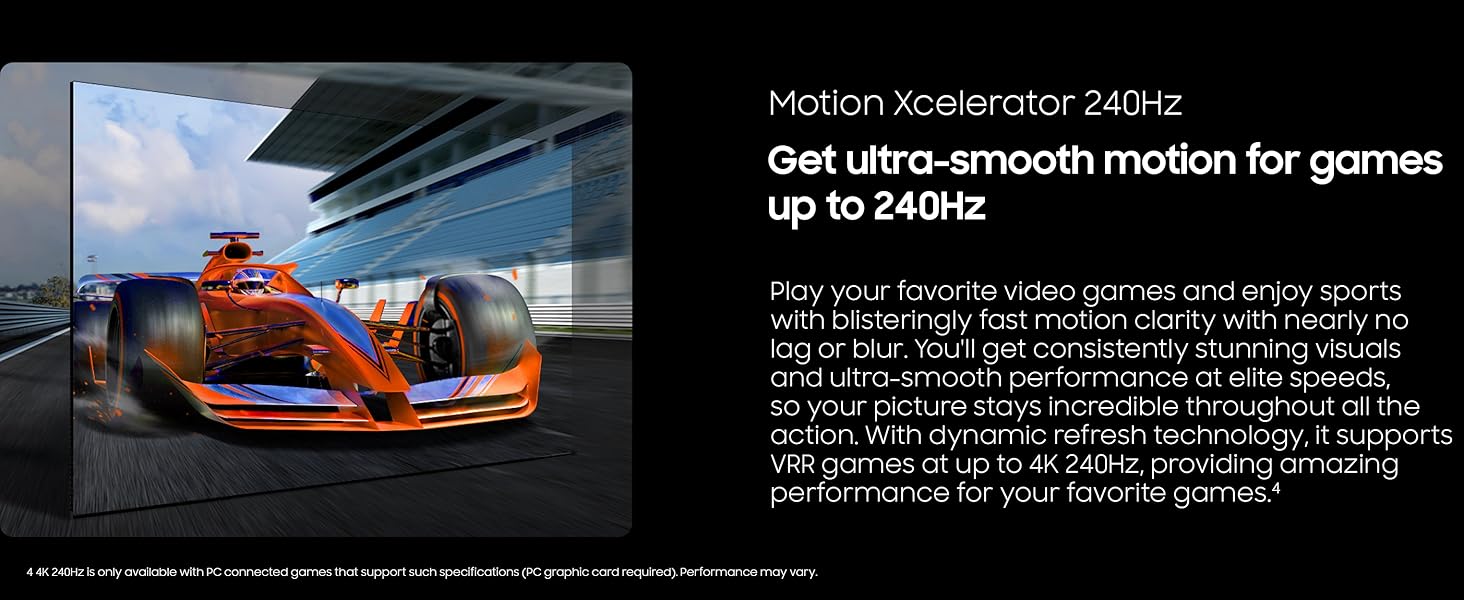
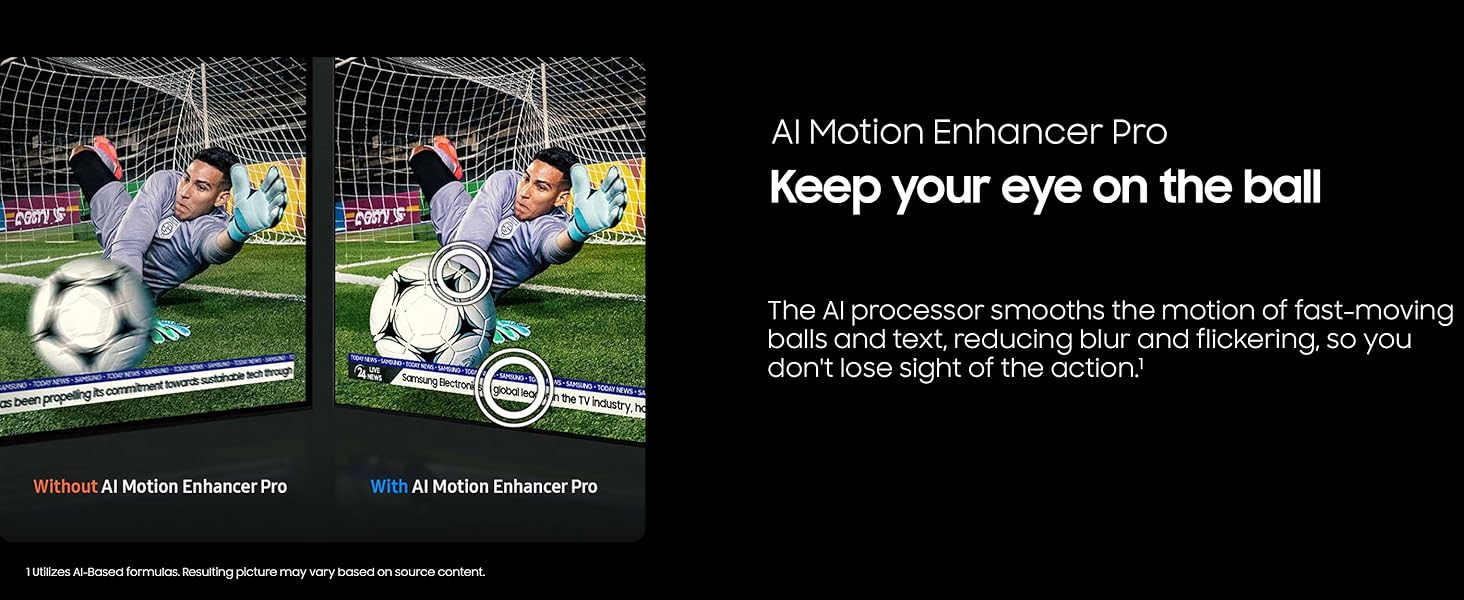
The Samsung 85-Inch Neo QLED QN990F (2025) is a cutting-edge 8K Mini LED Smart TV featuring a powerful Gen3 AI processor and 768 AI neural networks for stunning picture quality. Its Wireless One Connect hub eliminates cable clutter, while a glare-free screen ensures distraction-free viewing. Designed for gamers and cinephiles alike, it supports ultra-smooth 4K 240Hz motion and AI-enhanced motion clarity, delivering an immersive, next-gen entertainment experience.




| ASIN | B0DXNBFL3C |
| Aspect Ratio | 16:9 |
| Best Sellers Rank | #56,411 in Electronics ( See Top 100 in Electronics ) #67 in QLED TVs |
| Brand Name | Samsung |
| Color Name | Graphite Black |
| Customer Reviews | 3.6 3.6 out of 5 stars (7) |
| Date First Available | April 9, 2025 |
| Item Weight | 117.7 Pounds |
| Item model number | QN85QN990FFXZA |
| Product Dimensions | 12 x 73.9 x 45.1 inches |
| Special Features | Built-In Speaker, Game Mode |
| Standing screen display size | 85 Inches |
A**R
Awesome TV!
Unbelievable picture quality and visual presence in a room. If you are willing to pay for it, this is the high-end TV for you! Don’t let someone inexperienced unbox or assemble. It’s heavy and shouldn’t be tilted or laid on its face. I’d definitely buy this TV again.
D**E
Awful TV and experience
I wouldn't touch this TV. We bought it from Amazon in September. We've had issues with it turning on consistently since a few weeks after purchase. It also randomly shuts off. Our local IT folks said they've seen other families with this same issue. Now, we're trying to get a replacement for this lemon from Samsung, but it's an awful process. Highly recommend getting something else.
L**R
My experience with this future technology TV.
Okay, so here we go: First disclosure- I was going to buy my new TV thru Amazon. However, for this level of TV and price, I wanted to see and touch the product. I purchased thru Best Buy/Magnolia in San Carlos, California. Hopefully this review will help potential buyers to decide if Amazon offers a good or better deal. 2. There is little (if practically none) 8K viewing available. If you buy this you are buying the television for what the technology does to improve 4K or 1080 material. The interpolation chips/set hardware is very good these days such that 4K content clearly looks better on 8K. 3. If you choose to see the product in person, be aware the screamingly good video in stores like BB is NOT what you get in your home. They have what is called a “Retail”’setting, so incorporate that factor into you your purchase decision. 4. Obviously I bought the unit, so the rest of this review is based on about one month’s experience… Packaging: Excellent. Open packaging carefully. Knives and TV screens don’t like each other. Individual components are very well packed. If not you do not have an original unit. Lay every thing out. Figure out what is what. Setup: (read this!). Samsung use a “one cord” installation to the TV from two separate boxes. All HDMI and other cable like audio if needed, go into a “hub”, (my term). From there there is a cable that goes to a largish flat box, and from there, via one silver colored cable and wi-fi, to the TV. WARNING #1: Because of this configuration, with services outside of Samsung’s portal, there is a delay when you change channels/providers while all this stuff figures out what to do. As this delivery has been used by Samsung for several years, it is either not technically fixable and/or they don’t care to do so. You can just screw in your cable or other services directly but that is dependent on what is available and what you choose to pay. I use Comcast (yuck) and suffer the delay issue. WARNING #2: The hookup instructions Samsung provides are APPALLING. REVIEW EVERYTHING, then review it again. Better still if you have anything left in your checkbook, have a professional install all this stuff. The actual manual is available on Samsung’s website. It is 315 or so pages and mostly legal warning bs. WARNING #3: If you locate this processing pancake box at any location where there is a barrier (even plywood) it may not make the connection when you turn on the TV. Make sure there is a clear path to the TV. They even suggest to mount it to the back of the TV unit. (Why use it in the first place…??). Make sure you are willing to go through the install process or don’t buy this TV. It look me a whole day of frustration, calls to Samsung, reviewing YouTube self help videos, to get this stupid system to work. Read the few other reviews of this TV that exist to verify I am not insane…. 5. Once working, spend another couple of hours getting used to the navigation around the various services you use. DOUBLE WARNING…: Samsung uses a small remote similar to (even worse than) the Apple TV box controller. The remote is matt black. The very small function buttons are poorly marked and not illuminated. They boast a solar panel on the back/underneath side. You have to be joking!! You have to use this poorly designed “fashionable” remote. No one at this classically Asian-run company thought to ask the average consumer/user what they thought! So there you have it. I bought the television for the quality of the image which when viewing current movies is exceptional. No doubt about that. My previous television was a Sony 65”, 4K, HDR top of the line and it is a marked improvement over that. Note that it does not significantly improve the quality of older video stock. Make sure you understand what you are getting, (and do not get), before buying. Don’t believe all of the hype and advertising. Finally, Samsung - why don’t you ask consumers/users what they think about your products.
C**N
da pulso de encendido pero no enciende, tv tiene daño dacklight,
S**N
Best 85" TV ever!
Awsome!
Trustpilot
3 weeks ago
3 weeks ago