



⚡ Unlock next-level storage speed and flexibility — don’t get left behind!
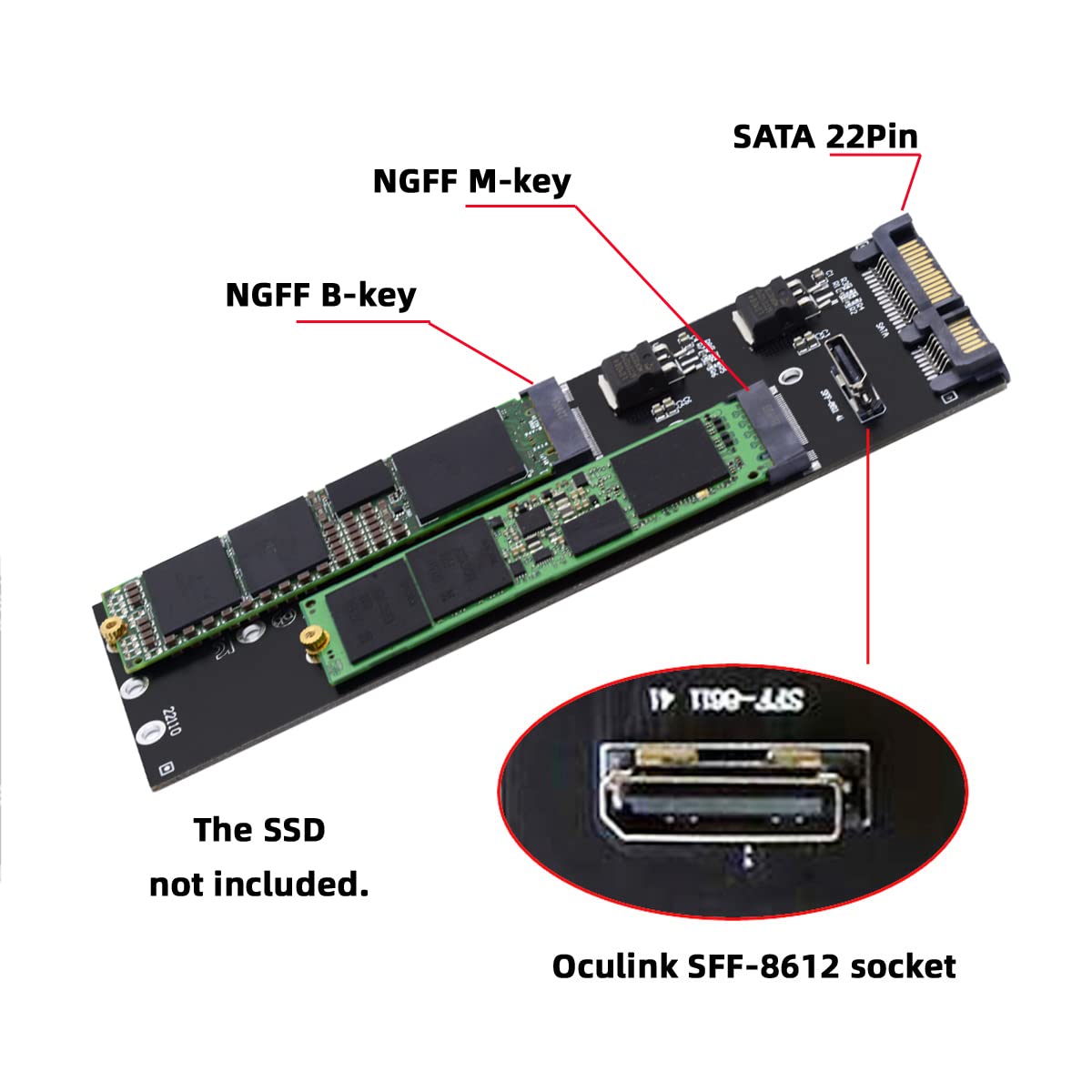
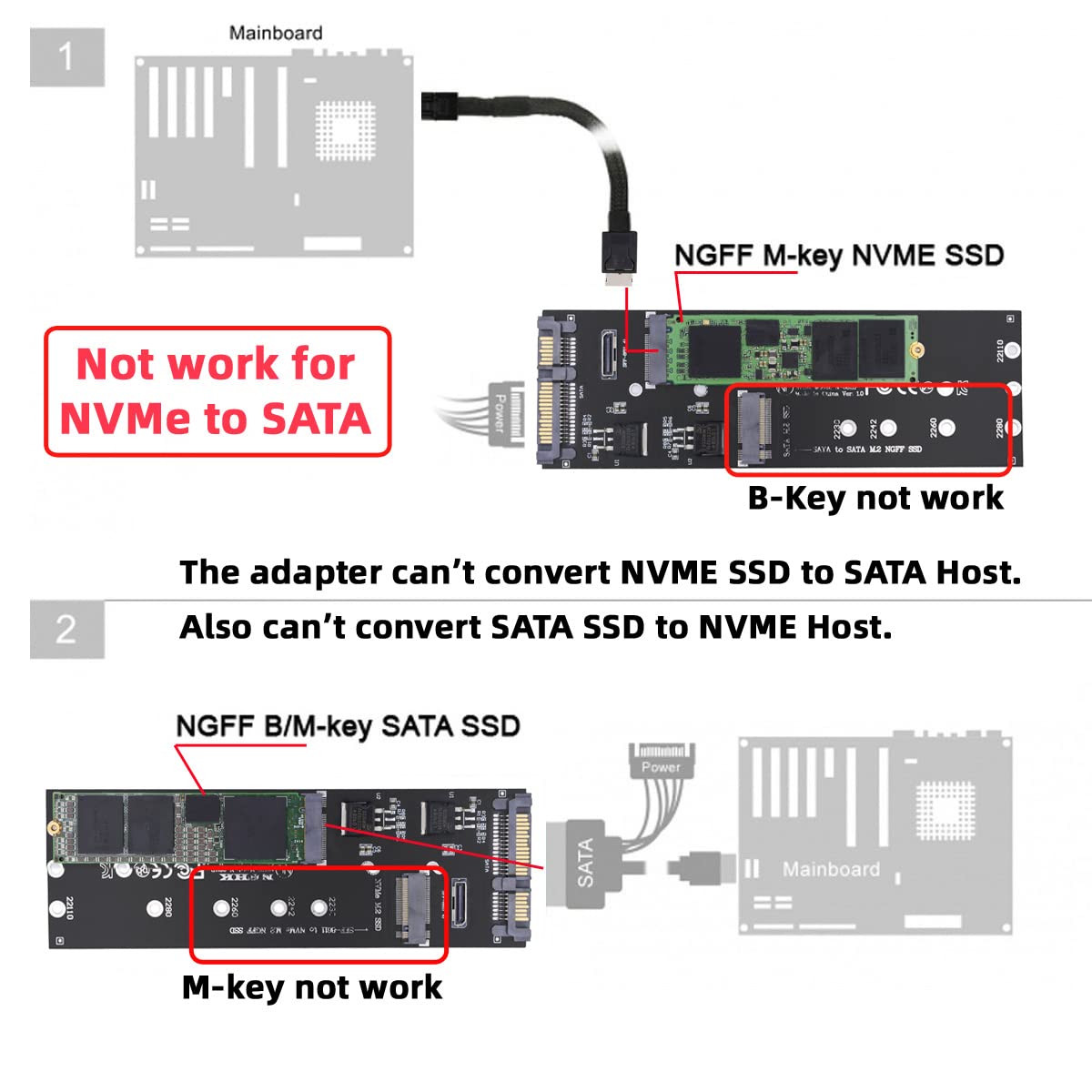
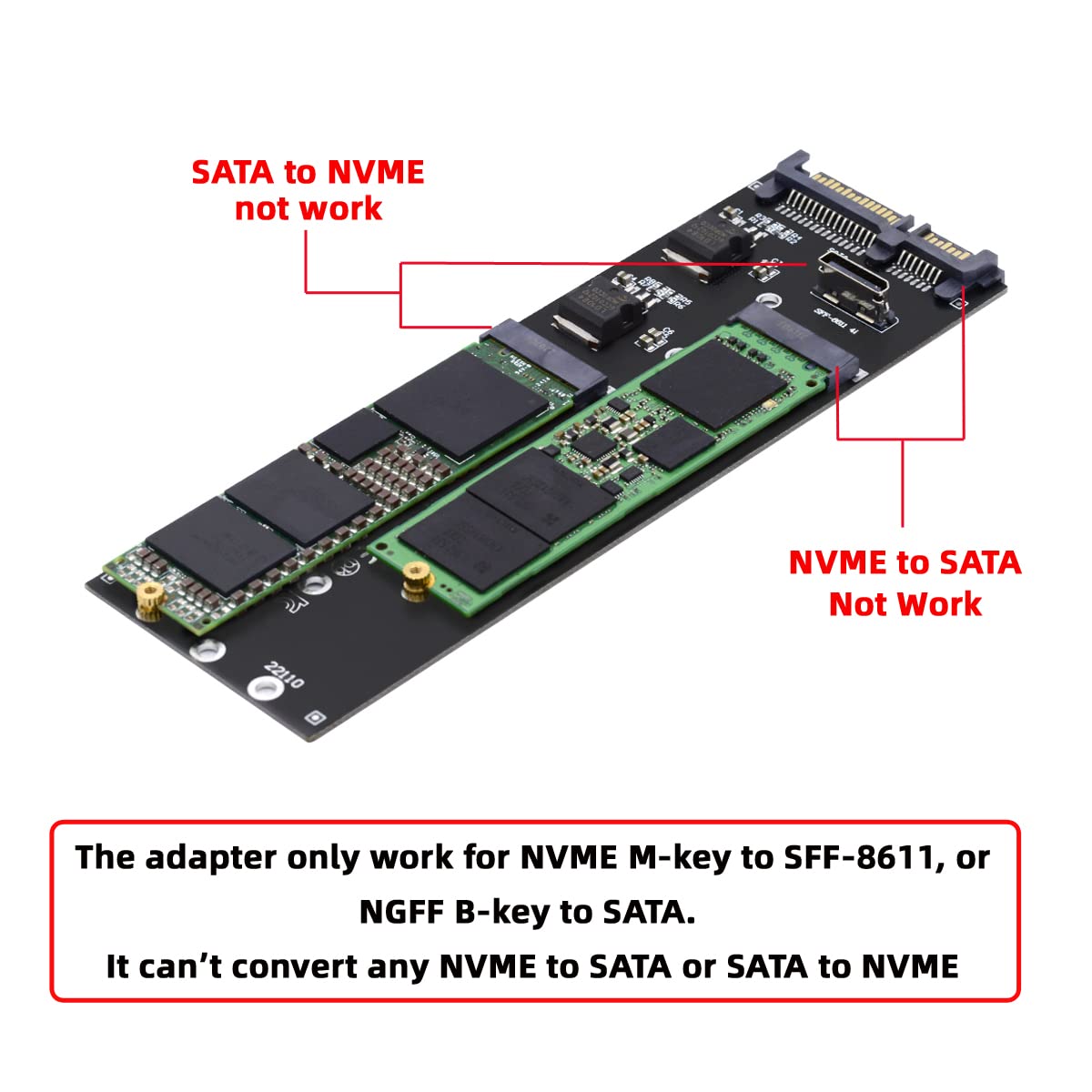
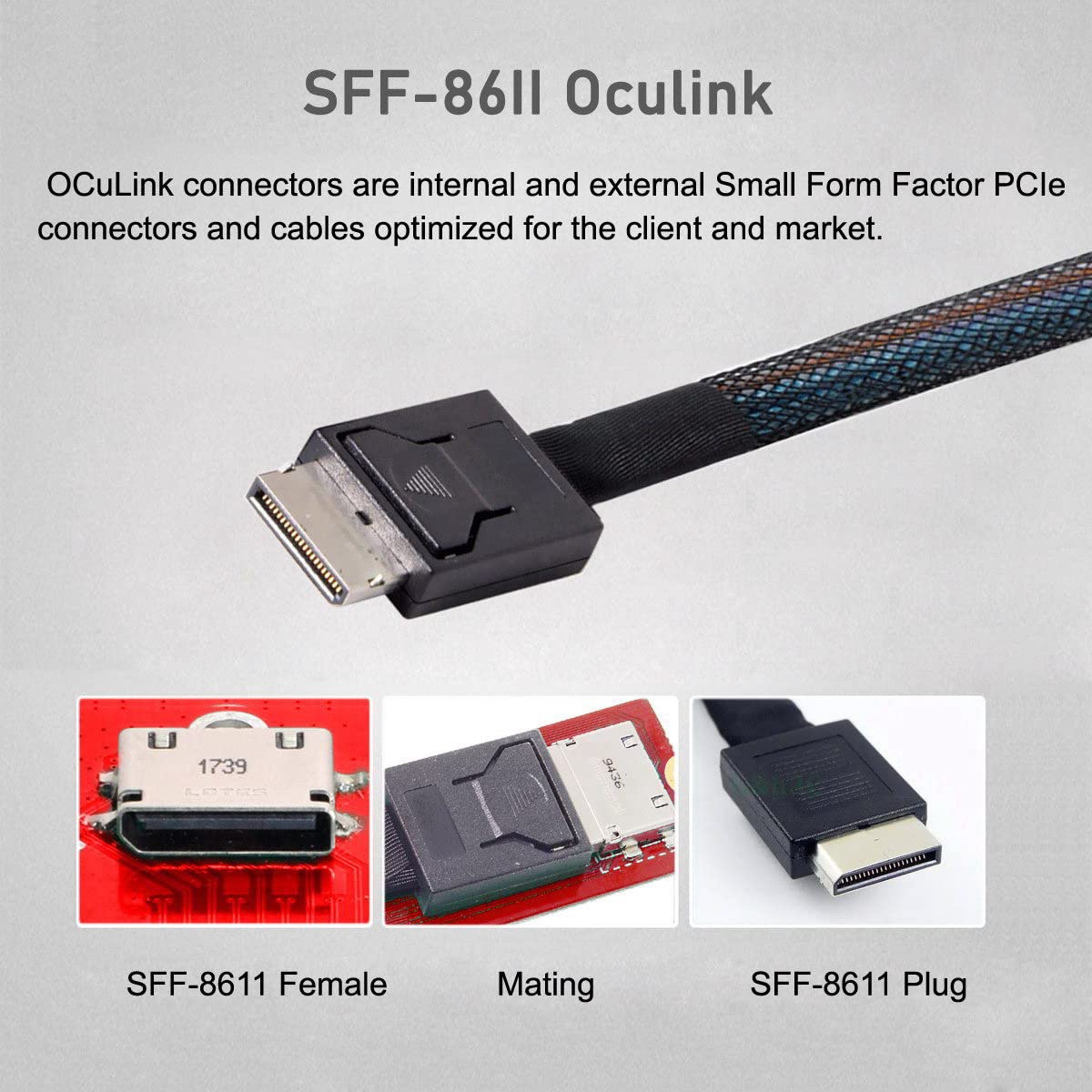
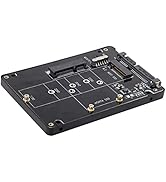
The NFHK OCuLink PCIe SFF-8611 to Dual SFF-8639 U.2 cable is a 50cm high-performance data archive solution designed for professionals seeking ultra-fast PCIe 3.0 x4 connectivity. It supports multiple M.2 SATA SSD sizes and enables dual NVMe SSD setups, making it perfect for upgrading or replacing traditional 2.5-inch drives with cutting-edge storage technology.



| ASIN | B0BP2442PY |
| Amazon Bestseller | #33,178 in Computers ( See Top 100 in Computers ) #905 in SATA Cables |
| Batteries Included | No |
| Batteries Required | No |
| Brand | NFHK |
| Compatible Devices | Game Consoles |
| Customer Reviews | 3.5 3.5 out of 5 stars (88) |
| Date First Available | December 6, 2022 |
| Finish Type | Matte |
| Item Model Number | NF-UC-040-0.5M |
| Item Weight | 0.02 Kilograms |
| Item model number | NF-UC-040-0.5M |
| Manufacturer | NFHK |
| Operating System | Windows, macOS, Linux |
| Product Dimensions | 10 x 10 x 1 cm; 20 g |
I**U
CUDAが必要なときにやむなく外付けで旧型のGeForceを接続するのに使っています。
A**A
補助電源無しの gpu で 25w までしか電源供給されないことを確認しています 25w なので電力リミットで gpu の性能が出ません サポートからは 24pin から 250w 供給されるとの返答がありましたが、そのような動作にはなりませんでした ※ pcie x16 では 75w しか供給されてはならないはずですが上記回答でした 同じ gpu を別の oculink の製品に接続したところ、gpu の必要とする 70w 供給され性能に制限はありませんでした マザーボード直でも同様です そのため、購入した商品だけの不良かもしれませんが、返品しました
名**し
しっかり説明を読んでなかった私が悪いのですが、oculinkケーブルが付属していると勘違いしていました。 製品自体は問題なく使用できています。 PCをシャッドダウンするとグラボも止まりますが本製品のスイッチを切らないと電力供給し続けるようなので、面倒ですが毎回スイッチを切った方が良いと思います。
C**9
indispensabile per fare trasferimenti dati da hard disk ssd
A**R
This works great. It has a power switch on the board but i discovered that if you leave it in the off position it will automatically power on when the Win 4 turns on and switch off when shut down :-) I now have my RTX 4070 setup in an external oculink enclosure running straight off the Win 4 Pro. Note: You will need to download the nvidia error 43 fixer script if you plan to use a nvidia gpu with this board like i did, just google it ;-). Also, I bought a 90 degree atx 24pin adapter to allow this to work in my enclosure because as standard the 24 pin power cable comes straight out the side and would not fit.
T**N
Using it with a Minisforum UM780XTX. Started out with a Palit RTX 4080 Jetstream. Worked like a charm. However. It seems there is a bit of bottlenecking (to be expected since it's just pcie x4 instead of x16). As an example: CyberPunk 2077 in 4K all settings at Ultra. No RT or resolutionscaling I got about 50 fps. In a x16 slot with an i9 it should be able to get up to about 58 fps with the same settings. So quite a significant loss in performance. However! I did the same thing with an Asrock RX7900XTX Taichi. Same settings it should be able to render about 65 fps in an x16 slot. I got about 63,5 fps with this! And with a quick OC I got 68 fps! This is only one example but it seems to be an indication that AMD cards have a lower need for the higher bandwidth of an x16 slot and works better with a solution like this. Further testing is required but all in all a nice and cheap way to build a tiny system. If I could make one wish it would be a couple of more layers in the PCB to make a bit more rigid. It's a bit soft and bendy but just handle with care and it shouldn't be a problem.
P**.
Pues eso que tiene que tener una placa y un adaptador y el caradura que lo vende solo incluye un cable cutre como se ve en la foto, menuda cara tonto se me ha quedado, si compro otro quien me asegura que no pase lo mismo, muy descontento estoy pues lo necesitaba.
A**L
I specifically ordered the one with the cable and I did not receive it. Wasted a lot of time waiting for an international delivery and I cannot even use it
Trustpilot
3 weeks ago
2 weeks ago



