Some deliveries may take a little longer than usual due to regional shipping conditions.

DOWNLOAD THE APP


Customer Services
Copyright © 2025 Desertcart Holdings Limited
DOWNLOAD THE APP


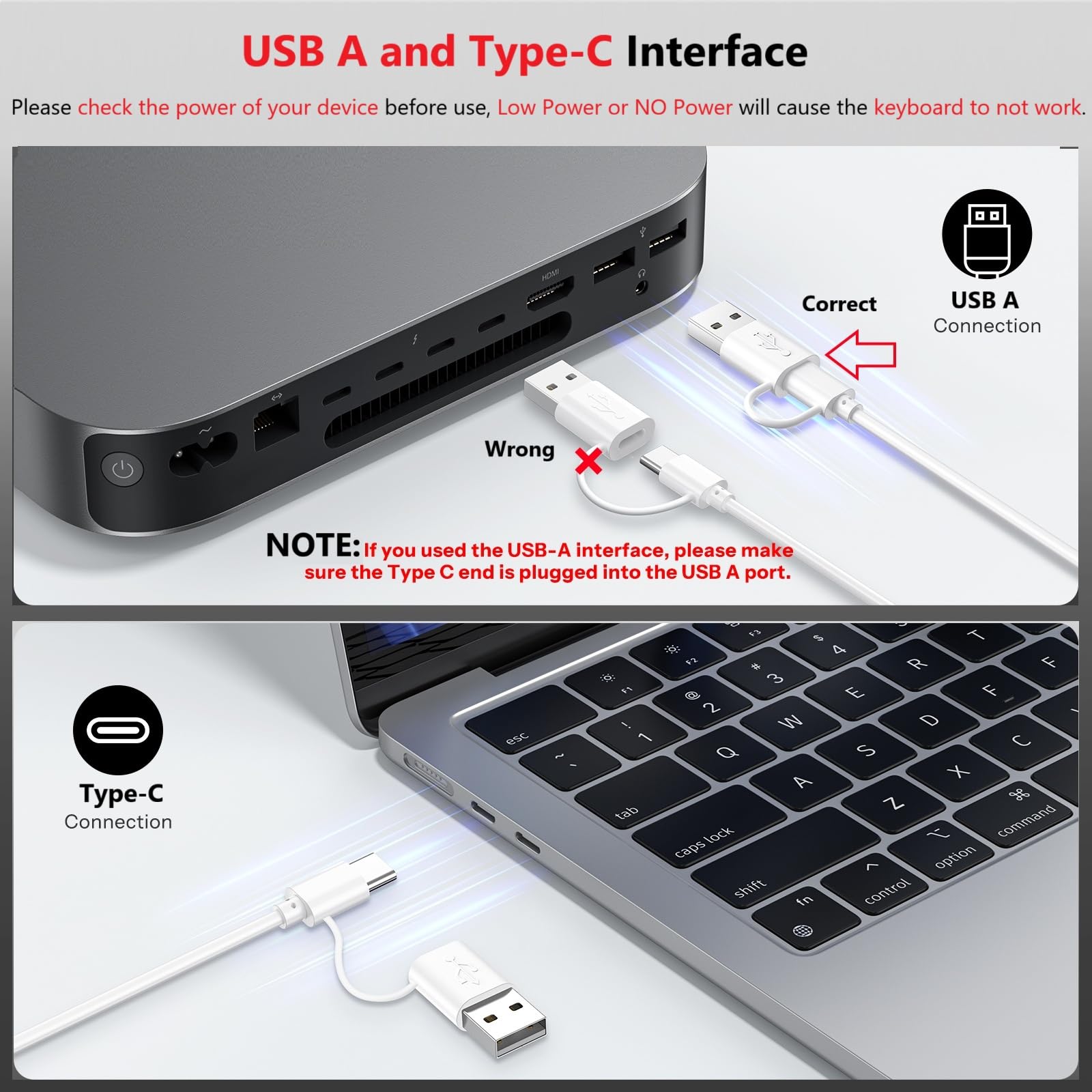

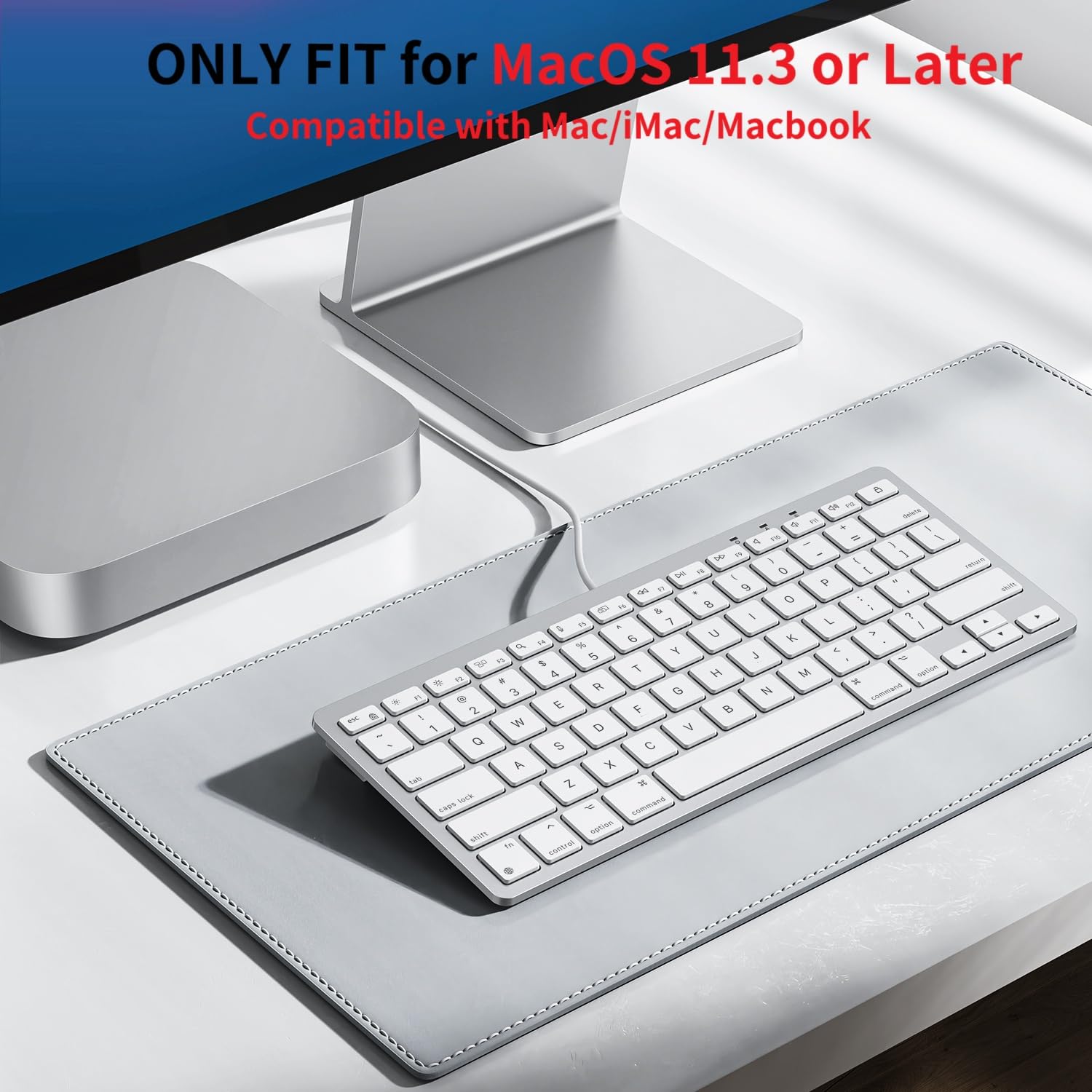


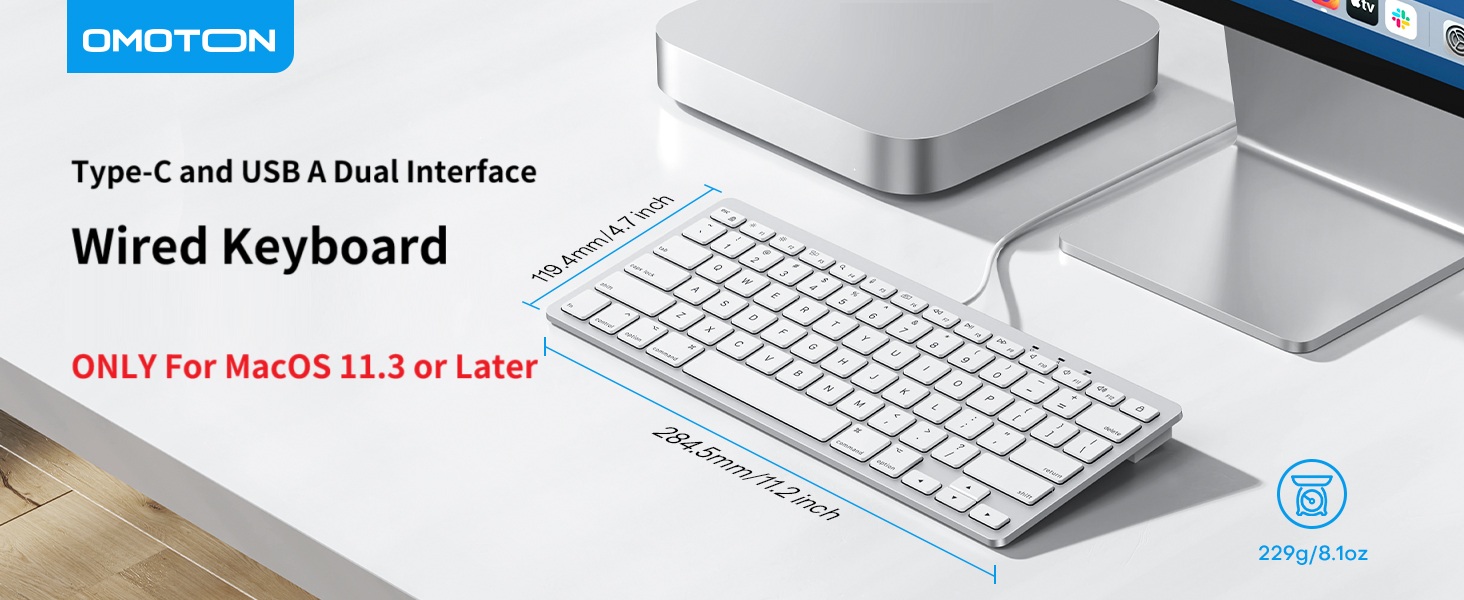
⌨️ Elevate your Mac setup with wired precision and ergonomic flair!
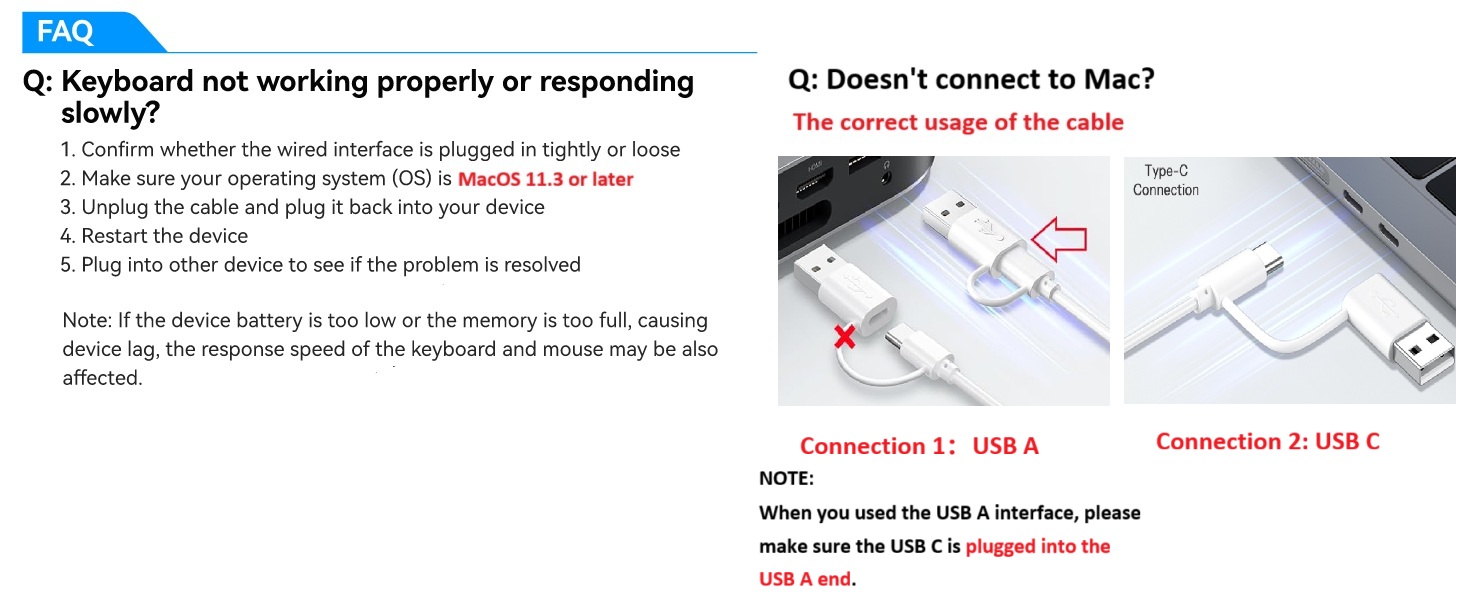
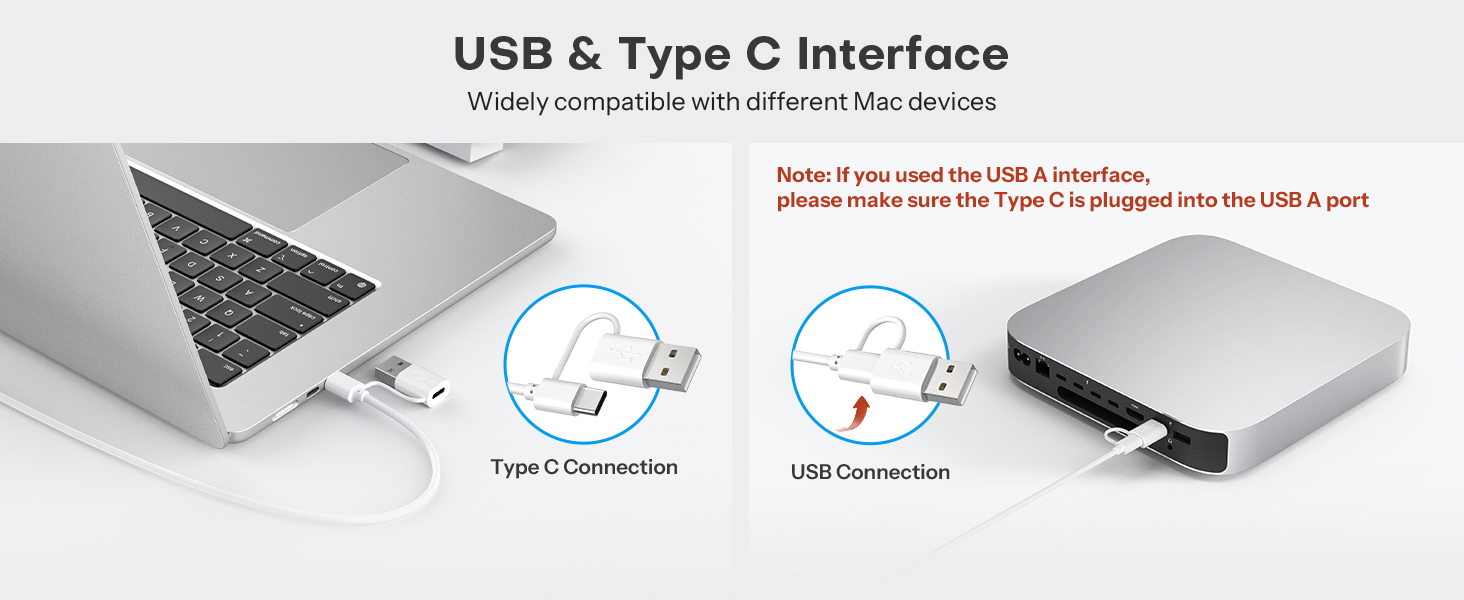
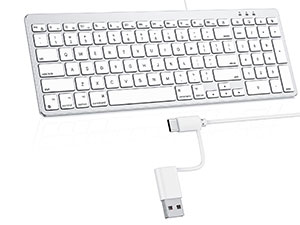
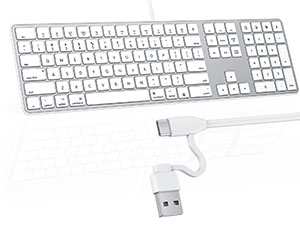
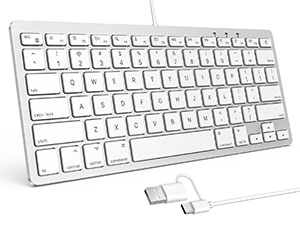
The OMOTON Wired Keyboard is a sleek, lightweight, and ergonomically designed keyboard tailored exclusively for macOS 11.3+ devices. Featuring dual wired interfaces (USB-C and USB-A), it ensures a stable, lag-free connection without the hassle of batteries or Bluetooth interruptions. Its 8° typing angle and scissor-switch keys provide comfortable, quiet typing ideal for long work sessions. Compact and stylish, it complements Apple devices perfectly while boosting productivity with dedicated function keys.




| ASIN | B0CZL6SG3J |
| Brand | OMOTON |
| Color | a-white |
| Customer Reviews | 4.3 4.3 out of 5 stars (530) |
| Date First Available | June 2, 2025 |
| Item Weight | 308 g |
| Manufacturer | OMOTON |
| Operating System | Mac OS |
| Package Dimensions | 30.71 x 16.1 x 2.9 cm; 308 g |
| Power Source | Corded Electric |
| Series | OMOTON Wired Keyboard for Mac |
P**O
muito bom?
S**O
I bought the OMOTON Wired Keyboard for Mac Devices to use with my MacBook, and it connected right away without any setup issues. I did have get a pop up asking me to verify the keyboard since it didn't recognize what kind of keyboard it was. (I just had to tap the keys next to the two shift keys.) The keys feel comfortable to type on and the typing angle is easy on my wrists during longer sessions. It has a clean white look that fits in well with Apple devices and doesn’t feel cheap on the desk. The wired connection is stable, which I actually prefer since there’s no battery to worry about. The build feels solid enough for everyday use, and the keys haven’t loosened up or gotten noisy so far. It's lighter than I expected, but the size is what I expected. For the price range, the quality and reliability make sense, especially if you just want a straightforward keyboard that works consistently with Mac devices.
R**.
My old wireless keyboard was just worn out and I did not want to spend the money to replace it so I decided to try this one. I works beautifully. I use a MAC Mini and I plugged it in and that was it. It is comfortable to type on and I could not be more satisfied.
M**N
The keys feel amazingly good. This is a joy to type on. The Function keys up top work okay, but keyboard shortcuts which include the [ fn ] key aren't working on this keyboard. For $18 it's a great keyboard! I bought this to get my new Mac Mini setup. I will still get the Apple Magic Keyboard for it, for one main reason: the Touch ID. You need that for 2 primary reasons—I've discovered so far: 1. To setup and use Apple Pay and Wallet on your Mac because it requires Touch ID for your protection; 2. Without Touch ID, I'm being prompted a lot by apps to enter my Computer User password; that's skipped on my iPad with Touch ID, so I'm betting the Mac works the same.
F**N
Works fine and compatible with my MacBook Air M1 but the lock button (upper right corner) is a bit too close to the delete button so I keep locking my screen by accident (though there might be a way to disable this). That said it's lightweight but sturdy and fully USB-C compatible. Plug-n-play (your Mac may ask you to go through the setup which I recommend). I hate Bluetooth keyboards so this is a good alternative for the price. NOTE: Keys do not light up and it does not have a Touch ID option, it's just a very basic small keyboard, a great option if you tend to lean on your trackpad to heavily while typing, like I do.
Trustpilot
1 week ago
2 weeks ago