Desert Online General Trading LLC
Dubai, United Arab Emirates
Desert Online General Trading LLC
Dubai, United Arab Emirates
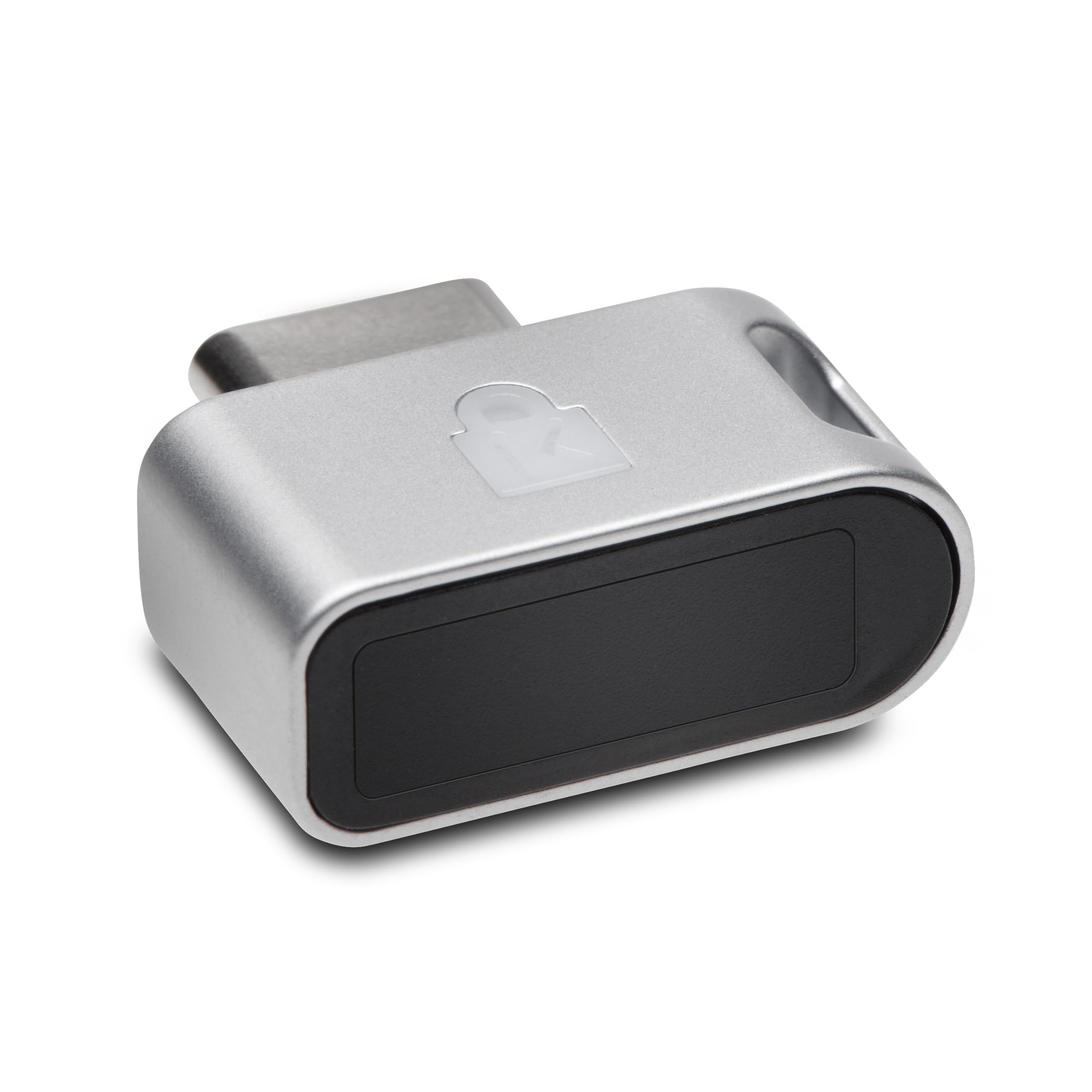



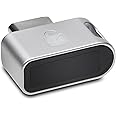
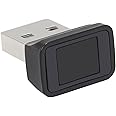
🔑 Unlock elite security with a touch — because your data deserves VIP access.
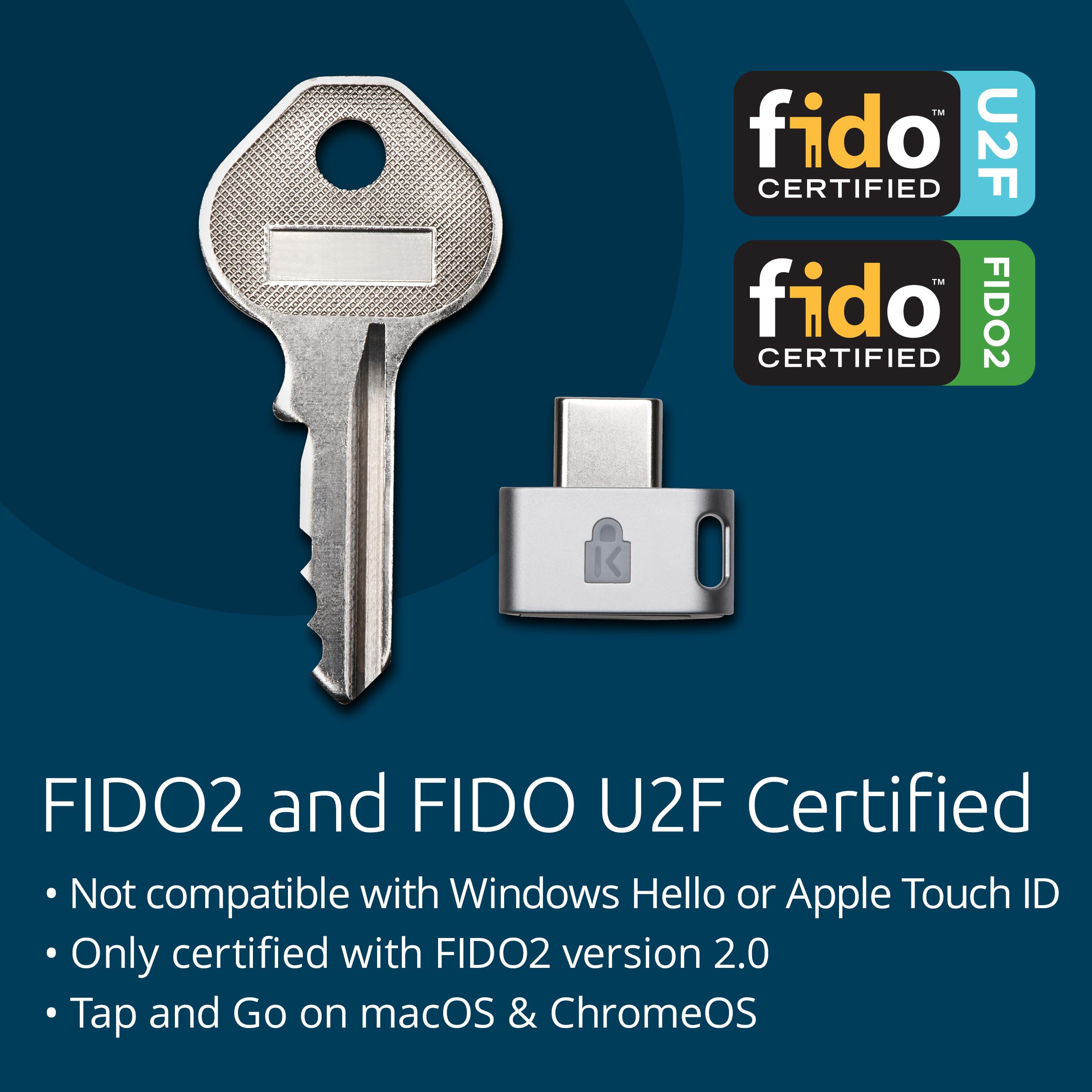
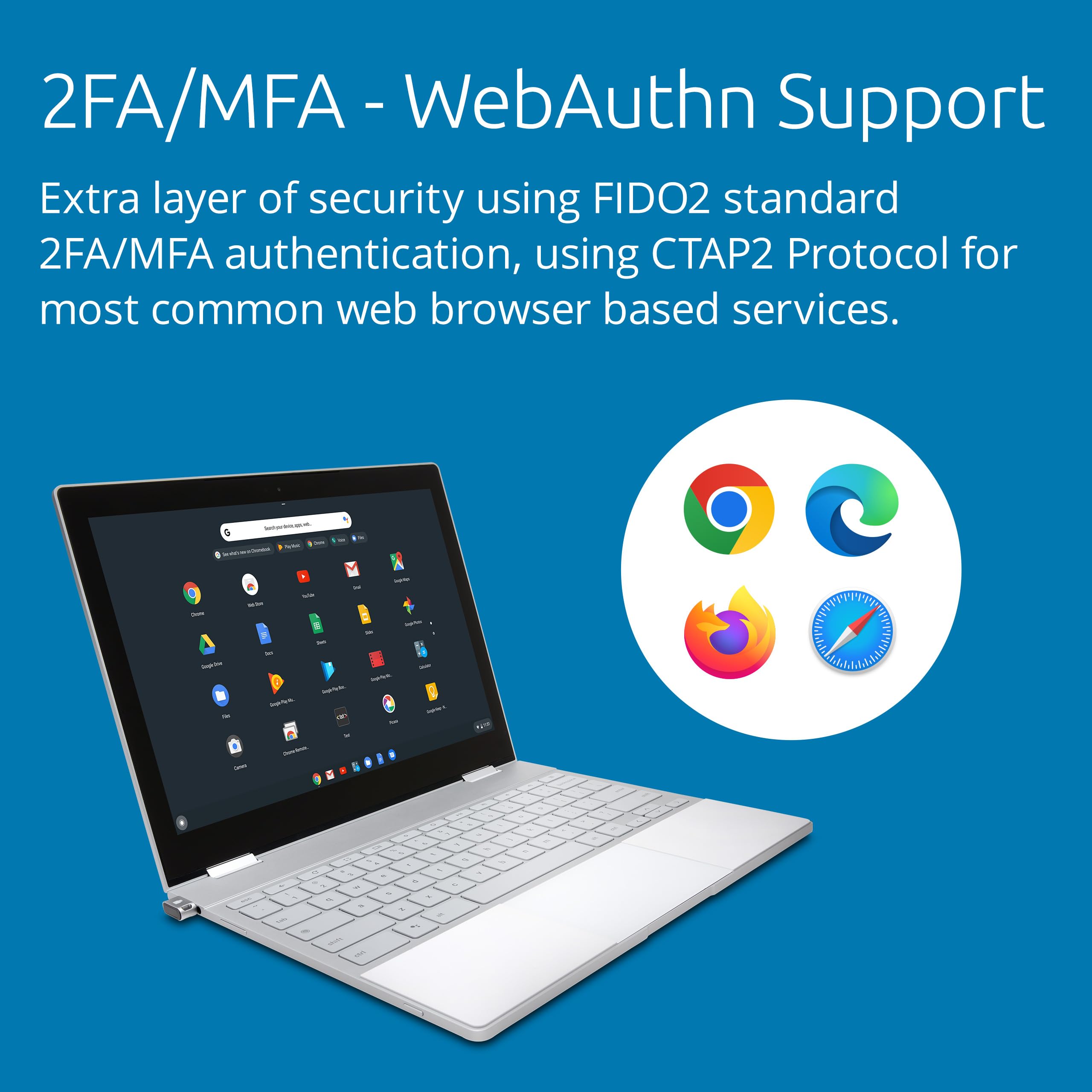
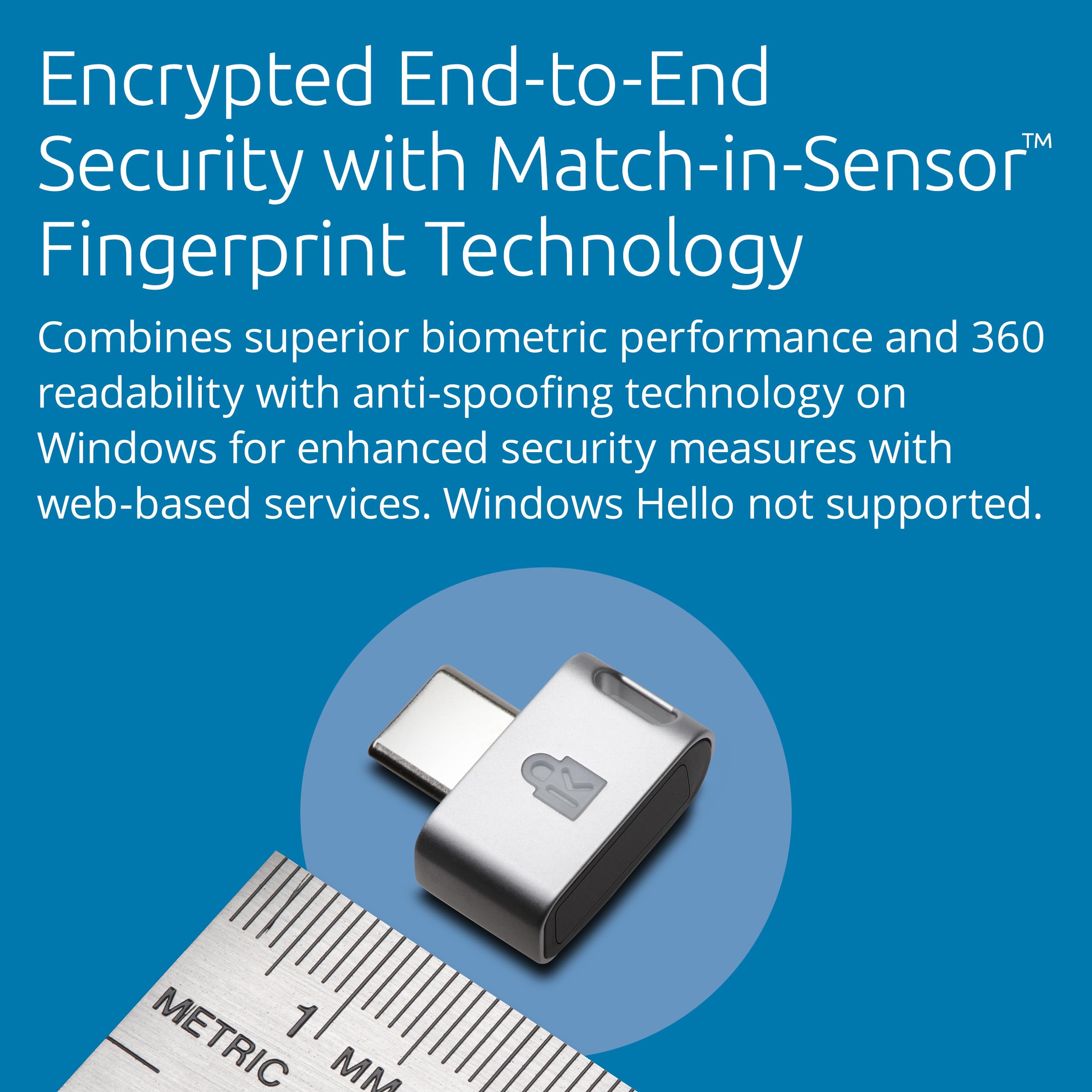
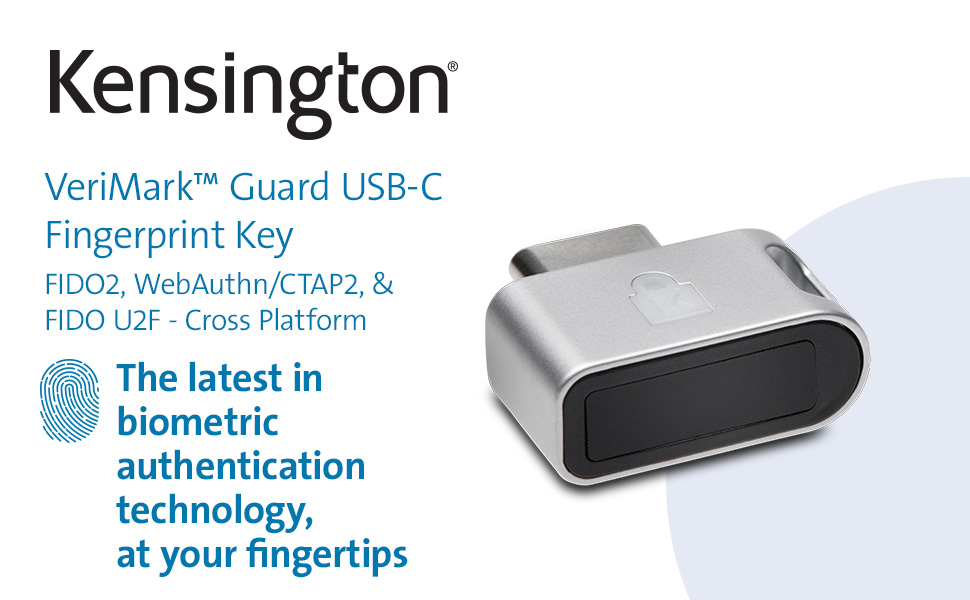
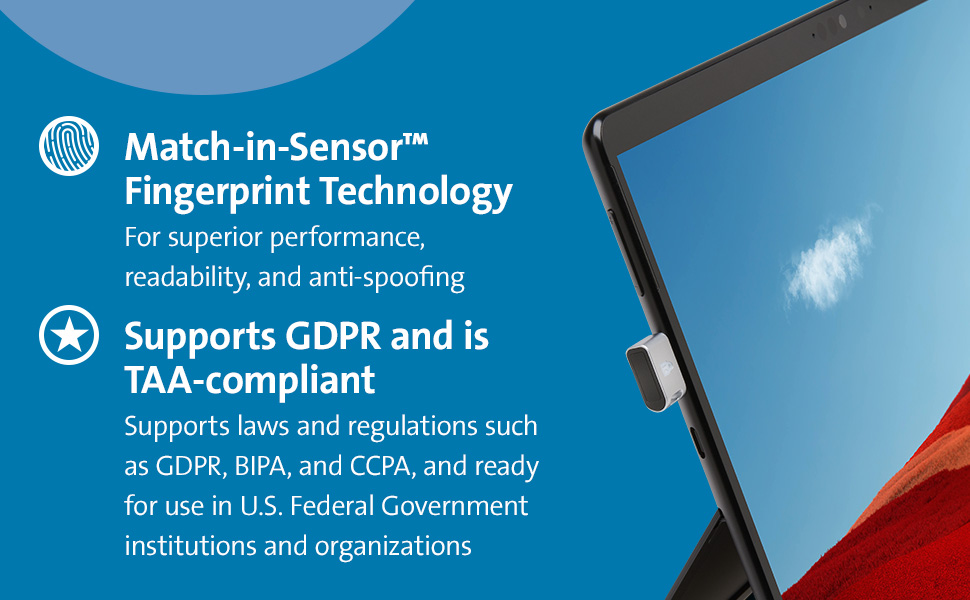
The Kensington VeriMark Guard USB-C Fingerprint Key is a compact, cross-platform biometric security device compatible with Windows, macOS, Chrome OS, and iOS. Certified with FIDO2 and U2F standards, it offers advanced passwordless and multi-factor authentication using a 360° match-in-sensor fingerprint scanner with ultra-low false acceptance rates. Designed for professionals, it supports privacy compliance regulations like GDPR and features a convenient tether for portability.


| Brand | Kensington |
| Product Dimensions | 13.69 x 14 x 5.21 cm; 28.35 g |
| Item model number | K64709WW |
| Manufacturer | Kesington |
| Series | VeriMark™ Guard USB-C Fingerprint Key – FIDO2, WebAuthn/CTAP2 and FIDO U2F – Cross Platform |
| Colour | argentée |
| Computer Memory Type | DIMM |
| Power Source | USB-C |
| Hardware Platform | secure element chip |
| Operating System | Windows |
| Are Batteries Included | No |
| Item Weight | 28.3 g |
| Guaranteed software updates until | unknown |
G**H
Works exactly as described - a very handy addition for a Windows desktop computer
I bought this with some reservations due to some less than favourable reviews, but in my case it works really well. I am using it with a Windows 11 desktop computer and it is plugged into a front panel USB-A socket. On first plugging it in, Windows went into the setup routine automatically. If there is one change I could suggest, it would be to offer a choice of colour other than black; it would then be easier to aim a finger at if it were not a black dongle on a black panel.
T**R
Set up might require some specialist knowledge
My initial attempt to set up the VeriMark Gen2 was stymied by the set up option in Windows 10 being greyed out. Some hunting around on the Internet, combined with some familiarity with Windows 10 revealed that a legacy 'work' account (that I hadn't used for several years) lying semi dormant on my PC was the cause. Further googling to find out how to disconnect this legacy account, then rebooting my PC overcame the problem. That done, the set up procedure involving repeatedly scanning the digit to be used (there is an option to scan more degits) went smoothly, and all now appears to be set up correctly. Without the legacy account issue, set up would have been about 5 minutes.The experience leads me to believe that the software accompanying the reader is mature and well debugged. I will attempt to return with an update in a couple of months with how I get on using the reader in practice.
T**S
High fail rate. Practically useless device.
Credits to Amazon for issuing a full refund straight after I dispatched my return.Fingerprint recognition with the Kensington VeriMark K67977WW on Win 11 is hit and miss, skewed towards the latter. I noticed a marked difference between logon to Windows itself (high fail rate, very high, about 90%, when the computer had been idle for a while) and fairly low fail rate for FIDO2 Web Authentication (WebAuthn). Also to criticise, there is no factory reset option. I understand that fingerprints are stored on the device, so wanting to do a reset before returning is natural. There is no proper documentation / manual available, but somewhere on the Kensington website I found the manufacturer advising that you need to remove the fingerprint sign-in option on each device where you have set up the fingerprint reader (under Settings > Accounts > Sign-in options). This of course wipes it completely, also for the built-in fingerprint reader, which I had set up before. (I only bought the Kensington reader because my laptop, stupidly as most laptops, has the on-board fingerprint reader under the lid. Most of the time I use I/O peripherals with the lid closed.). It turned out that removing the fingerprint sign-in option even wiped and disabled the face recognition sign-in option, though for this Microsoft may be to blame. What I also found stupid is that the USB fingerprint reader once connected replaces (disables) the on-board reader. But that again may have technical reasons not to be blamed on the Kensington device.
L**X
Great, convenient little device.
Bought two of the 'Kensington VeriMark Gen2' devices, SKU: K64704EU (I mention this because of how nonsensical some multi-product listings are on Amazon and how poorly they're marketed with reviews collated across myriad unrelated devices).Recently bought another from Amazon only for it to stop working after a few days. Tried it in multiple devices and it's simply no longer detected, but the other one works fine.Tried various tricks to get it to work, including manual driver download and all kinds of tech-savvy faffing without luck.Similar issue with a 'used' USB C one I bought from Amazon for my laptop. Doesn't get picked up on any devices. Presume it's why it was returned.So, return now initiated for both, and buying another (new) USB C one.Wish me luck.After that I'm done.I've incidentally had a string of bad luck with items from Amazon recently. Not blaming Amazon, of course. On the contrary, I'm very glad I can simply and easily return items.It's just fascinating that years can pass without issue and in a month you can have a handful of completely disparate devices all fail.Incredibly tedious.Thank goodness for Amazon, I say.
Trustpilot
3 days ago
2 weeks ago